Conference and Meeting Rooms
Plan displays, cameras for conferencing, microphones, speakers, table connectivity, control interfaces and user workflows.

COMMERCIAL AUDIO VIDEO
Data Pro Communications installs commercial audio-video systems for Tampa Bay workplaces and facilities that need meeting rooms, displays, conferencing, presentation systems, background audio, paging where appropriate and documented user handoff.
Projects can include conference rooms, training rooms, displays, video conferencing, microphones, speakers, control interfaces, equipment racks, HDMI and signal distribution, structured cabling dependencies, network-connected AV, room scheduling or collaboration tools where supported, testing and training.
SERVICE OVERVIEW
Commercial AV works best when the room purpose, seating layout, display sightlines, microphone coverage, speaker placement, cable pathways, rack location, network dependencies and user controls are planned together. Simple device installation is not enough for rooms that must support daily collaboration.
Data Pro Communications coordinates commercial AV with low-voltage infrastructure so displays, conferencing equipment, control interfaces, signal paths, speakers, microphones and racks are easier to operate and service.
Selected larger residential projects may be considered only when they require designed low-voltage AV infrastructure, structured cabling, equipment coordination, rack planning, documentation and a professional handoff. Consumer TV mounting or simple home-audio work is not the focus.
TAMPA FIT
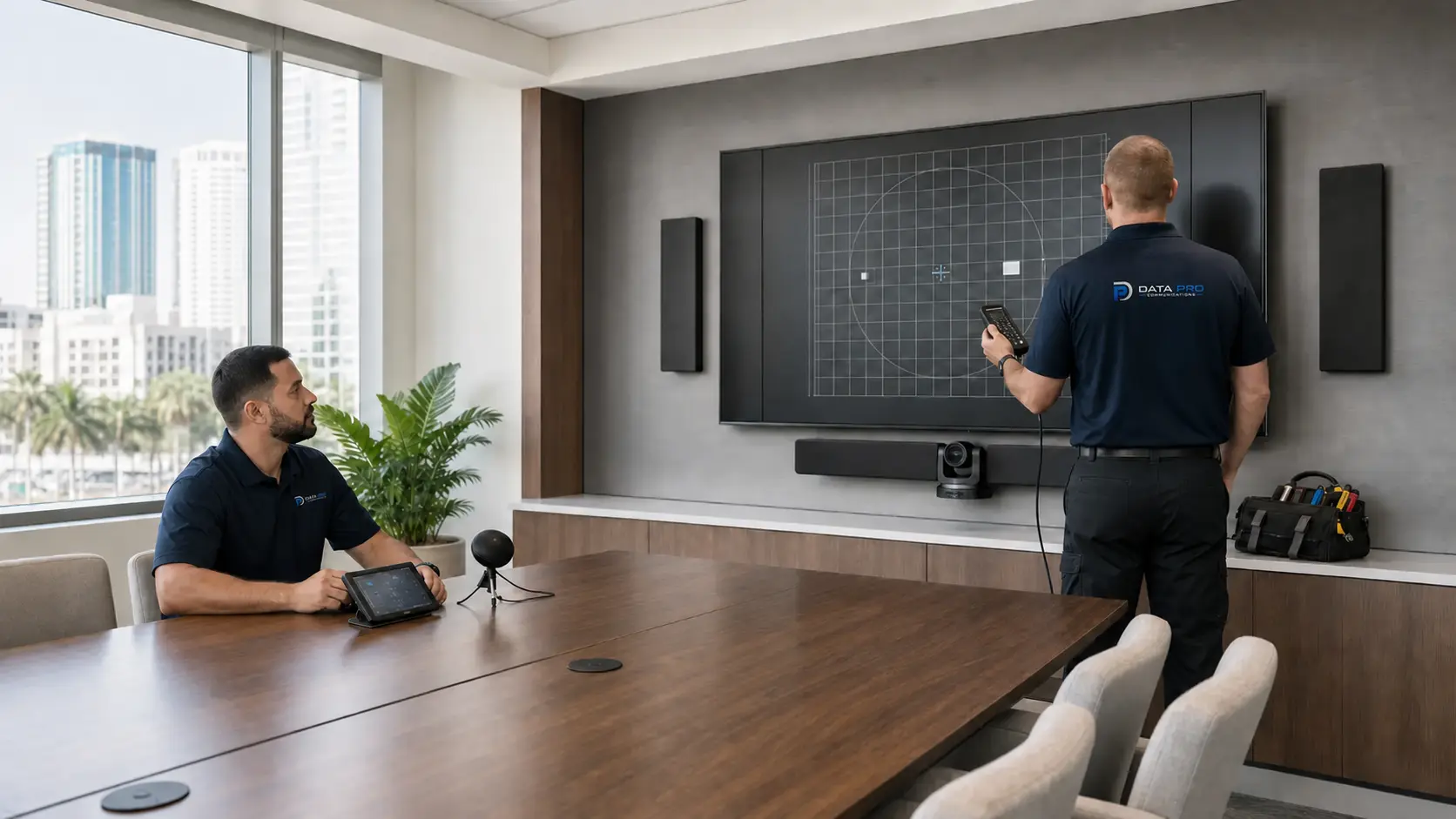
Tampa Bay businesses often need collaboration rooms that support hybrid meetings, presentations, staff training, customer conversations and shared decision-making. Downtown offices, Westshore corporate spaces, healthcare clinics, hospitality venues, education and training spaces, retail offices and managed properties all have different room-use patterns.
A practical AV design should account for room size, ambient noise, display visibility, microphone placement, cabling routes, rack location, network availability, control simplicity and the way nontechnical users start meetings or adjust audio.
Operational recommendations include confirming signal paths before equipment selection and documenting room controls for everyday users. Rooms with phased improvements should reserve cabling routes, rack space and network drops for later displays, speakers, microphones or collaboration hardware.


PROCESS
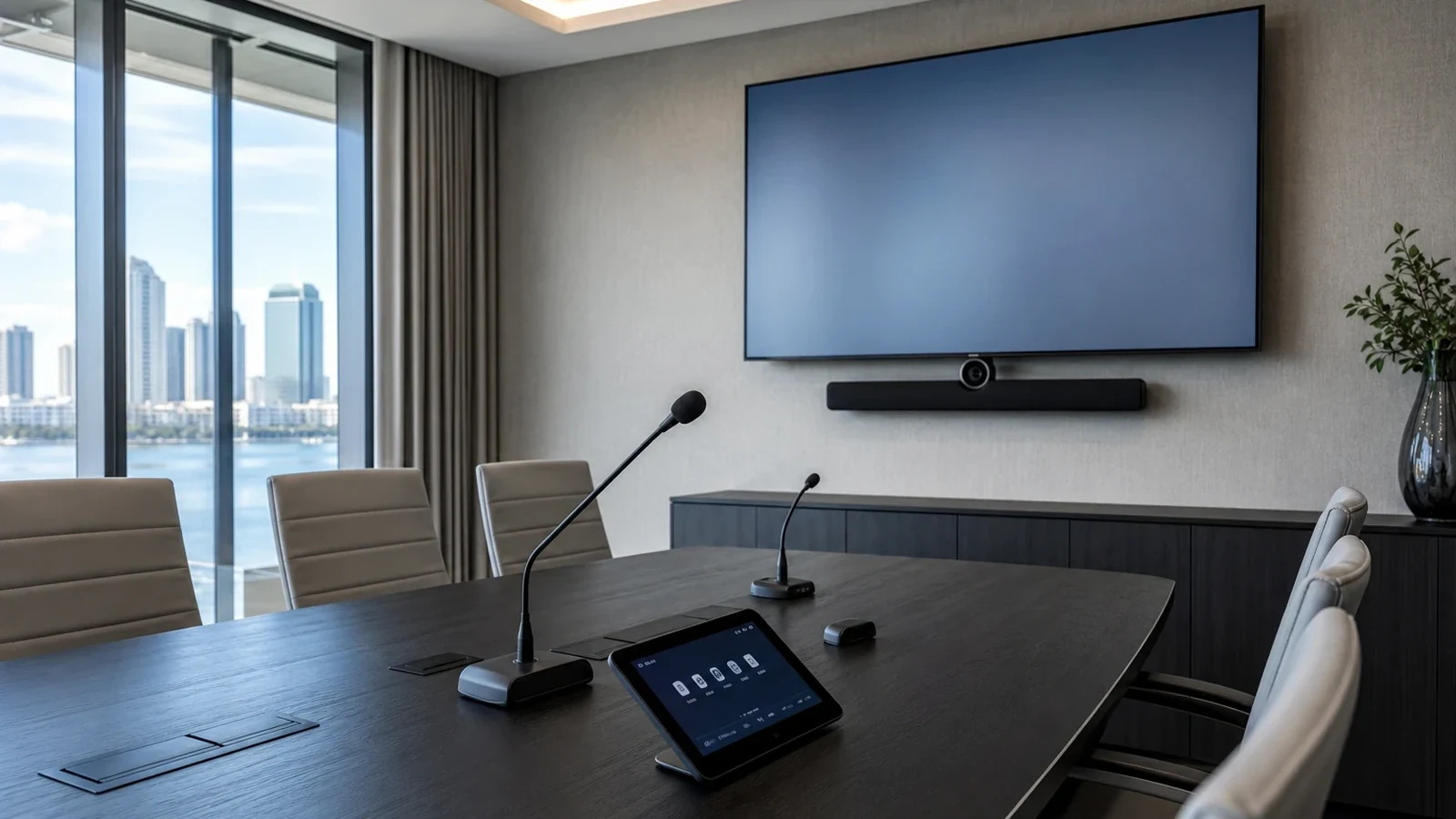
Document room purpose, seating, displays, audio expectations, conferencing needs, network availability, cabling routes and user roles.
Plan devices, signal distribution, controls, rack locations, cabling, network dependencies and future expansion allowances.
Install displays, speakers, microphones, collaboration equipment, racks, controls and cabling within documented low-voltage scope.
Test source switching, audio, conferencing, controls and user workflows, then provide documentation and training notes.
FAQ
Projects may include conference room displays, video conferencing devices, presentation systems, commercial speakers, background audio, paging where appropriate, microphones, control interfaces, racks, signal distribution, cabling, testing and user handoff.
No. Commercial audio-video installation is intended for workplaces, facilities, shared rooms and managed properties. Simple consumer TV mounting or basic home-audio work is not the focus of this service.
Yes. Displays, conferencing equipment, control interfaces, network-connected AV and some audio systems may require structured cabling, network drops, rack space and labeling.
Yes. Video conferencing can be included with displays, microphones, speakers, room cameras, collaboration appliances, network connections and supported scheduling tools.
No. Wireless performance depends on access points, interference, device behavior, room conditions, network configuration and user load. Wired connections are often preferred for critical AV paths.
Yes, when appropriate for the property. Speaker zones, amplifiers, volume controls, paging sources and operational requirements should be reviewed during design.
Existing equipment can be reviewed, but continued use depends on condition, input support, mounting requirements, control compatibility, cabling, licensing and serviceability.
No. Acoustic results depend on room shape, materials, noise, speaker placement, microphone type and usage. The project can include practical planning and testing within the defined scope.
Yes. Many collaboration systems, scheduling panels, control processors and streaming devices use the network. Network requirements should be coordinated before installation.
The handoff can include basic user guidance for starting meetings, selecting sources, adjusting volume, using controls and reporting issues.
No. Electrical circuits, outlets and panels are separate electrical work outside the low-voltage AV scope.
Yes. Multi-room projects can standardize displays, controls, cable labels, rack organization, user training and support documentation across spaces.
Room scheduling or collaboration tools may be included where supported by the selected platform, network, licensing and room workflow.
Room size, seating layout, display sightlines, microphone needs, speaker coverage, network availability, cable paths, rack space, user skill level and future expansion should be reviewed.
The next step is a site survey that documents rooms, equipment goals, cabling conditions, network dependencies, user workflows and the desired handoff.
NEXT STEP
Schedule a Tampa Bay site survey for audio video installation that accounts for property conditions, connected systems, documentation and future changes before installation begins.