Business Camera Installation Planning for Tampa Properties
Plan business camera installation in Tampa with guidance for camera placement, cabling, recording, user access, storage and commercial property workflows.
Read Article
TAMPA SECURITY CAMERA RESOURCES
Explore practical articles about security camera planning, CCTV and IP video, camera placement, recording, remote viewing, structured cabling, access control coordination, commercial AV, and low-voltage infrastructure for Tampa-area properties.
The blog is written for business owners, facility teams, property managers, HOAs, multifamily communities, construction partners, and selected larger residential projects that need clear guidance before choosing equipment, planning cable routes, or requesting professional help.
TAMPA RESOURCE GUIDE
The Tampa Cameras Installation blog gives readers a practical place to learn about security camera planning before a project begins. Articles cover CCTV and IP video, camera placement, recording storage, remote viewing, system upgrades, and the tradeoffs that shape a reliable camera system.
Many camera decisions depend on the property itself. A warehouse may need loading-dock views and long cable runs, while an office may need entrance coverage, employee-area visibility, and clean remote access. HOAs and multifamily communities often need shared-space planning around gates, amenity areas, parking, package rooms, and common corridors.
The blog also connects cameras to the infrastructure around them: structured cabling, PoE switching, fiber pathways, network closets, access control coordination, commercial AV, and low-voltage documentation. Readers can use these articles to understand what matters, then request a site survey when a project needs professional planning.
ARTICLE TOPICS
TAMPA PROPERTY CONTEXT
Tampa-area camera planning often involves exterior heat, humidity, storms, glare, low-light parking areas, active entrances, deliveries, multi-tenant spaces, and existing cabling that may not be ready for modern IP video.
For commercial and managed properties, the most useful articles are the ones that help teams ask sharper questions: where footage needs to identify a person or vehicle, how long video should be retained, who needs remote access, and whether the network can support the camera count.
For HOAs, condominiums, multifamily properties, hospitality sites, and selected larger residential projects, useful planning also includes common-area expectations, resident or guest movement, gates, package areas, shared amenities, and a clear handoff for authorized users.
TAMPA RESOURCE LIBRARY
Start here when the main question is who should plan the project, what a professional installer should review, or how a business property should define camera scope.
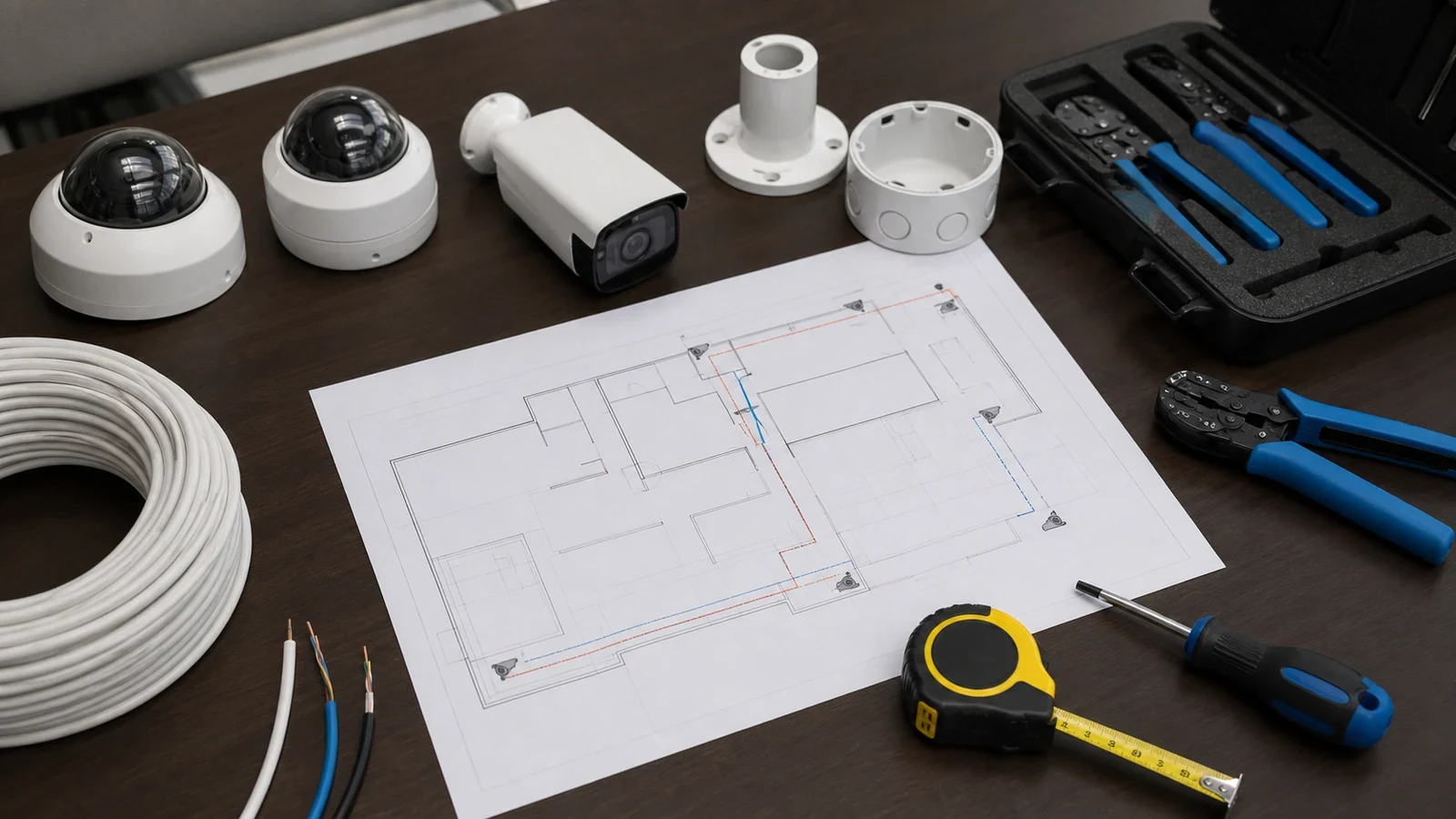
Plan business camera installation in Tampa with guidance for camera placement, cabling, recording, user access, storage and commercial property workflows.
Read Article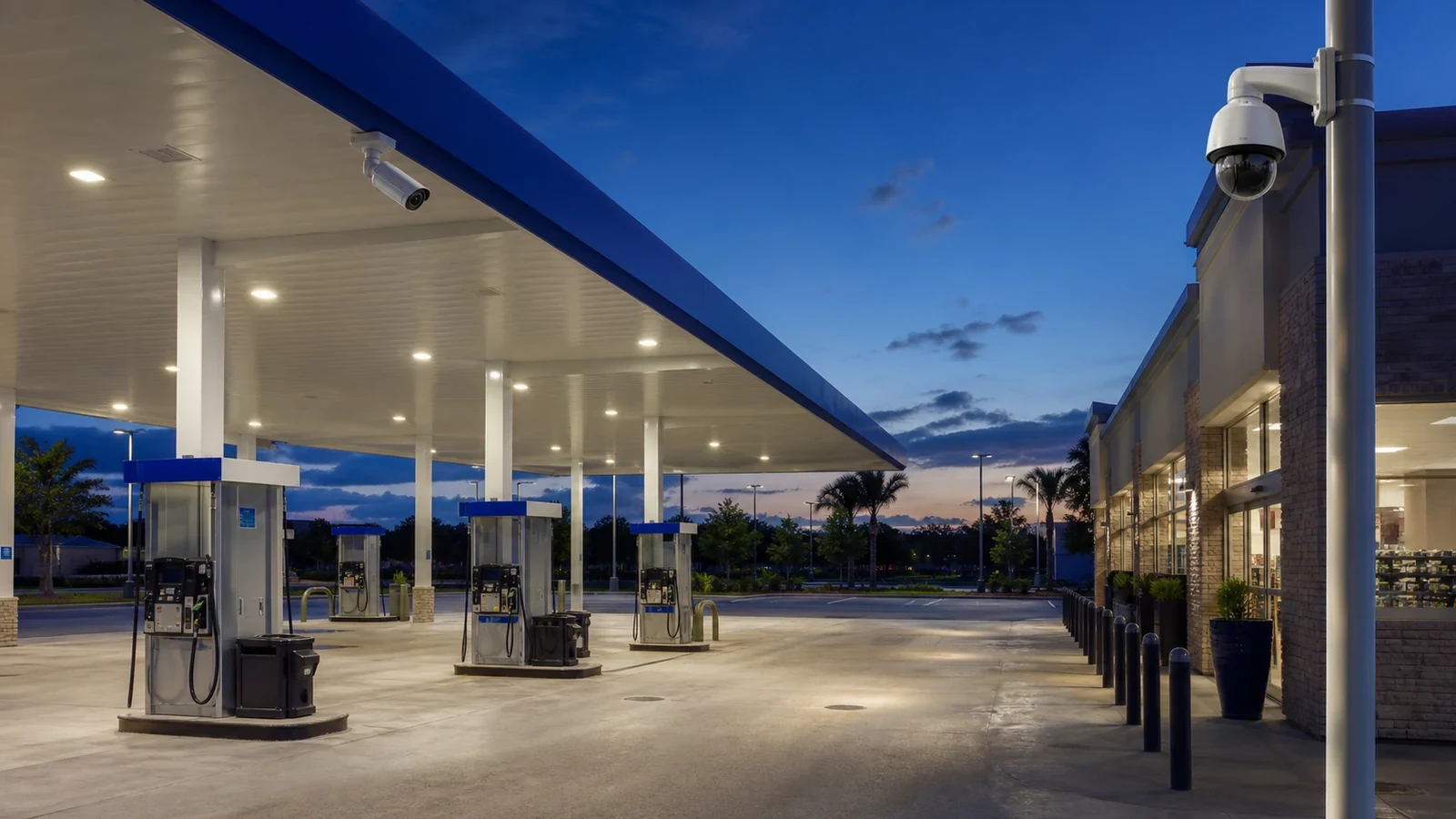
Plan gas station security camera coverage for pumps, POS areas, entrances, parking, lot lighting, storage and remote review near Tampa.
Read Article
Compare security camera planning for small offices, multi-tenant offices and larger Tampa office buildings, including entrances, lobbies, parking and access control.
Read Article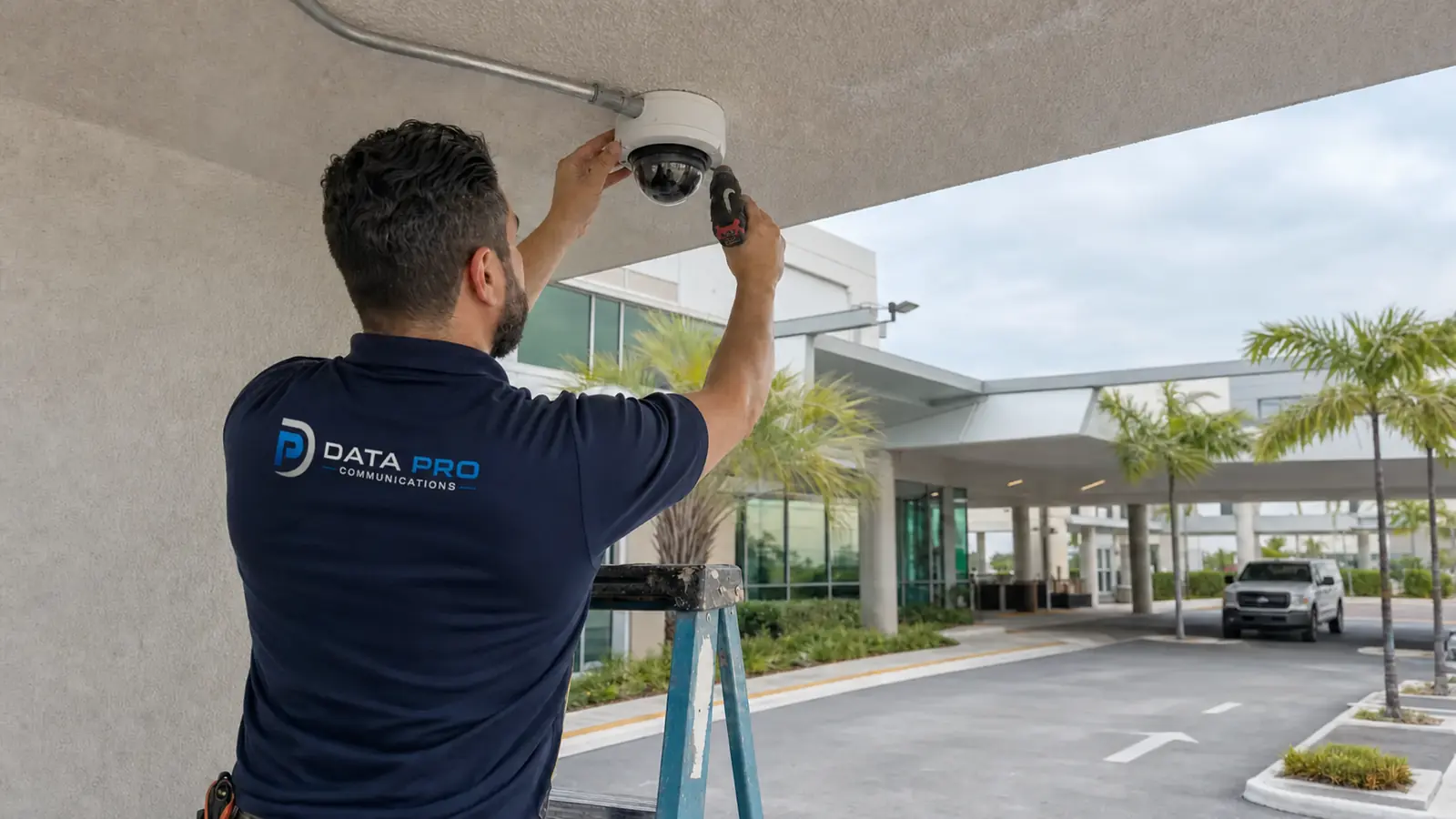
Healthcare camera planning near Tampa for public, staff-only, and restricted zones, privacy-sensitive areas, parking coverage, and controlled-door review.
Read Article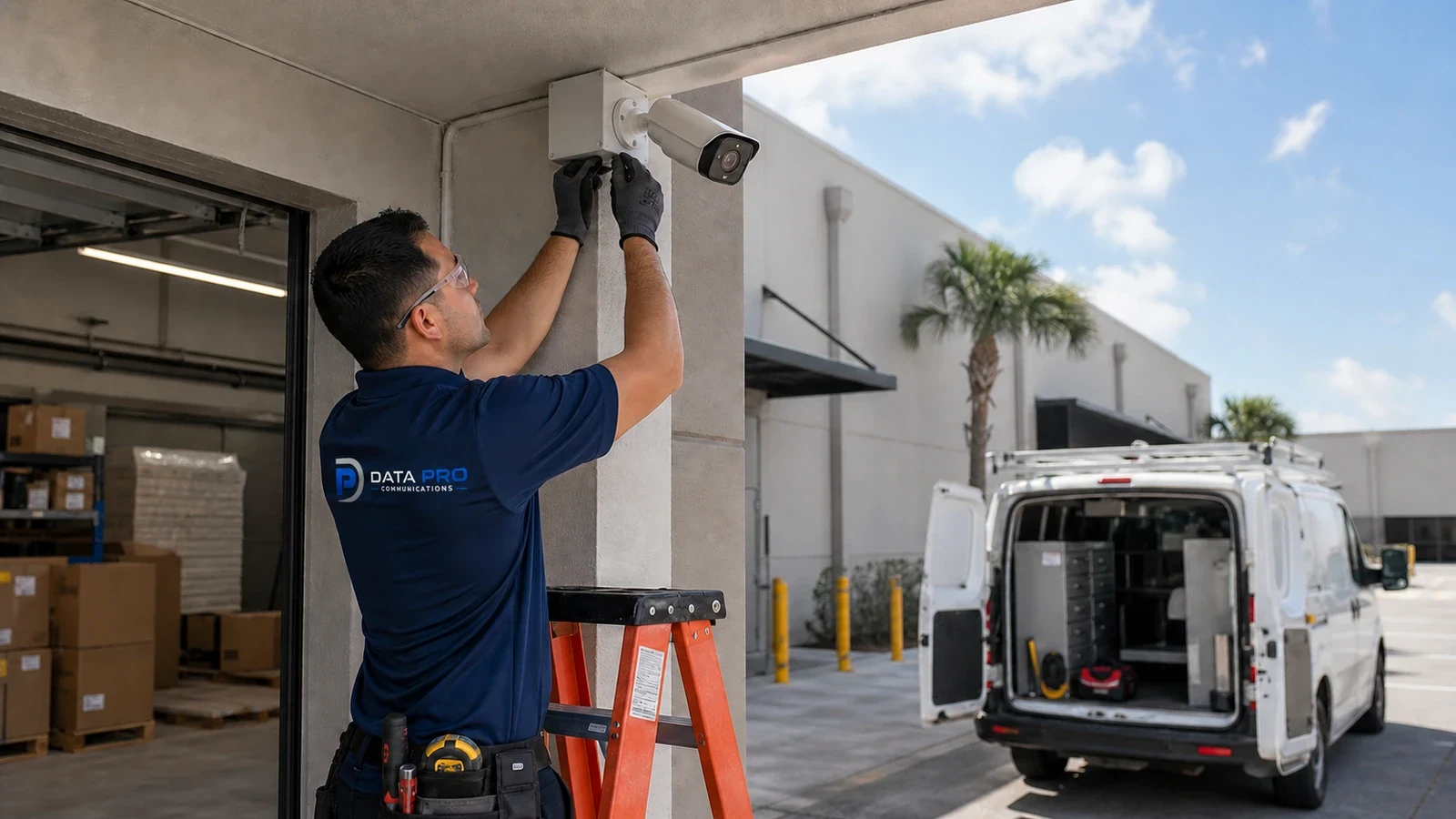
Guides readers through choosing a CCTV installation company, comparing scope, licensing, experience, and service expectations.
Read Article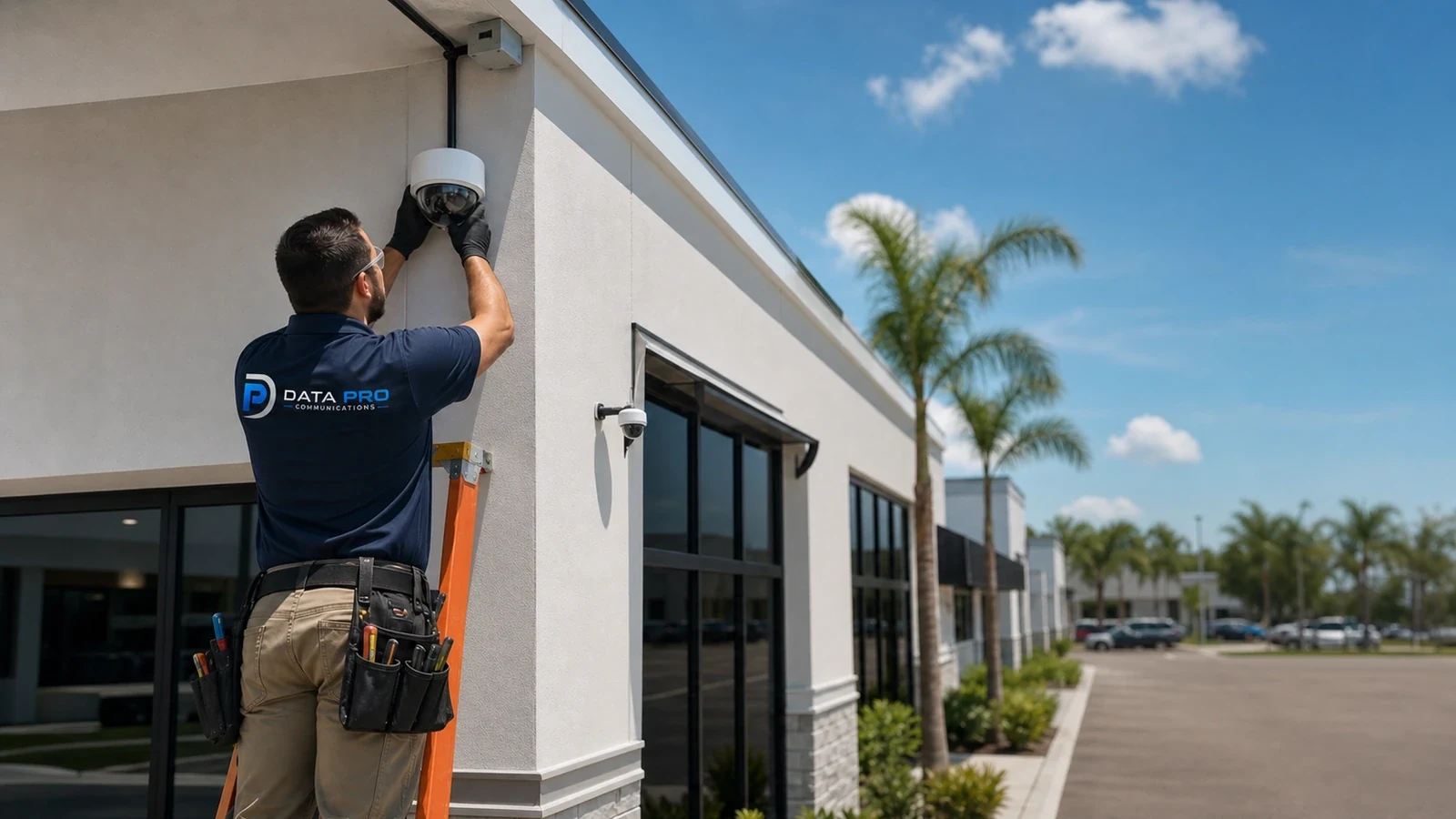
Choosing the best surveillance system for a commercial property requires comparing workflow, storage, NVR, cloud, hybrid options, licensing, ownership and support needs.
Read ArticleTAMPA RESOURCE LIBRARY
Use these topics for camera system basics, CCTV and IP video decisions, placement, recording, remote viewing, and installation readiness.
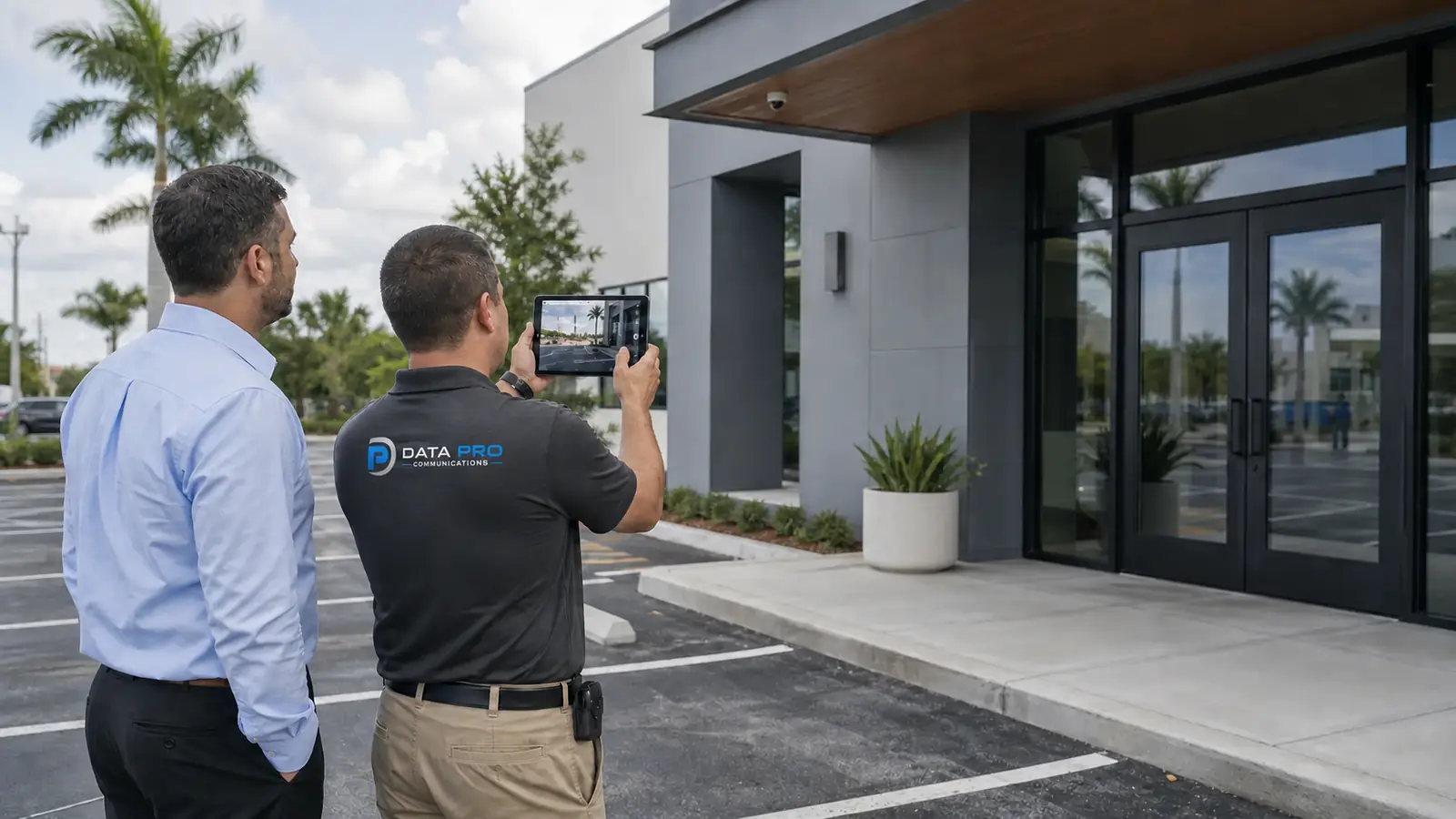
Explains general security camera installation benefits, DVR/NVR choices, camera types, night vision, and storage.
Read Article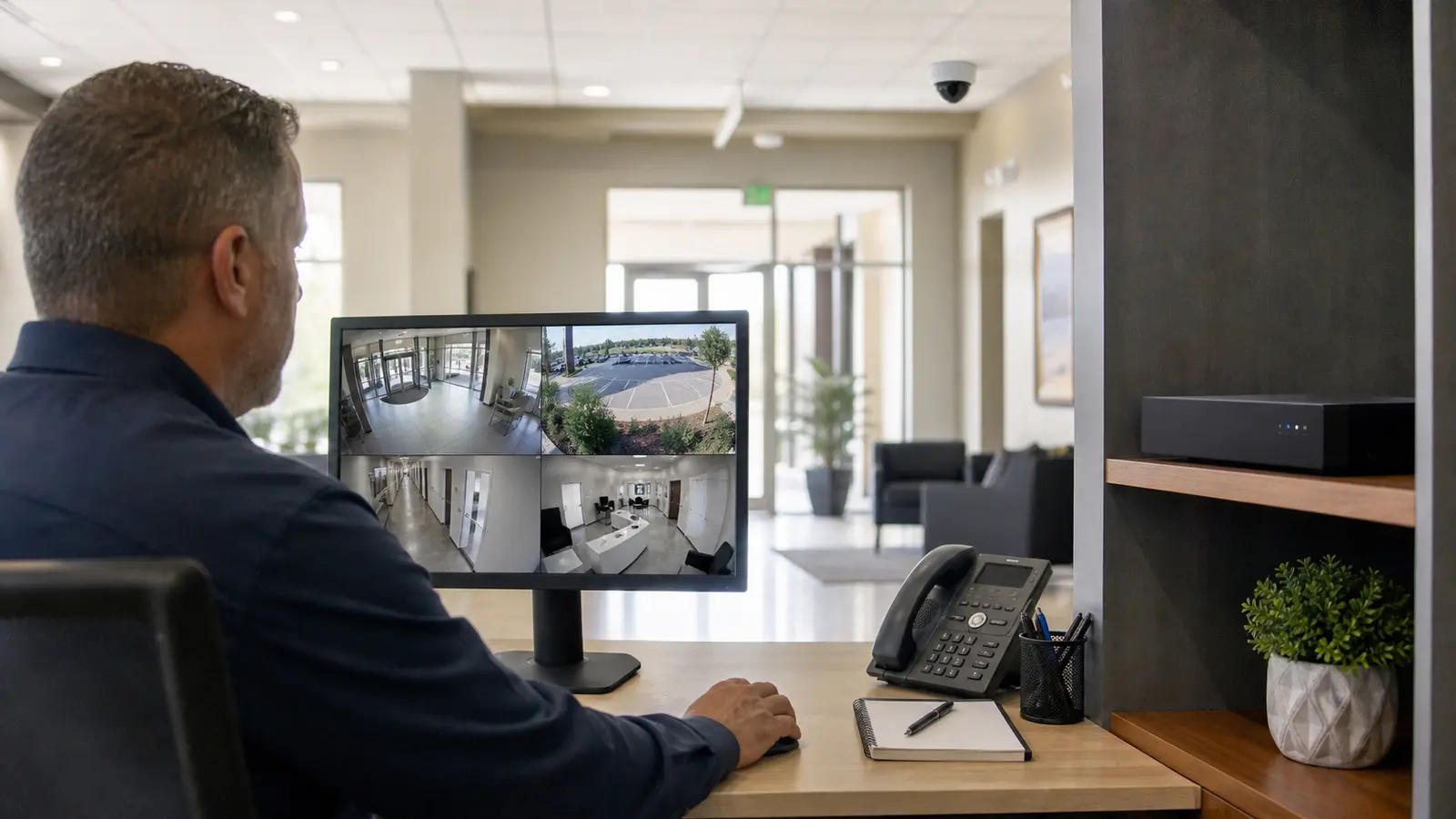
Covers core CCTV planning for Tampa properties, including camera placement, recording, remote viewing, and installation readiness.
Read Article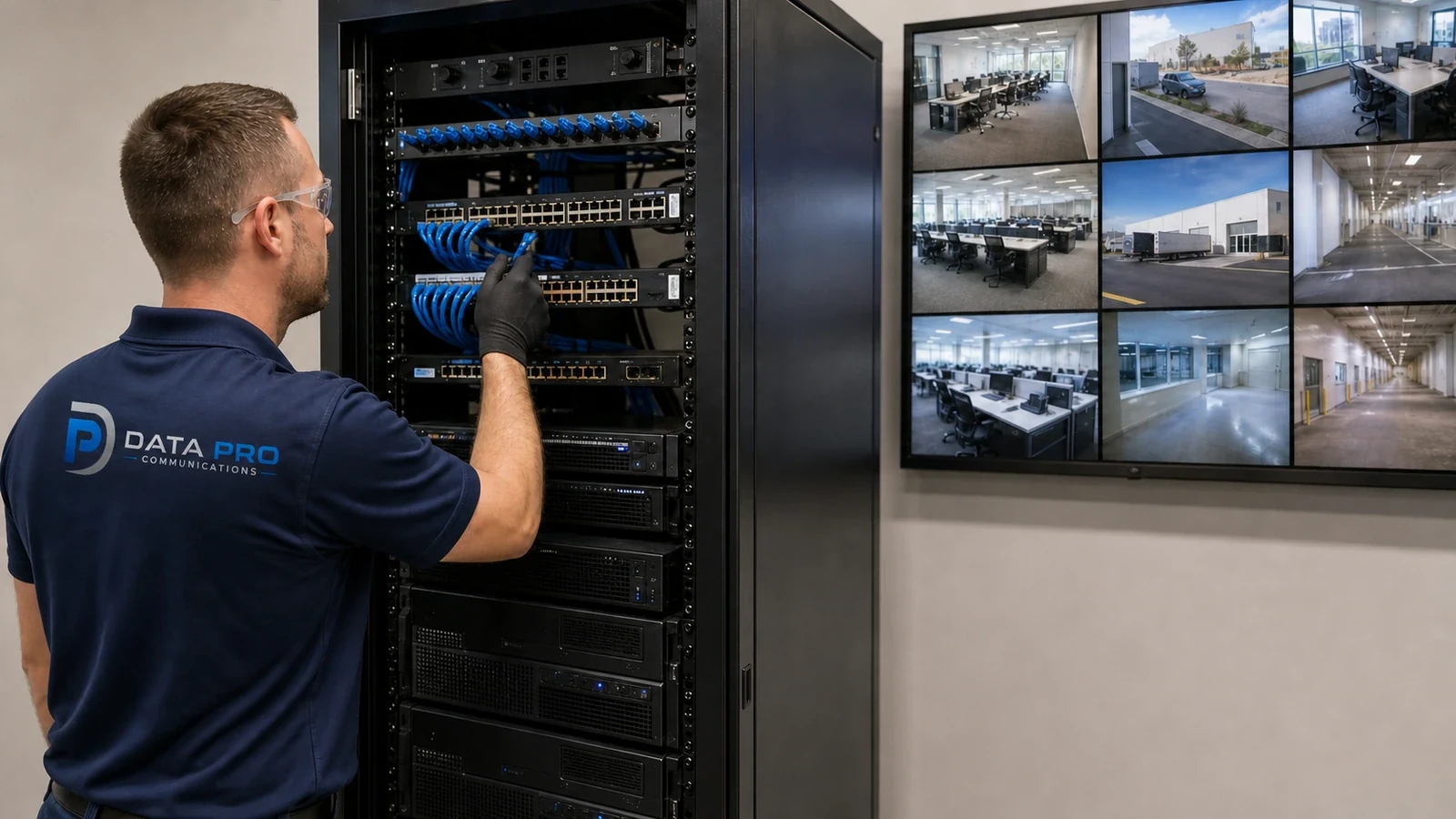
Plan commercial IP camera systems with PoE transport, network routing, NVR or VMS recording, secure user access, storage retention and system health monitoring.
Read ArticleTAMPA RESOURCE LIBRARY
Use these topics to understand camera capability, night visibility, PTZ movement, wireless tradeoffs, solar use, range, and analytics.
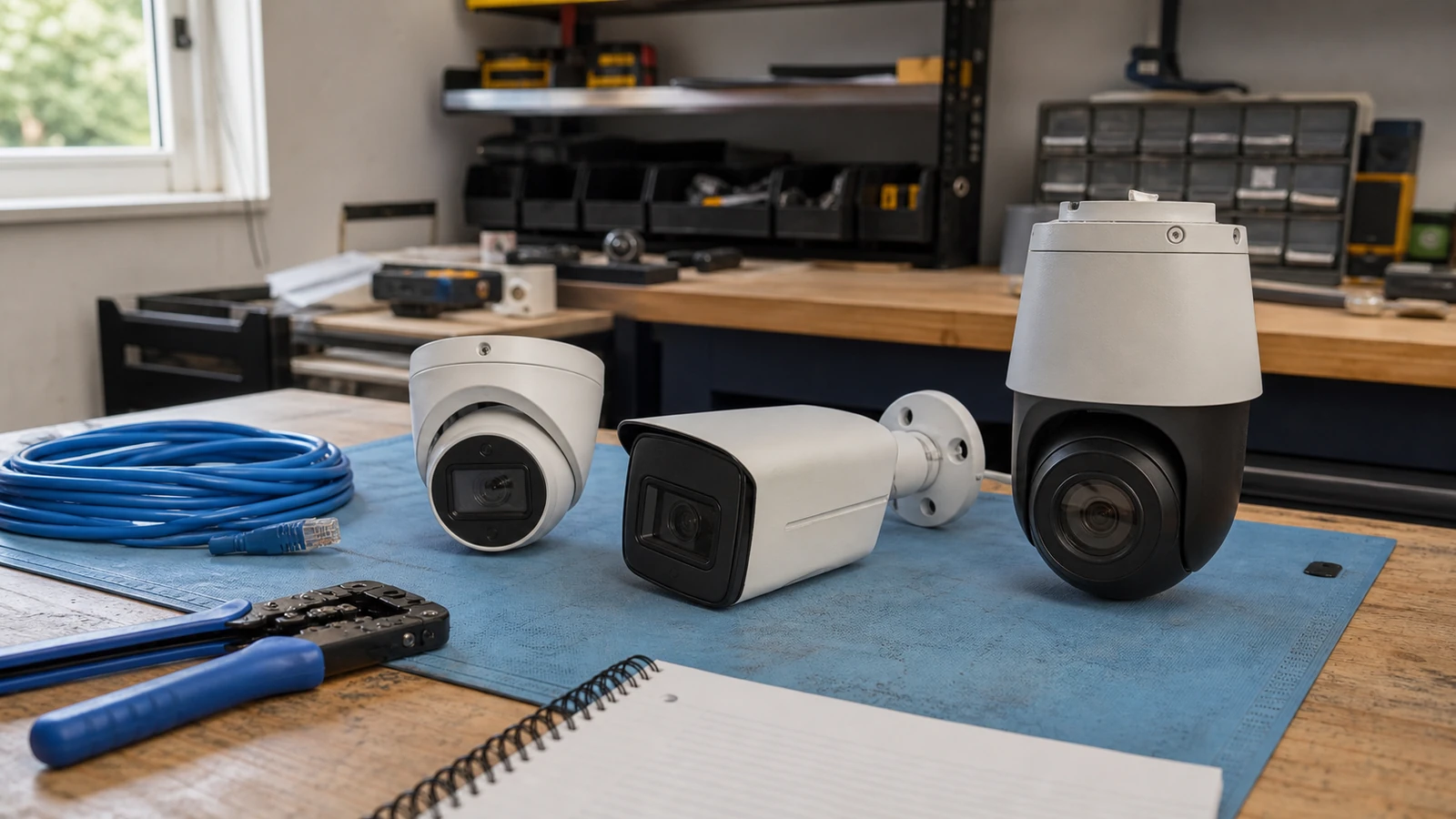
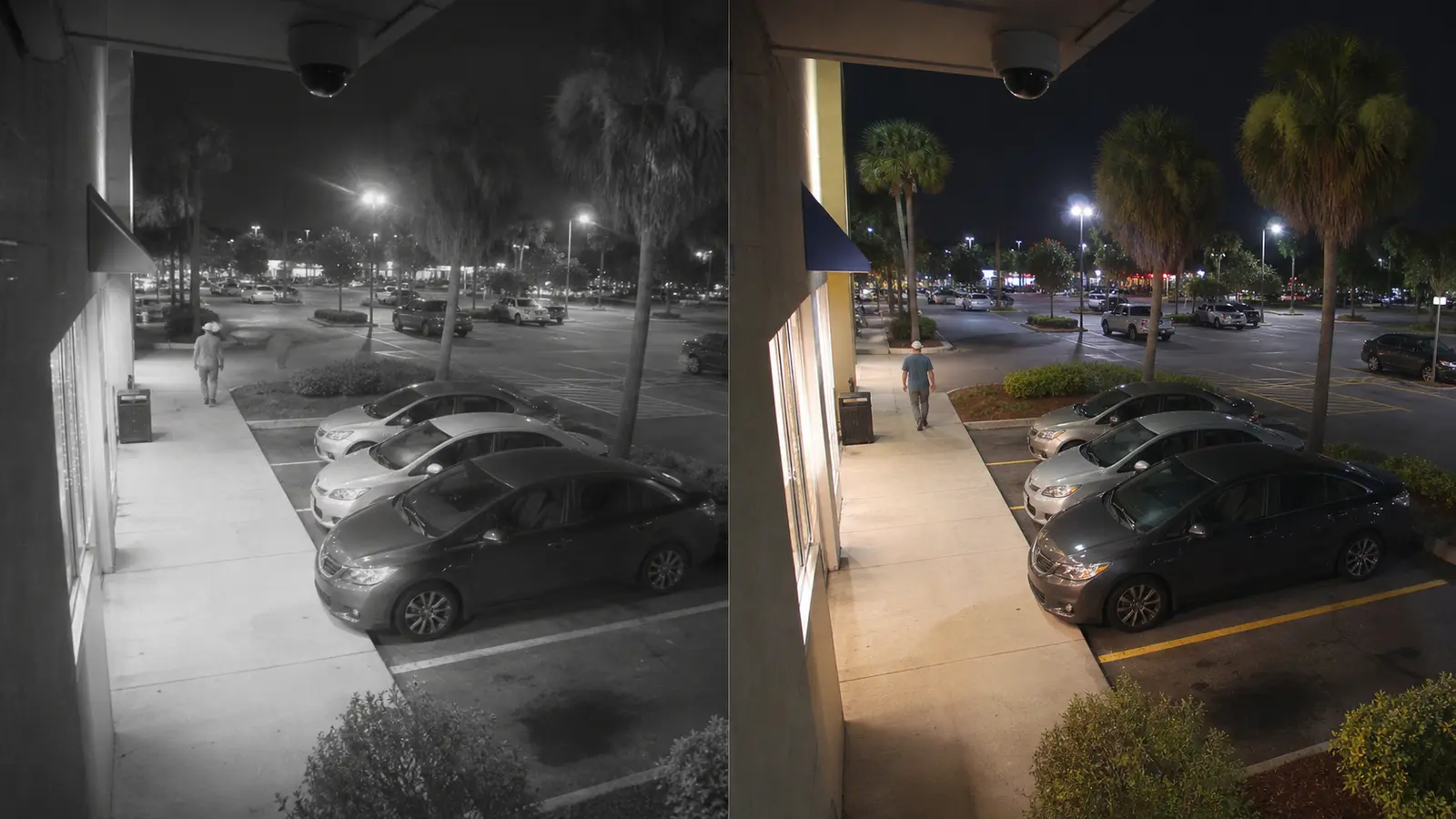
Learn when 24/7 color night vision cameras help Tampa businesses improve after-hours visibility, and when lighting or infrared planning is still needed.
Read Article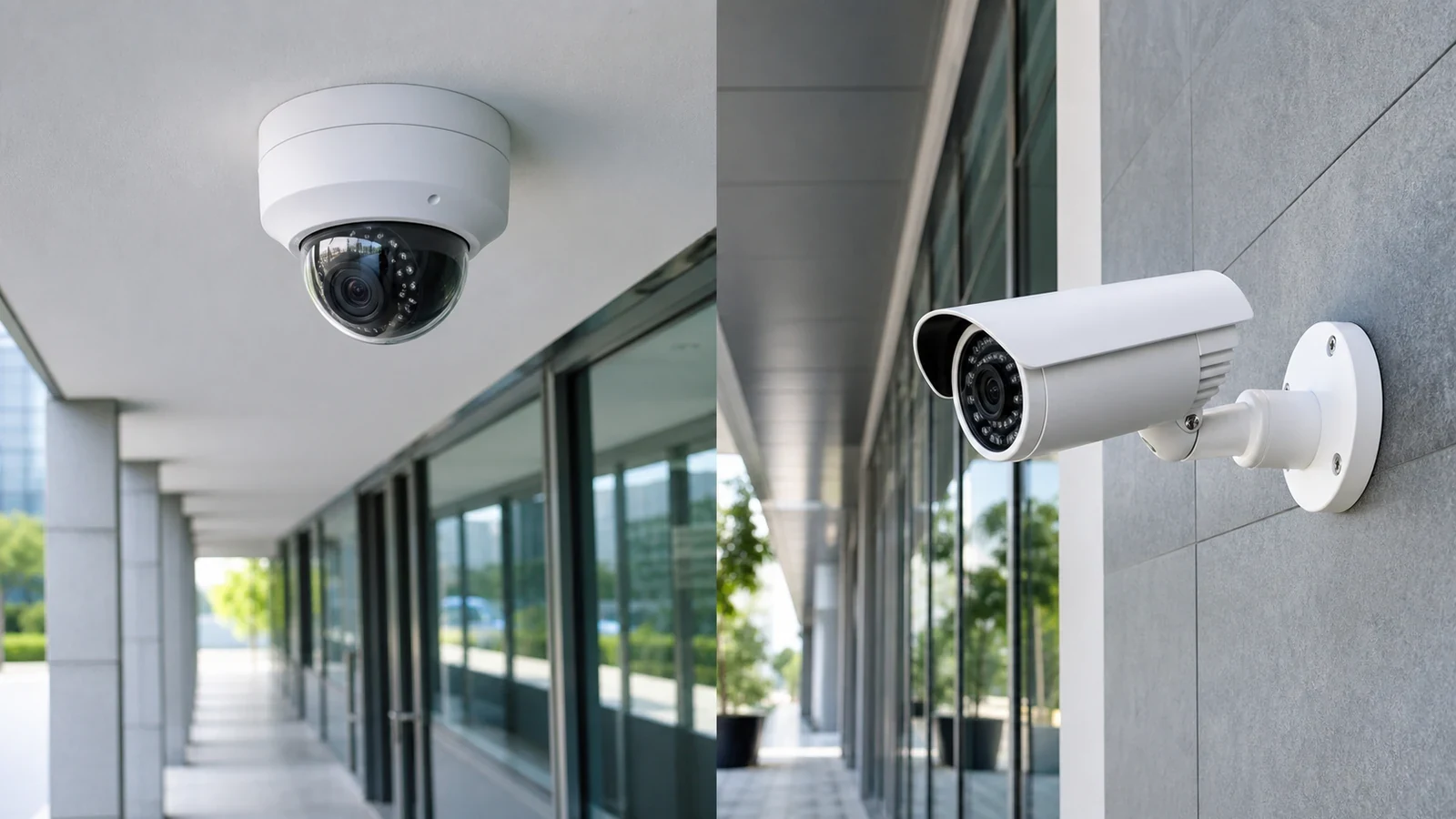
Compare dome and bullet cameras for Tampa commercial properties, including visibility, tamper resistance, mounting height, exterior exposure, field of view and service access.
Read Article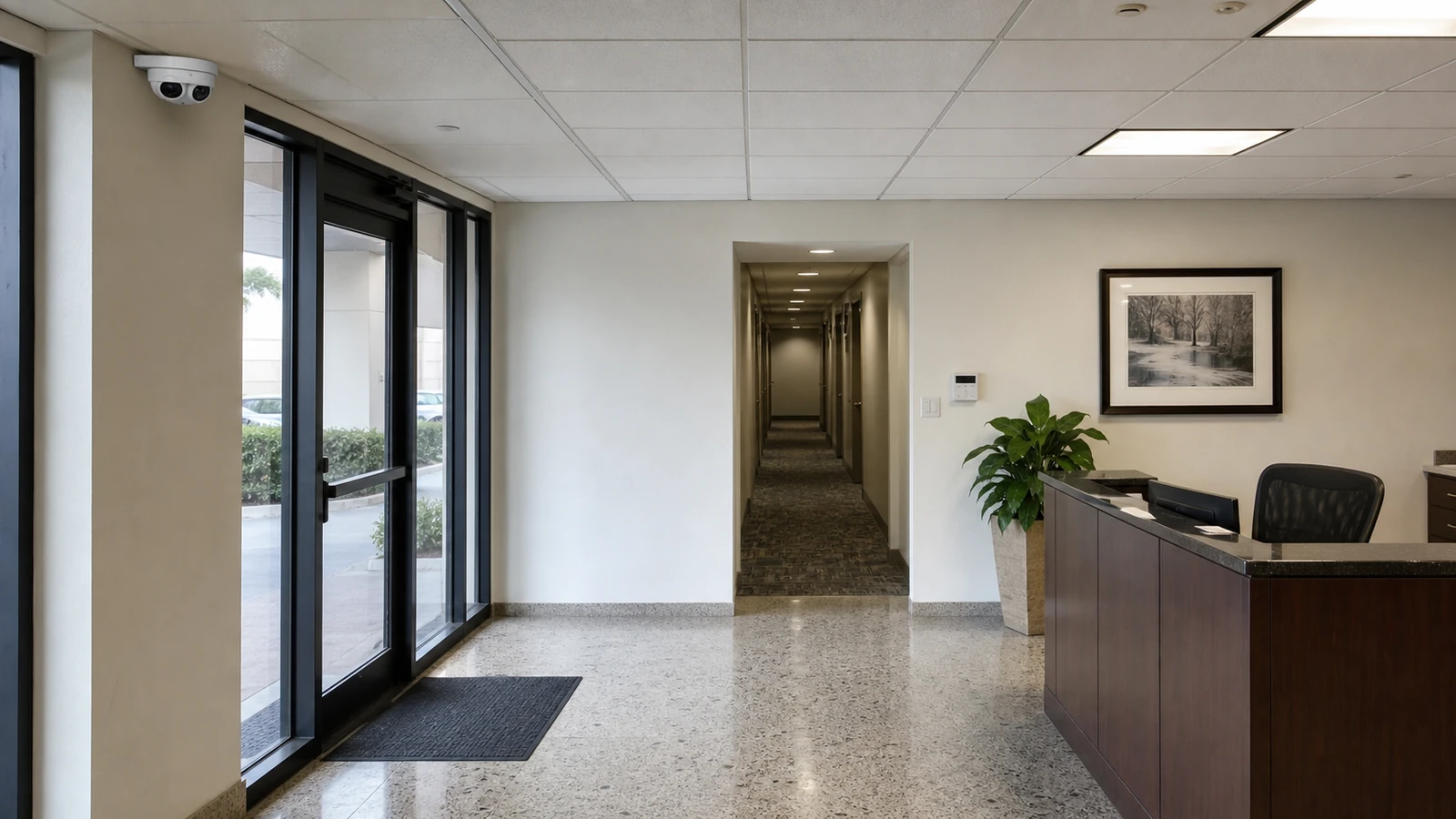
Learn how HD, 4 MP, 4K, lens choice, field of view and pixel density affect commercial camera planning for Tampa properties.
Read Article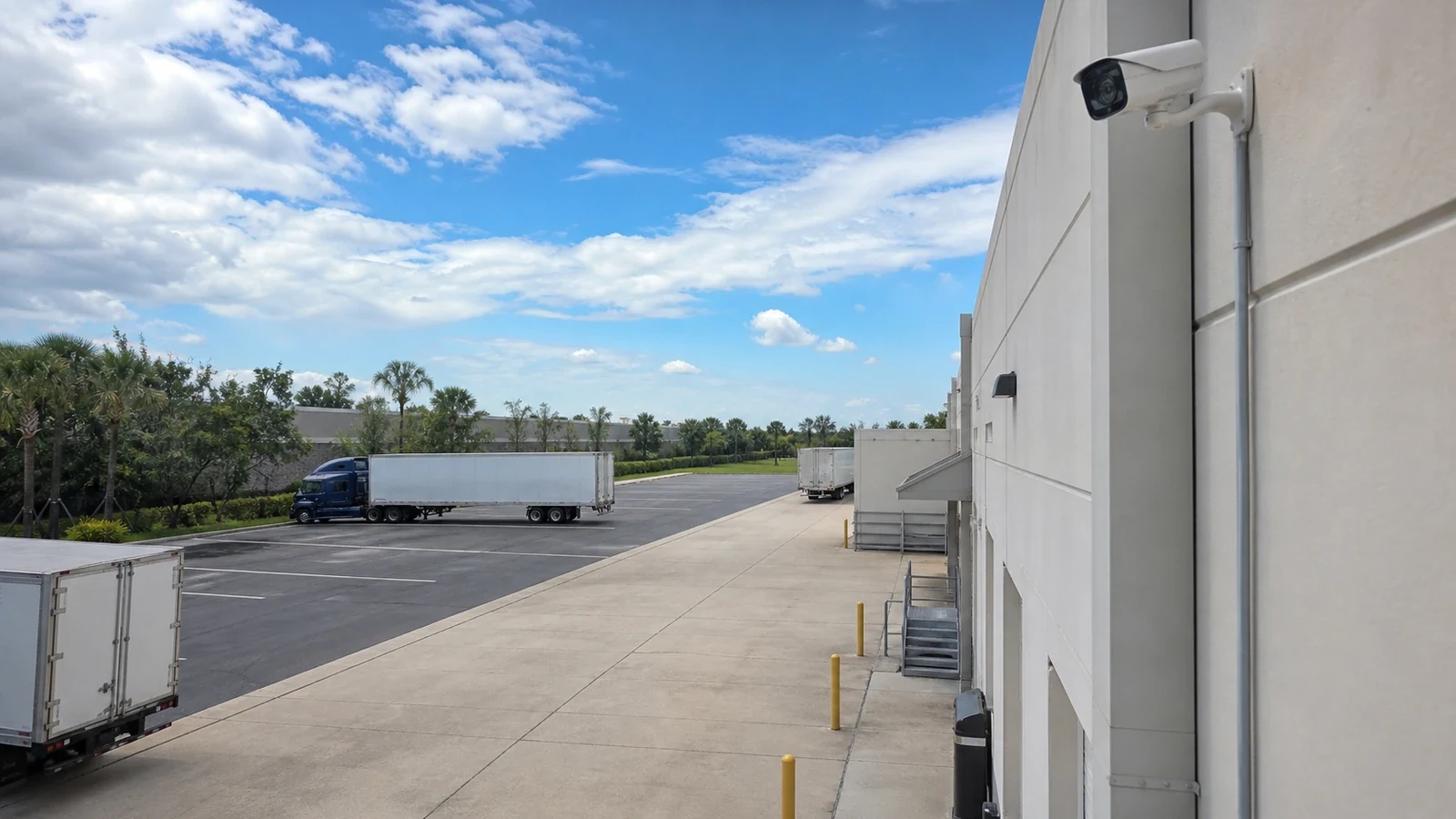
Understand realistic security camera distance, identification limits, lens choice, lighting and planning criteria for commercial sites.
Read Article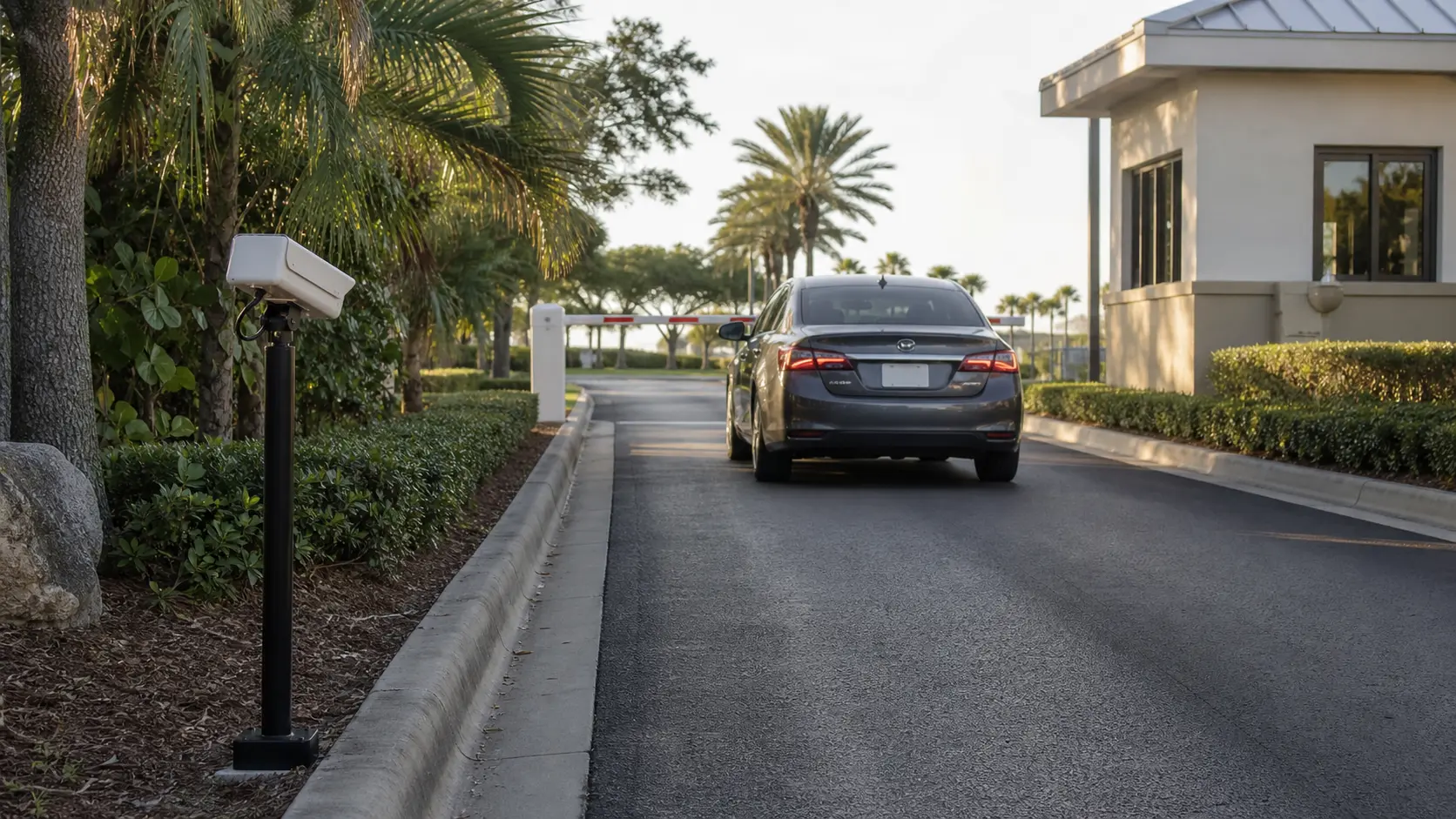
Plan LPR cameras for Tampa entrances and vehicle lanes with plate capture geometry, recognition processing, event search, authorized export and retention controls.
Read Article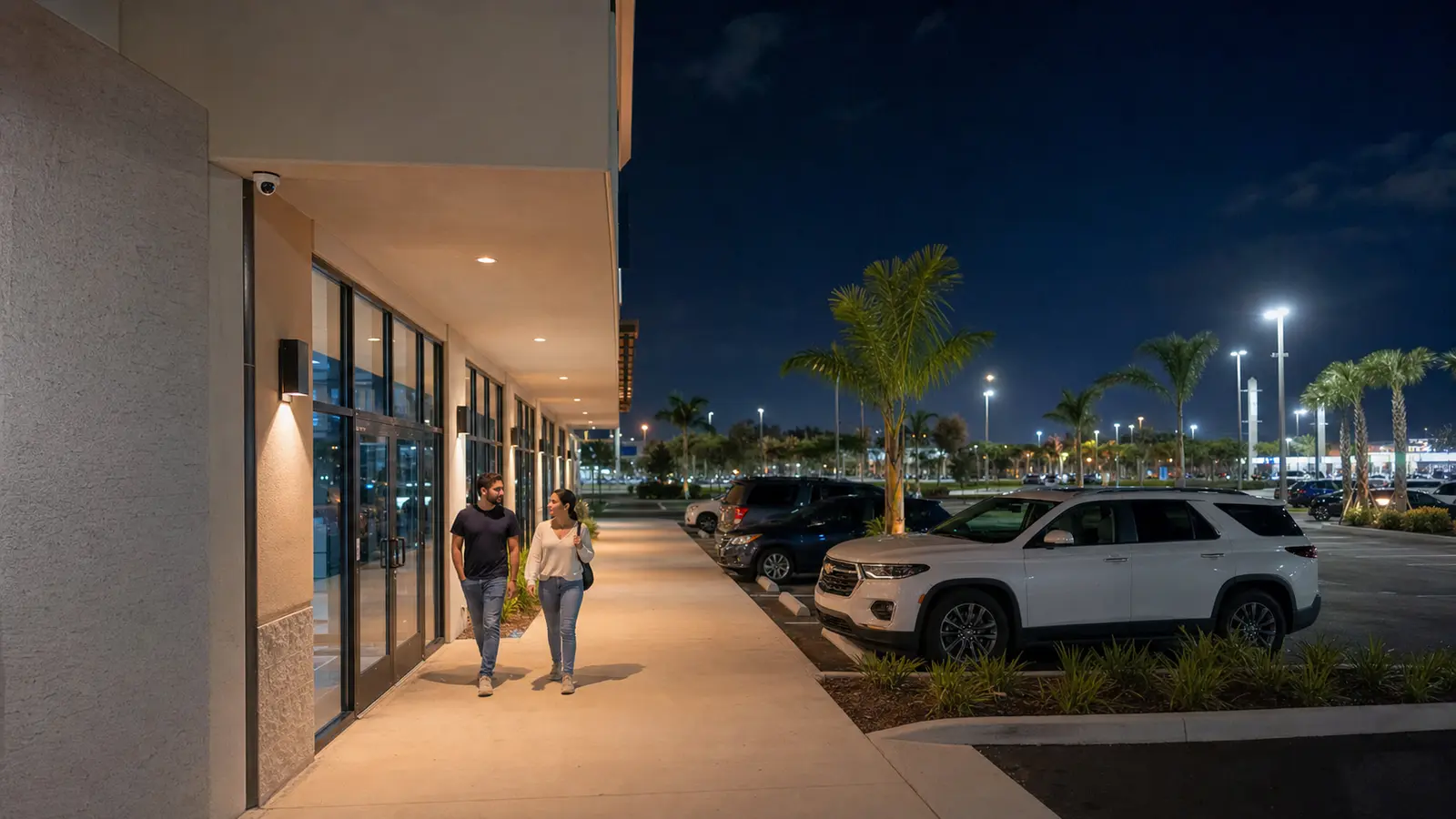
Plan night vision security cameras for Tampa commercial sites, including IR, full-color night views, lighting, glare and recording needs.
Read Article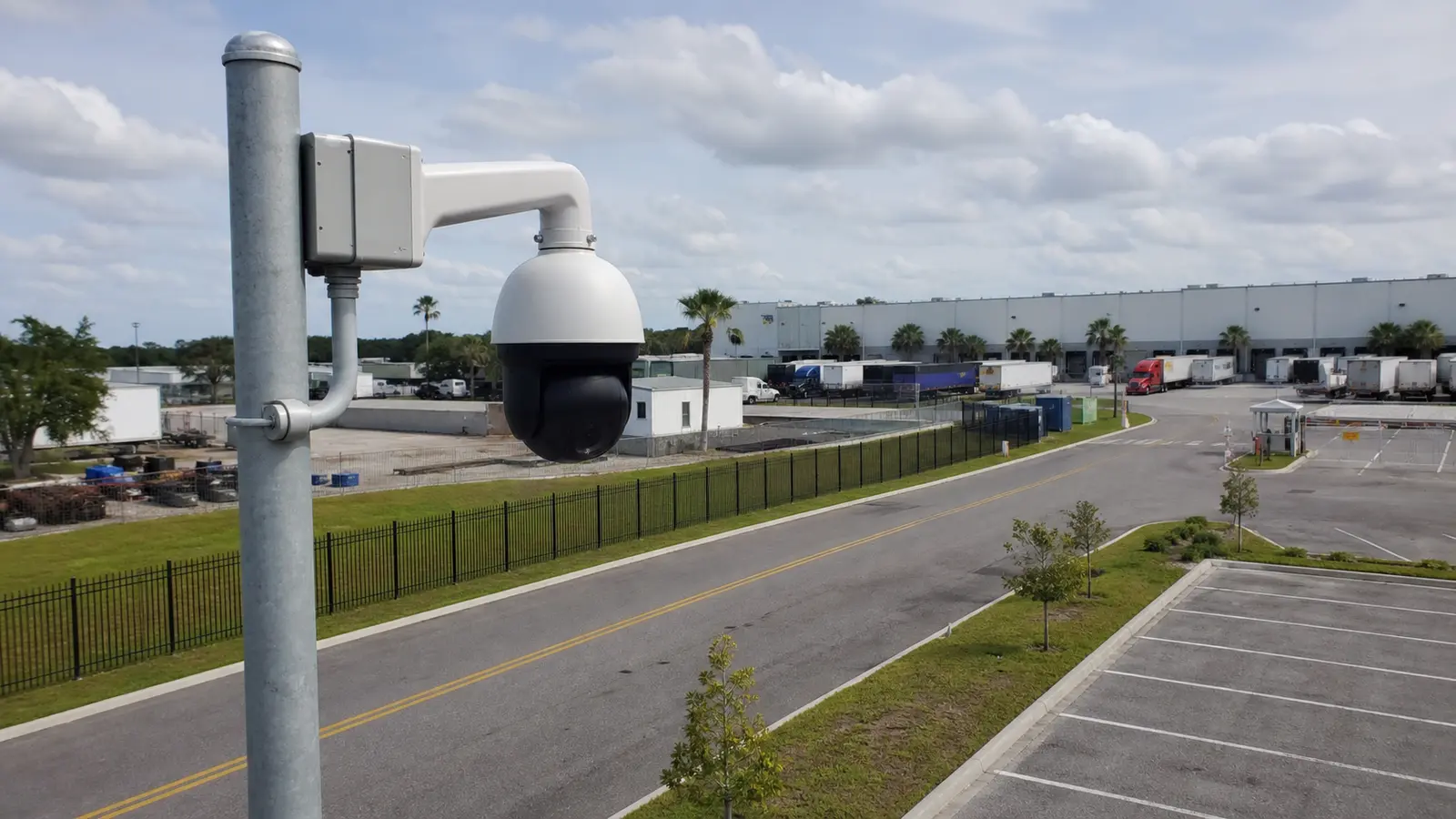
Learn when PTZ auto tracking works for commercial surveillance, where fixed cameras are still needed and how analytics, network and operator workflow affect results.
Read Article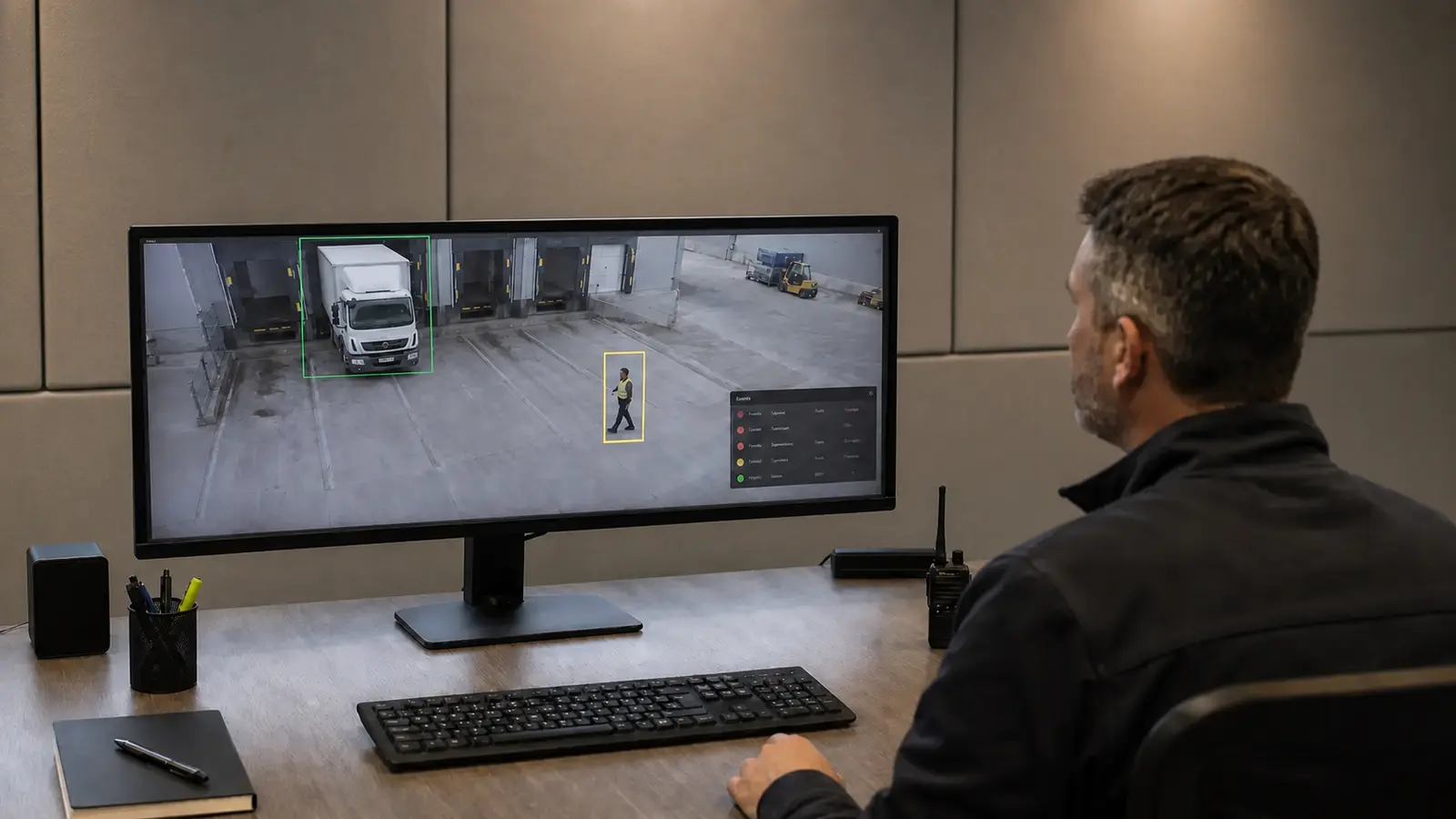
AI security camera planning should define the event rules, scene design, alert workflow, false-alert testing and after-hours response process before analytics are relied on.
Read Article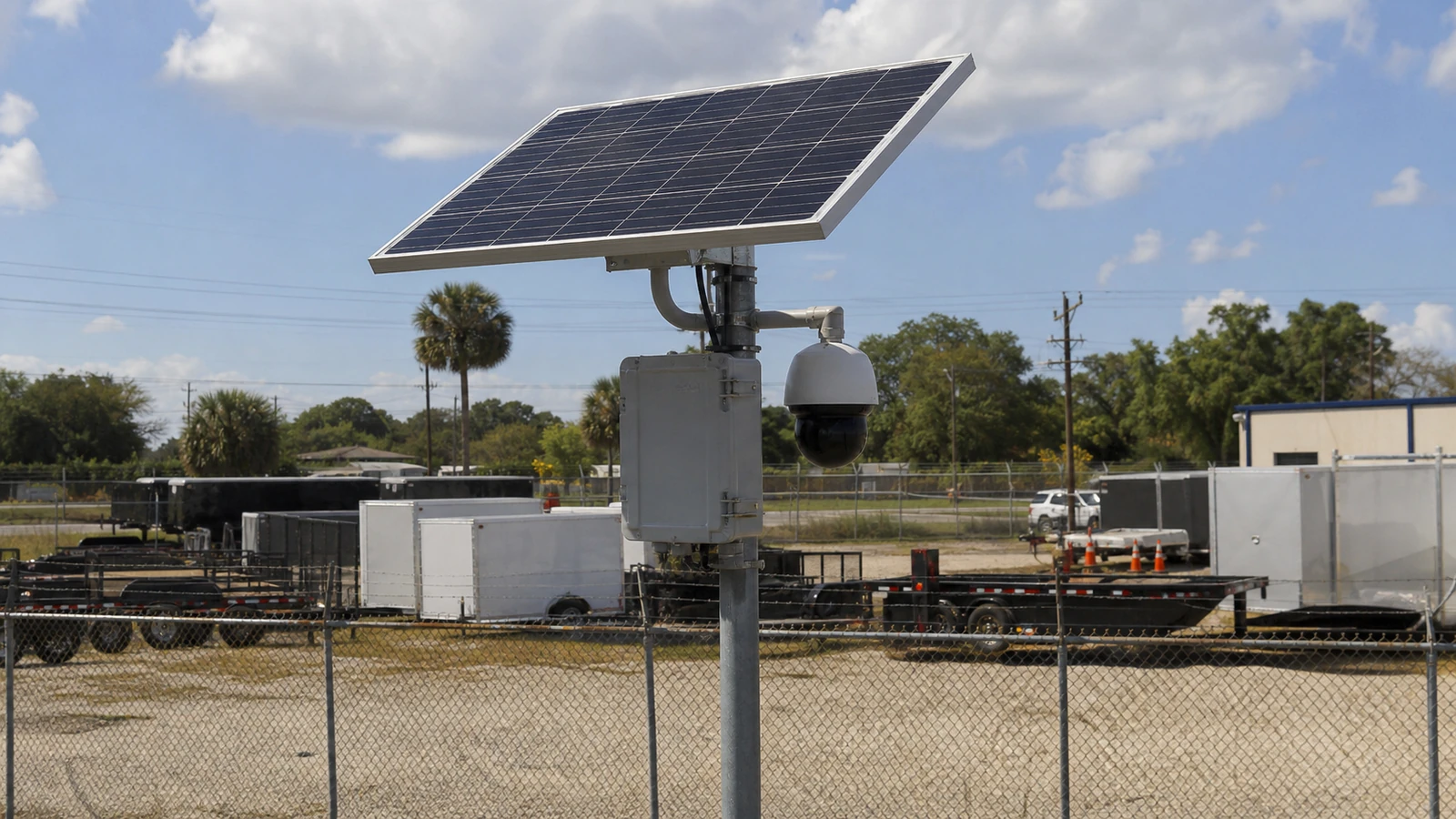
Solar camera system planning should verify load, sunlight, battery reserve, cellular connectivity, mounting security and maintenance access before a remote camera is deployed.
Read Article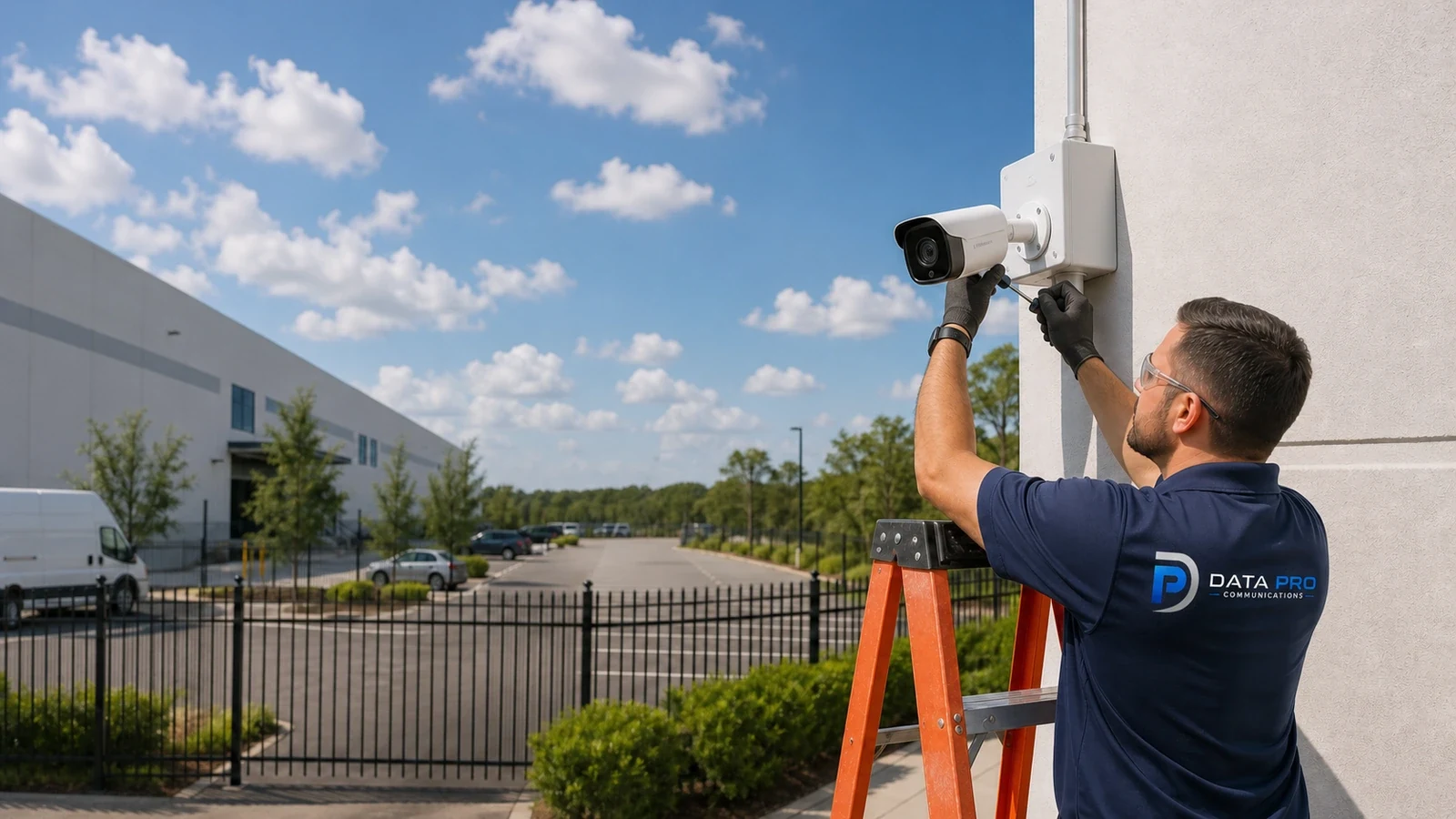
CCTV camera range depends on the required detail, target distance, lens, mounting angle, lighting and nighttime performance, not distance alone.
Read ArticleTAMPA RESOURCE LIBRARY
Use these topics when camera planning touches structured cabling, fiber, network closets, AV, data and voice cabling, or broader security systems.
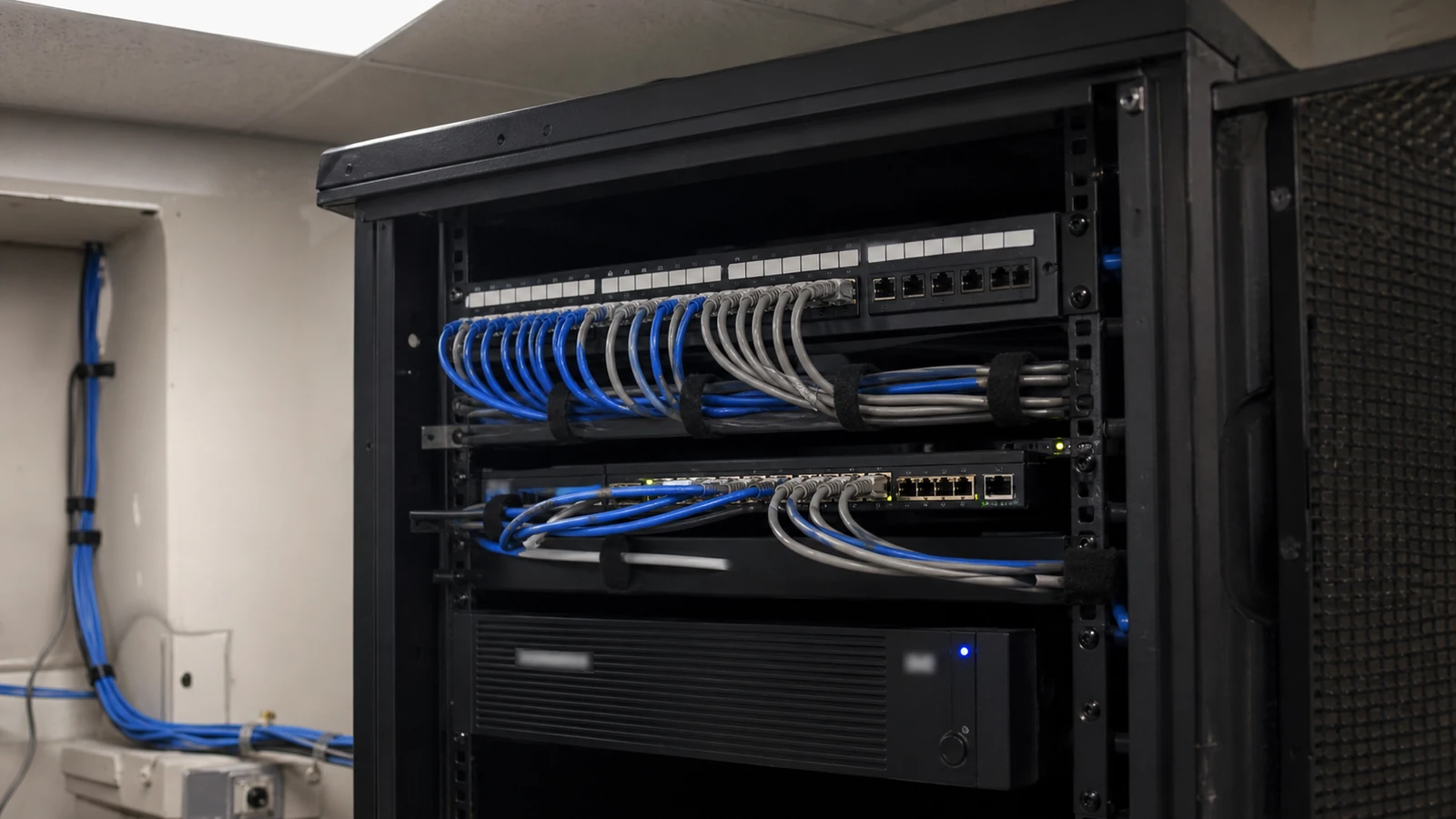
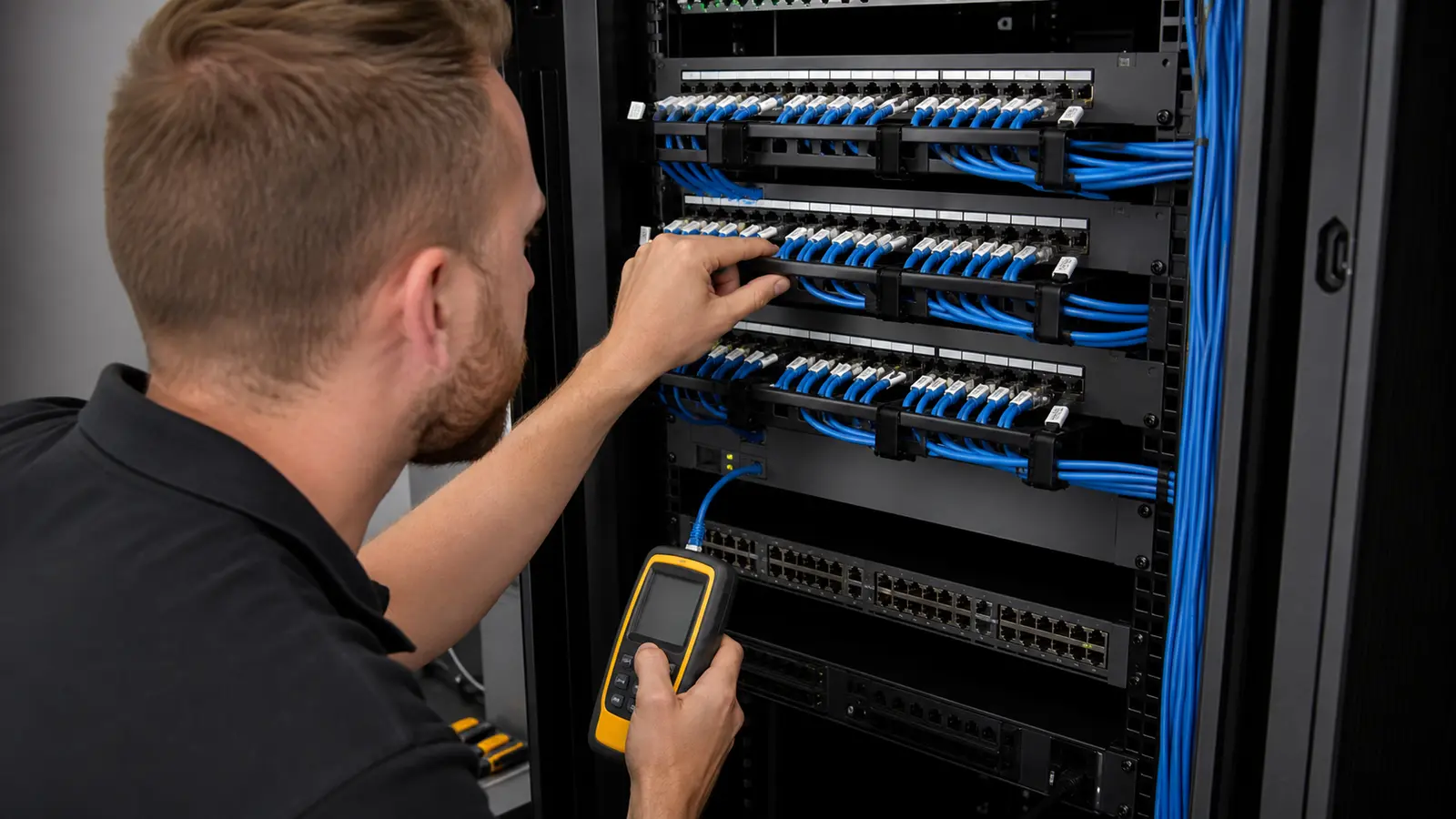
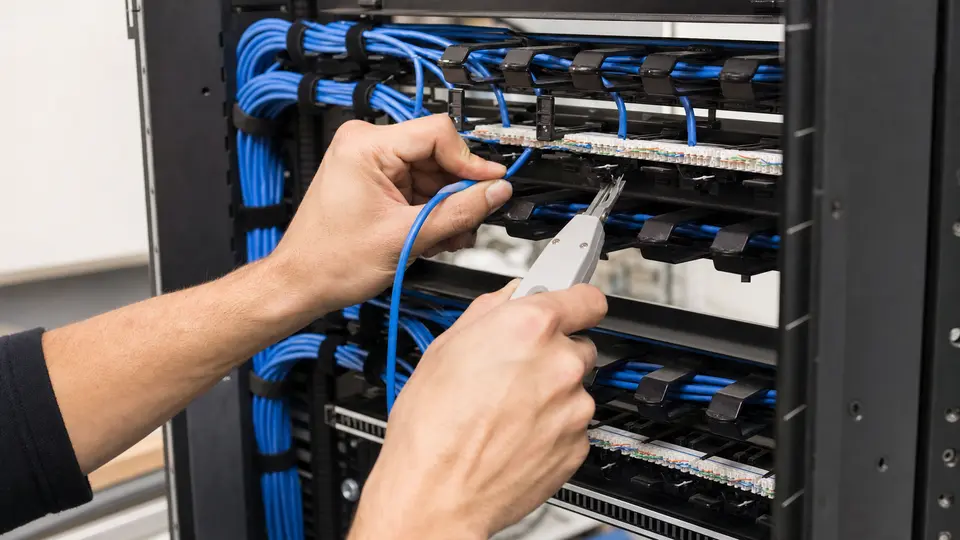
Plan Cat6 cabling for Tampa commercial properties with clear horizontal cable distances, PoE requirements, jacks, patch panels, terminations, certification testing and labeling.
Read Article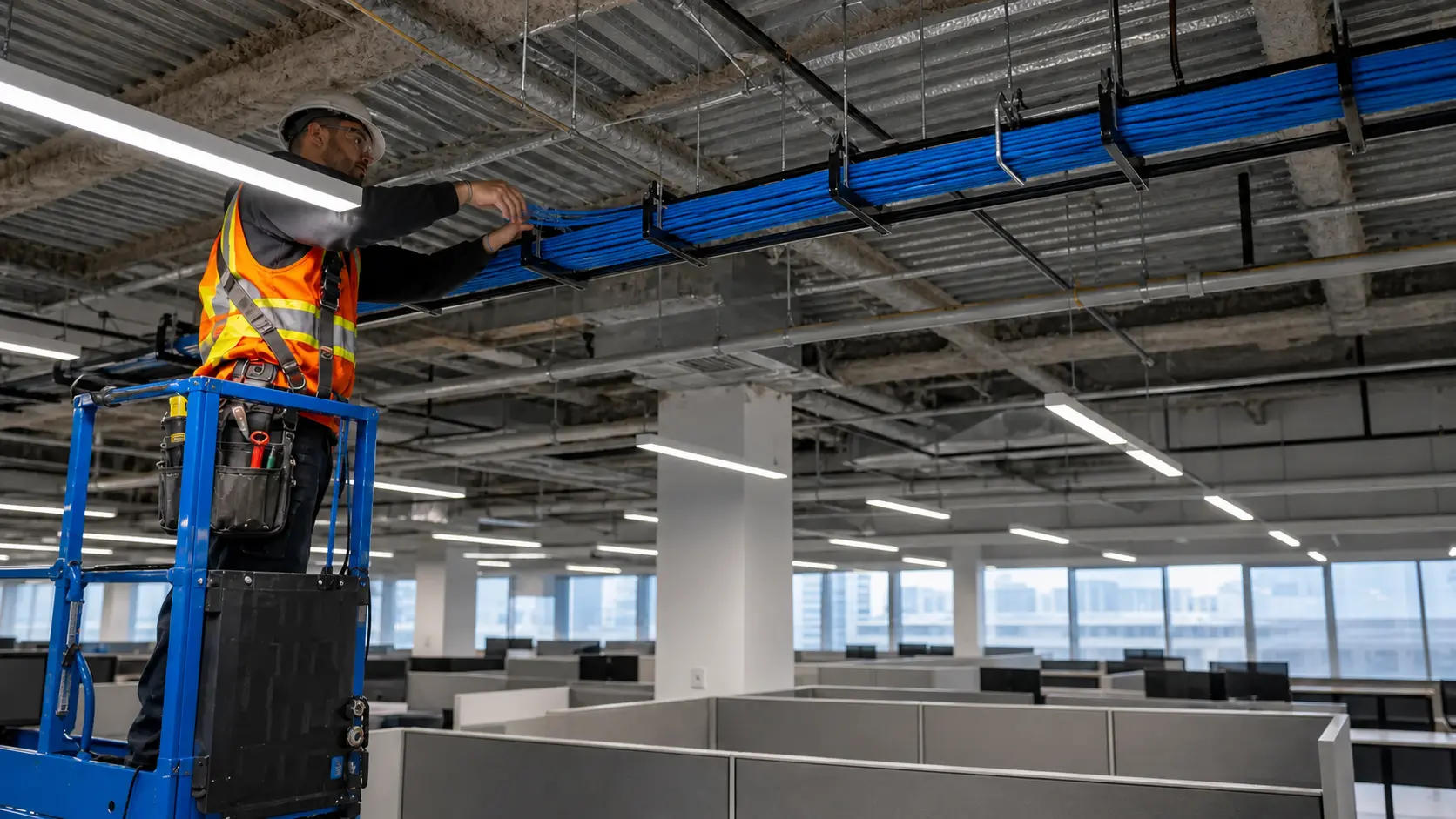
Design Tampa commercial data cabling around copper and fiber pathways, MDF and IDF rooms, backbone capacity, racks, documentation and future moves, adds and changes.
Read Article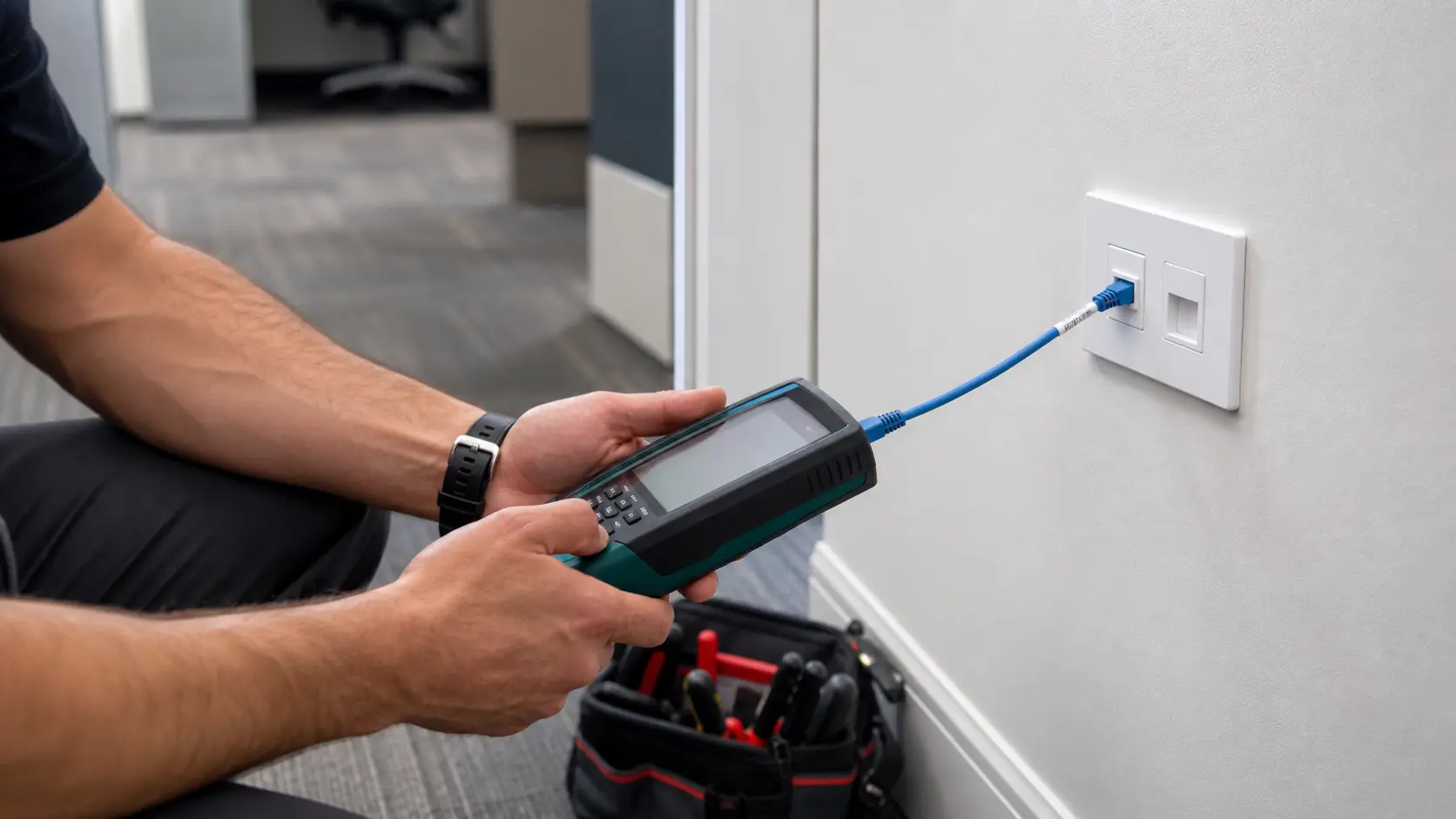
Plan data and voice cabling systems for Tampa offices, warehouses, retail, healthcare, hospitality and managed commercial properties.
Read Article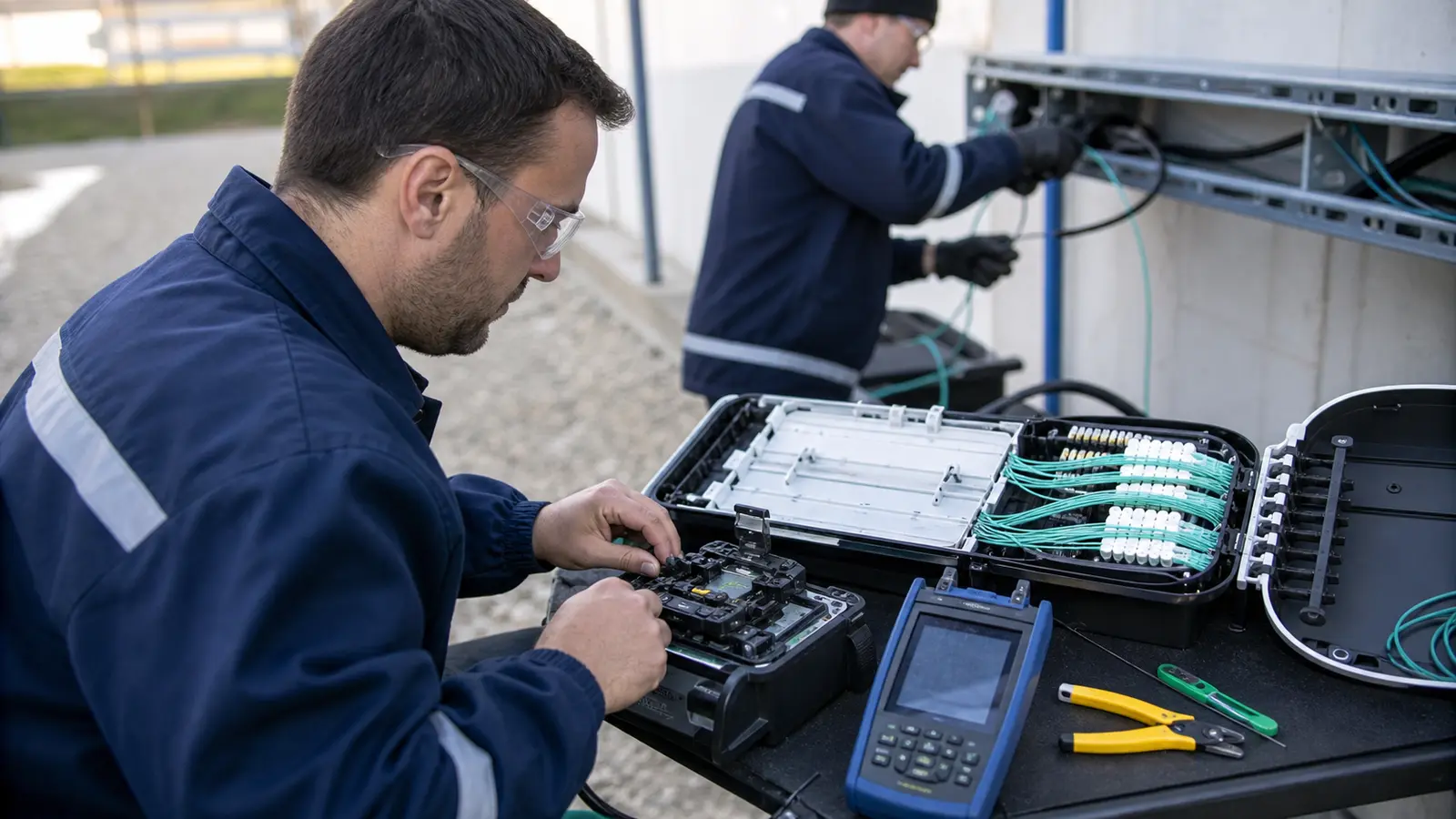
Learn how fiber optic installation supports Tampa commercial networks, camera backbones, multi-building properties and high-bandwidth systems.
Read ArticleTAMPA RESOURCE LIBRARY
Use these topics as secondary education for readers comparing consumer camera choices with professional planning needs.



PROCESS
Select the article cluster that matches the question: camera planning, CCTV and IP video, technology choices, low-voltage infrastructure, or residential comparison.
Connect the article topic to entrances, parking, loading areas, offices, amenity spaces, cable routes, recording, remote access, and user responsibilities.
Gather camera count, existing recorder or app, cabling condition, network closet location, problem areas, and any upgrade goals.
Use the site survey request when the property needs professional planning, installation, integration, upgrade guidance, or documentation.
FAQ
The blog covers practical planning topics for security cameras, CCTV and IP video, camera placement, recording, remote viewing, structured cabling, access control coordination, commercial AV, low-voltage infrastructure, and property-specific project decisions.
Start with the areas that need visibility, the level of detail you need, lighting conditions, mounting locations, recording time, remote access, and who will review footage. Camera type should follow the property goal, not the other way around.
A good CCTV plan considers entrances, parking, customer paths, employee areas, loading zones, storage, exterior exposure, cable routes, recorder location, network capacity, user permissions, and how the property team will use the system after installation.
Most IP camera systems use network cabling, often with Power over Ethernet, so cameras can receive data and power through the same cable. Cable quality, distance, pathway, labeling, switch capacity, and testing all affect long-term reliability.
Storage depends on camera count, resolution, frame rate, motion settings, compression, hours of activity, and how long footage should be retained. A small office and a large warehouse can have very different recording needs even with similar camera models.
Night visibility depends on available light, camera sensor quality, infrared or color night-vision capability, lens selection, mounting angle, reflective surfaces, exterior fixtures, and whether the goal is general awareness or clear identification.
Yes. Cameras are often planned around doors, gates, card readers, visitor entries, package areas, and restricted spaces so video can support access events and help managers understand what happened at a controlled point.
Warehouses often need visibility at loading docks, receiving doors, truck courts, inventory aisles, exterior yards, employee entrances, equipment areas, and office-adjacent spaces. Camera placement should account for height, lighting, cable distance, and how supervisors review video.
Community properties should consider gates, leasing offices, package rooms, amenity areas, pools, parking, mail areas, elevators, common corridors, and resident privacy expectations. The system should be easy for authorized managers to use and maintain.
Wired systems are often preferred for commercial and managed properties because they are more stable, easier to document, and less dependent on wireless signal conditions. Wireless may still fit some locations, but power, signal strength, recording, and maintenance need careful review.
An upgrade may make sense when footage is unclear, remote access is unreliable, storage is too limited, cameras miss important areas, cabling is undocumented, recorders are outdated, or users cannot easily find and export video.
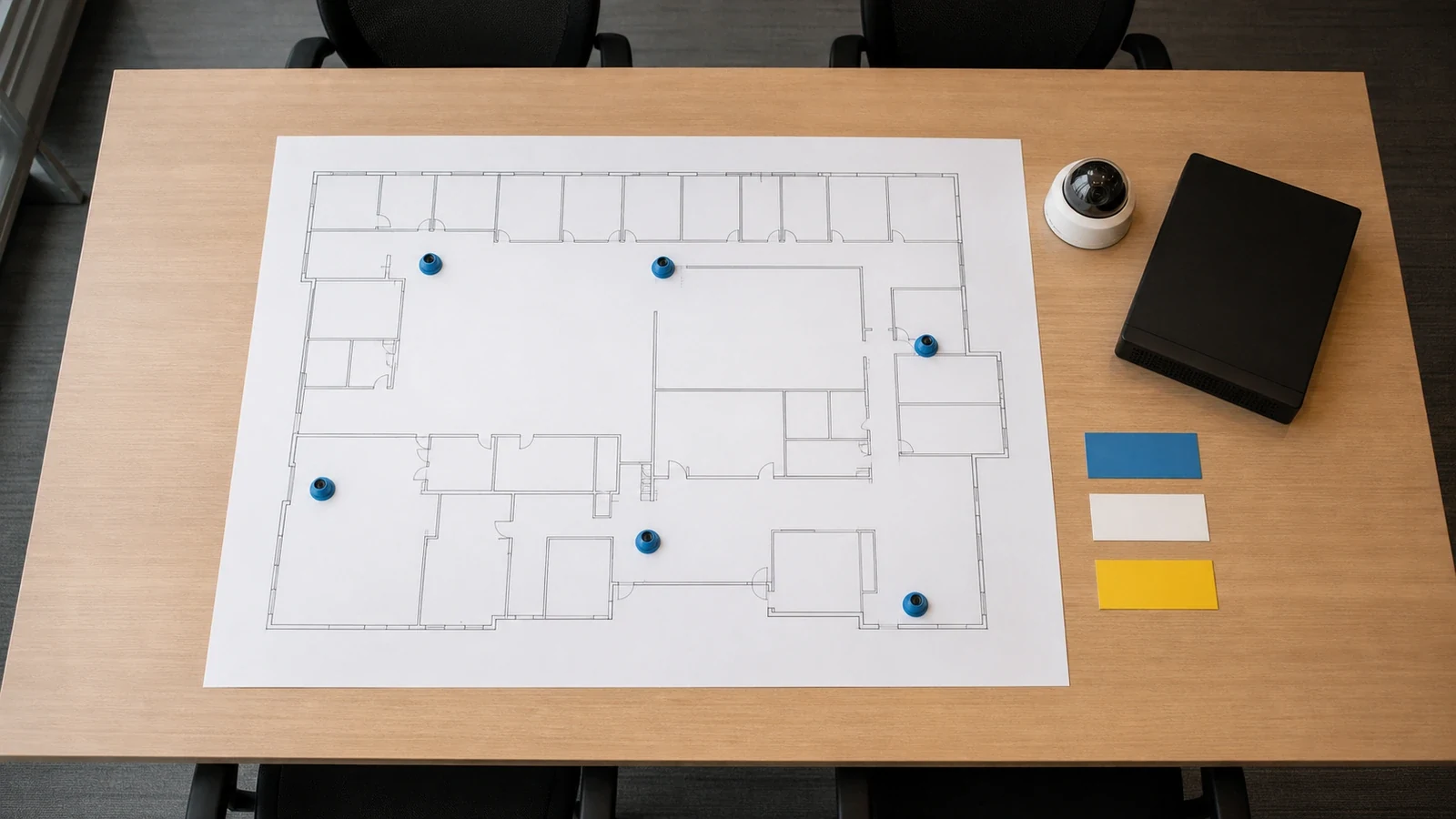
A site survey reviews the property layout, viewing goals, lighting, mounting options, cable pathways, network or recorder location, user needs, and project constraints. The goal is to turn a general camera request into a practical installation plan.
Outdoor camera planning should account for heat, humidity, storms, wind-driven rain, glare, low-light areas, landscaping, building overhangs, parking-lot lighting, and the need for weather-rated equipment and secure mounting.
Yes, some articles help readers compare residential and DIY camera options. On this site, that content is secondary to professional planning for businesses, managed properties, HOAs, multifamily communities, and larger projects.
Use the site survey request to share the property type, service interest, current system details, and project goals. Data Pro Communications can review the request and help identify the right next step for the Tampa-area project.