Camera and Video Coordination
Plan camera coverage, IP video surveillance, recording, remote viewing and user access around the property layout and incident-review workflow.

COORDINATED COMMERCIAL SECURITY
Data Pro Communications plans coordinated commercial security solutions for Tampa Bay properties that need multiple low-voltage systems working together instead of isolated camera, access or cabling decisions.
Projects can combine security cameras, IP video surveillance, NVR or VMS recording, access control, intercom and entry systems, structured cabling, network infrastructure dependencies, gate coordination, remote viewing, user permissions, documentation and phased deployment.
SERVICE OVERVIEW
Commercial security projects become harder to support when cameras, access control, intercoms, cabling and user permissions are planned separately. A coordinated plan defines what each system does, how events are reviewed, who can access each platform and what infrastructure must support the devices.
Data Pro Communications reviews device locations, cabling pathways, network readiness, recording needs, user roles, entry workflows, gate or visitor-entry coordination and documentation so the final system is easier to manage and expand.
Phased implementation may be appropriate when budget, construction sequencing, occupancy or multi-site standardization requires priorities to be set before the full buildout.
TAMPA FIT
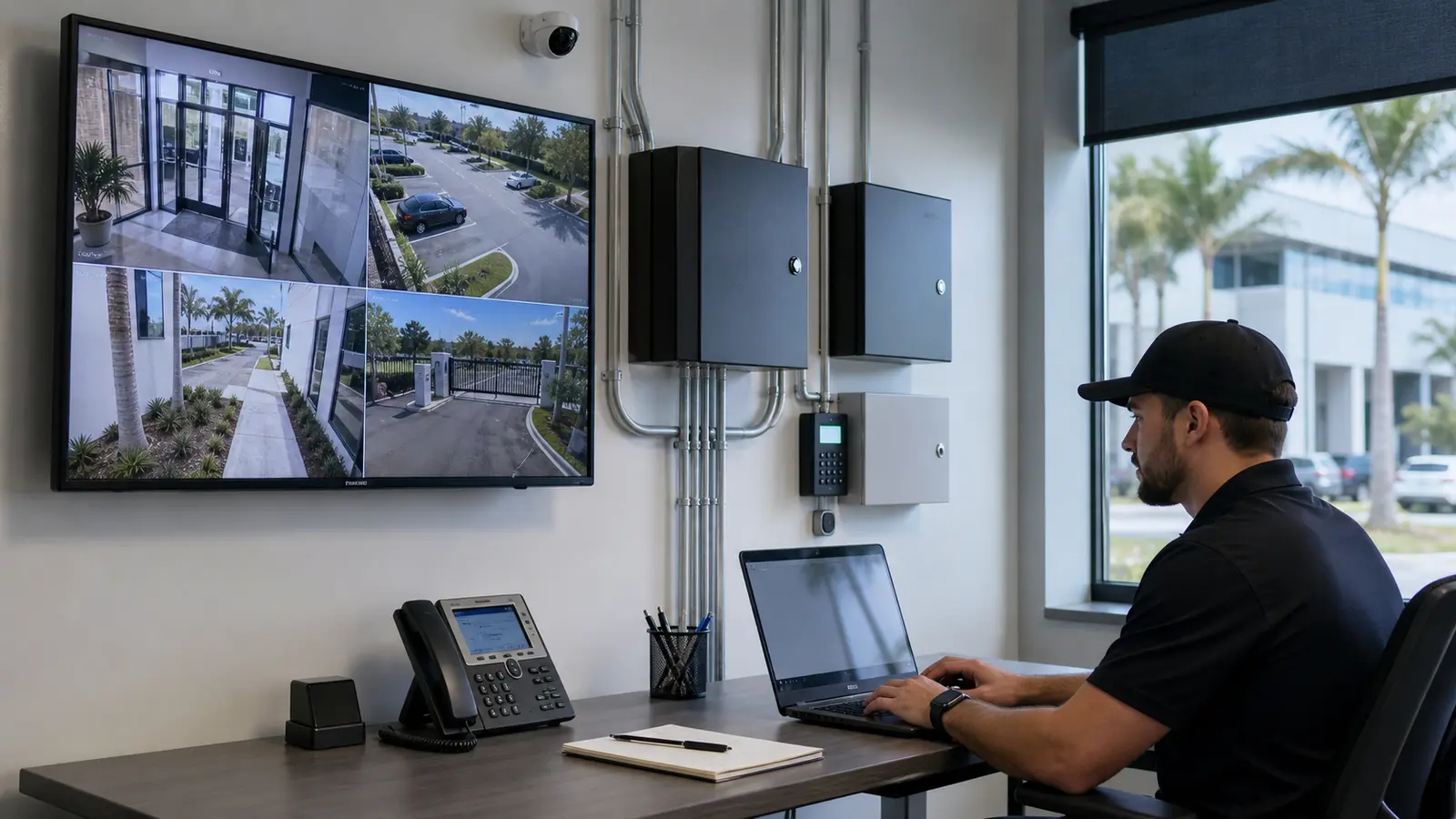
Tampa Bay properties often combine public entrances, parking areas, loading zones, tenant spaces, visitor check-in, restricted rooms and after-hours operations. Downtown offices, Westshore properties, Ybor and Channelside hospitality spaces, medical offices, logistics sites, retail centers and managed communities often need several systems to support one operating plan.
A combined security design should define how cameras support entry events, how access permissions are administered, how recordings are reviewed, how cabling and network closets support device growth and how future phases can be added without starting over.
Operational recommendations include documenting user roles before platform configuration and reviewing cabling, network and power conditions before hardware decisions are finalized. Multi-site organizations should also standardize naming, permissions and handoff records across locations.


PROCESS
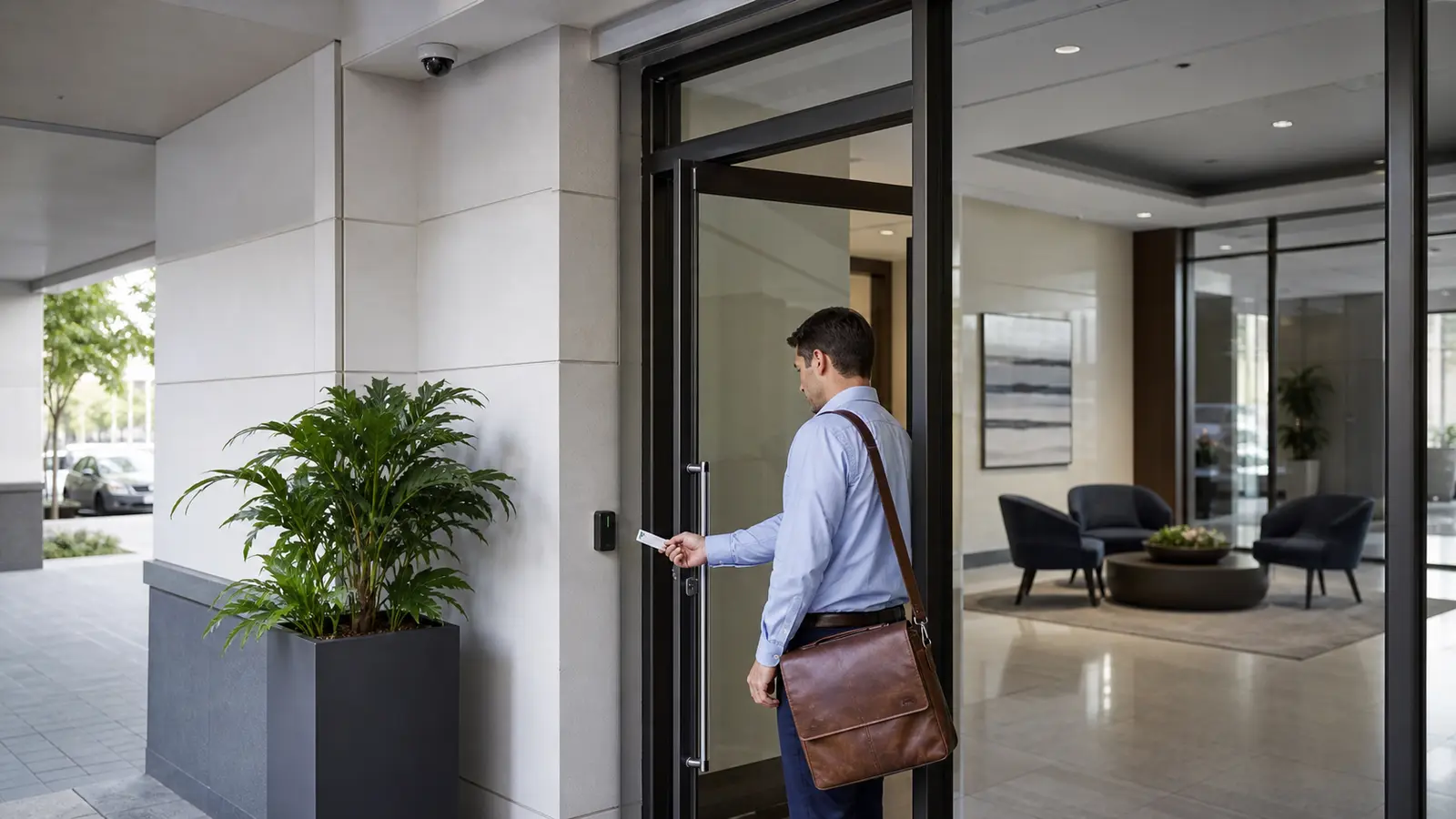
Document entrances, user groups, camera zones, access points, visitor flow, network rooms, gates and future phases.
Define how cameras, access control, intercoms, cabling, network dependencies, recording and permissions interact.
Install and configure the selected systems, user roles, device labels, recording settings and supported integrations within the documented project scope.
Test workflows, review access levels, document devices and provide expansion notes for service and future deployment.
FAQ
A coordinated project may include security cameras, IP video surveillance, recording, access control, intercoms, gate or visitor-entry coordination, structured cabling, network dependencies, remote viewing, user permissions, documentation and phased planning.
Security camera installation focuses on camera coverage, recording and viewing. Commercial security solutions address how cameras interact with access control, intercoms, cabling, network readiness, permissions and the broader operating plan.
Yes, when the selected systems support it. Door or gate events can be coordinated with nearby camera views so administrators can review access activity with video context.
Permissions determine who can view cameras, manage credentials, change schedules, review recordings and administer platforms. Clear permissions reduce confusion and protect system control.
Yes. Phasing can prioritize high-value areas first while documenting pathways, capacity, naming conventions and expansion points for later devices or locations.
No. Integration depends on platform support, licensing, network conditions, device compatibility and project scope. Compatibility is reviewed before integration is represented as part of the design.
Structured cabling, PoE switching, network closets, rack space, internet availability, device pathways, power coordination and existing system condition should be reviewed early.
Yes. Multi-site planning can standardize device names, user roles, recording expectations, access groups, documentation and support practices across locations.
Intercoms and gate-entry coordination can be included where the property, hardware, cabling, power and selected platforms support those workflows.
Remote viewing can be included when the recording platform, network conditions, user permissions and security policies support it.
No. The plan can support documentation and coordination, but permitting or approval outcomes are handled by the applicable authorities and qualified parties.
The handoff can include device labels, platform notes, user-permission records, camera or door schedules, cabling notes, rack information and expansion recommendations.
Existing systems can be reviewed, but continued use depends on condition, compatibility, access to credentials, licensing, wiring quality and supportability.
A fit includes offices, warehouses, retail centers, healthcare spaces, hospitality properties, HOAs, multifamily communities, industrial sites and multi-site organizations with multiple connected security needs.
The next step is a site survey that documents the property, existing systems, desired workflows, infrastructure conditions, user roles and priority phases.
NEXT STEP
Schedule a Tampa Bay site survey for commercial security solutions that accounts for property conditions, connected systems, documentation and future changes before installation begins.