Tampa Commercial Camera Planning

PTZ Camera Auto Track: Where It Helps and Where It Falls Short

PTZ auto tracking can follow movement across a defined scene, but it should not replace fixed coverage for critical entrances, registers, docks or evidence points. It works best as a supplemental view where the property also has fixed cameras maintaining continuous context.

PTZ auto tracking is most useful on Tampa properties when it supports a larger camera design, such as monitoring a perimeter, yard, approach road or open lot while fixed cameras continue recording evidence views.

Commercial-First PlanningCamera recommendations are shaped around business, property-management and facility workflows.
Connected Low-Voltage PlanningCameras, cabling, network equipment, access control and recording are considered together.
Florida Licensed ContractorElectrical contractor license identifier: EC13016138.
Tampa Bay Property ContextPlanning accounts for offices, retail, hospitality, warehouses, multifamily, HOAs and managed properties.
Documented System DeliveryThe final system should include clear labeling, tested camera views, user guidance and system documentation that authorized teams can understand.

PTZ AUTO-TRACKING

Where PTZ Auto-Tracking Supports Active-Site Monitoring

PTZ auto tracking should be planned as a supplemental observation tool with clear rules, presets and fixed-camera backup, not as a replacement for continuous coverage at critical points.

The practical goal is to help owners, managers, construction partners and facility teams make better decisions before equipment is selected, installed or expanded.

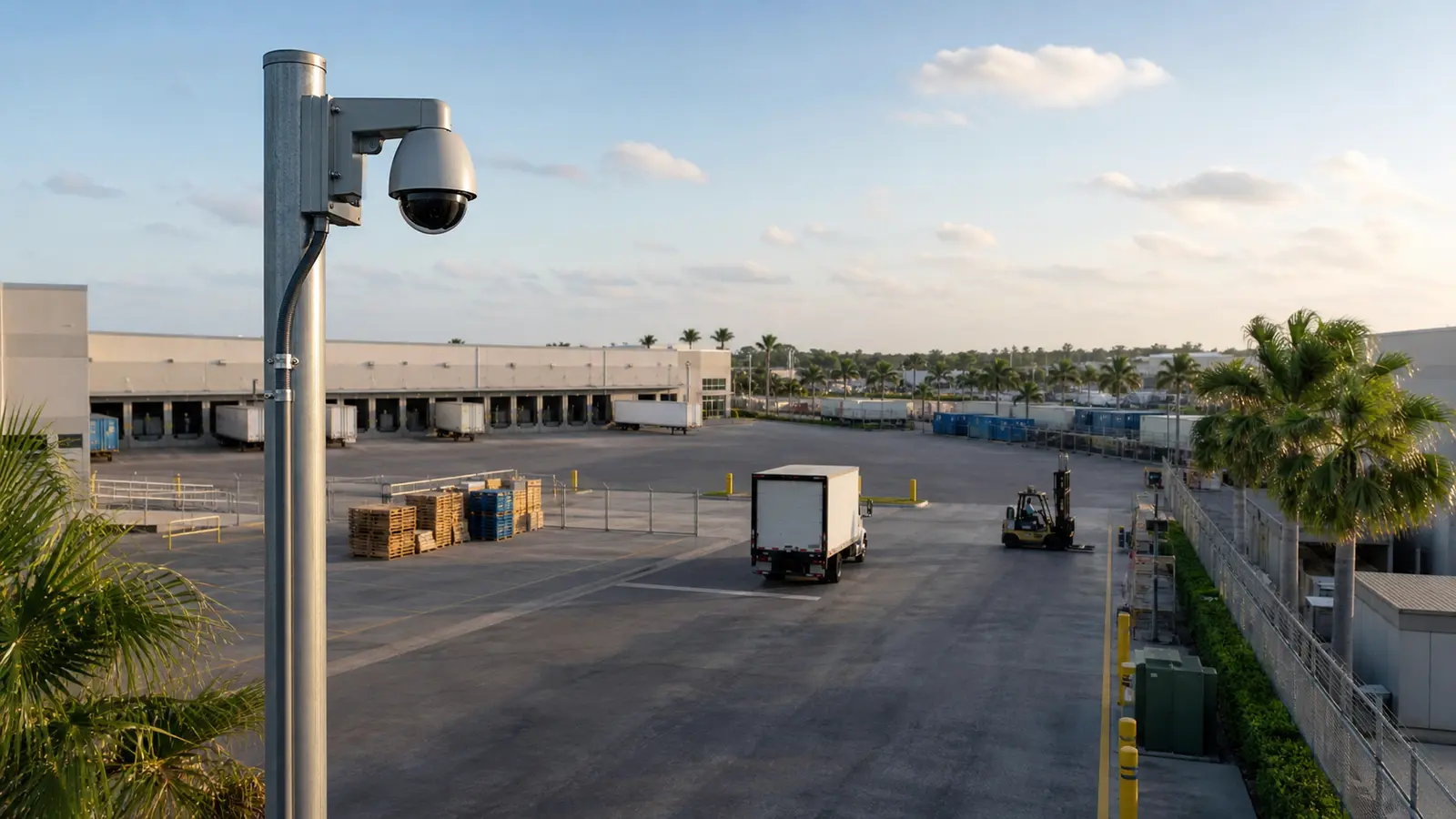
Professional PTZ camera monitoring movement across a commercial logistics yard

PLANNING GUIDE

PTZ Auto-Tracking Evaluation Points

PTZ Auto-Tracking: Planning

Define the coverage purpose, review goals and property constraints before choosing devices.

PTZ Auto-Tracking: Infrastructure Requirements

Confirm cabling, PoE, network, rack, UPS and storage requirements before installation.

PTZ Auto-Tracking: Configuration Requirements

Tune views, permissions, retention and alerts around how authorized users will review video.

PTZ Auto-Tracking: Lifecycle Planning

Document the system so future service, expansion and troubleshooting do not start from guesswork.

Tampa distribution yards, commercial lots, gated properties and waterfront-adjacent facilities may have wide exterior spaces where a PTZ can follow movement, but those same sites still need fixed views at gates, doors and docks.

In office, hospitality and retail environments, auto tracking can be disrupted by overlapping pedestrian paths, vehicles, trees, signage and lighting changes.

Properties using live monitoring should define who can control the PTZ, when it returns home and which fixed cameras preserve the context if the PTZ follows one target.

PLANNING PRIORITIES

PTZ Auto-Tracking Operational Recommendations

Install fixed cameras first for entrances, gates, docks and other evidence points.

Tune PTZ tracking zones, exclusions and home positions with realistic movement in the scene.

PTZ Auto-Tracking Detailed Planning Guide

PTZ Auto-Tracking: Direct Answer

PTZ Auto-Tracking: Key Definitions

PTZ auto tracking is a pan-tilt-zoom camera function that uses analytics to follow a moving person, vehicle or object. The camera physically moves to keep the target in view within configured rules.

PTZ Auto-Tracking: How the System Works

The camera detects motion or analytic objects, selects a target, pans and tilts to follow it, and may zoom in while tracking. The system needs presets, exclusion zones, calibration and a plan for what happens when multiple targets enter the scene.

PTZ Auto-Tracking: Core Components

PTZ camera and mount

analytics rules

presets and home position

VMS or NVR support

PoE or power requirements

network latency

operator workflow

PTZ Auto-Tracking: Planning Criteria

Use fixed cameras to preserve constant overview coverage.

Define the exact scene where tracking should activate.

Avoid relying on auto tracking in dense crowds or complex foreground movement.

Confirm VMS compatibility and user permissions.

PTZ Auto-Tracking: Commercial Examples

A distribution yard may use PTZ auto tracking at a fence line while fixed cameras cover gates and dock doors.

A gas station may use fixed pump cameras and a PTZ for wider lot activity after hours.

A downtown Tampa property may use a PTZ on an exterior approach while fixed cameras protect entrances and lobby views.

PTZ Auto-Tracking: Advantages and Limitations

Advantages:

dynamic follow-up view

better observation of large open areas

useful support for live monitoring

Limitations:

can miss context while following one target

may be confused by multiple moving objects

requires careful setup and testing

PTZ Auto-Tracking: Common Mistakes

using one PTZ instead of several fixed evidence cameras

leaving default tracking rules active without scene tuning

forgetting that moving cameras may not record the original wide scene continuously

PTZ Auto-Tracking: Infrastructure Dependencies

analytics licensing if required

VMS compatibility

stable network path

proper mounting structure

operator training and permissions

PTZ Auto-Tracking: Decision Checklist

Is the PTZ supplemental or the only camera?

What target should it follow?

What areas should be excluded?

What fixed cameras preserve context?

Who reviews and controls PTZ footage?

PTZ Auto-Tracking: When to Request a Site Review

Request a site review when deciding whether a PTZ belongs on the property, where fixed cameras must remain, and how analytics, presets, operator control and recording will work together.
PROCESS

PTZ Auto-Tracking Project Process

Define the monitoring purpose and target behavior

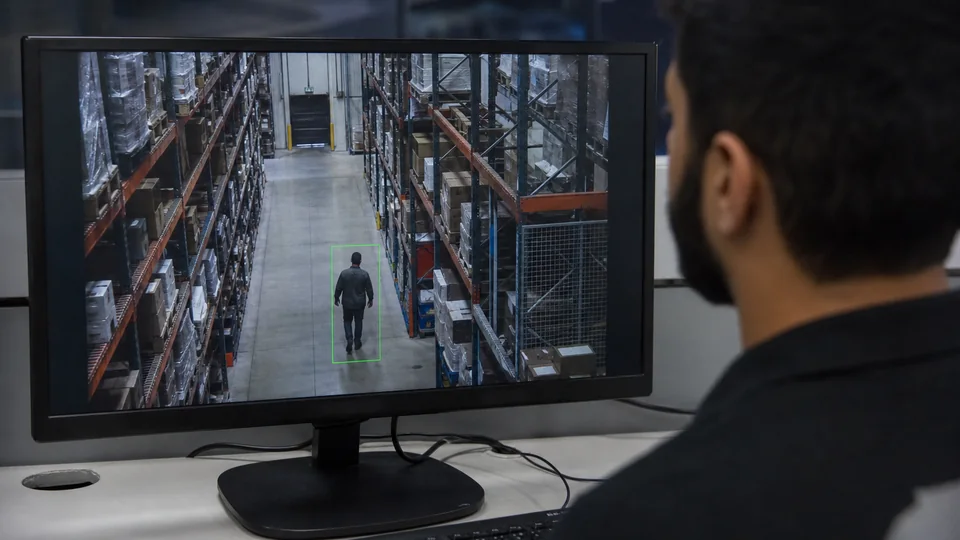
The monitoring plan defines the behavior or zone the PTZ should follow and what staff will do with a generated event.

Place fixed cameras for continuous coverage first

Fixed cameras retain continuous evidence of priority areas before a moving camera is added for active tracking or closer review.

Select PTZ location, power and network path

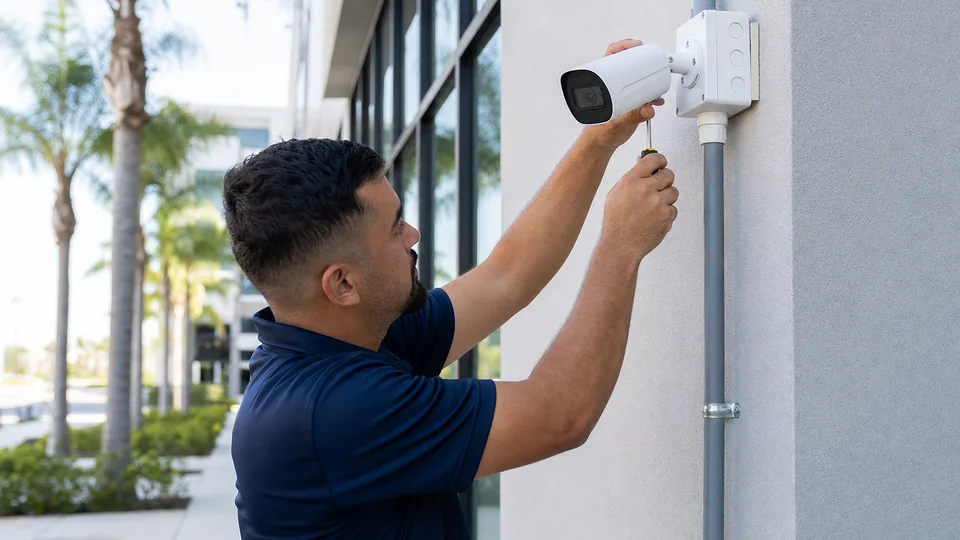
The PTZ location is selected for usable sight lines, service access, stable mounting, PoE or power, and dependable network connectivity.

Configure presets, tracking zones and exclusions

Presets, tours, tracking zones, privacy areas, schedules, and exclusion rules are configured around the approved workflow.

Test with realistic movement before relying on alerts

Realistic movement is used to tune tracking and confirm that alerts assist review without replacing continuous fixed coverage.

FAQ

PTZ Auto-Tracking FAQs

Can a PTZ auto tracking camera replace fixed cameras?

No for most commercial sites. A PTZ moves away from one view to follow another, so fixed cameras are still needed for constant evidence coverage.

Where does PTZ auto tracking work best?

It works best in controlled open areas such as yards, perimeters, parking areas or approaches where targets are not constantly crossing each other.

What happens if two people enter the scene?

The camera may choose one target or lose tracking depending on the model and settings. Dense scenes need careful testing.

Does PTZ auto tracking require AI analytics?

Most modern systems use analytics to classify or follow targets, but capabilities vary by camera, firmware and VMS support.

Can PTZ auto tracking follow vehicles?

Some systems can track vehicles, but performance depends on speed, distance, angle, lighting and configured rules.

Is PTZ useful for gas stations?

It can help for lot awareness, but pump islands, doors, POS areas and license-plate points still need fixed views.

Does auto tracking work at night?

It can, if lighting and image quality support the analytics. Night scenes should be tested separately.

Can users manually control the PTZ?

Often yes, when permissions allow. Manual control should be governed so users do not disrupt required monitoring.

What should be checked before buying a PTZ camera?

Check mounting, power, network, VMS compatibility, presets, analytics features, environmental rating and maintenance access.

When should a site review be requested for PTZ auto-tracking?

Request one when the property has large open areas, perimeter concerns, live monitoring needs or uncertainty about fixed versus PTZ coverage.

NEXT STEP

Request a Site Review for PTZ Auto-Tracking

PTZ auto tracking is strongest when it adds a smart follow-up view without sacrificing fixed evidence coverage.

Request a Site Review