TAMPA COMMERCIAL LOW-VOLTAGE GUIDE

How to Choose the Best Security System for a Tampa Business

The best security system for a Tampa business is the system that fits the property’s risks, staff workflow, infrastructure and support expectations. A warehouse, hotel, office, medical suite and managed community may all need cameras, access control, intercoms, alarms or network upgrades in different combinations.

Data Pro Communications provides commercial low-voltage and security camera projects throughout Florida, including Tampa and surrounding areas. This guide is educational and supports planning decisions before a business requests a site survey.

Florida-Licensed Low-Voltage ContractorData Pro Communications operates under FL License #EC13016138 for qualifying low-voltage projects.
Commercial-First PlanningPlanning is written for businesses, managed properties, construction teams, IT teams and facility operators.
Infrastructure-Aware DesignRecommendations consider cabling, pathways, network equipment, recording, access permissions and support needs.
Documented System DeliveryProjects should include system documentation, configuration records, labels and user guidance.
Tampa Bay Service ContextContent reflects Tampa commercial districts, logistics sites, hospitality, healthcare, retail and managed-property needs.

SYSTEM SELECTION

Comparing Security System Options for Tampa Businesses

This guide gives commercial buyers a practical comparison framework. It does not name a universal product as the best choice, because the right system depends on what the property needs to see, control, record, review and maintain.

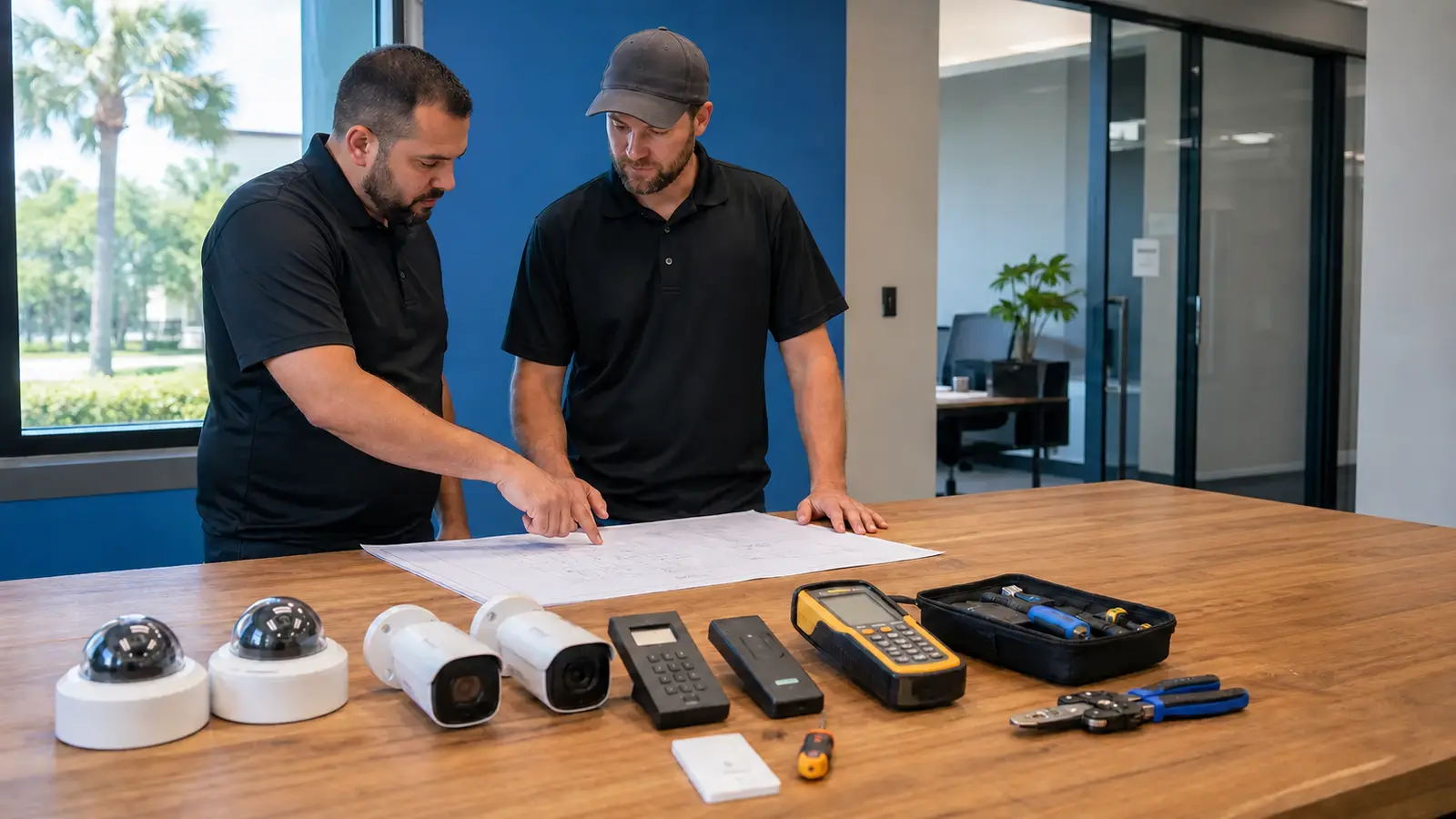
Low-voltage project team comparing camera, access-control, and cabling options for a commercial property

PLANNING GUIDE

Security System Decisions for Tampa Businesses

How Integrated Systems Work

Cameras, access control, intercoms, alarms, network infrastructure, and user permissions should support the same operational workflow.

Commercial Security System Selection: Key Components

Video coverage, entry control, recording, networking, permissions, documentation, and service responsibility shape a complete commercial system.

Planning Criteria for Tampa Buyers

Define the operating problem, property zones, users, retention, remote access, infrastructure, timeline, and support expectations before comparing systems.

Westshore Office Security System Example

An office may coordinate entry cameras, visitor areas, parking coverage, staff credentials, playback access, and after-hours review.

Commercial Security System Selection Detailed Planning Guide

Commercial Security System Selection: Direct Answer

Match the System to Business Risks and Operations

The best commercial security system is the one that solves the property’s actual operating problems with serviceable equipment, documented settings, secure user access and infrastructure that can support the system over time.

What Best Means for a Commercial Security System

Commercial Security System Selection: Key Definition

Best does not mean the most expensive camera or the largest equipment count. It means the scope matches the risk, the system is usable by authorized people and the design can be serviced later.

How Integrated Systems Work

System Interaction

Cameras document activity, access control manages entry, intercoms support visitor communication and alarms detect defined events. The strongest projects coordinate these systems so they support the same operational workflow.

Commercial Security System Selection: Core Components

Video

Camera locations, views, recording and playback must match the property’s review needs.

Access

Doors, gates and user permissions should be planned around employees, vendors, visitors and managers.

Network

Switching, cabling, VLANs, rack space and remote access affect long-term reliability.

Planning Criteria for Tampa Buyers

Commercial Security System Decision Criteria

Buyers should define the problem, property areas, operating hours, authorized users, retention, remote access, IT responsibility, construction timing and service expectations before comparing proposals.

Commercial Use Cases for Commercial Security System Selection

Office

A Westshore office may need cameras at entries, visitor areas and parking plus access permissions for staff.

Retail

A retail tenant may prioritize POS-adjacent visibility, back-of-house coverage and after-hours review.

Warehouse

A warehouse may need gates, docks, inventory aisles, yard cameras and network switches planned together.

Comparing system value

A useful comparison starts by ranking outcomes: incident review, entry control, delivery accountability, after-hours awareness, visitor management or multi-site oversight. The best system is the one that supports the highest-priority outcomes without creating avoidable maintenance burden.

Multi-stakeholder decisions

Owners may care about risk and budget, IT may care about network impact, managers may care about access and playback, and construction partners may care about pathways. A commercial security system should reconcile those needs before equipment is ordered.

Support model review

A system that looks strong on a proposal can become frustrating if no one knows who manages users, who stores credentials, who approves changes and who receives service records. The buyer should confirm these responsibilities before installation.

Commercial Security System Selection: Advantages and Limitations

Commercial Security System Selection: Advantages

A planned system can simplify incident review, user management and future expansion.

Commercial Security System Selection: Limitations

No system replaces policies, lighting, staff training, maintenance or a realistic response plan.

Commercial Security System Selection: Common Mistakes

Mistake 1: Buying equipment before defining the operating problem

Without a defined coverage, access, or operating goal, a property can buy features that do not address its actual blind spots or staff workflow.

Mistake 2: Ignoring user permissions and support responsibility

The design must identify who can view live video, export footage, change settings, and request support so access remains controlled after turnover.

Mistake 3: Treating cabling and network capacity as afterthoughts

Camera quantity and resolution affect cable routes, PoE capacity, bandwidth, storage, and rack space, so infrastructure must be verified before equipment selection.

Commercial Security System Selection: Infrastructure Dependencies

Cabling, Power, Network, and Door Hardware Requirements

A reliable system depends on structured cabling, power, switches, internet access, recorder storage, door hardware, conduit and configuration records.

Commercial Security System Selection: Decision Checklist

Commercial Security System Selection: Planning Checklist

List the risks, coverage areas, access points, user roles, retention target, integration needs, budget range, service expectations and future expansion path.

Commercial Security System Selection: When to Request a Site Review

When Commercial Security System Selection Needs Professional Review

Request a site review when multiple systems, exterior coverage, doors, gates, network closets, construction partners or multiple decision makers are involved.
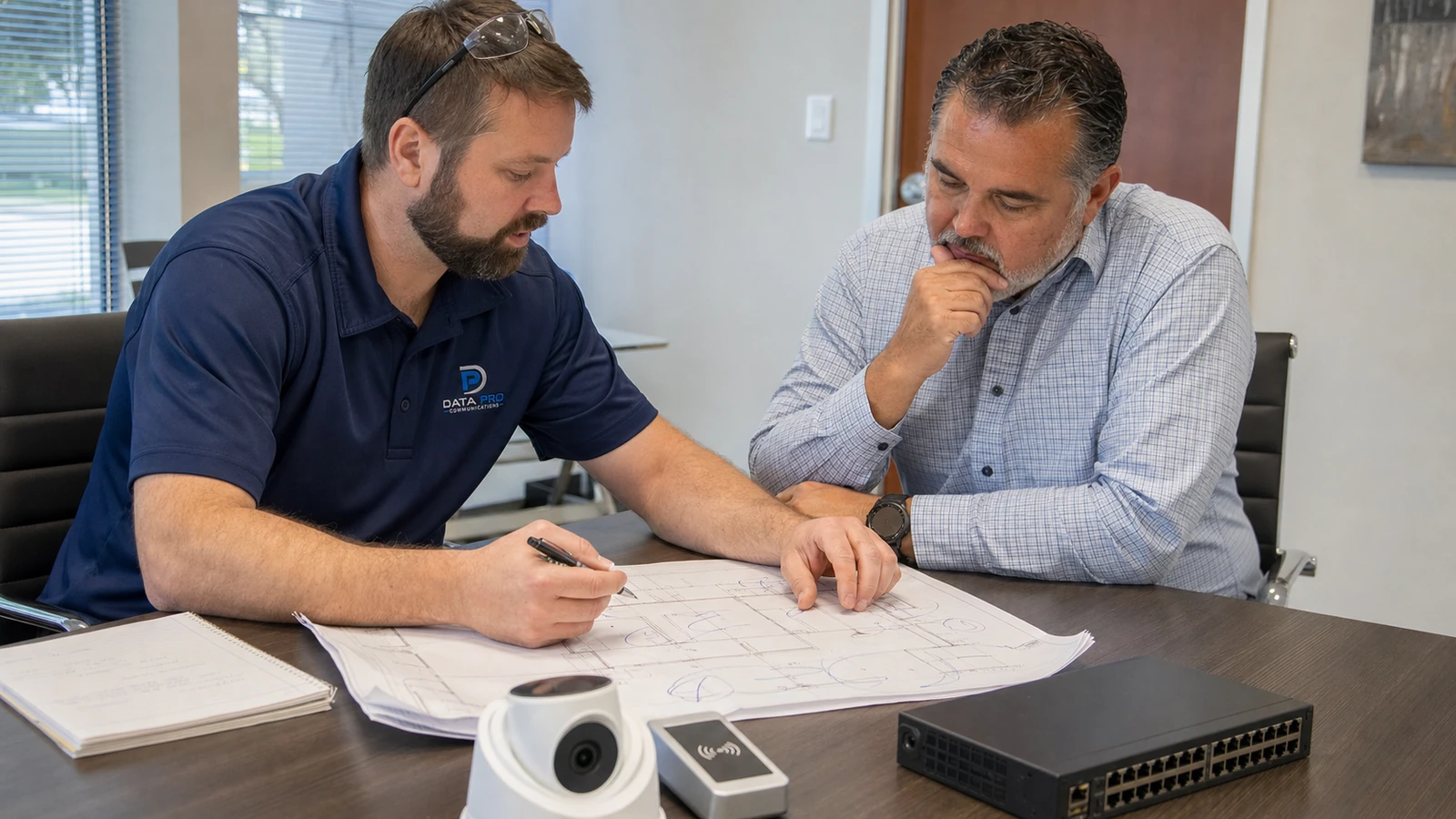
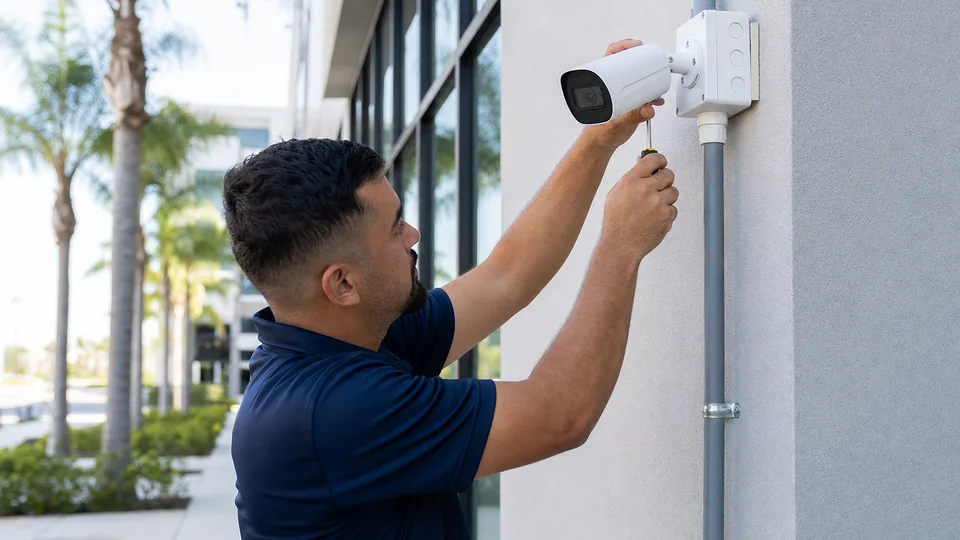
Best Security System in Tampa planning detail for a Tampa commercial property

Tampa businesses compare security systems across offices, warehouses, restaurants, medical suites, hospitality properties, retail locations and managed communities. The strongest choice is usually the system that fits the property’s operating model, not the one with the longest equipment list.

A buyer should consider who will use the system, what areas need visibility, which doors or gates require control, how incidents will be reviewed and what infrastructure is already in place. That approach helps owners compare cameras, access control, intercoms, recording and network requirements in a practical way.

PROCESS

Commercial Security System Selection Project Process

Define risks, users, operating hours and areas that need visibility or controlled access

The discovery review documents who uses the property, when it operates, and where video or controlled entry is required.

Review existing cameras, doors, cabling, network equipment and support responsibility

Existing cameras, doors, pathways, switching, and administrative responsibilities are checked before replacement or integration is proposed.

Compare system options by workflow, documentation, scalability and serviceability

Options are compared by daily workflow, serviceability, documentation, expansion capacity, and total operating requirements—not feature count alone.

Confirm proposal scope, exclusions, retention, user permissions and configuration records

The final proposal identifies included work, exclusions, retention targets, user roles, and the records the property team will receive.

Implement, test and document the selected system with user guidance for authorized teams

Commissioning verifies each approved function and gives authorized users practical guidance for operation, review, and support.

FAQ

Commercial Security System Selection FAQs

What is the best security system for a Tampa business?

The best system is the one that fits the property’s risks, infrastructure, users, hours and support model.

Should cameras or access control come first?

The operating problem should come first. Cameras and access control often work best when planned together.

Is cloud video better than local recording?

Both can work. The right choice depends on bandwidth, retention, camera count, user access and policy requirements.

How many cameras does a business need?

Camera count depends on coverage goals, field of view, desired detail, entrances, parking, docks and interior areas.

Can a security system include intercoms?

Yes. Intercoms can support visitor management at doors, gates, lobbies and delivery areas.

What should buyers compare in proposals?

Compare coverage, equipment, storage, licensing, cable pathways, documentation, support and exclusions.

Do small offices need professional planning?

Yes when cameras, access, network access, remote viewing or user permissions affect business operations.

Can an existing system be improved?

Often. Existing cameras, recorders, cabling and network equipment can be reviewed for reuse or phased upgrades.

What causes security systems to disappoint?

Poor placement, weak cabling, insufficient storage, unclear access rules and missing service documentation are common causes.

When is a site review appropriate?

A site review is appropriate when the project involves multiple areas, doors, users, systems or infrastructure dependencies.

NEXT STEP

Compare Security System Options for Your Property

Request a commercial site review when the property needs a practical plan, clear infrastructure assumptions, and a documented path to implementation.

Request a Site Survey