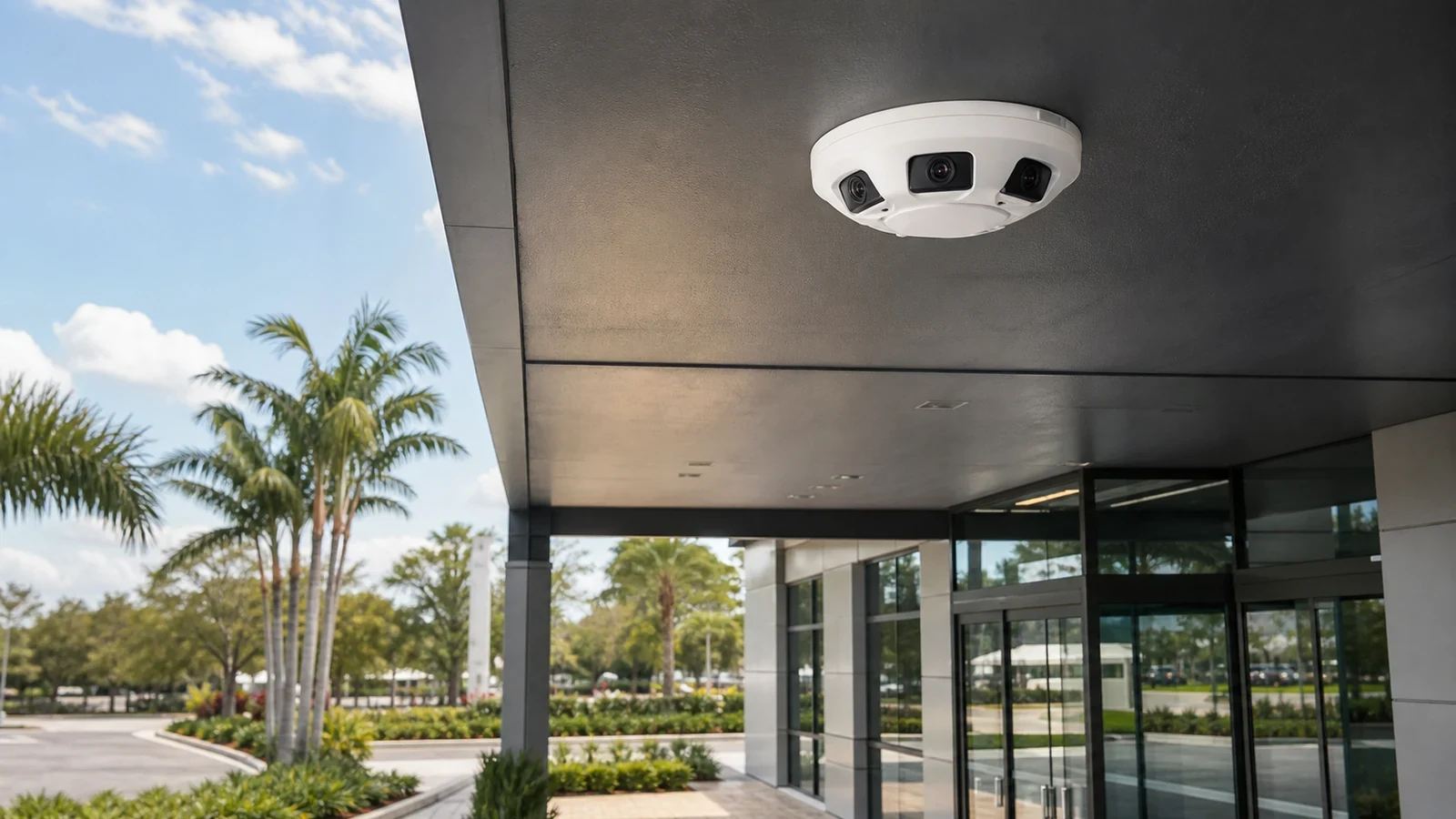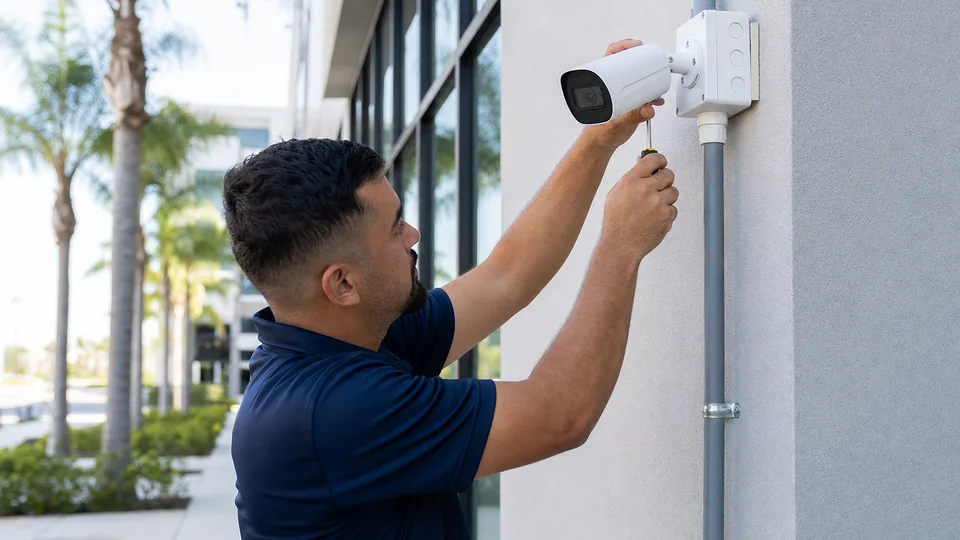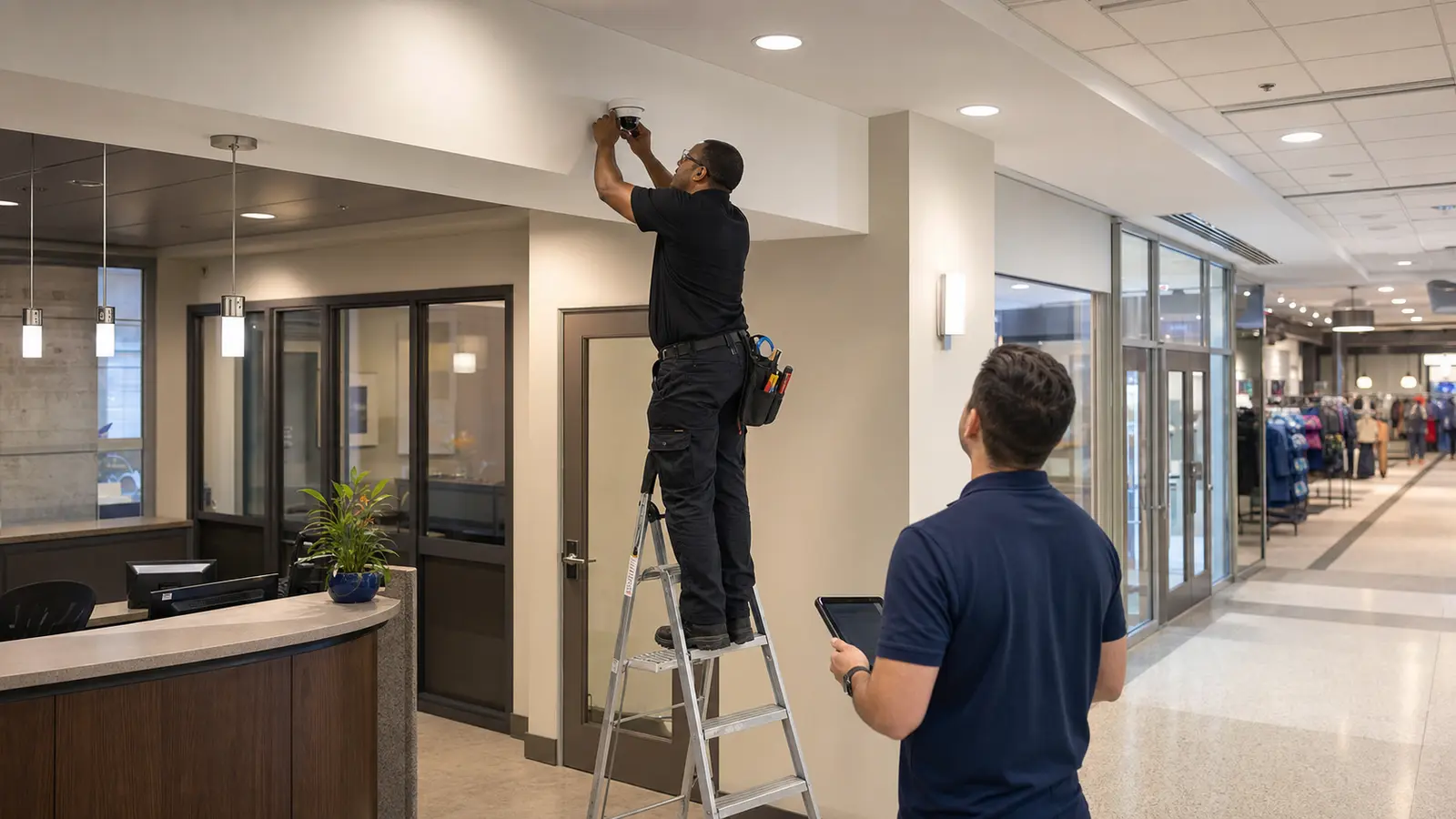
Business Camera Installation: Direct Answer
Plan Views, Recording, and Access Around Business Workflows
A commercial camera installation is a planned system of views, cabling, network equipment, recording, access permissions and service documentation. It should be designed around the property’s actual workflows instead of a generic device count.
What Business Camera Installation Includes
Business Camera Installation: Key Definition
Business Camera Installation in Tampa describes a planned commercial low-voltage scope with defined endpoints, pathways, equipment locations, support requirements and user expectations.
How a Business Camera System Works
How Business Camera Installation Works
A business camera system captures video at planned points, moves that video over cabling and switches, records it to an NVR or VMS, and gives authorized users controlled access for live view and playback.
Business Camera Installation: Core Components
Camera Maps, PoE, Recording, and User Access
Key components include camera map, PoE cabling, network switch, NVR or VMS, storage, mobile access, user roles and labels.
Planning Criteria by Property Type
Business Camera Installation: Planning Criteria
Planning should define locations, distances, pathway conditions, equipment rooms, user needs, service access, testing expectations and future capacity before field work begins.
Commercial Use Cases for Business Camera Installation
Business Camera Installation: Commercial Examples
Practical Tampa examples include office lobby, retail POS, warehouse dock, hotel service corridor, medical suite entrance and managed-community gate. Each example has different operating hours, access limits, pathway constraints and documentation needs.
Camera view purpose
Every business camera should have a named purpose. A reception overview camera, a delivery-door identification view, a POS-adjacent review camera and a parking-lot overview are different design problems with different lens, height and retention needs.
Tenant improvement timing
Business camera installation is easier when coordinated with ceiling work, furniture plans, IT rack setup and access-control rough-in. Waiting until the end of a build-out can force exposed pathways, rushed mounting choices or missed coverage opportunities.
Operational naming standards
Camera names should match how staff describe the property. Labels such as North Dock Door, Main Lobby Desk or West Parking Exit help managers find video faster than generic channel numbers.
Business continuity
Installation planning should reduce disruption to customers, employees and tenants. Lift access, ceiling tile removal, dust control, work hours and checkout counter coverage may all affect how the project is sequenced.
User access governance
Business systems often need different access for owners, managers, IT staff, security teams and property-management groups. The installation plan should define who can view live video, export clips and change settings.
Expansion Planning
A business may start with entrances and parking, then add dock doors, storage areas or a second suite later. Rack space, switch capacity and cable pathway choices should leave a practical path for that growth.
Business Camera Installation: Advantages and Limitations
Business Camera Installation: Advantages
A planned system is easier to support, expand and troubleshoot because the design matches the property instead of forcing a generic package.
Business Camera Installation: Limitations
Limitations appear when existing pathways, power, rack space, hardware compatibility, budget or operating schedules constrain the final scope.
Business Camera Installation: Common Mistakes
Common Business Camera Installation Mistakes
Using consumer-style camera placement, skipping cable labels, underestimating storage, giving too many users administrator access and ignoring lift or ceiling access are common mistakes.
Business Camera Installation: Infrastructure Dependencies
PoE, Rack, Network, and Storage Requirements
Business camera projects need structured cabling, PoE power, rack space, switch capacity, internet access for remote viewing, storage sizing and configuration records.
Business Camera Installation: Decision Checklist
Business Camera Installation: Planning Checklist
Decision checklist: Confirm each camera objective; Map cable routes and mounting conditions; Size recording and retention; Define user roles; Plan service documentation.
Business Camera Installation: When to Request a Site Review
When Business Camera Installation Needs Professional Review
A site review is appropriate when multiple cameras, exterior views, network closets, access control, phased work or construction timing affect the scope.