IP Camera Systems: What This Guide Covers
IP Camera Systems: How the System Works
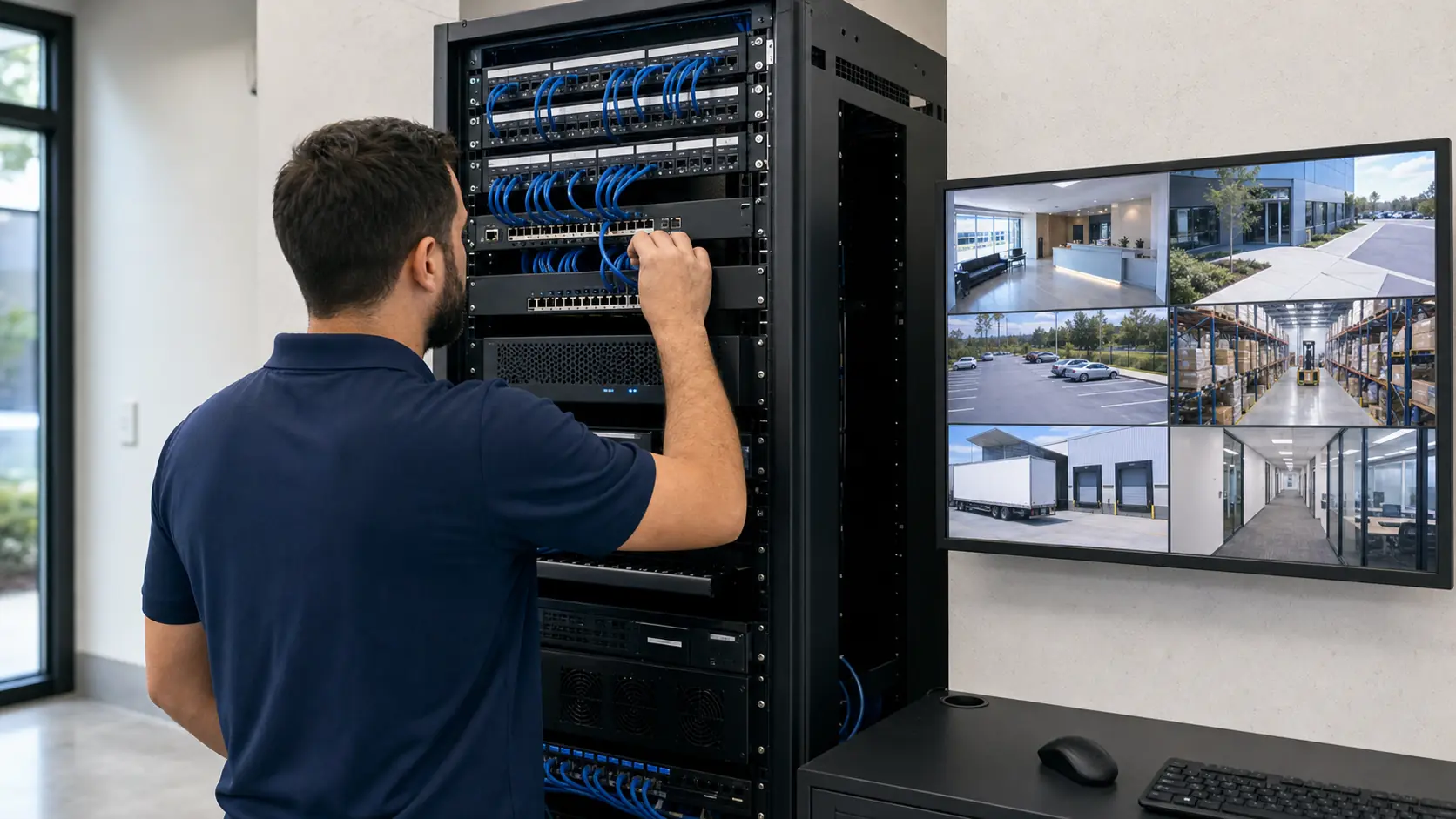
Each IP camera sends video over the network to an NVR, VMS or cloud-connected platform. PoE switches can power cameras through data cabling, while storage, permissions and network policy determine how users record, view and manage footage.
IP Camera Systems: Core Components
IP Camera Systems: Operational Flow
Operational Flow: camera capture -> PoE transport -> network routing -> NVR/VMS recording -> authorized viewing -> health monitoring.
IP Camera Systems: Planning Criteria
- Confirm camera count, resolution, frame rate and retention needs.Camera count, resolution, frame rate and retention must be measured together because they drive bandwidth, storage sizing, switch capacity and recorder or VMS selection.
- Review PoE switch capacity, rack space and cable pathways.PoE switch capacity, rack space and cable pathways determine whether the network can power each camera reliably or needs additional switches, UPS capacity or cabling work.
- Coordinate network segmentation, IP addressing and remote access with IT.Network segmentation, IP addressing and remote access must be documented with IT because they affect cybersecurity, troubleshooting and who can administer the system.
- Decide NVR, VMS or cloud recording approach before equipment selection.The recording platform decision affects storage architecture, licensing, user workflow, remote access and whether the property standardizes on NVR, VMS or cloud-managed video.
- Document camera names, user roles and support procedures.Camera names, user roles and support procedures matter because they determine how operators find views, export clips and escalate outages after turnover.
IP Camera Systems: Commercial Examples
Example: An office building may use IP cameras for entrances, corridors, parking and shared spaces with user roles by management team.
Example: A warehouse may use PoE cameras at docks, aisles and yards with NVR storage in a secured rack.
Example: A multi-site business may standardize IP video for remote review and consistent camera naming.
IP Camera Systems: Operational Recommendations
Recommendation: Coordinate IP addressing, VLANs, firewall rules and remote access with IT before installation.
Recommendation: Size PoE switching and storage for the final camera count, resolution and retention goal.
IP Camera Systems: Advantages and Limitations
IP Camera Systems: Advantages
Advantage: Scales well for commercial properties with multiple camera locations.
Advantage: Supports centralized recording, remote review and structured user permissions.
Advantage: Can integrate with analytics, access control or multi-site management when designed properly.
IP Camera Systems: Limitations
Limitation: Network congestion, weak passwords, poor segmentation or undersized PoE can affect reliability.
Limitation: Storage and bandwidth needs grow with resolution, frame rate and retention.
Limitation: Existing cabling should be tested before reuse.
IP Camera Systems: Common Mistakes
Common mistake: adding cameras without checking PoE budget
Common mistake: placing all cameras on an unmanaged flat network
Common mistake: ignoring storage calculations
Common mistake: leaving default names or undocumented IP addresses
IP Camera Systems: Infrastructure Dependencies
- PoE switching and cable plantMeasure PoE wattage, switch ports, uplinks and Cat6 or fiber pathways so camera power and transport are not undersized.
- Network routing and cybersecurityDocument VLANs, IP addressing, firewall rules and remote access requirements because IP cameras depend on managed network decisions.
- NVR/VMS recording and retentionCalculate resolution, frame rate, event recording and retention targets so storage and licensing match the evidence requirement.
- User access and health monitoringDefine authorized viewers, administrators, alert recipients and camera-health checks so outages and access issues are handled quickly.
IP Camera Systems: Decision Checklist
[ ] Confirm camera count, resolution, frame rate and retention needs.
[ ] Review PoE switch capacity, rack space and cable pathways.
[ ] Coordinate network segmentation, IP addressing and remote access with IT.
[ ] Decide NVR, VMS or cloud recording approach before equipment selection.
[ ] Document camera names, user roles and support procedures.
IP Camera Systems: When to Request a Site Review
Request a site review when a property is moving to IP video, expanding camera count, adding remote access, reusing existing cabling or coordinating cameras with IT-managed network infrastructure.