IP Camera Planning
Plan networked camera locations, image goals, PoE requirements, cable distances, switch capacity, naming conventions and expansion assumptions.


NETWORKED IP VIDEO SURVEILLANCE IN TAMPA
Data Pro Communications plans IP video surveillance systems for Tampa Bay commercial properties that need PoE cameras, networked video, NVR or VMS connectivity, bandwidth coordination, remote access, user permissions and scalable surveillance across buildings or sites.
The IP surveillance scope focuses on how cameras connect, communicate, record and expand. Offices, warehouses, healthcare environments, hospitality properties, industrial sites, campuses, multifamily communities and managed portfolios often need camera networks that are documented, segmented where appropriate and ready for future growth.
SERVICE OVERVIEW
IP video surveillance is planned around the network as much as the camera view. Camera locations, PoE switching, cable distances, bandwidth, VLAN design, NVR or VMS connectivity, remote access, user permissions, firmware management, naming conventions and expansion capacity all affect whether the system is serviceable after installation.
For Tampa Bay businesses and managed properties, IP video can support single-building systems, multi-building campuses, warehouse and logistics sites, healthcare and professional-office environments, hospitality properties, industrial facilities, multifamily communities and multi-site organizations that need consistent administration across locations.
IP video surveillance is especially useful when a property needs networked cameras, centralized administration, flexible user permissions, multiple buildings, remote access, or a system designed for future expansion. Recording, playback, storage, and viewing requirements should be coordinated with the network and management platform selected for the property.

TAMPA FIT
Tampa Bay has dense commercial environments where IP video planning can matter as much as camera placement: Downtown and Westshore offices, Channel District and Ybor hospitality, East Tampa and Drew Park industrial activity, port and airport-adjacent logistics, healthcare campuses, education-like facilities, multifamily properties and managed portfolios.
Networked camera systems need coordination with existing switches, data rooms, pathways, VLANs, internet connections, remote access policies and authorized permissions. A system that works for a small retail site may not fit a warehouse campus, multi-building property or organization that wants consistent naming and viewing across multiple Tampa Bay locations.
Data Pro Communications frames IP video surveillance around usable video and maintainable infrastructure: where cameras connect, how video moves, how recordings are managed, who has permission to view, and how the system can grow without leaving the property team with undocumented dependencies.
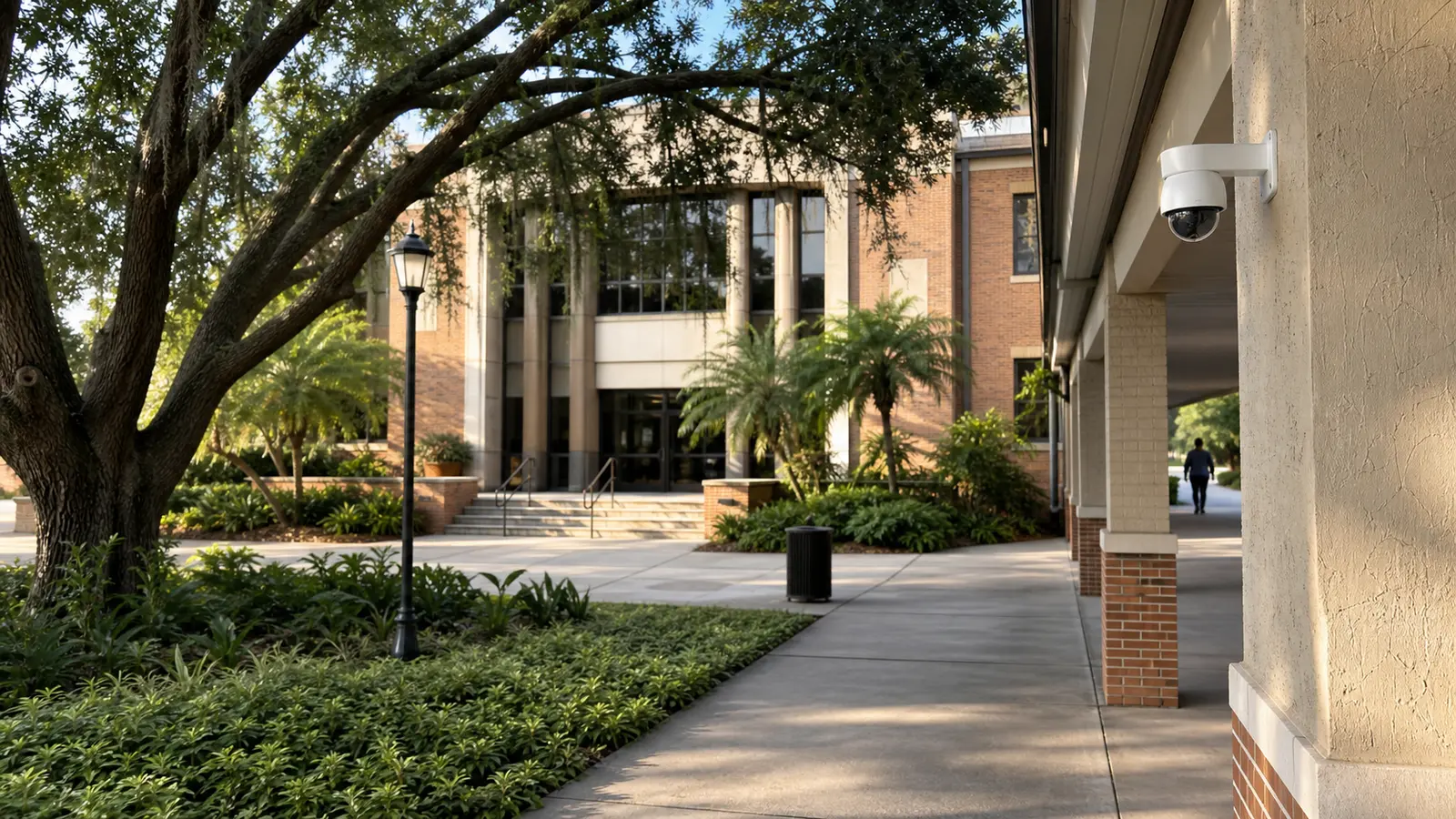
Camera networks coordinated across buildings, IDFs, fiber/backbone paths, PoE switches and user groups.
View Property Management Camera Solutions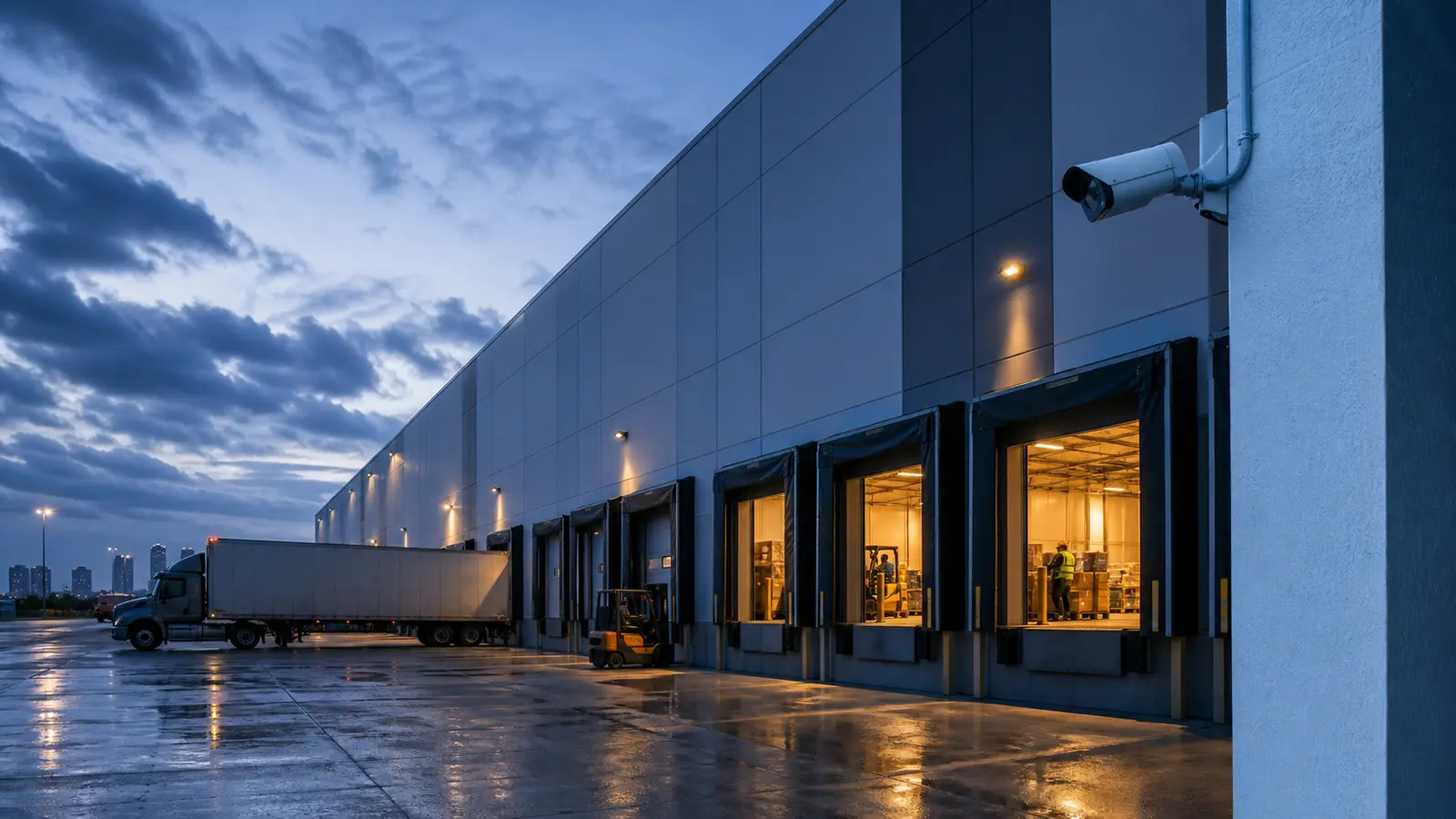
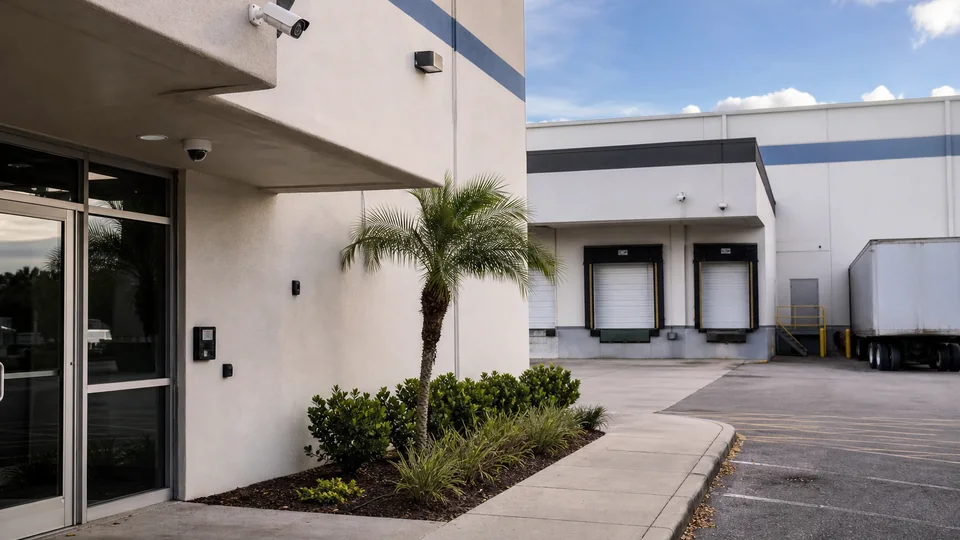
IP camera coverage connected through PoE switching for docks, yards, aisles, receiving and high-activity logistics areas.
View Warehouse Camera Solutions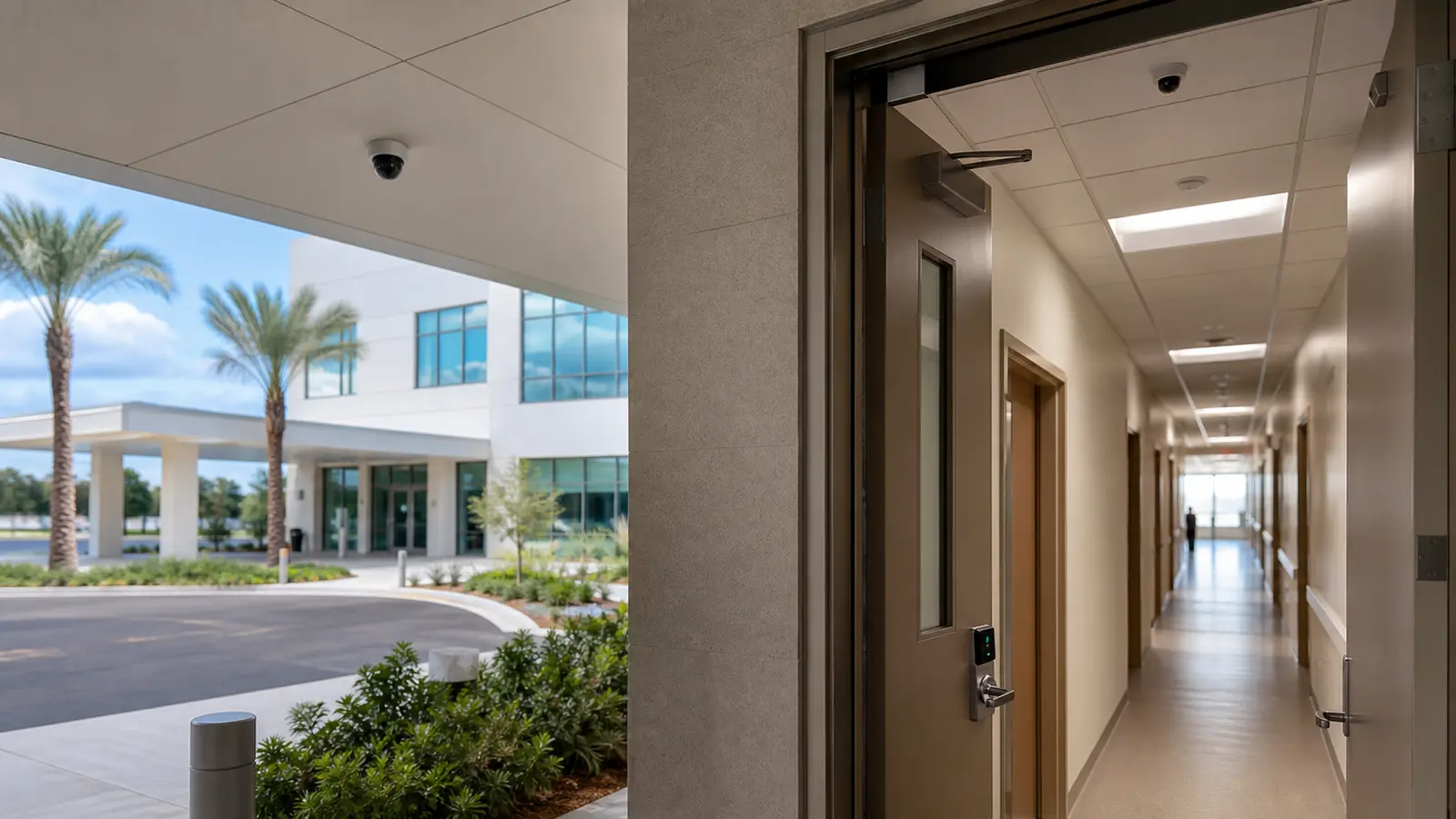
Networked video systems planned around controlled access, staff areas, parking, lobbies, corridors and authorized viewing roles.
View Healthcare Camera Planning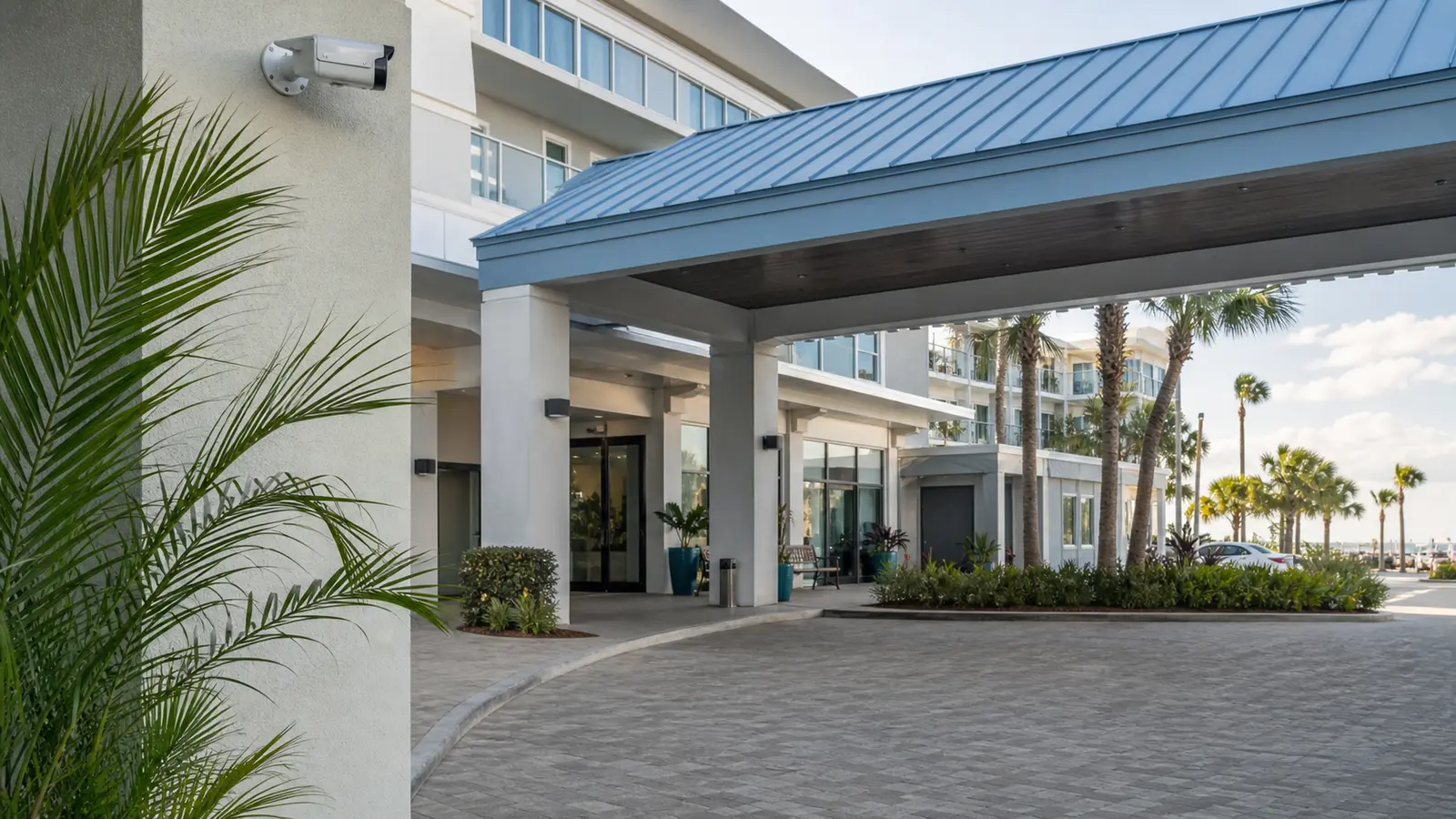
Scalable IP camera administration for guest, customer, employee, service and exterior areas across one or several properties.
View Retail and Office Camera Solutions
Networked surveillance for gates, process-adjacent areas, yards, equipment zones and expansion-ready camera locations.
View Industrial Camera Solutions
IP video for gates, amenities, package rooms, leasing offices, parking and multi-building common-area coverage.
View HOA and Condominium Camera Solutions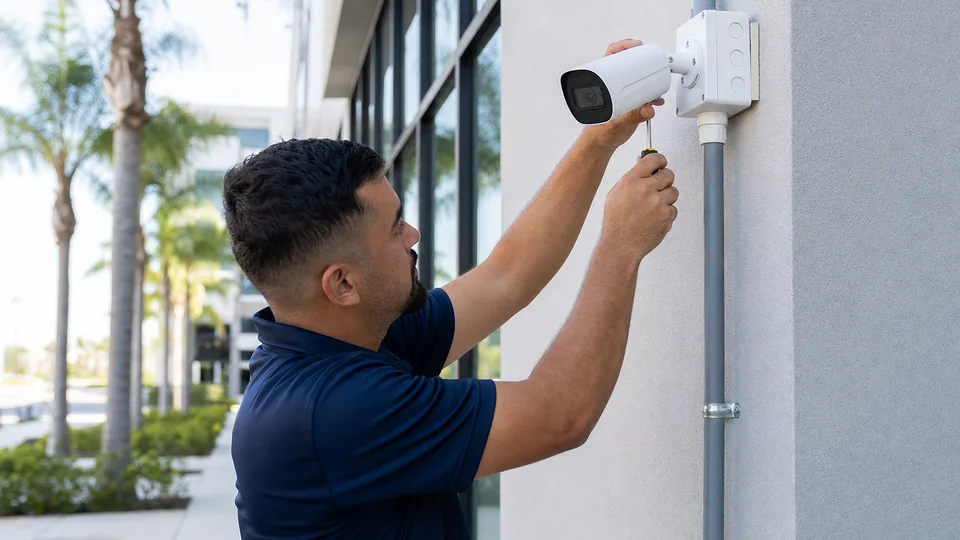


PROCESS
Review camera locations, existing switches, rack space, cable paths, internet service, remote access needs, user roles, existing NVR or VMS equipment and growth expectations.
Define IP camera groups, PoE needs, switching assumptions, bandwidth considerations, VLAN coordination, NVR or VMS connectivity and documentation standards.
Install and connect cameras, coordinate PoE switching, configure naming, recording, permissions and remote access, then test live view, playback and network behavior.
Provide camera names, network notes, user-permission guidance, equipment references and expansion considerations so the property team can maintain and scale the system.
FAQ
IP video surveillance uses network-connected cameras that send video over data cabling and network equipment to an NVR, VMS, or compatible management platform.
IP video surveillance uses network-connected cameras, PoE switching, bandwidth planning, NVR or VMS connectivity, permissions, and scalable administration. Commercial CCTV installation places greater emphasis on physical camera placement, mounting, recorder setup, cabling, and installation turnover.
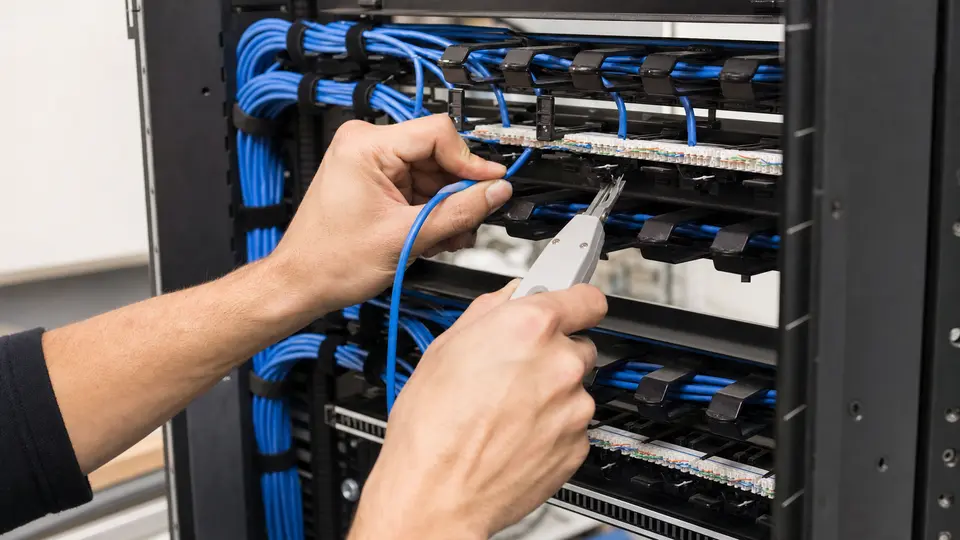
Many IP cameras use PoE switches or injectors so power and data can run through the network cable. The project should account for PoE budget, switch capacity, uplinks and rack location.
Bandwidth planning considers camera count, resolution, frame rate, compression, viewing patterns, recording traffic, remote access and whether camera traffic should be segmented from other network traffic.
Yes. Multi-building IP surveillance can work when cabling, switching, fiber or backbone connections, network addressing, camera naming, permissions and recording design are coordinated.
An NVR records and manages video from IP cameras. It may also support live view, playback, user permissions, remote access and system administration depending on the platform.
Video management software can provide centralized camera management, user permissions, viewing, playback, search and administration for larger or more complex IP surveillance systems.
Some properties may benefit from camera VLAN coordination or network segmentation. The right approach depends on the existing network, IT policies, support model and system size.
Yes. Remote access can be configured for authorized users when the network, NVR or VMS, permissions, and security settings support the intended viewing workflow.
Existing cabling may be reused when it is in good condition, properly rated, correctly terminated, within distance limits and available where cameras need to be installed.
IP systems can be planned with switch capacity, cable pathways, camera naming, NVR/VMS capacity and documentation that make future camera additions easier to manage.
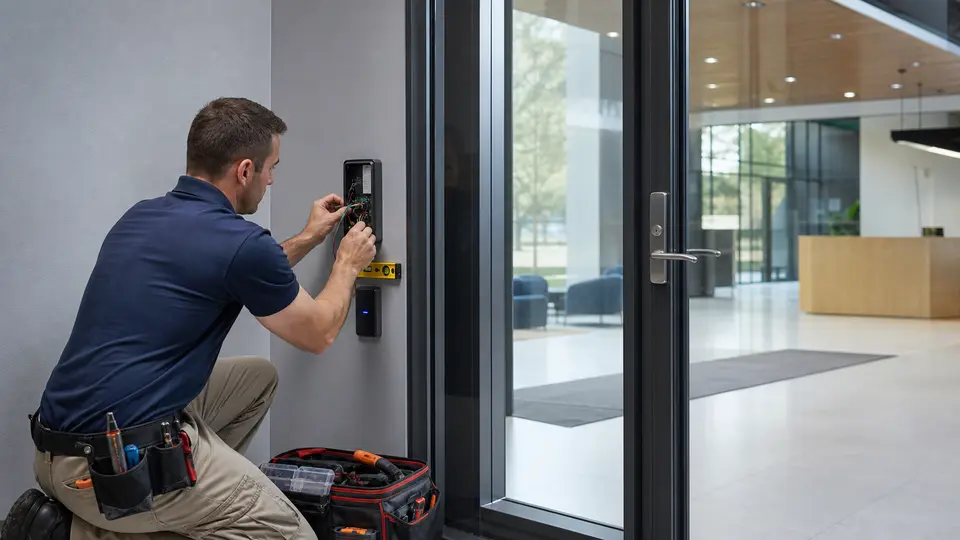
Yes. IP video can be coordinated around doors, gates, lobbies and service entrances so authorized users can review video in relation to access events.
IP video projects may include cabling coordination for cameras and related equipment. Properties that require broader cable pathways, racks, patch panels, testing, labeling, MDF/IDF work, or network infrastructure planning may also need a dedicated structured cabling scope.
IP video can fit offices, warehouses, logistics sites, healthcare environments, hospitality properties, industrial facilities, multifamily communities, managed properties and multi-site organizations.
The next step is to request a consultation so Data Pro Communications can review the property, camera goals, network condition, PoE needs, recording platform and expansion requirements.
NEXT STEP
Share the property type, existing system, infrastructure condition, and project goals with Data Pro Communications. Request a site survey so the team can review the project and help define the appropriate next step.