Audio and Video Door Stations
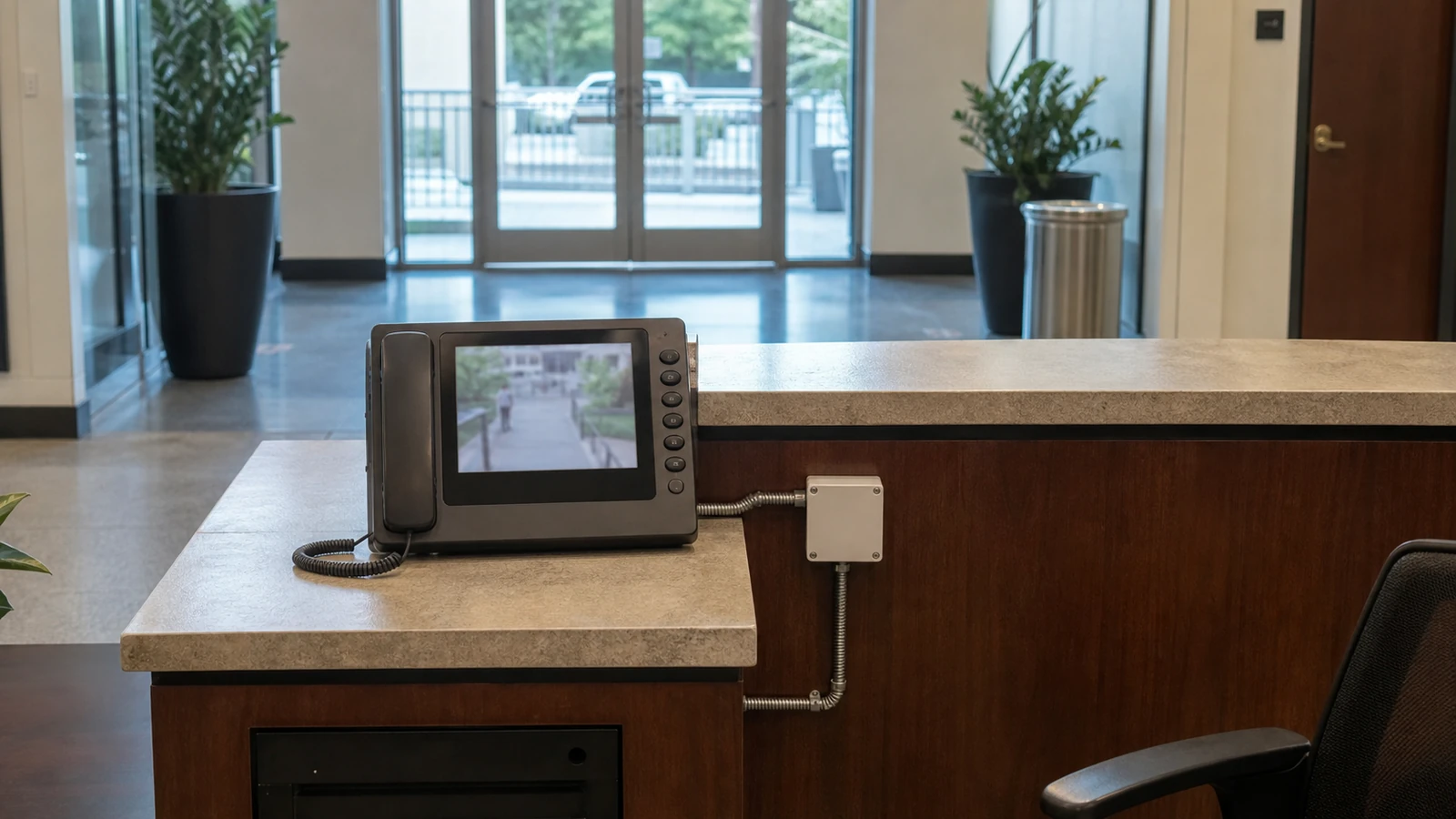
Install entrance stations that support clear visitor calling, two-way communication, and video identification where the selected platform provides it.

Visitor communication and answering workflows for commercial entrances
Data Pro Communications installs commercial audio and video intercom systems for Tampa Bay entrances, lobbies, gates, offices, multifamily communities, managed properties, hospitality sites, and controlled entry points. Projects can include door stations, gate stations, lobby stations, tenant directories, receptionist answering, call routing, mobile answering where supported, indoor and outdoor mounting, cabling, PoE, network connectivity, and documented administration.
Intercom systems are communication tools. They help a visitor call an authorized person, support audio or video conversation, and enable an approved release workflow when the selected platform and property rules allow it. Credentials and door permissions belong to door access control; perimeter vehicle and pedestrian workflows belong to gate and entry systems; surveillance and recorded video belong to camera services.
The right intercom depends on who calls, who answers, how calls are routed, whether video is needed, where release is permitted, how the entrance is powered and connected, and how administrators manage users and directories. A site survey turns those questions into a practical scope.
SERVICE OVERVIEW
Intercom planning starts with who calls, who answers, how calls are routed, whether video is needed, where release is permitted, and how administrators manage users and directories. Entrance stations can support visitor calling, two-way communication, and video identification where the selected platform provides it.
The installation can coordinate receptionist, security-desk, tenant, office, or supported mobile answering with structured cabling, PoE, switching, bandwidth, outdoor links, surge considerations, and telecom-room pathways. Remote door or gate release depends on the selected system, property policy, hardware, and responsible parties, with users, directories, roles, station names, call routes, labels, mounting locations, and expansion documented for administration.
CAMERA SERVICES
Install entrance stations that support clear visitor calling, two-way communication, and video identification where the selected platform provides it.
Plan receptionist, security desk, tenant, or office answering around business hours, overflow, after-hours coverage, and property-management responsibilities.
Configure supported tenant directories, office listings, call groups, desk answering, mobile answering, and escalation paths without promising universal compatibility.
Coordinate remote door or gate release only where the selected system, property policy, hardware, and responsible parties approve the workflow.
Plan structured cabling, PoE, switching, bandwidth, outdoor links, surge considerations, and telecom-room pathways for reliable station connectivity.
Document users, directories, roles, station names, call routes, labels, mounting locations, and future entrance or tenant expansion.
LOCAL PROPERTY PLANNING
Downtown Tampa, Westshore, and Channelside properties may need lobby visitors to reach a receptionist, security desk, tenant, or office without leaving an entrance unmanaged. Call routing and after-hours ownership should be defined before installation.
Ybor City hospitality and mixed-use properties may combine outdoor entry stations, interior lobby stations, staff answering, deliveries, and door release. Weather exposure, ambient noise, mounting height, lighting, and network pathways can materially affect equipment choice.
Riverview and Brandon multifamily communities, HOAs, condominiums, and managed properties may require resident directories, visitor calling, delivery workflows, leasing-office answering, and gate or door integration. Clearwater and St. Petersburg properties may also need outdoor-rated stations and surge planning for exposed entrances.
PROPERTY APPLICATIONS
Route entrance calls to reception, security, selected departments, or authorized mobile users when supported.
Help visitors locate and call residents or management through a controlled property-entry workflow.
Provide audio or video conversation at vehicle or pedestrian gates while Gate and Entry Systems covers the broader perimeter workflow.
Support guests, vendors, deliveries, staff, and tenants with defined answering and release responsibilities.
Create a controlled visitor communication point for suites, after-hours entrances, and reception workflows.
Apply consistent station naming, directory administration, cabling, network, and support practices across several entrances or buildings.
RELATED SERVICES
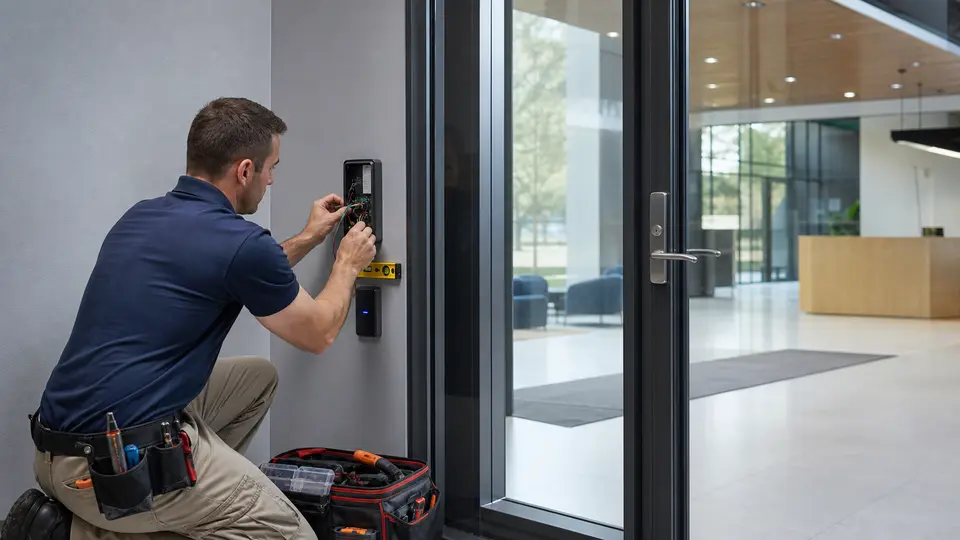
Use Access Control Installation when the project needs that related service scope in addition to Intercom System Installation.
Review Access Control
Use Door Access Control Systems when the project needs that related service scope in addition to Intercom System Installation.
View Door Access
Use Gate and Entry Systems when the project needs that related service scope in addition to Intercom System Installation.
View Gate Entry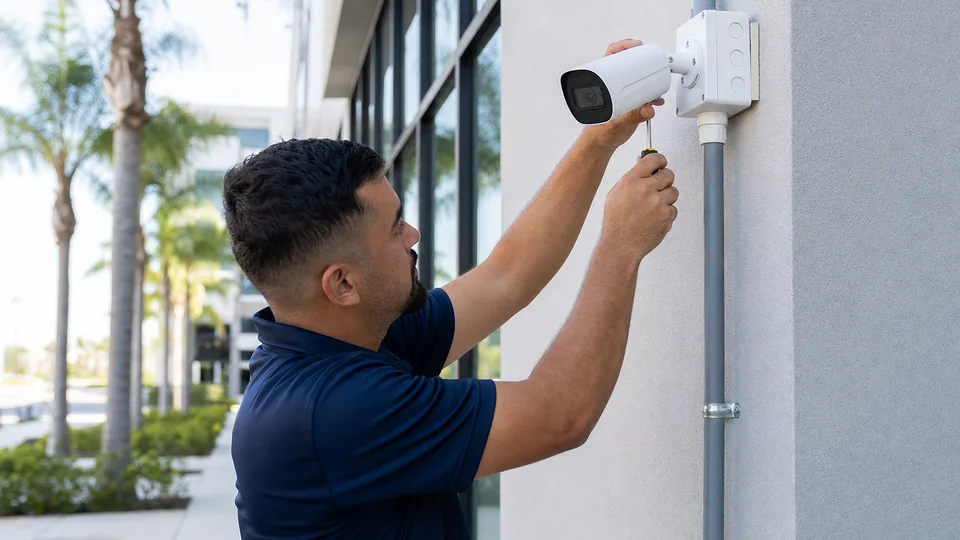
Use Security Camera Installation when the project needs that related service scope in addition to Intercom System Installation.
Review Camera Services
Use IP Video Surveillance when the project needs that related service scope in addition to Intercom System Installation.
View IP Video
Use Structured Cabling when the project needs that related service scope in addition to Intercom System Installation.
Review Cabling
Use Cat6 and Cat6A Cabling when the project needs that related service scope in addition to Intercom System Installation.
View Cat6 Cabling
Use Network Infrastructure when the project needs that related service scope in addition to Intercom System Installation.
Review NetworkRELATED INDUSTRIES
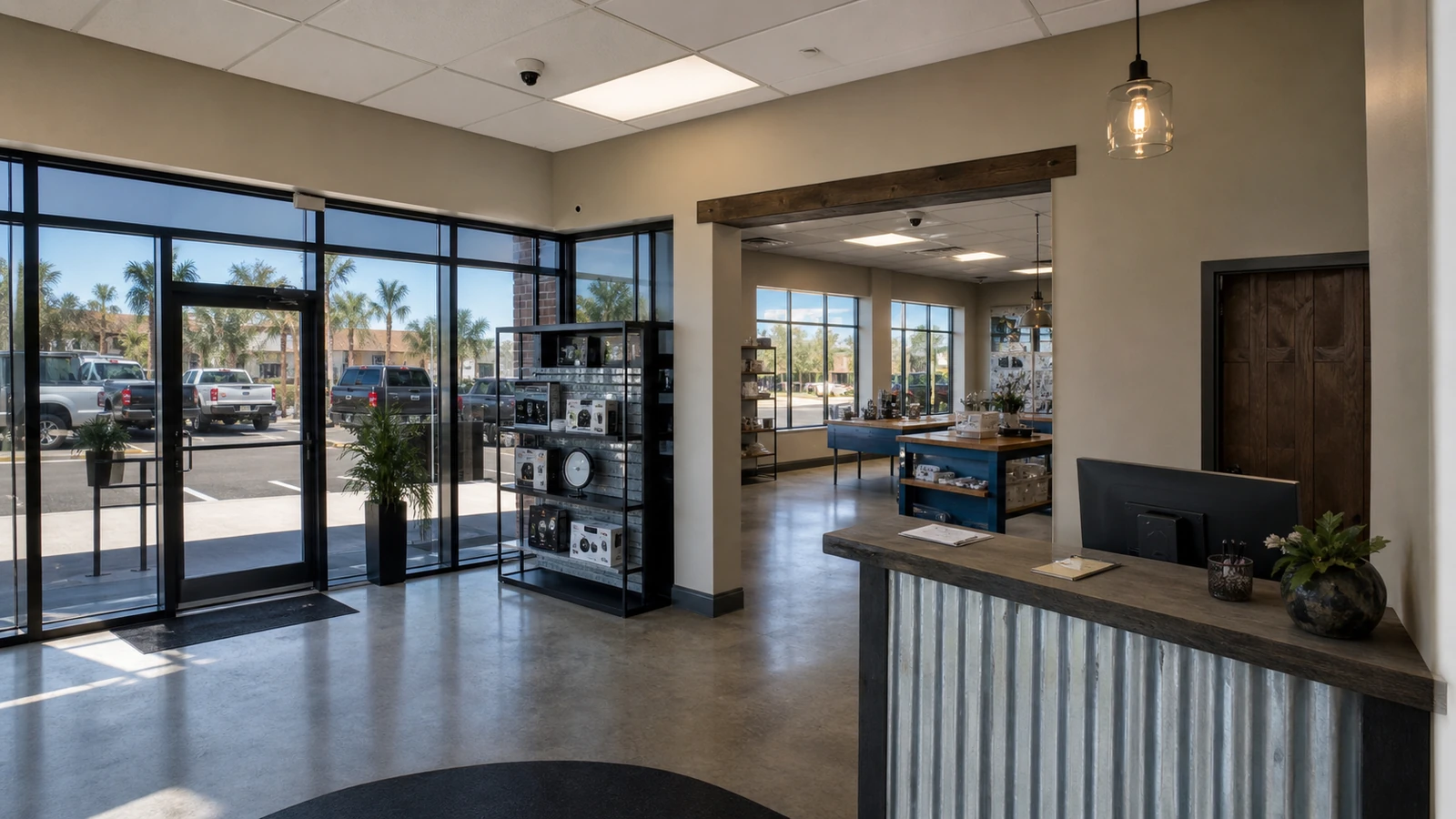
Plan camera coverage for storefronts, office entrances, reception areas, stockrooms, parking, and after-hours activity.
View Retail & Office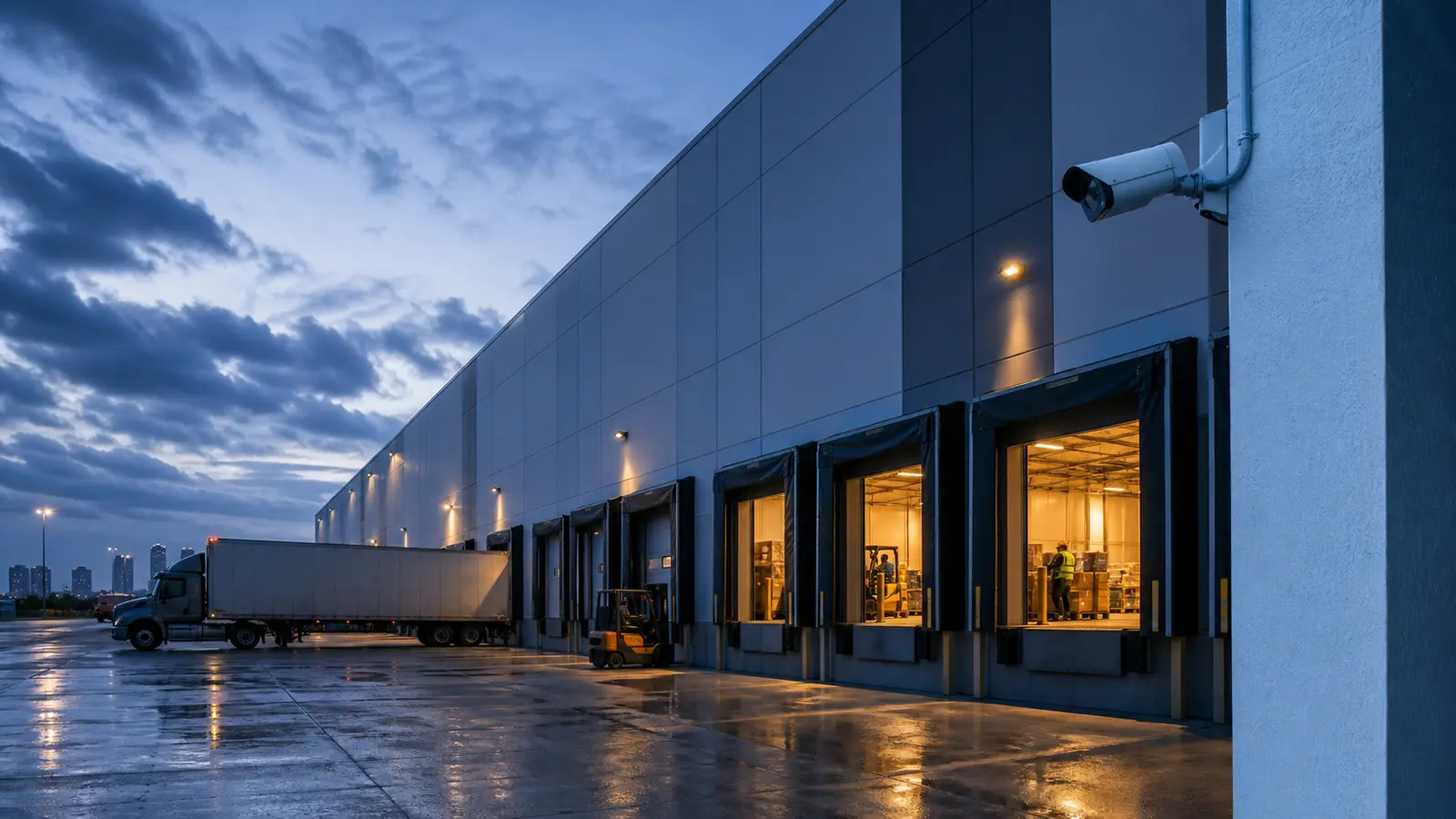
Plan camera coverage for loading docks, receiving areas, warehouse aisles, inventory zones, exterior yards, and logistics operations.
View Warehouse & Logistics
Plan camera coverage for community entrances, gates, lobbies, garages, amenities, package areas, and shared spaces.
View HOA & Condominium
Plan camera coverage for production floors, equipment zones, yards, gates, elevated views, and multi-building industrial sites.
View Industrial Facilities
Plan managed-property standards for camera coverage, remote access, permissions, documentation, and long-term serviceability.
View Property Management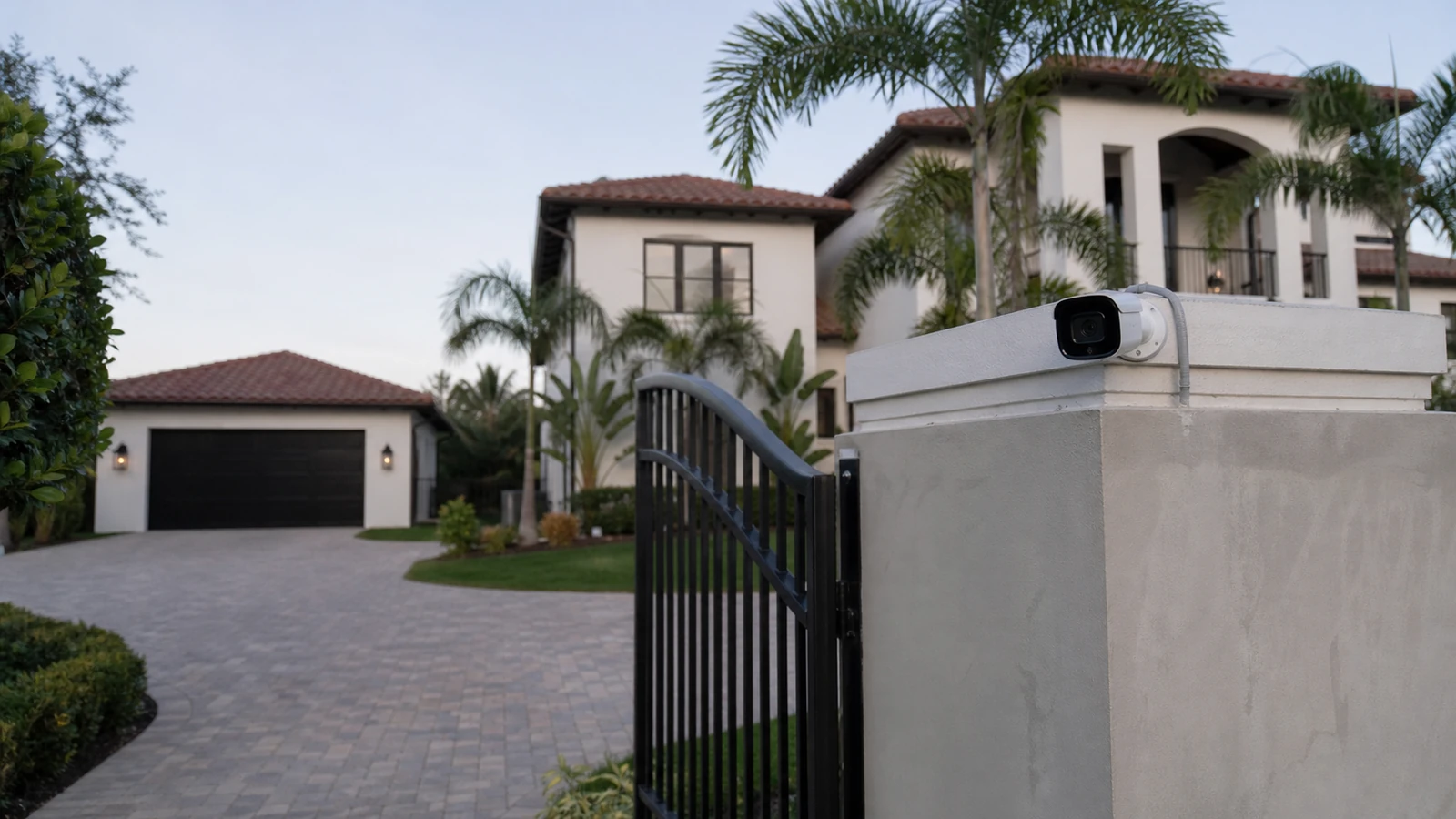
Plan professional camera coverage for larger homes, gated properties, driveways, detached buildings, NVRs, and managed access.
View Select ResidentialPROCESS
Review entrances, users, traffic, devices, existing systems, pathways, network, power, administration, and coordination boundaries.
Define approved components, locations, cabling, connectivity, schedules, roles, labels, documentation, and responsible-party interfaces.
Install approved low-voltage components, configure supported functions, coordinate dependencies, label devices, and verify the defined workflow.
Test approved functions, record exceptions, provide operating and administration guidance, and document support and expansion considerations.
FAQ
A commercial intercom allows a visitor at a door, lobby, gate, or controlled entry point to call an authorized person, have a two-way conversation, and follow an approved entry or release workflow.
An intercom manages visitor communication and answering. Door access control manages credentials, readers, permissions, schedules, and controlled openings for authorized users.
Yes. Video intercoms can show the person at the station during a call when the selected equipment, display, mobile device, network, and lighting conditions support it.
Some platforms support desk, app, mobile, or group answering, but call-routing options depend on the selected system, licensing, network, user accounts, and property workflow.
Remote release can be coordinated when the selected system, access hardware, gate equipment, property policy, and responsible parties permit it. It is not appropriate or available in every situation.
Compatibility must be verified. Integration depends on manufacturer interfaces, relays, software, wiring, network architecture, licensing, and the condition of existing equipment.
Many IP intercoms use Cat6 or similar structured cabling with PoE, while some entrances require fiber, copper extensions, wireless bridges, local power, or outdoor-rated pathways depending on distance and conditions.
Outdoor equipment should be selected for the exposure, mounting location, rain, heat, humidity, sunlight, salt-air conditions where applicable, drainage, surge risk, and enclosure needs.
Directory administration depends on the platform. An authorized manager may add, remove, rename, or reroute tenant and office entries according to documented roles and property procedures.
No. An intercom supports live visitor communication and identification during a call. Security cameras provide broader visual surveillance, recorded video, coverage, and investigation context.
The survey should review entrance type, visitor flow, answering users, call routing, release rules, mounting, lighting, noise, cabling, PoE, network, power, weather exposure, existing equipment, and expansion plans.
The approved handoff can include station names, labels, call-routing notes, administrator roles, directory guidance, network and power references, mounting locations, tested functions, known boundaries, and support information.
Request a site survey to review the property, operating workflow, existing equipment, infrastructure, coordination boundaries, documentation, and practical next steps.