Occupied-space planning
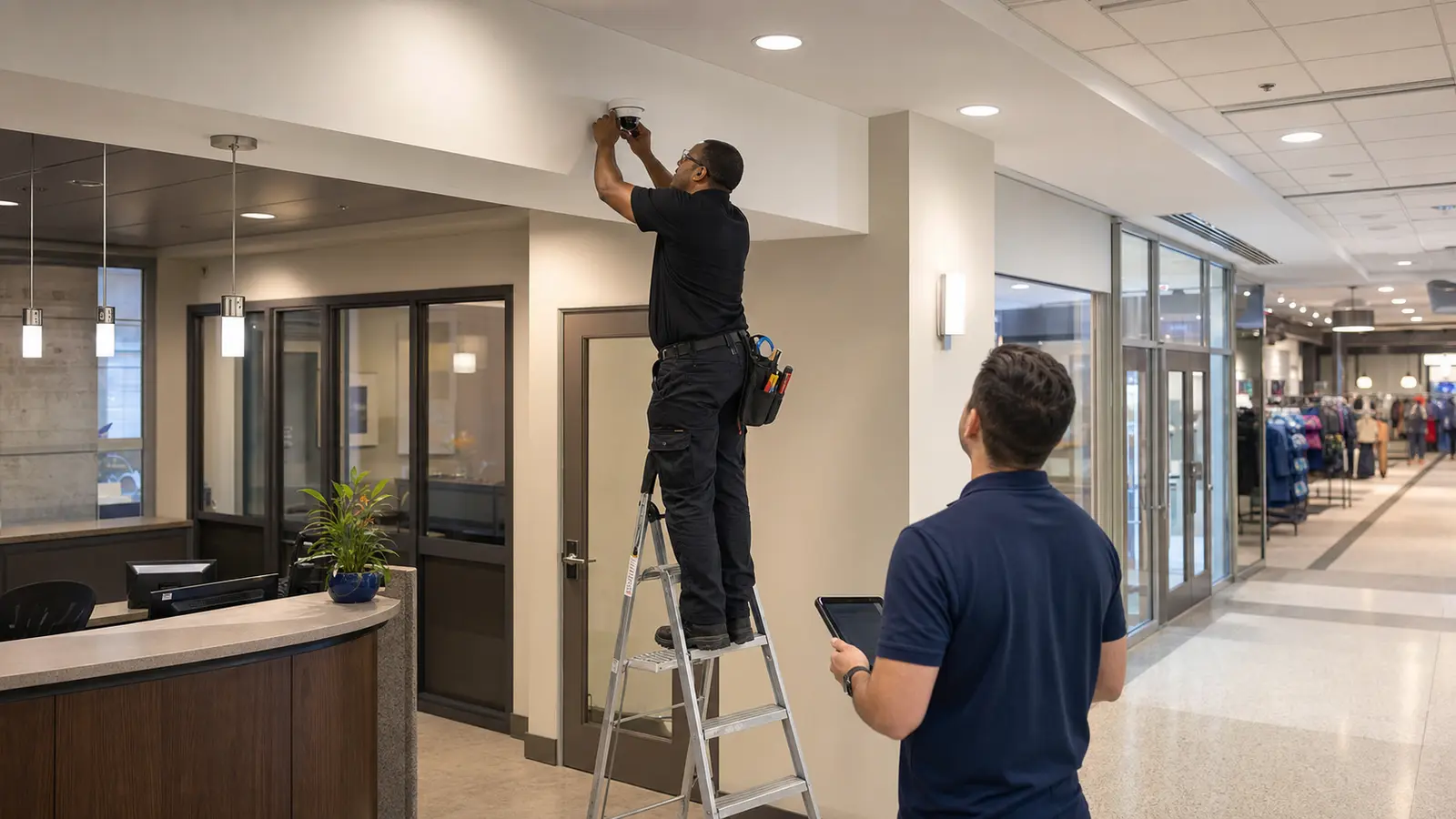
Plan camera views around customers, employees, tenants, visitors, desks, counters, corridors, and shared commercial areas.

Retail, office, storefront, and tenant-space camera planning
Data Pro Communications plans commercial security camera installation for Tampa Bay retail stores, office properties, professional workplaces, storefronts, tenant spaces, customer-facing areas, reception areas, stockrooms, back offices, entrances, exits, and exterior commercial views. The page is for operators and property teams that need camera coverage to support daily operations, incident review, staff safety, tenant coordination, and customer-facing accountability.
Retail and office camera planning needs a different balance than warehouse, HOA, or industrial pages. Cameras must protect entrances, sales floors, reception desks, cash-handling points, shared corridors, parking approaches, and back-of-house areas while respecting occupied spaces, customer movement, employee workflows, and network or cabling limits.
INDUSTRY OVERVIEW
Commercial security camera and connected low-voltage planning for retail stores, office properties, professional workplaces, storefronts, tenant spaces, customer-facing areas, entrances, reception areas, stockrooms, back offices, parking, and shared commercial environments.
Retail stores; office properties; customer-facing commercial spaces; tenant areas; reception and lobby areas; sales floors; back offices; stockrooms; entrances and exits; commercial parking and exterior views; occupied-space coordination.

CAMERA SERVICES
Plan camera views around customers, employees, tenants, visitors, desks, counters, corridors, and shared commercial areas.
Coordinate cameras for entrances, lobby areas, reception points, waiting areas, tenant doors, and visitor movement.
Support stockrooms, back offices, cash-handling areas, storage rooms, and service corridors without overbuilding the system.
Review exterior doors, storefront approaches, parking rows, delivery points, and perimeter views tied to the business.
Coordinate PoE, cabling, switches, recorder placement, and device naming around active commercial operations.
Document camera names, priority views, authorized users, and service recommendations for business owners or property managers.
PROPERTY APPLICATIONS
Place cameras where customer flow, merchandise visibility, entrance activity, and checkout areas need practical review.
Support visitor arrival, lobby movement, waiting areas, reception desks, and controlled office entry points.
Coordinate cameras for multi-tenant buildings without confusing tenant responsibilities or shared-area ownership.
Review back-of-house storage, inventory rooms, employee entrances, and delivery access points.
Plan views around exterior doors, parking approach lanes, rear exits, and evening employee movement.
Help organizations standardize camera naming, recorder access, and installation expectations across Tampa Bay sites.
LOCAL PROPERTY PLANNING
Tampa Bay retail and office properties often combine customer-facing space with back-of-house storage, shared parking, tenant corridors, and building management constraints. A good camera plan identifies where incidents actually occur, who needs access to recordings, and how the system will be serviced after installation.
Operational recommendation 1: separate public customer areas from staff-only areas when defining camera views and user permissions. Operational recommendation 2: coordinate installation windows around business hours, tenant access, deliveries, after-hours cleaning, and network-room availability.
Useful planning areas include storefront entrances, reception desks, stockrooms, sales floors, waiting rooms, shared corridors, rear doors, parking approaches, and management offices.
RELATED SERVICES
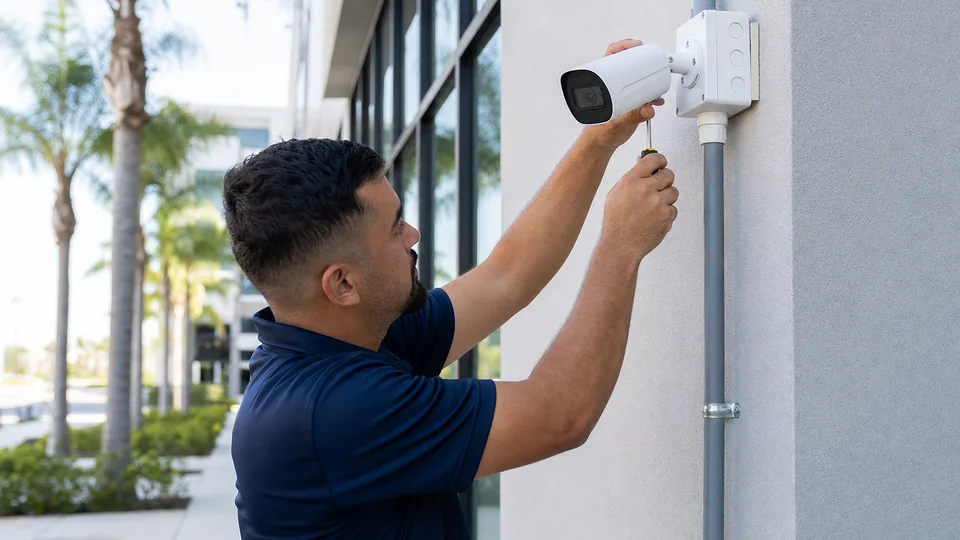
Choose this service for new camera layout, device placement, mounting, and installation planning.
Review Camera Services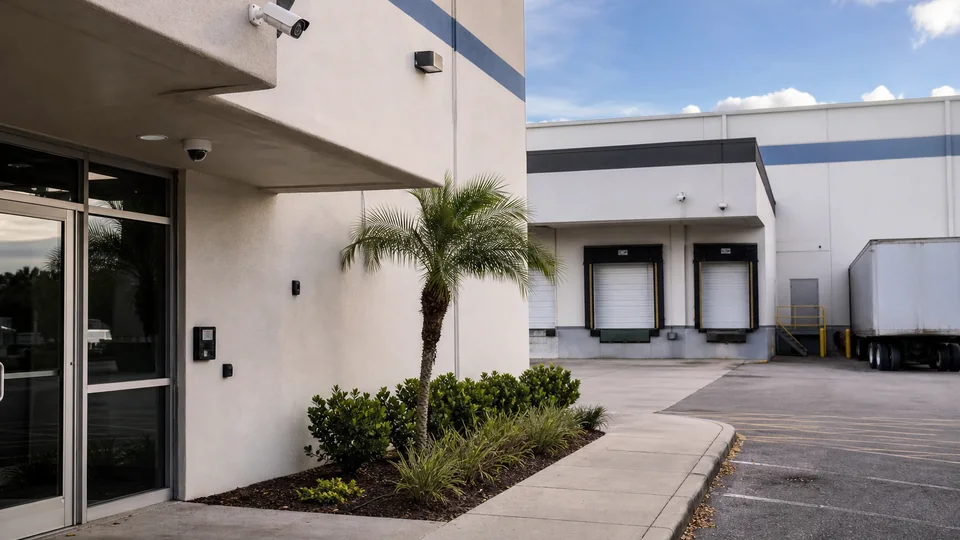
Choose this service for commercial camera coverage, recorder planning, remote viewing, user permissions, and documented system handoff.
View CCTV Installation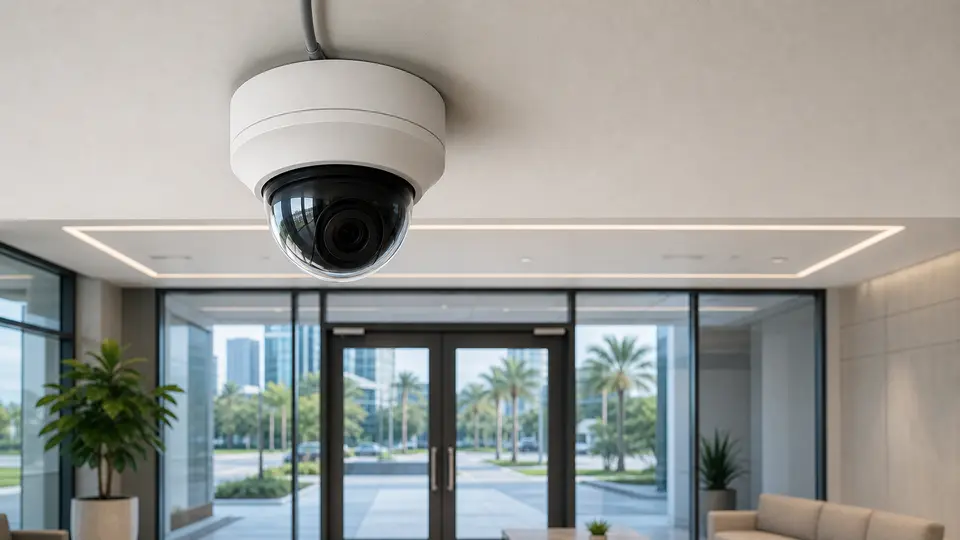
Choose this service for IP camera architecture, PoE planning, network video design, and system expansion.
View IP Video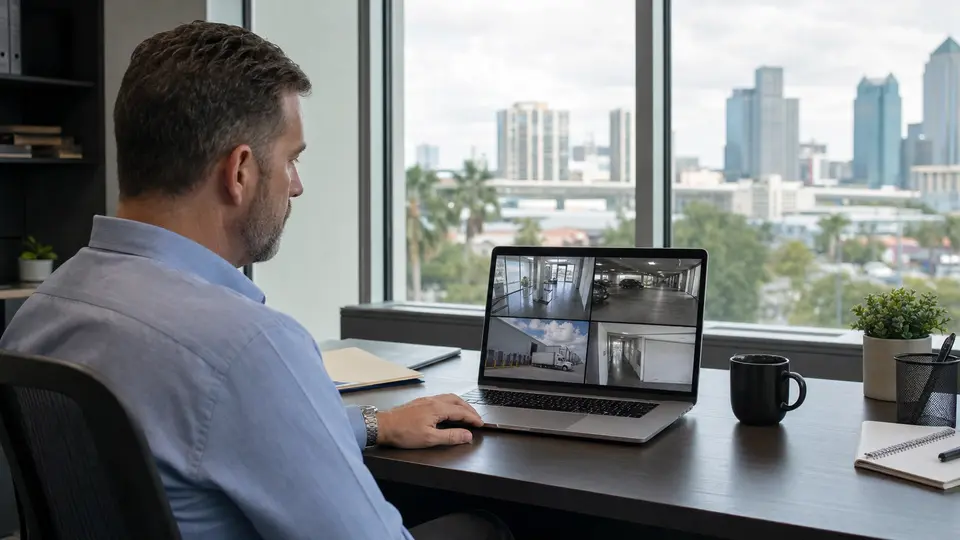
Choose this service for recorder setup, playback, storage planning, authorized user access, and reliable remote viewing.
View Remote Viewing
Choose this service for camera outages, recording problems, image-quality issues, connectivity faults, and corrective field service.
View Camera Service
Choose this service for preventive inspections, system testing, documentation updates, and planned on-site maintenance.
View Maintenance
Choose this service for switches, PoE budgets, racks, patching, uplinks, and connected system reliability.
Review Network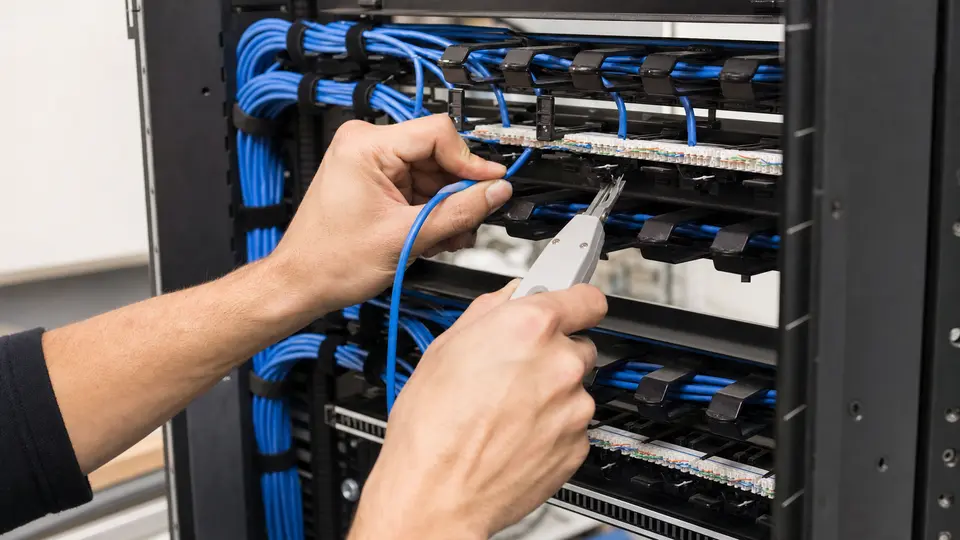
Choose this service for organized cabling pathways, rack termination, labeling, and documentation.
Review Cabling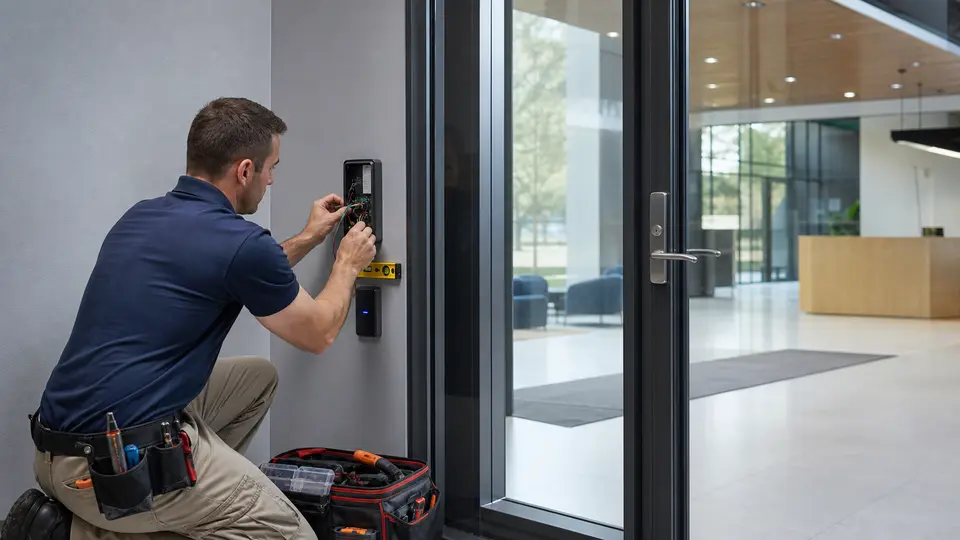
Choose this service for door, credential, controller, and entry permission projects.
Review Access Control
Choose this service for visitor communication, door or gate release, station placement, and entry workflow planning.
View Intercom Systems
Choose this service for vehicle and pedestrian gates, keypads, readers, intercoms, operators, and controlled entry workflows.
View Gate EntryRELATED INDUSTRIES

Compare camera, access, cabling, network, and support priorities across Tampa Bay property types.
View Industries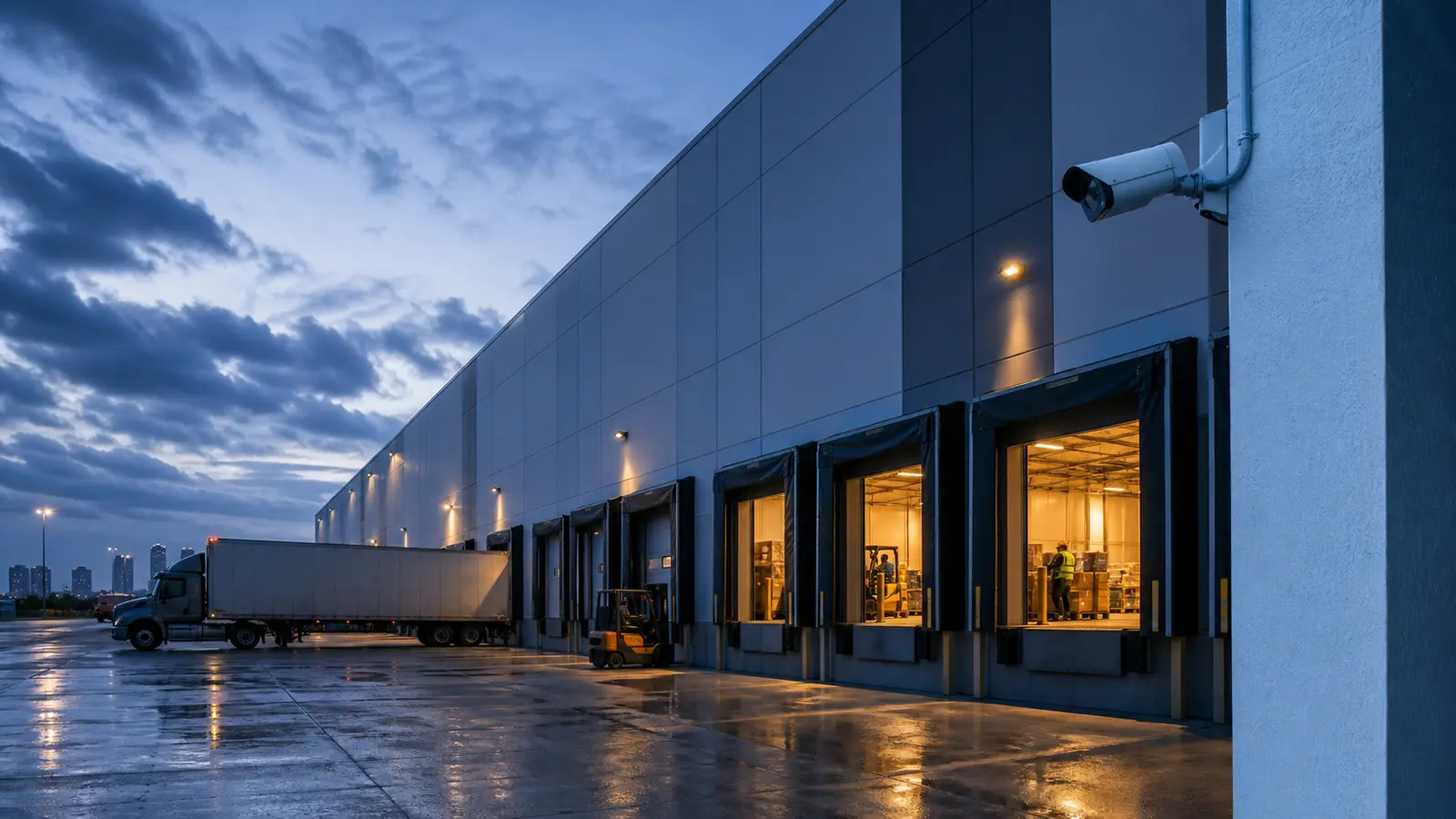
Plan camera coverage for loading docks, receiving areas, warehouse aisles, inventory zones, exterior yards, and logistics operations.
View Warehouse & Logistics
Plan camera coverage for community entrances, gates, lobbies, garages, amenities, package areas, and shared spaces.
View HOA & CondominiumPROCESS
Confirm business hours, tenant access, reception areas, storefront entrances, stockrooms, back offices, shared corridors, and customer-facing priorities.
Map camera views, mounting locations, cabling paths, PoE or fiber needs, recorder location, and user access expectations.
Schedule installation around customers, employees, tenant operations, deliveries, after-hours access, and active office or storefront conditions.
Provide camera names, priority views, access notes, service recommendations, and next-step support guidance.
FAQ
Retail and office spaces are occupied throughout the day, so camera placement must balance useful coverage, customer movement, staff workflows, tenant expectations, network access, and serviceability.
Yes. A plan can include entrances, sales floors, reception, stockrooms, back offices, service corridors, and exterior approaches when the scope is clearly defined.
Reception cameras can be useful for visitor review and incident documentation, but placement should be planned around business needs, privacy expectations, and authorized viewing rules.
Yes. Planning can separate shared common areas from tenant spaces and document who owns each view, recorder, cable path, and user access workflow.
Camera names should match real locations such as front entrance, checkout, stockroom, rear door, parking view, or lobby so managers can find footage quickly.
Scheduling can be discussed around property access, business hours, tenant limits, and network-room availability.
Most modern systems need PoE, switching, cabling, recorder access, and user permissions coordinated with the property network or IT contact.
Yes, when mounting locations, cable paths, lighting, distance, and property ownership allow practical exterior coverage.
No. Warehouse, logistics, HOA, condominium, and multifamily properties have different operating environments and should use the industry guidance created for those property types.
Prepare floor plans if available, priority areas, access to network or equipment rooms, known incident concerns, business hours, and authorized decision makers.
Yes, authorized remote viewing can be planned with recorder access, user permissions, network dependencies, and management requirements.
Data Pro Communications can review the property type, priority areas, existing low-voltage conditions, and next steps for an industry-specific camera plan.