Network Racks and Equipment Layout
Organize racks, shelves, patch panels, switches, power distribution, and cable management for serviceable infrastructure.

Racks, switching, patching, uplinks, and connected-system infrastructure
Data Pro Communications plans and implements commercial network infrastructure that supports cameras, Wi-Fi, access control, intercoms, NVR and VMS platforms, workstations, and other connected systems across Tampa Bay properties. The work can include racks, switches, PoE capacity, patch panels, uplinks, MDF and IDF coordination, cable management, labeling, and documentation.
The service is focused on the physical and operational network environment around connected low-voltage systems. It does not represent broad managed IT, cybersecurity, or guaranteed uptime services. Projects are scoped around the approved equipment, existing network responsibilities, stakeholder coordination, and the systems that need reliable connectivity.
A useful commercial infrastructure project begins with endpoints, pathways, telecom rooms, equipment, ownership boundaries, testing expectations, documentation, and future capacity. A site survey turns those conditions into a buildable scope.
SERVICE OVERVIEW
Network Infrastructure covers the active and passive environment that connects systems: racks, switches, PoE budgets, patching, uplinks, MDF/IDF organization, port labeling, and device connectivity. It is especially relevant when cameras, wireless access points, access control, intercoms, and recording systems share a commercial network.
Cat6 and Cat6A Cabling focuses on physical copper runs. Structured Cabling covers the organized cabling system. IP Video Surveillance focuses on camera architecture. Fiber Optic Services focuses on backbone and long-distance links.
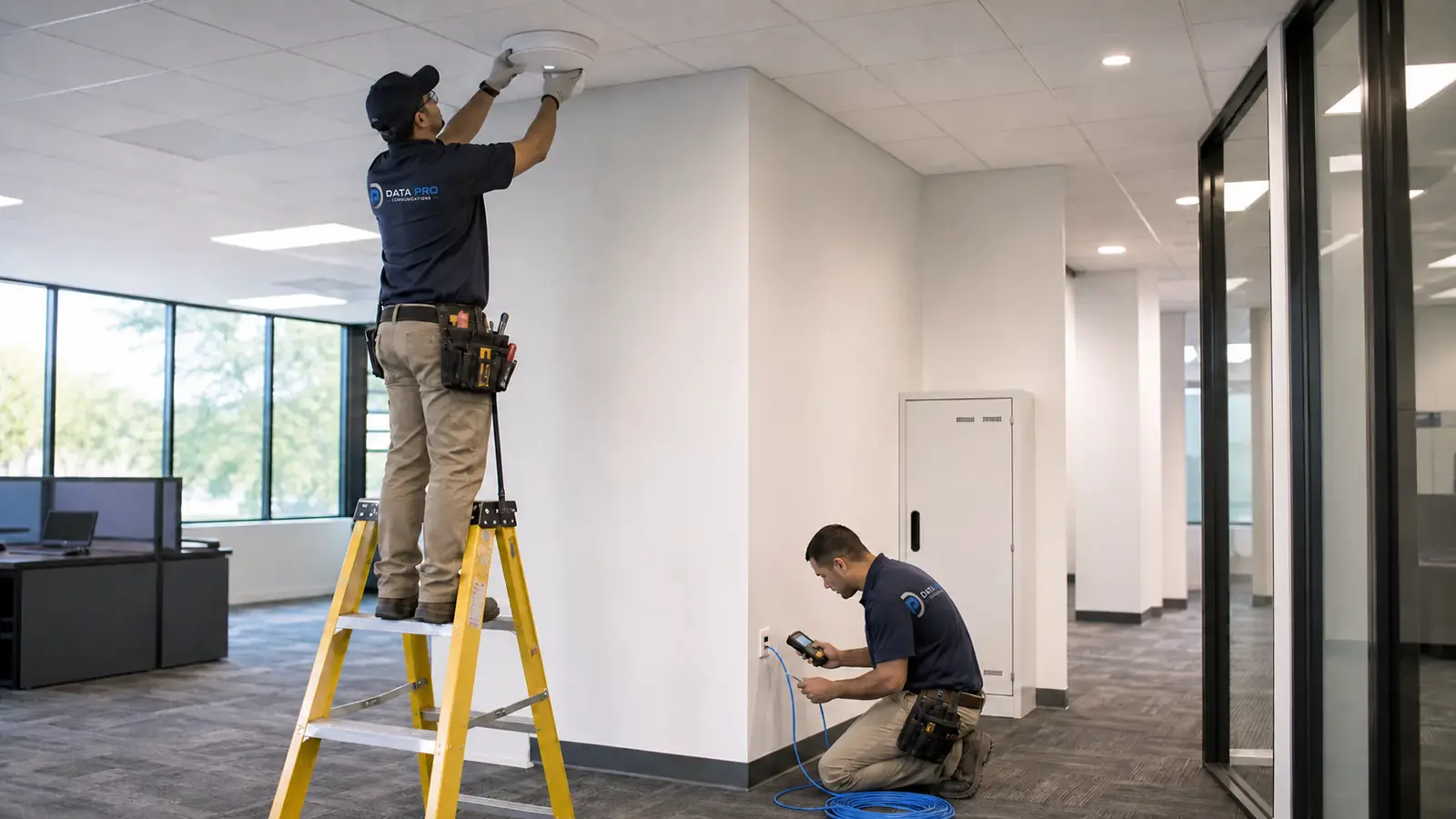
CAMERA SERVICES
Organize racks, shelves, patch panels, switches, power distribution, and cable management for serviceable infrastructure.
Review port counts, PoE demand, uplink needs, equipment placement, and expansion capacity for connected systems.
Coordinate main and intermediate distribution locations, patching, uplinks, labeling, and cross-room connectivity.
Create clear patching, port labels, device names, and rack records so technicians can identify connected systems.
Plan network connectivity for cameras, Wi-Fi, access control, intercoms, NVRs, VMS platforms, and related devices.
Improve cable management, remove ambiguity, document active connections, and reserve capacity for planned additions.
LOCAL PROPERTY PLANNING
Tampa Bay properties often grow in phases, leaving racks and telecom rooms with mixed generations of switches, patch panels, uplinks, cameras, access points, and tenant connections. A practical infrastructure plan starts by identifying ownership boundaries, active devices, available ports, PoE capacity, uplinks, and documentation gaps.
Downtown and Westshore offices may have multiple tenant closets and after-hours access limits. Warehouses, industrial facilities, airport corridors, and port-related properties may depend on distributed IDFs, outdoor-connected systems, long pathways, and high device counts. Hospitality, healthcare, multifamily, and managed properties often need careful coordination among property teams, IT stakeholders, and security-system users.
The site survey should identify rack space, switch models, port utilization, PoE requirements, uplinks, VLAN coordination where applicable, device naming, patching standards, and which party controls configuration changes.
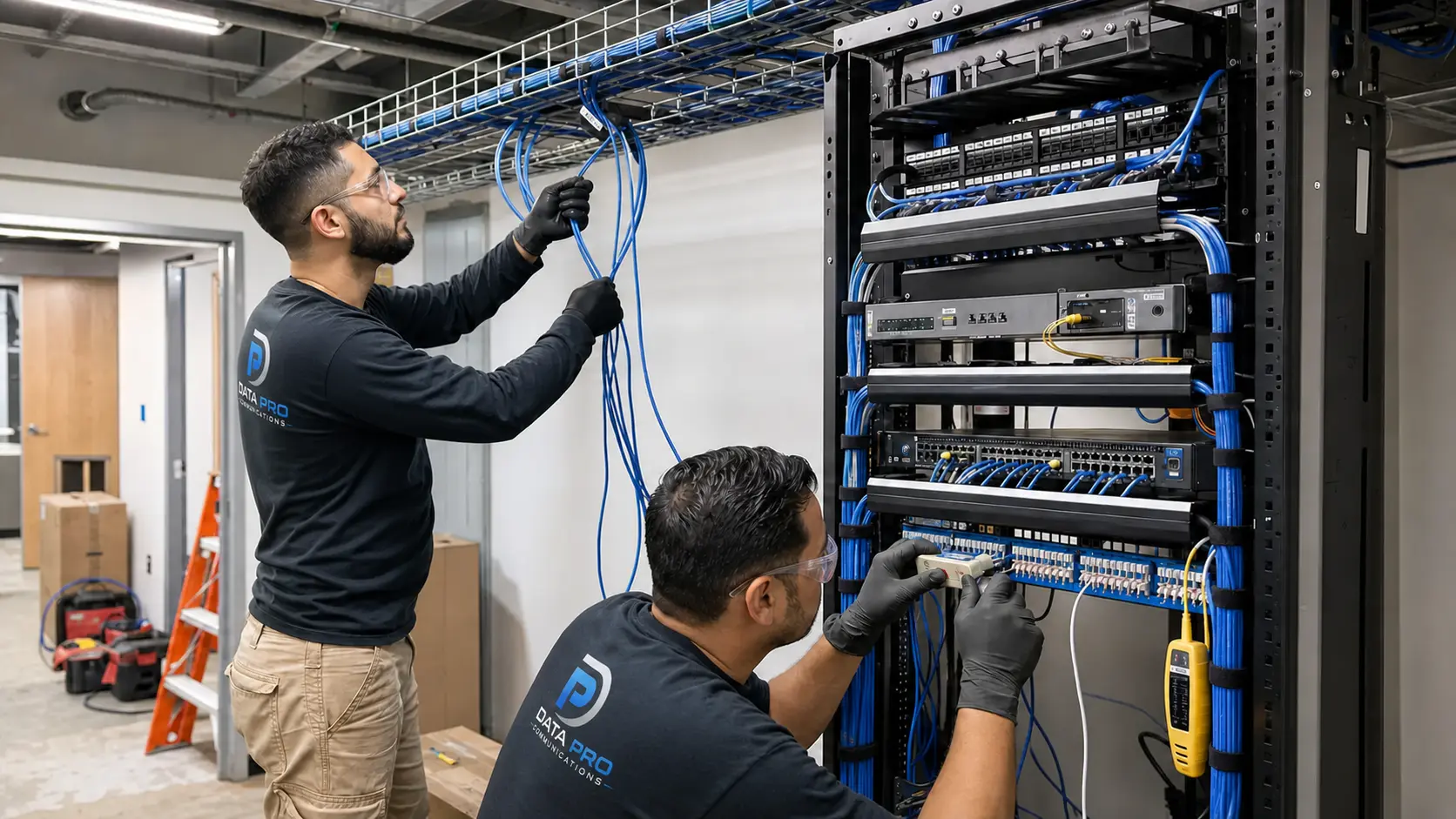
PROPERTY APPLICATIONS
Coordinate racks, switches, patch panels, uplinks, labeling, and room-to-room responsibilities.
Provide switching, PoE, patching, uplinks, and documentation for commercial camera deployments.
Coordinate access-point connectivity, PoE capacity, rack ports, and cabling handoff with the responsible IT team.
Support network-connected controllers, stations, gateways, and management devices within approved boundaries.
Improve cable management, port identification, device naming, and serviceability without making unsupported assumptions.
Coordinate copper, fiber, switches, racks, and uplinks across buildings or campus environments.
RELATED SERVICES
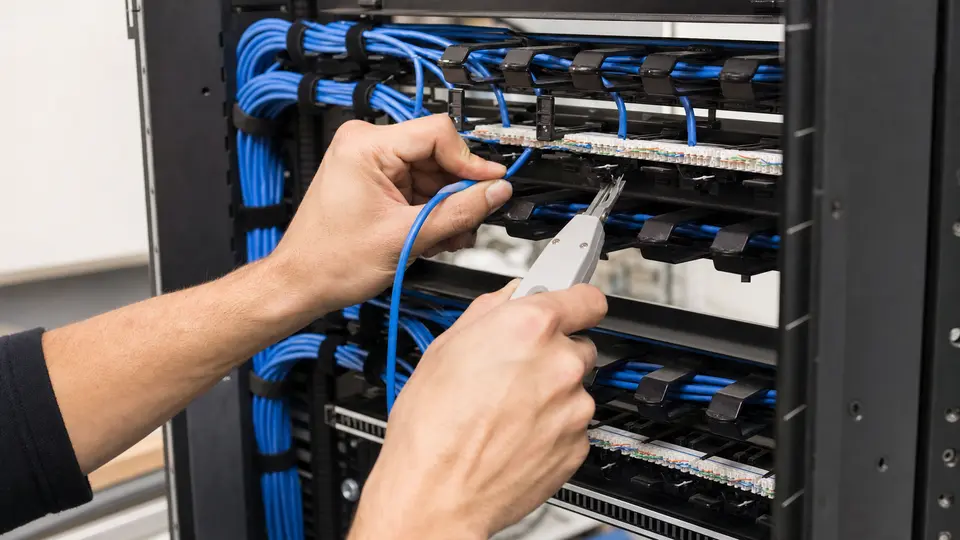
Use Structured Cabling when the project needs coordinated support as part of a coordinated property project.
Review Cabling
Use Cat6 and Cat6A Cabling when the project needs coordinated support as part of a coordinated property project.
View Cat6 Cabling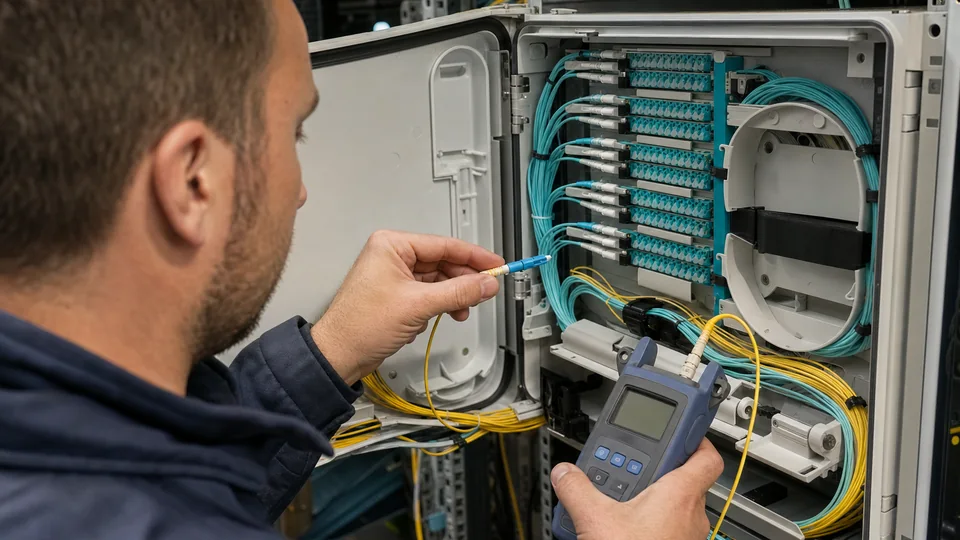
Use Fiber Optic Services when the project needs coordinated support as part of a coordinated property project.
View Fiber Services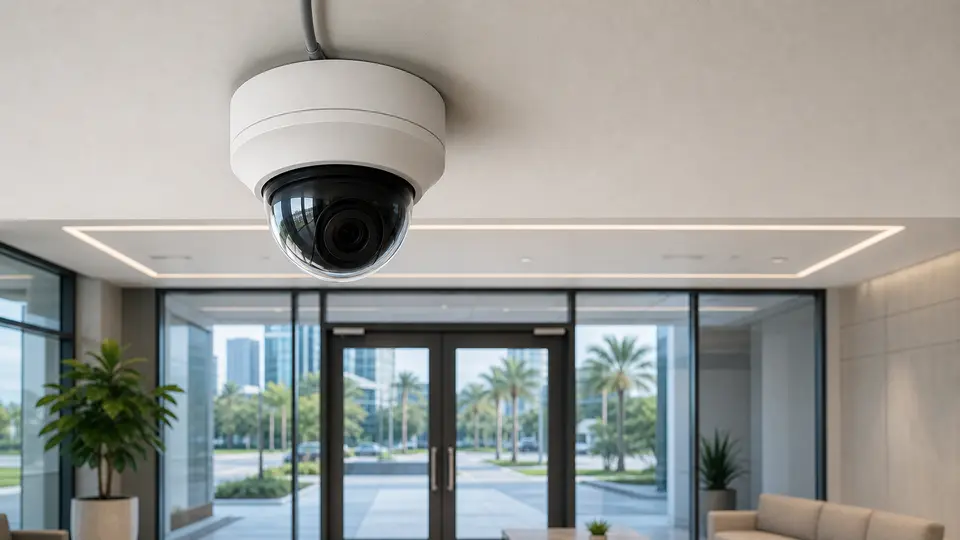
Use IP Video Surveillance when the project needs coordinated support as part of a coordinated property project.
View IP Video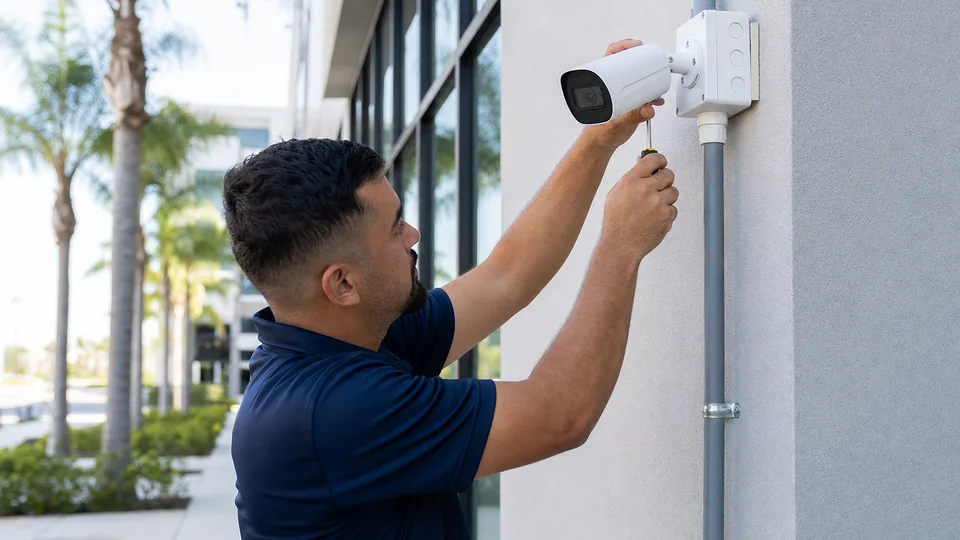
Use Security Camera Installation when the project needs coordinated support as part of a coordinated property project.
Review Camera Services
Use NVR & Remote Viewing when the project needs coordinated support as part of a coordinated property project.
View Remote Viewing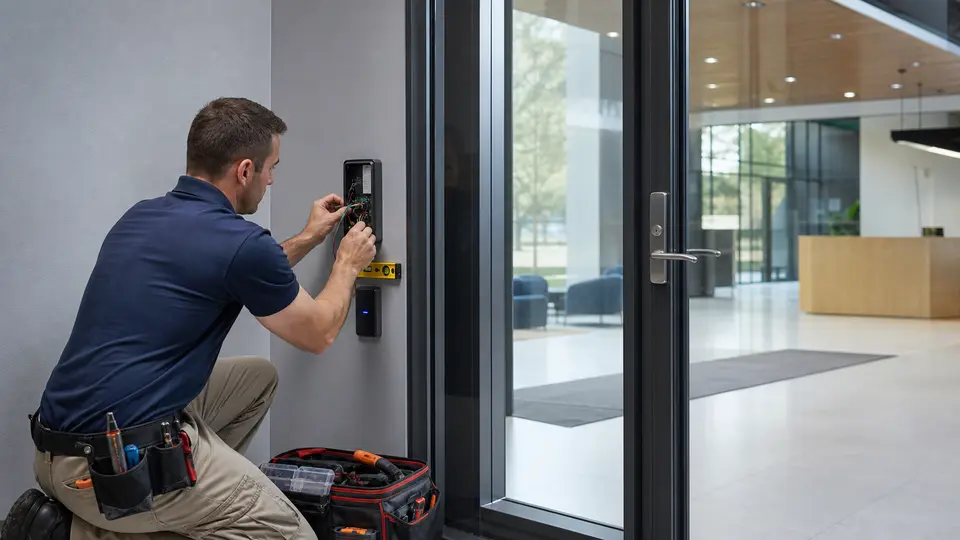
Use Access Control Installation when the project needs coordinated support as part of a coordinated property project.
Review Access Control
Use Intercom System Installation when the project needs coordinated support as part of a coordinated property project.
View Intercom Systems
Explore the Solutions Hub to compare camera, cabling, network, access, entry, AV, and ongoing support services.
View All SolutionsRELATED INDUSTRIES
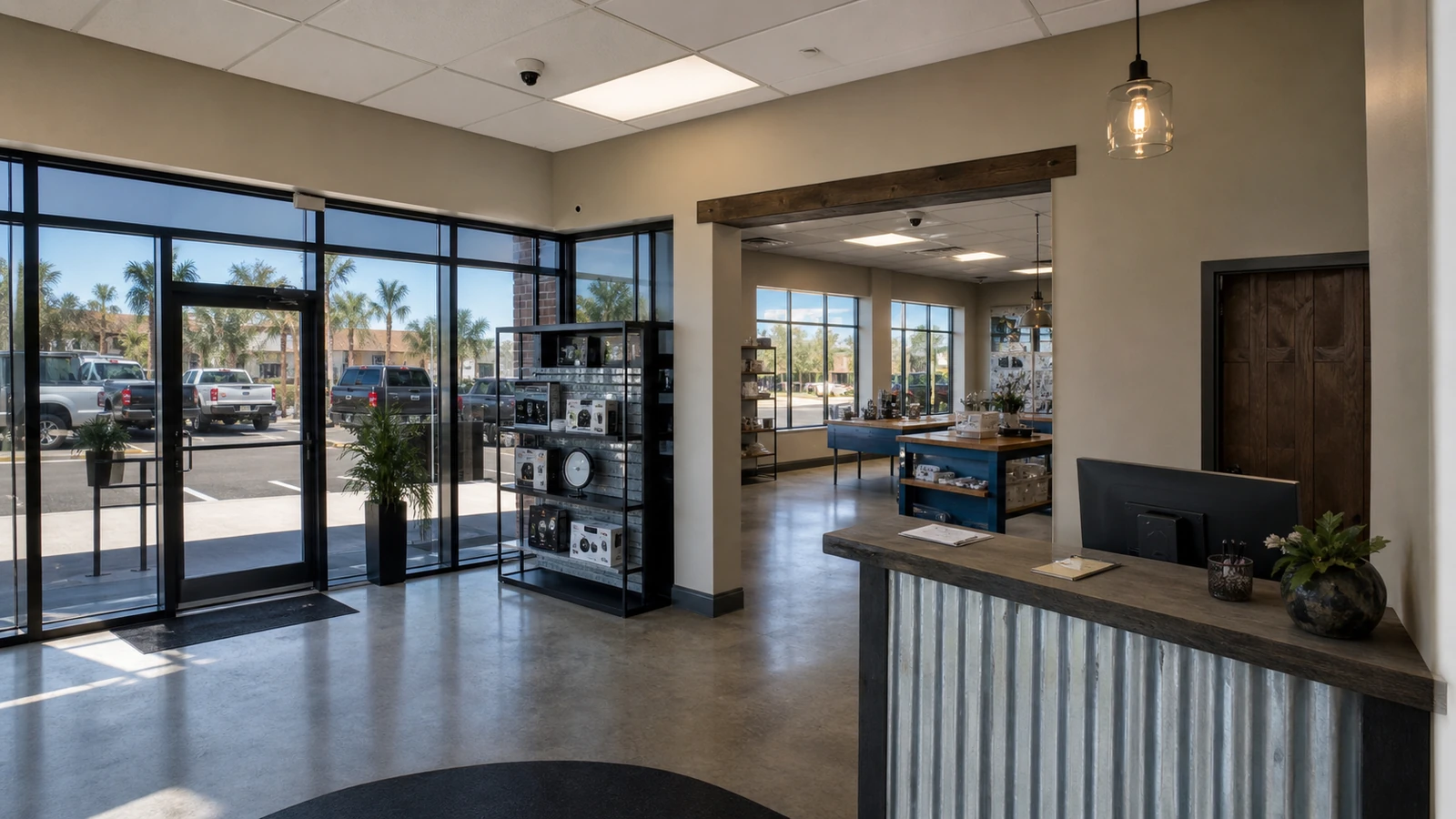
Relevant for retail and office properties planning commercial infrastructure in Tampa Bay.
View Retail & Office
Relevant for warehouse properties planning commercial infrastructure in Tampa Bay.
View Warehouse & Logistics
Relevant for HOA and condominium properties planning commercial infrastructure in Tampa Bay.
View HOA & Condominium
Relevant for industrial properties planning commercial infrastructure in Tampa Bay.
View Industrial Facilities
Relevant for property management properties planning commercial infrastructure in Tampa Bay.
View Property ManagementPROCESS
Confirm endpoints, pathways, telecom rooms, equipment, access, operating constraints, documentation needs, and ownership boundaries.
Define routes, components, rack or enclosure requirements, testing, labels, handoff records, and expansion allowances.
Install approved components, coordinate equipment connections, label endpoints, and maintain clean serviceable organization.
Complete the defined verification, document results and exceptions, and provide practical next-step or expansion notes.
FAQ
The scope may include racks, switches, PoE planning, patch panels, patching, MDF and IDF coordination, uplinks, cable management, port labeling, device connectivity, and documentation. Exact responsibilities are defined before work begins.
No. This page covers infrastructure supporting connected systems. Managed IT, end-user support, cybersecurity, and ongoing network administration are separate services and should not be assumed unless specifically approved.
Yes. Network infrastructure can be planned around cameras, NVR or VMS platforms, access control, intercoms, Wi-Fi, and other approved connected systems, with coordination among the property and responsible IT stakeholders.
Power over Ethernet planning reviews which devices require power, their expected demand, switch capacity, port availability, uplink needs, and expansion margin. It helps avoid assigning more powered devices than the infrastructure can support.
An MDF is generally the main distribution location, while IDFs extend connectivity to other floors, zones, or buildings. The exact design depends on the property and its existing architecture.
Yes, when the scope is carefully documented. Rack cleanup may include tracing, labeling, patch-cord organization, cable management, equipment layout, and removal of clearly abandoned items with owner approval.
VLAN coordination may be included where applicable, but configuration authority and network responsibility must be confirmed with the owner or IT team. The service does not imply unrestricted administration of the customer network.
Cat6 and Cat6A Cabling focuses on physical copper runs and device drops. Network Infrastructure focuses on racks, switches, PoE, patching, uplinks, connectivity architecture, and operational support for connected systems.
Yes. Multi-building planning can coordinate fiber backbones, distributed racks, switches, uplinks, device networks, and labeling. The final design depends on distance, pathways, equipment, and ownership boundaries.
Review rack locations, equipment models, available ports, PoE load, uplinks, VLAN responsibilities, connected systems, labeling, documentation, power, cooling, access, and future expansion.
Request a site survey to review the existing conditions, project goals, infrastructure boundaries, and the information needed for a clear commercial scope.