Portfolio camera standards
Define consistent naming, view priorities, installation expectations, and documentation across managed sites.

Camera planning for property managers and portfolio operators
Data Pro Communications plans security camera installation for Tampa Bay property managers, facility managers, asset managers, portfolio operators, owner representatives, and managed-property teams. The page is for organizations that need camera coverage planned across tenant areas, common areas, exterior approaches, portfolio standards, permissions, remote access, documentation, and long-term service coordination.
Property-management camera planning is different from a single retail store, a warehouse, an HOA community, or a service call. The buyer often needs repeatable standards, vendor coordination, owner and tenant communication, camera naming, phased upgrades, service history, remote access governance, and documentation that can be handed off across properties or management teams.
INDUSTRY OVERVIEW
Property-management and portfolio-operator camera-planning focus, including multi-site standards, vendor coordination, owner and tenant communication, camera naming, permissions, remote access governance, phased upgrades, service history, documentation, and portfolio handoff.
Multi-site standards; vendor coordination; owner and tenant communication; camera naming; permissions; remote access governance; phased upgrades; service history; documentation; portfolio handoff.

CAMERA SERVICES
Define consistent naming, view priorities, installation expectations, and documentation across managed sites.
Plan shared-area coverage, tenant communications, access rules, and owner approval needs before installation.
Coordinate authorized users, platform access, viewing methods, recorder access, and user-permission documentation.
Prioritize urgent areas, aging cameras, recorder limits, cabling gaps, and future phases across the property or portfolio.
Capture known outages, prior service notes, recurring issues, and site-specific dependencies for smoother future maintenance.
Support property-management workflows involving access windows, tenant schedules, equipment-room access, and vendor coordination.
PROPERTY APPLICATIONS
Create repeatable camera names, documentation formats, and installation expectations for groups of properties.
Plan cameras for lobbies, shared corridors, parking approaches, exterior doors, and management-accessible views.
Document coverage priorities and implementation notes so property managers can communicate clearly with ownership.
Separate urgent repairs, camera additions, recorder updates, cabling needs, and future-property standards.
Clarify who can view footage, who manages credentials, and how recorder or platform access should be handled.
Preserve camera names, site contacts, access limits, service history, and known issues for future vendors or internal teams.
LOCAL PROPERTY PLANNING
Tampa Bay managed properties often include tenant spaces, mixed-use buildings, commercial plazas, offices, parking areas, exterior doors, shared corridors, and multiple stakeholders. Property managers need camera planning that is operationally clear, easy to document, and practical to maintain across ownership changes, tenant turnover, after-hours work, and portfolio standards. Data Pro Communications can help managers define coverage, access, and handoff requirements before installation begins.
Managed-property camera projects may require coordination with building access, tenant schedules, owner priorities, parking areas, shared corridors, exterior doors, network rooms, existing low-voltage conditions, vendor access windows, and future service needs. The goal is a practical plan that helps property managers compare sites, maintain consistent documentation, communicate with owners and tenants, and preserve continuity when vendors, tenants, or management contacts change.
Tampa Bay property portfolios may include mixed-use buildings, multi-tenant commercial properties, owner-managed sites, parking areas, shared entries, and properties that change tenants, vendors, or managers over time. Camera planning should support owner, tenant, and vendor coordination with standardized documentation, consistent camera naming, phased upgrade notes, recurring service continuity, and handoff records that remain useful when properties turn over or when management teams need to compare multiple sites.
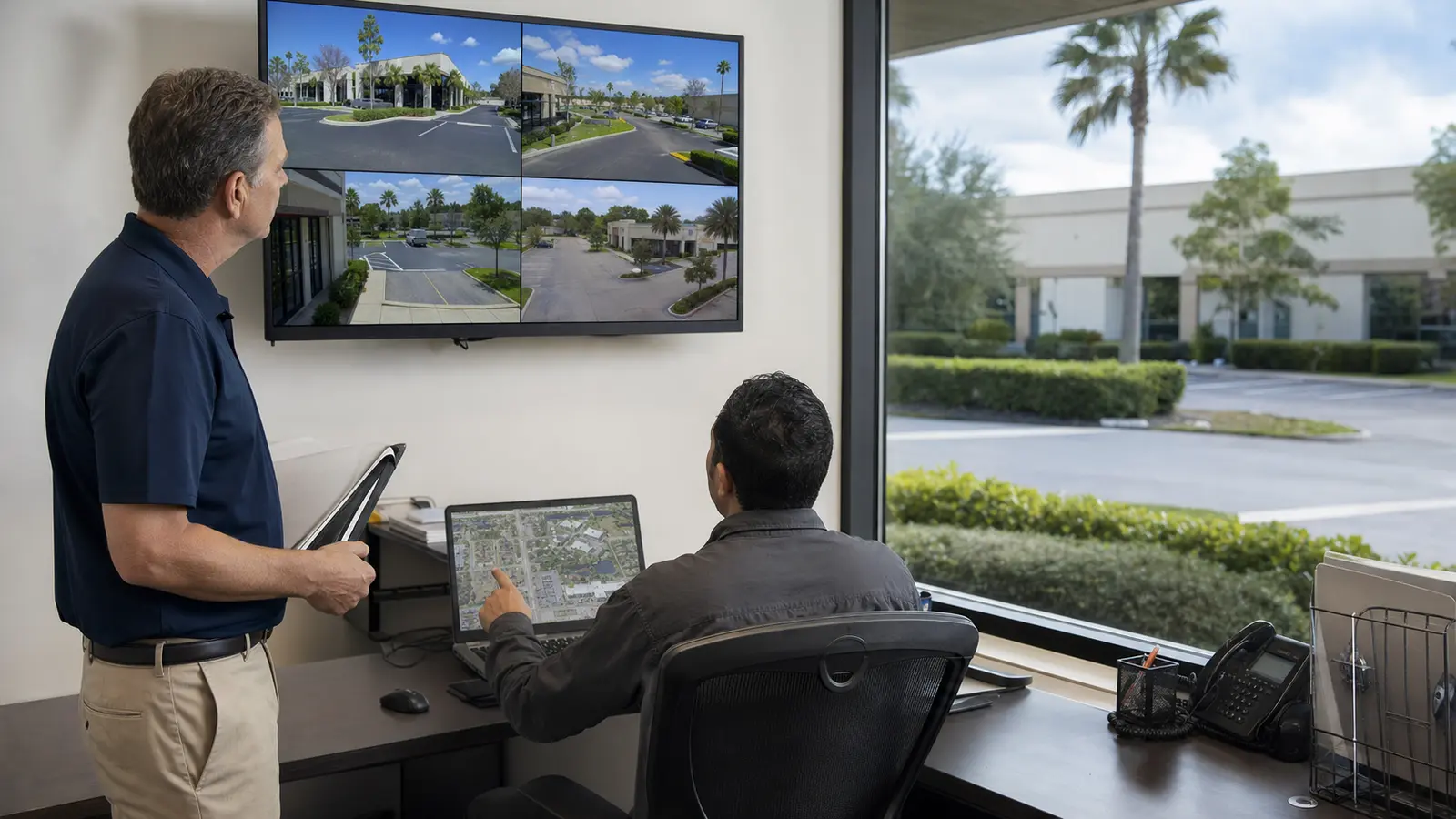
RELATED SERVICES
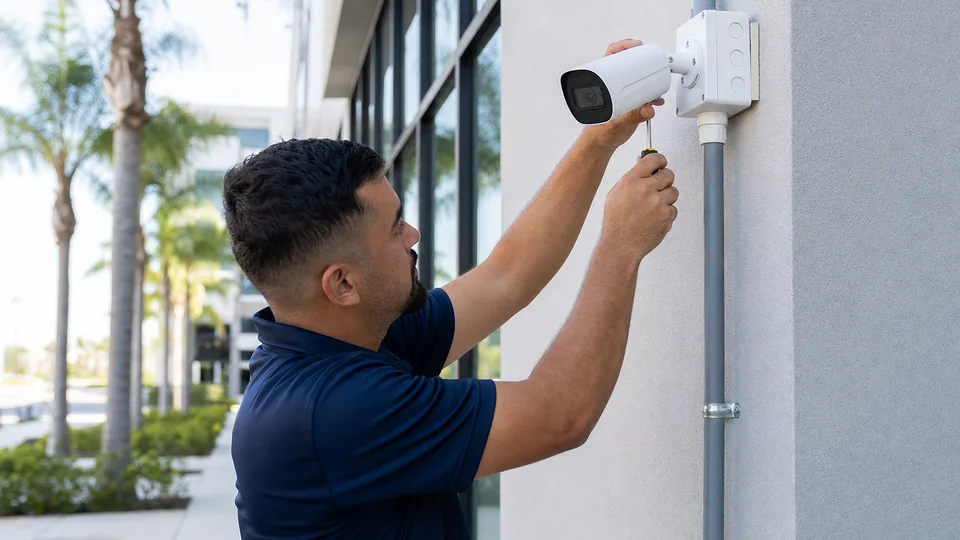
Choose this service for full camera layout and installation scope across managed properties, including common areas, parking views, tenant entrances, owner priorities, and portfolio standards.
Review Camera Services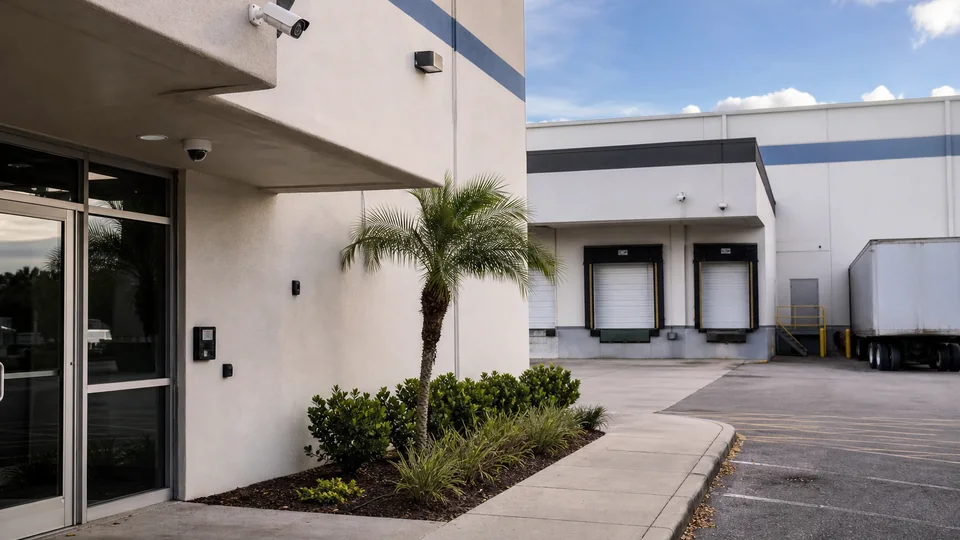
Use when property managers need commercial-grade CCTV deployment that centralizes coverage across tenant buildings, shared spaces, parking areas, and management-reviewed views.
View CCTV Installation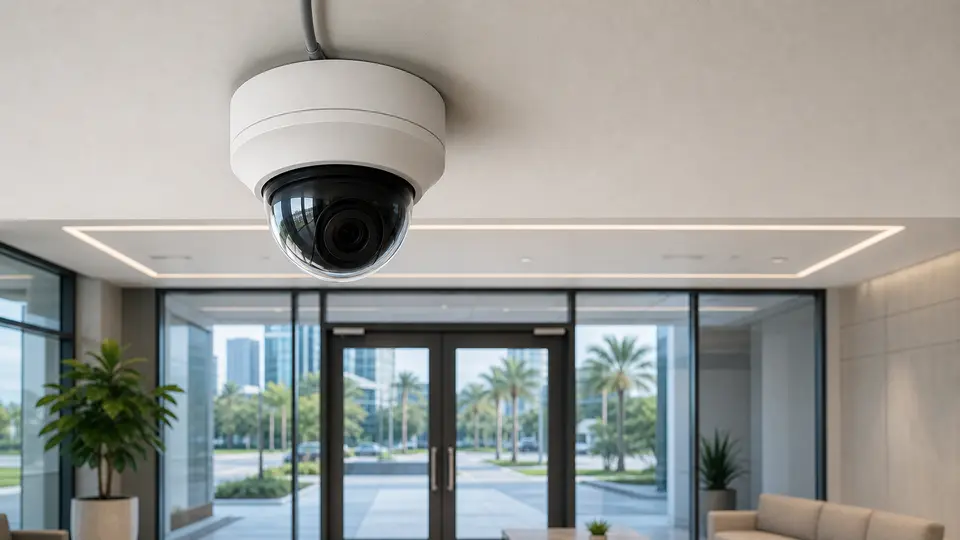
Use when managed-property cameras require IP camera planning, PoE switching, bandwidth, network coordination, and repeatable standards across one property or a portfolio.
View IP Video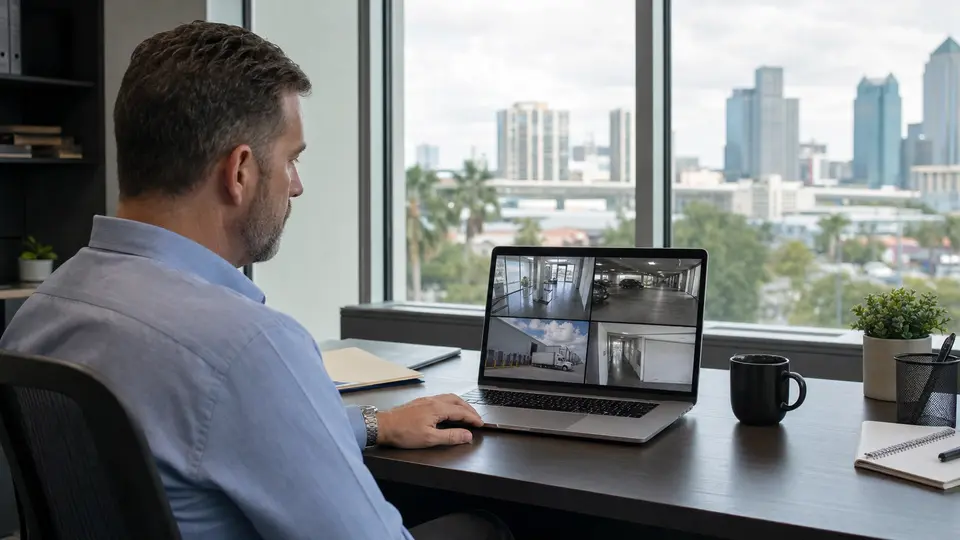
Use when property teams need recorder sizing, storage expectations, authorized users, remote access, permission levels, and viewing workflows documented for management handoff.
View Remote Viewing
Use when a managed property has camera outages, failed devices, missing footage, cabling faults, recorder issues, or remote-access problems that affect tenant or owner reporting.
View Camera Service
Choose this service for recurring inspections, cleaning, testing, documentation updates, and lifecycle support that helps property managers maintain continuity across vendors and turnover.
View Maintenance
Use when property portfolios need switches, VLANs, bandwidth planning, racks, IDFs, and connectivity standards that support camera systems across shared or tenant areas.
Review Network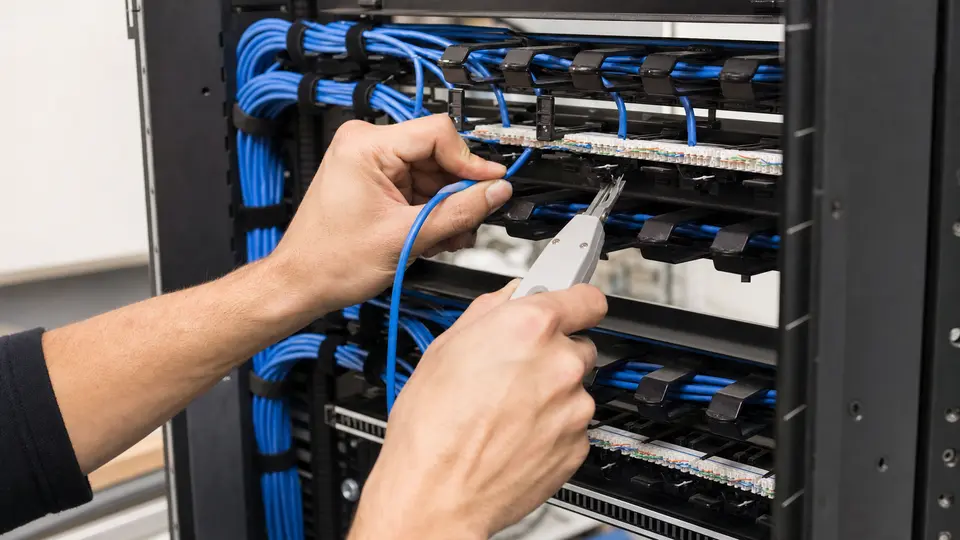
Use when managed-property camera work depends on Cat6 pathways, labeled terminations, testing, cable documentation, and clean handoff for future service or tenant changes.
Review Cabling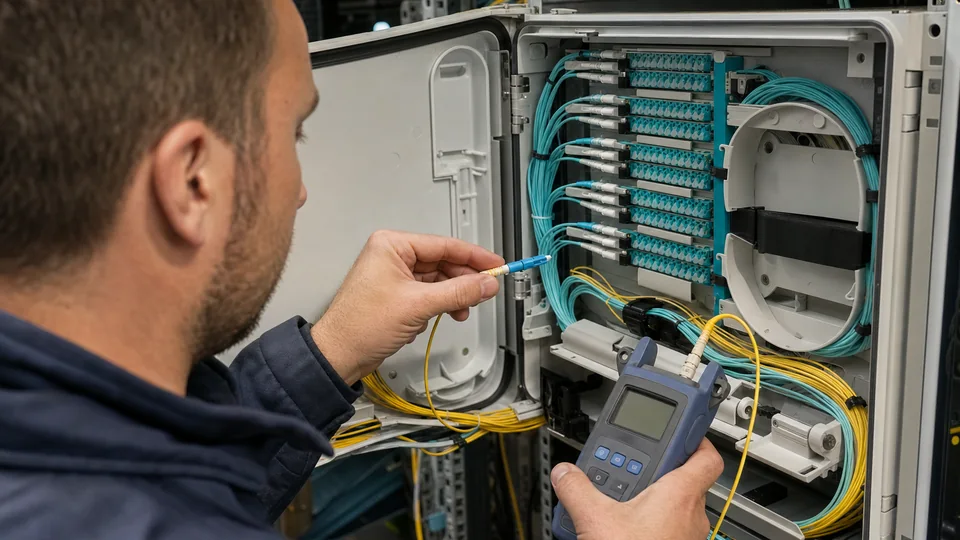
Use when larger properties, multi-building sites, or remote structures require fiber backbones, inter-building links, or longer-distance camera connectivity.
View Fiber Services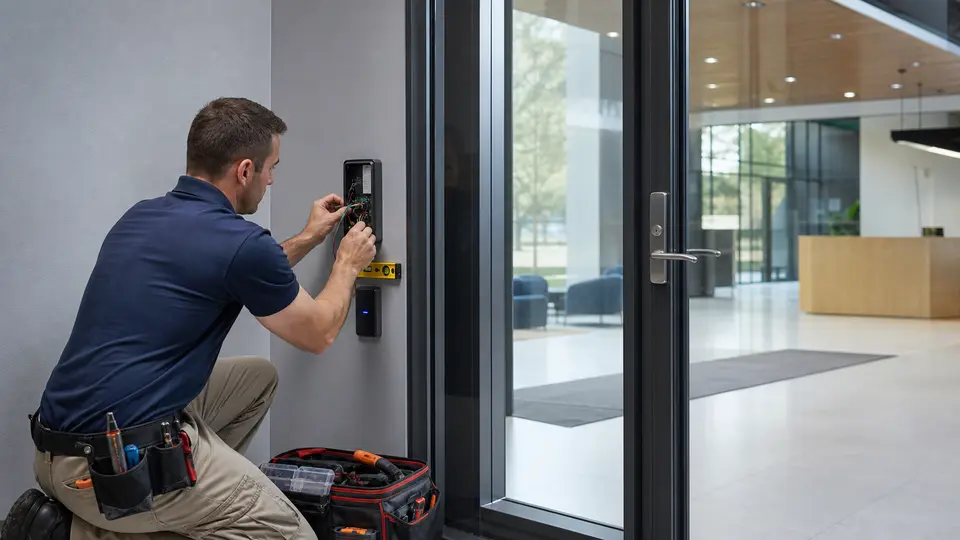
Use when cameras should align with controlled doors, tenant access points, management offices, restricted rooms, or access events that require visual review.
Review Access Control
Use when visitor communication, tenant entry, deliveries, or building access workflows should be paired with camera verification for property-management teams.
View Intercom Systems
Use when managed properties include vehicle gates, entry lanes, parking access, visitor entry points, or controlled access workflows that need camera coordination.
View Gate EntryRELATED INDUSTRIES

Compare camera, access, cabling, network, and support priorities across Tampa Bay property types.
View Industries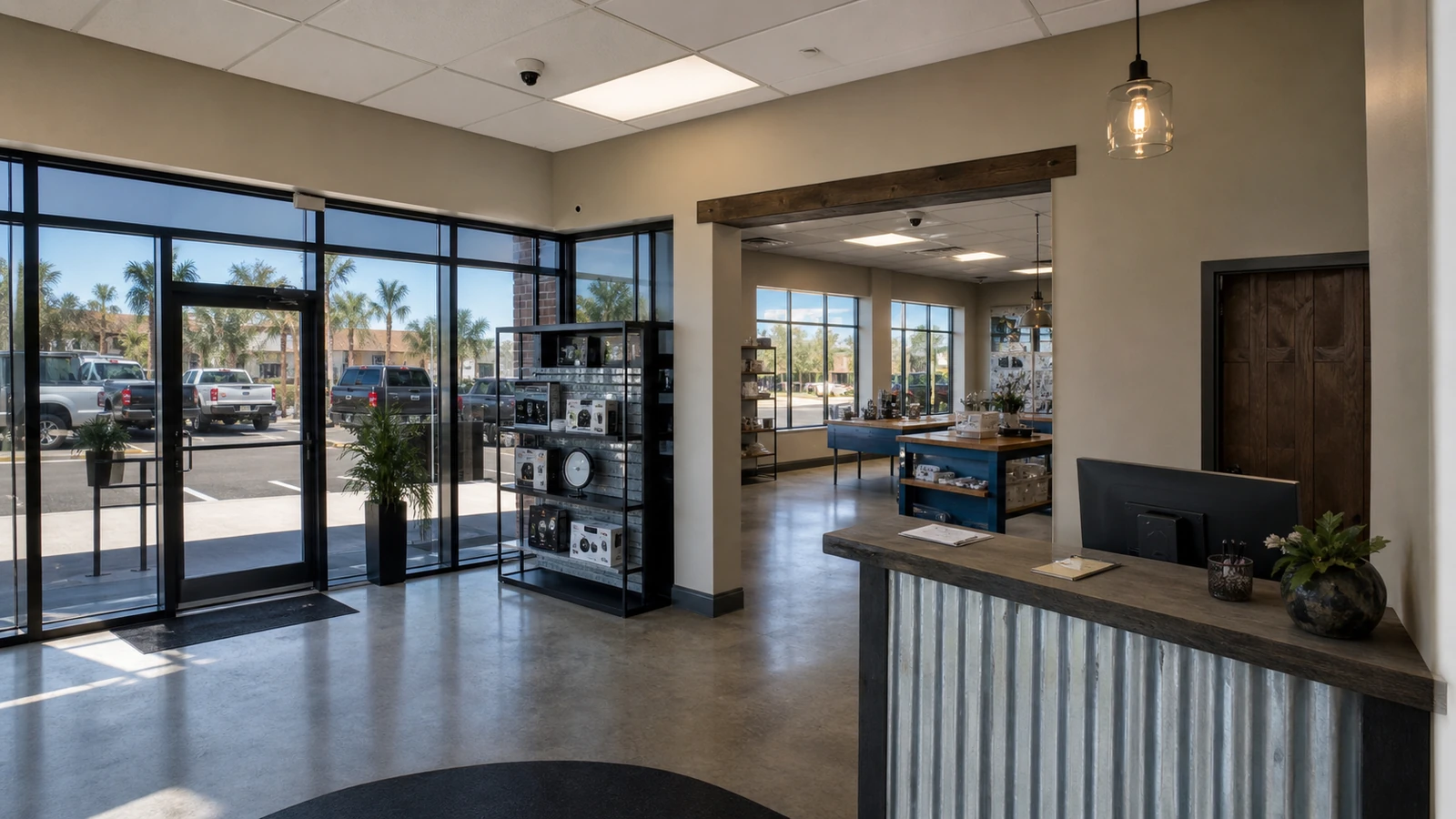
Retail and office focuses on individual storefronts, offices, customer areas, reception, and stockrooms; Property Management focuses on portfolio standards, owners, tenants, vendors, turnover, and multi-site documentation.
View Retail & Office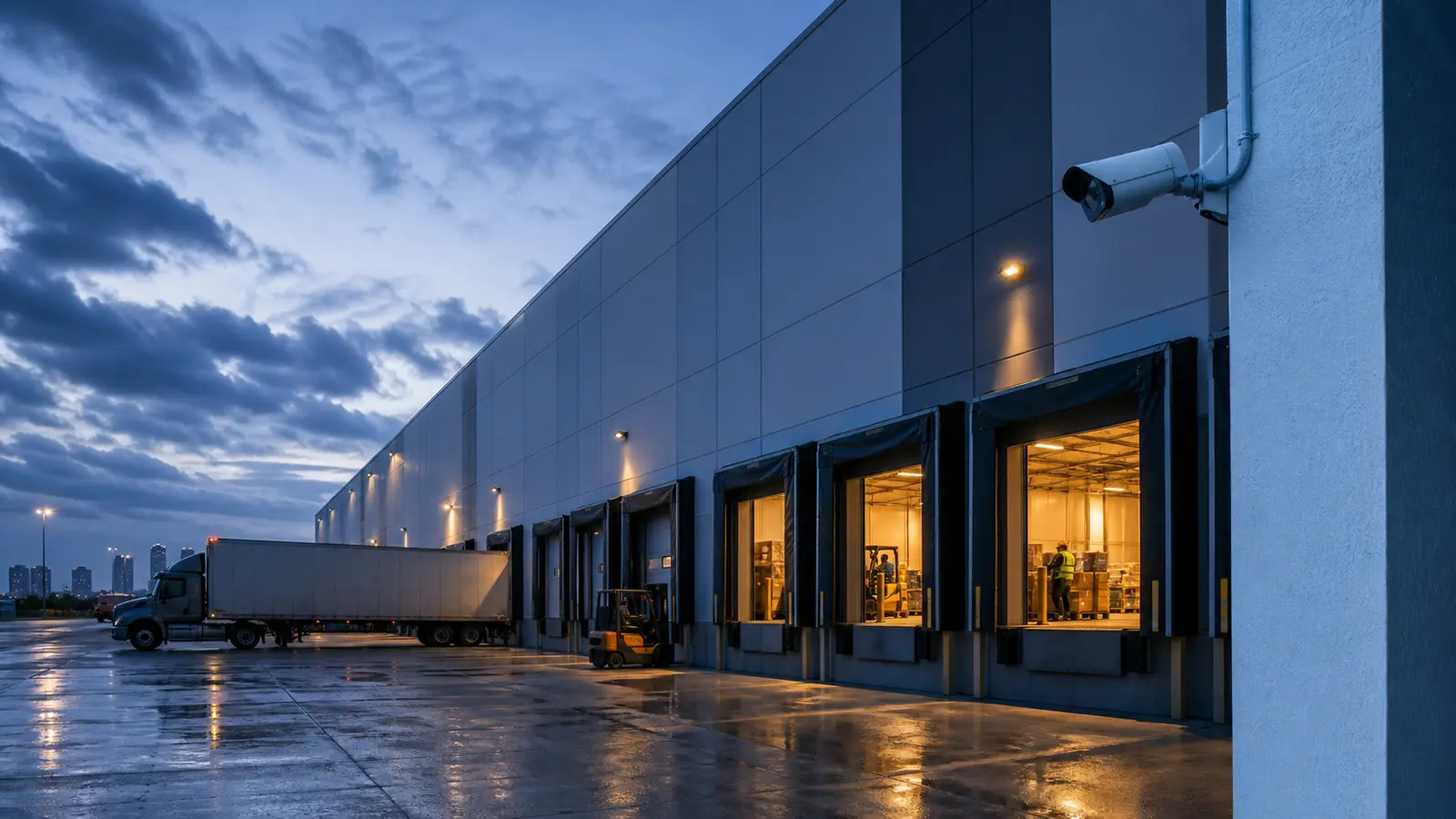
Warehouse focuses on logistics facilities, docks, yards, shipping, receiving, and storage zones; Property Management focuses on managed-property portfolios, tenant coordination, owner reporting, and recurring service continuity.
View Warehouse & Logistics
HOA and condominium focuses on boards, residents, amenities, garages, gates, and shared-community governance; Property Management focuses on portfolio operators, owners, tenants, vendors, and multi-site standards.
View HOA & Condominium
Industrial focuses on production floors, machinery, processing areas, industrial yards, and plant infrastructure; Property Management focuses on managed assets, documentation standards, tenant communication, and phased upgrades.
View Industrial Facilities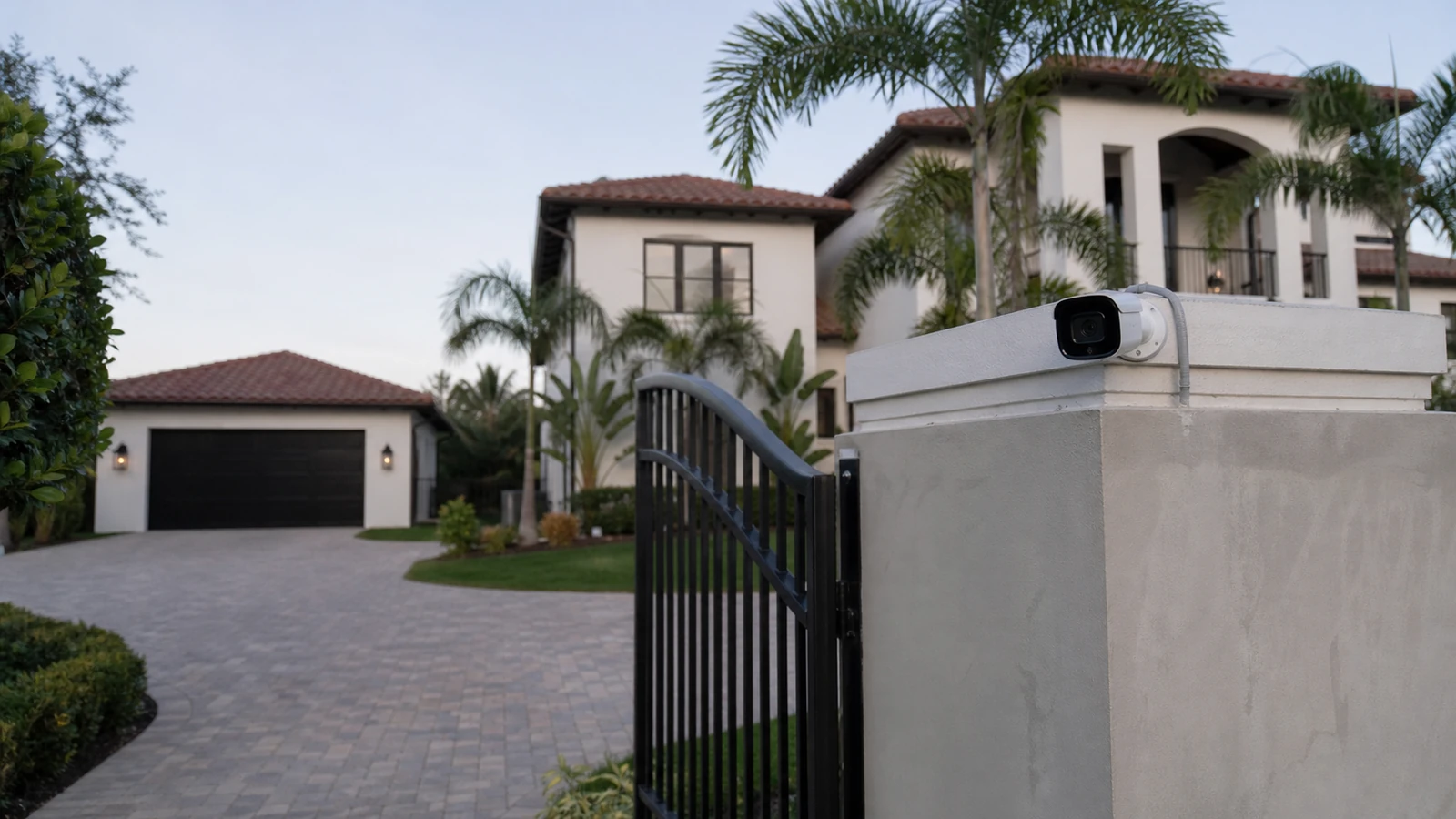
Select Residential focuses on a single complex private property with estate-level low-voltage needs; Property Management focuses on professional managers coordinating multiple owners, tenants, vendors, and properties.
View Select ResidentialPROCESS
Review property type, ownership priorities, tenant areas, common areas, service history, and portfolio standards.
Confirm site contacts, tenant limits, equipment-room access, remote-viewing users, and owner approval needs.
Map proposed views, camera names, permissions, phased priorities, and handoff requirements.
Organize site notes, access windows, known constraints, service dependencies, and documentation for the property-management team.
FAQ
This page is for property managers, facility managers, asset managers, owner representatives, and portfolio operators who need professional camera planning for managed properties.
Property-management work often centers on owner reporting, tenant communication, multi-site standards, vendor coordination, service history, and portfolio handoff rather than board governance or resident-facing community concerns.
Yes. A plan can define repeatable naming, documentation, viewing permissions, installation expectations, and service notes for a portfolio.
Yes. Tenant access, shared-area responsibilities, business-hour limits, and after-hours coordination can be documented before installation.
Yes. A plan can identify urgent repairs, aging cameras, recorder limits, cabling needs, priority views, and future phases.
Remote viewing can be planned with authorized users, platform limits, recorder access, credentials, and documentation when access is available.
No. Service and maintenance covers ongoing support focus. This page focuses on installation planning for property-management and portfolio operators.
No. NVR and Remote Viewing Support covers recorder and access-support focus. This page includes remote-access governance only as part of property-management planning.
Yes. Existing camera issues, prior service notes, recurring outages, and known network dependencies can be included in the handoff.
No. Retail and office properties have separate guidance. This page is for property managers and portfolio operators managing broader property responsibilities.
Prepare property lists, priority areas, tenant or owner concerns, access contacts, existing camera details, network-room access, service history, and remote-viewing requirements.
Data Pro Communications can review the property type, priority areas, existing low-voltage conditions, and next steps for an industry-specific camera plan.