Common-area coverage
Plan cameras for lobbies, garages, amenities, elevators, corridors, package areas, and shared entrances.

HOA, condo, multifamily, and shared-community camera planning
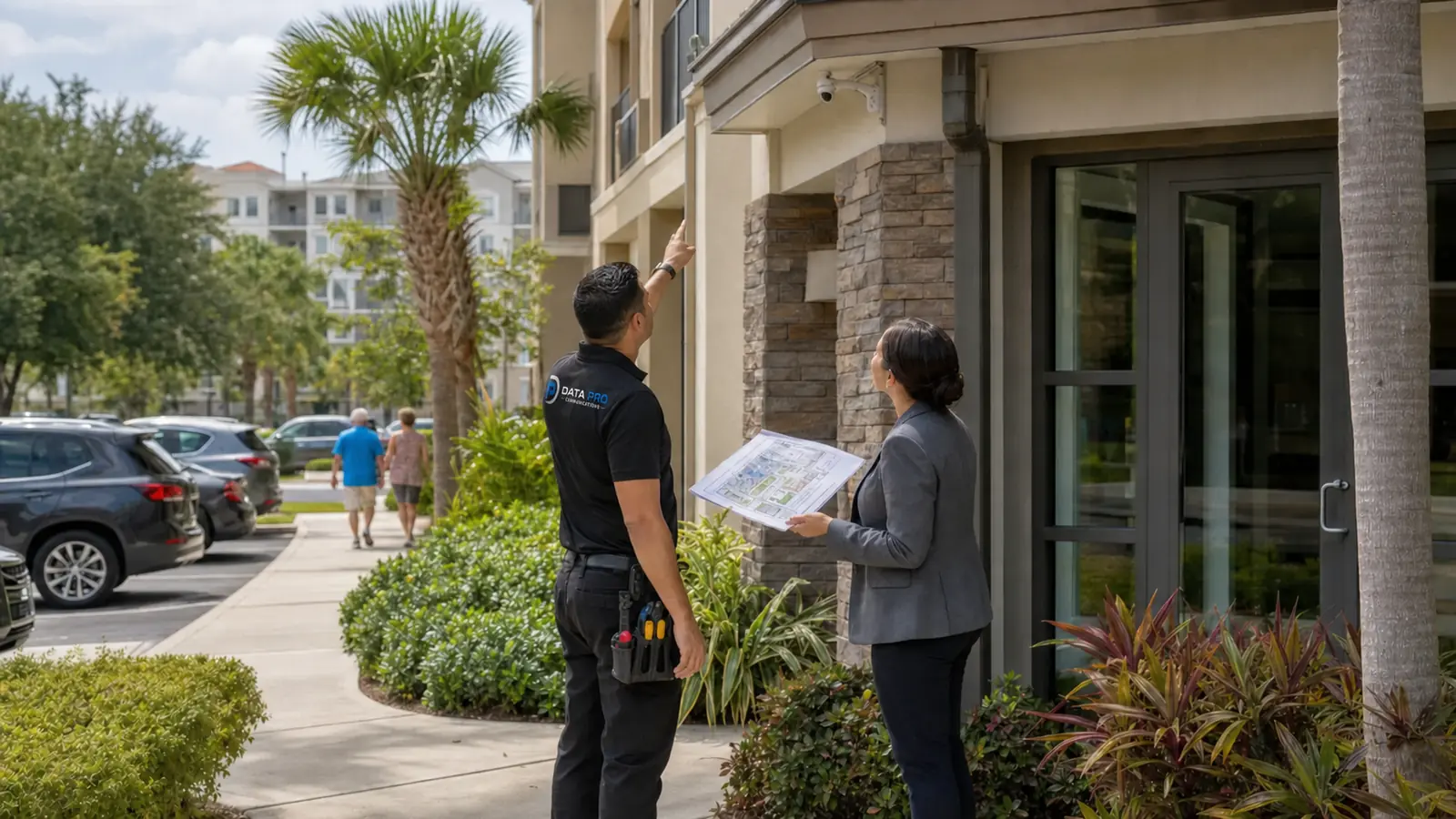
Data Pro Communications plans security camera installation for Tampa Bay HOAs, condominiums, multifamily communities, gated communities, common areas, lobbies, garages, clubhouses, amenity areas, pools, mail and package areas, gates, entrances, management offices, and shared residential environments. The page is for boards, community managers, property managers, and ownership groups that need professional low-voltage planning for shared spaces.
Community camera planning needs clear coordination around authorized viewing, privacy-aware placement, resident expectations, common-area ownership, gates, amenities, parking, package areas, and long-term service. The goal is a documented system that supports community operations without turning residential focus into a consumer DIY page.
INDUSTRY OVERVIEW
Security camera and connected low-voltage planning for HOAs, condominiums, multifamily communities, gated communities, common areas, lobbies, garages, clubhouses, amenity areas, mail and package areas, gates, entrances, management offices, and shared residential environments.
HOAs; condominiums; multifamily communities; common areas; lobbies; garages; clubhouses; pools and amenity areas; gates and entrances; mail and package areas; board and management coordination; authorized viewing and privacy-aware placement.

CAMERA SERVICES
Plan cameras for lobbies, garages, amenities, elevators, corridors, package areas, and shared entrances.
Coordinate views for vehicle gates, pedestrian entrances, visitor lanes, intercom areas, and management access points.
Review clubhouses, pools, gyms, mail areas, package rooms, and other shared community amenities.
Support decision makers with clear scope, camera naming, access expectations, and documented installation priorities.
Plan camera views around common areas, access points, and shared facilities while avoiding inappropriate private-space focus.
Coordinate cabling, PoE, recorder placement, authorized viewing, and service documentation for community management.
PROPERTY APPLICATIONS
Support resident, visitor, vendor, and package activity around lobbies and controlled entrances.
Plan coverage for garages, vehicle gates, parking aisles, pedestrian paths, and elevator approaches.
Review package rooms, mail kiosks, delivery points, and management workflows for incident review.
Coordinate common-area views around amenities while respecting resident privacy and access rules.
Integrate cameras with gate-side intercoms, access control, visitor lanes, and management response workflows.
Provide camera names, priority areas, user-access notes, and service considerations for board or management review.
LOCAL PROPERTY PLANNING
Tampa Bay communities often combine resident entrances, vehicle gates, amenity areas, garages, package rooms, management offices, and vendor access points. Security camera planning should support shared-community operations and authorized review rather than individual residential focus.
Operational recommendation 1: define authorized viewers, board or management approval workflow, and common-area priorities before installation. Operational recommendation 2: document camera names and areas by community function, such as lobby, garage, gate, package room, clubhouse, or pool entrance.
Useful planning areas include gate lanes, lobby desks, package rooms, mail areas, garages, elevator approaches, clubhouses, pools, amenity entries, parking areas, and management offices.
RELATED SERVICES
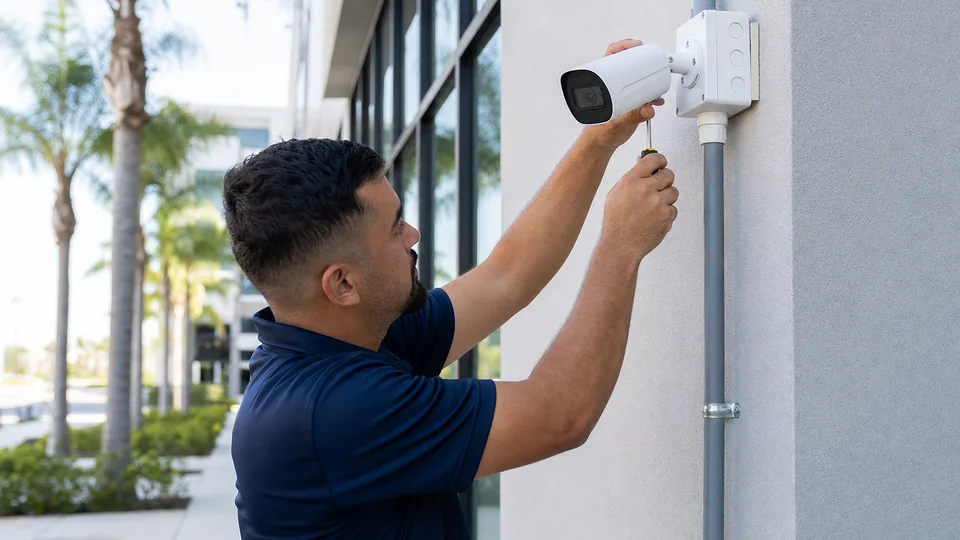
Choose this service for new camera layout, device placement, mounting, and installation planning.
Review Camera Services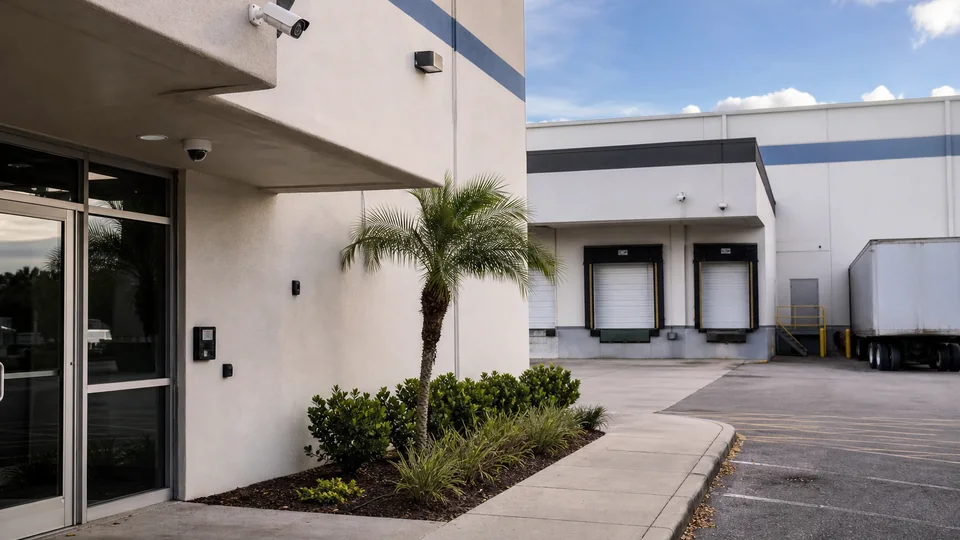
Choose this service for commercial camera coverage, recorder planning, remote viewing, user permissions, and documented system handoff.
View CCTV Installation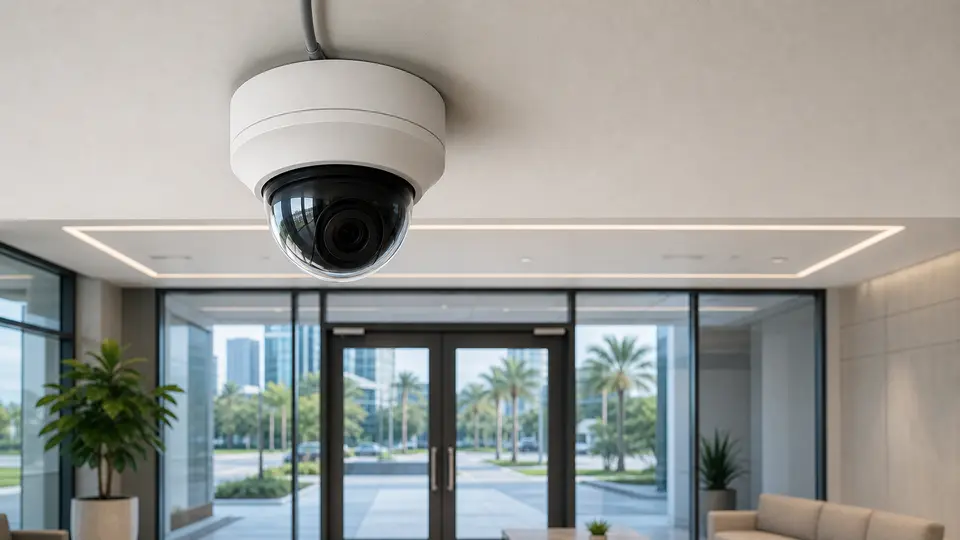
Choose this service for IP camera architecture, PoE planning, network video design, and system expansion.
View IP Video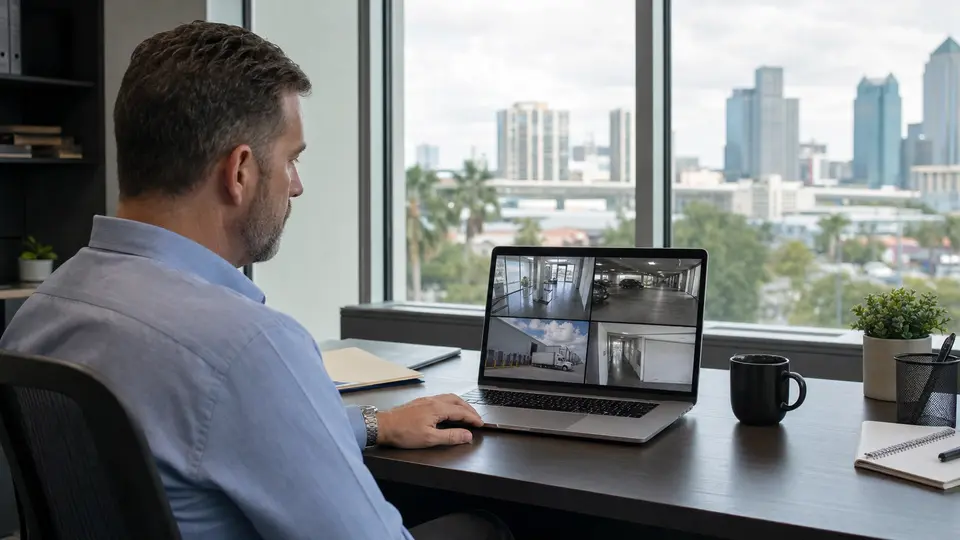
Choose this service for recorder setup, playback, storage planning, authorized user access, and reliable remote viewing.
View Remote Viewing
Choose this service for camera outages, recording problems, image-quality issues, connectivity faults, and corrective field service.
View Camera Service
Choose this service for preventive inspections, system testing, documentation updates, and planned on-site maintenance.
View Maintenance
Choose this service for switches, PoE budgets, racks, patching, uplinks, and connected system reliability.
Review Network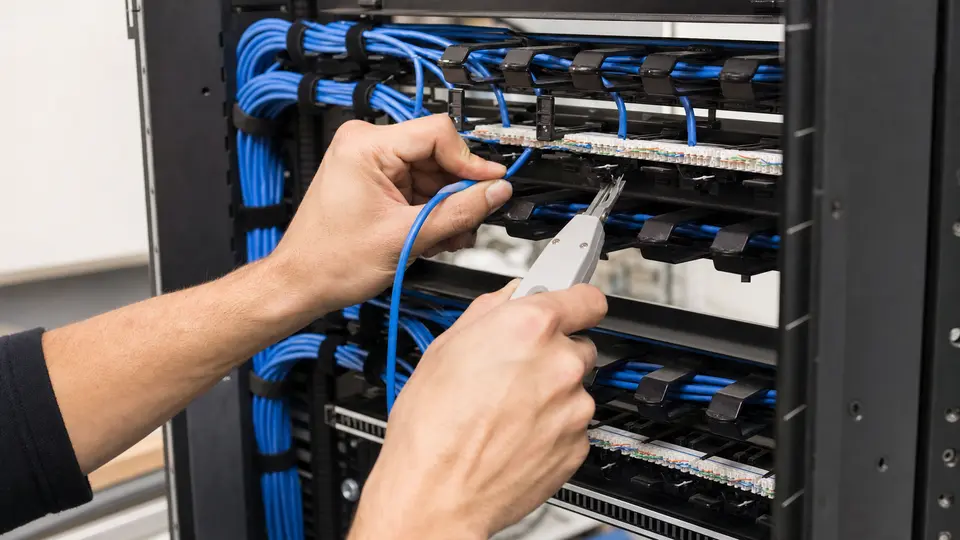
Choose this service for organized cabling pathways, rack termination, labeling, and documentation.
Review Cabling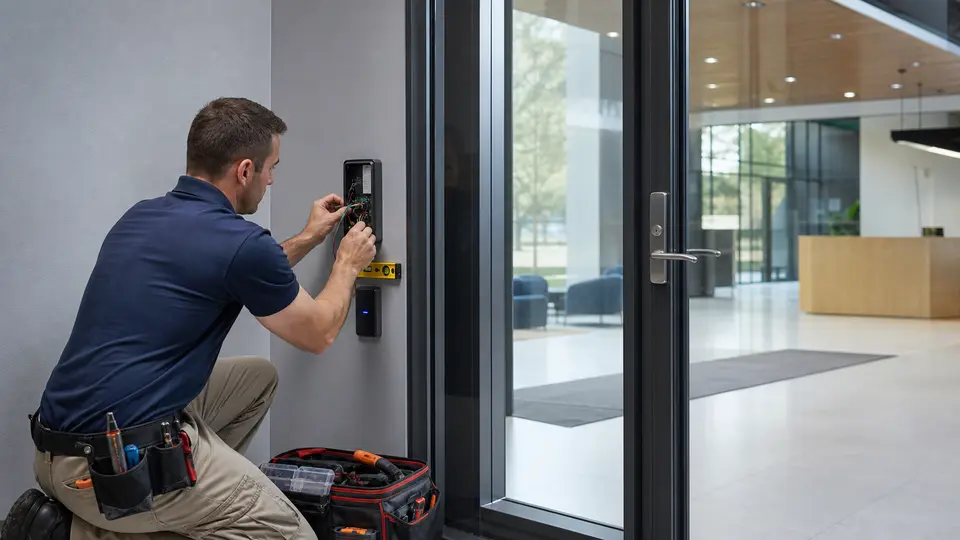
Choose this service for door, credential, controller, and entry permission projects.
Review Access Control
Choose this service for visitor communication, door or gate release, station placement, and entry workflow planning.
View Intercom Systems
Choose this service for vehicle and pedestrian gates, keypads, readers, intercoms, operators, and controlled entry workflows.
View Gate EntryRELATED INDUSTRIES

Compare camera, access, cabling, network, and support priorities across Tampa Bay property types.
View Industries
Plan camera coverage for storefronts, office entrances, reception areas, stockrooms, parking, and after-hours activity.
View Retail & Office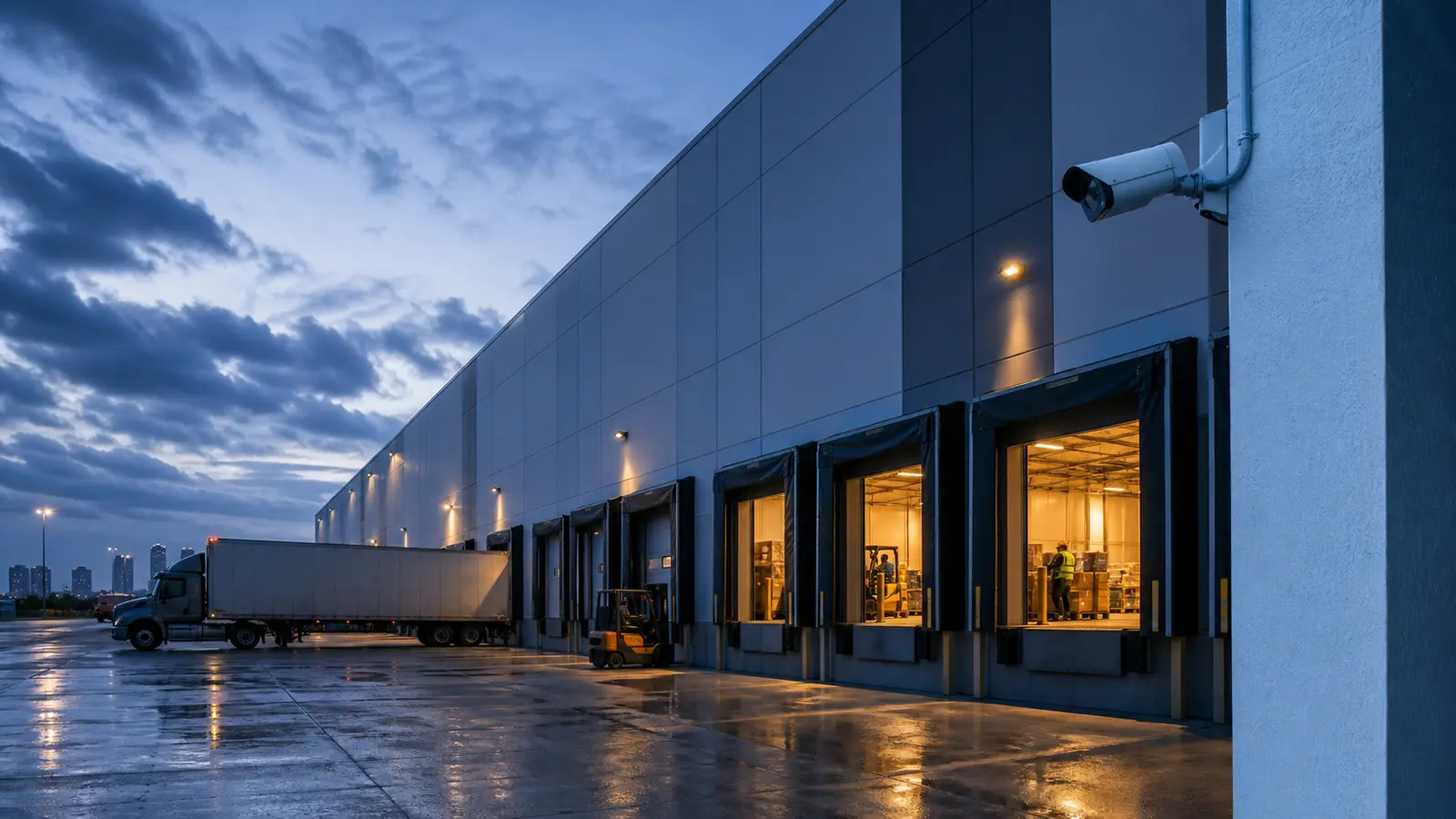
Plan camera coverage for loading docks, receiving areas, warehouse aisles, inventory zones, exterior yards, and logistics operations.
View Warehouse & LogisticsPROCESS
Confirm board or management contacts, common areas, gates, garages, amenities, package areas, viewing rules, and resident-facing concerns.
Map cameras around lobbies, gates, garages, clubhouses, pools, mail areas, and package rooms while focusing on shared areas and authorized viewing.
Schedule work around property operations, access requirements, network contacts, and any related access, intercom, or gate systems.
Provide camera names, priority views, access notes, service recommendations, and next-step support guidance.
FAQ
Community systems involve shared areas, resident expectations, board or management approval, authorized viewing, privacy-aware placement, and long-term service planning.
Yes. Planning can include vehicle gates, pedestrian entrances, visitor lanes, intercom stations, lobby doors, and management access points.
Amenity coverage can be planned for common-area operations, but camera placement should be privacy-aware and aligned with community rules and approvals.
Approval usually involves the board, property manager, community manager, ownership group, or authorized association representative.
Yes. Package rooms, mail areas, delivery points, and lobby package shelves are common planning areas for shared communities.
No. This page is for HOAs, condominiums, multifamily communities, and shared residential environments that require professional low-voltage planning.
Authorized viewing should be defined by the association or management. Many communities limit access to approved managers, board members, or security staff.
Yes. Community projects often coordinate cameras with gates, intercoms, access control, network infrastructure, cabling, and remote viewing workflows.
Prepare priority areas, board or management contacts, access rules, existing equipment notes, network-room access, gate details, and resident concern patterns.
Camera placement should focus on shared common areas, entrances, gates, amenities, and operational views while avoiding inappropriate private-space focus.
Yes. A handoff can include camera names, planned views, equipment areas, authorized access assumptions, and recommended implementation priorities.
Data Pro Communications can review the property type, priority areas, existing low-voltage conditions, and next steps for an industry-specific camera plan.