Camera Placement Plans
Map camera views around entrances, parking, loading, interior circulation, cash handling, gates, common areas, equipment zones and other operational areas where useful video matters.

COMMERCIAL CCTV INSTALLATION IN TAMPA
Data Pro Communications plans and installs commercial CCTV systems for Tampa Bay offices, warehouses, retail properties, hospitality environments, healthcare facilities, industrial sites, multifamily communities, HOAs and managed properties that need practical camera coverage and dependable recording.
The CCTV installation scope centers on camera placement, fixed, dome, bullet, PTZ and specialty camera selection where appropriate, recorder capacity, mounting conditions, cabling paths, power coordination, remote viewing needs and a documented handoff for managers, facility teams and authorized users.
SERVICE OVERVIEW
A commercial CCTV project starts with the areas the property must see clearly: entrances, lobbies, reception areas, customer paths, point-of-sale surroundings, delivery doors, loading docks, parking areas, storage rooms, service corridors, gates, amenity spaces and exterior approaches. The goal is not simply to add cameras; it is to place the right cameras where video will be useful to the people who review it.
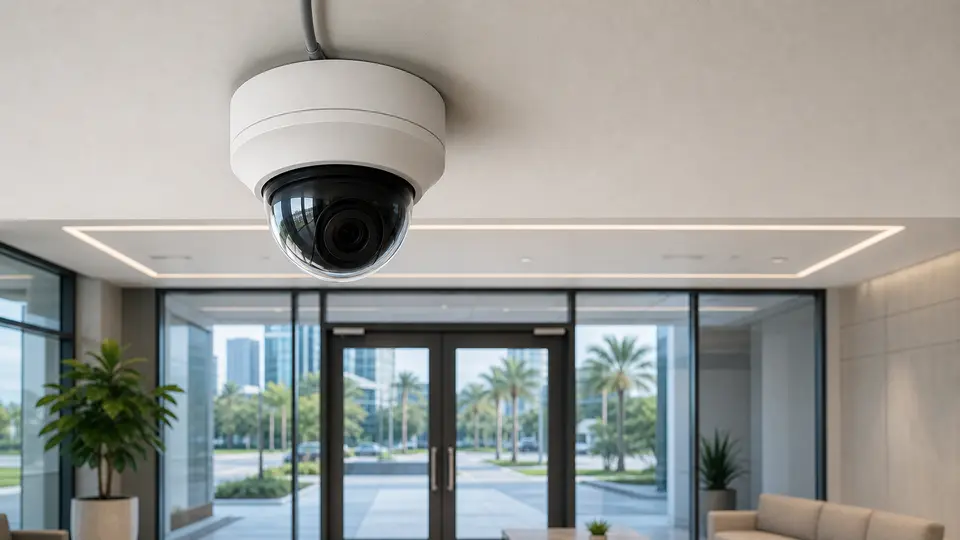
For Tampa Bay businesses and managed properties, CCTV planning often includes a blend of fixed overview cameras, dome cameras for interior and covered areas, bullet cameras for exterior approaches, PTZ cameras for wide areas where active viewing is appropriate and specialty cameras when lighting, distance, weather or mounting conditions require a different option.
The installation plan also needs recorder sizing, retention expectations, monitor or viewing locations, mobile or remote viewing needs, cabling routes, power availability, mounting surfaces, lift access, labeling, testing and final documentation. Those details help property managers and facility teams understand what was installed and how to use it after turnover.

TAMPA FIT
Tampa commercial properties range from Downtown and Channel District offices to Westshore professional buildings, Ybor City hospitality, East Tampa and Drew Park industrial activity, airport-area facilities, port-connected logistics, healthcare environments, retail centers, multifamily communities and HOA-managed common areas.
Those property types create different CCTV requirements. A warehouse may need dock, truck court, aisle and yard views. A healthcare or professional office may need lobby, controlled corridor, staff entrance and parking visibility. A hospitality property may need front-of-house, back-of-house, service entrance and guest path coverage. A managed community may need gates, amenity areas, package rooms, parking and leasing office views.
Data Pro Communications frames CCTV installation around the property layout, how video will be reviewed, where cameras can be safely mounted, how cable will be routed, how long recordings should be retained and what documentation the property team needs after installation.
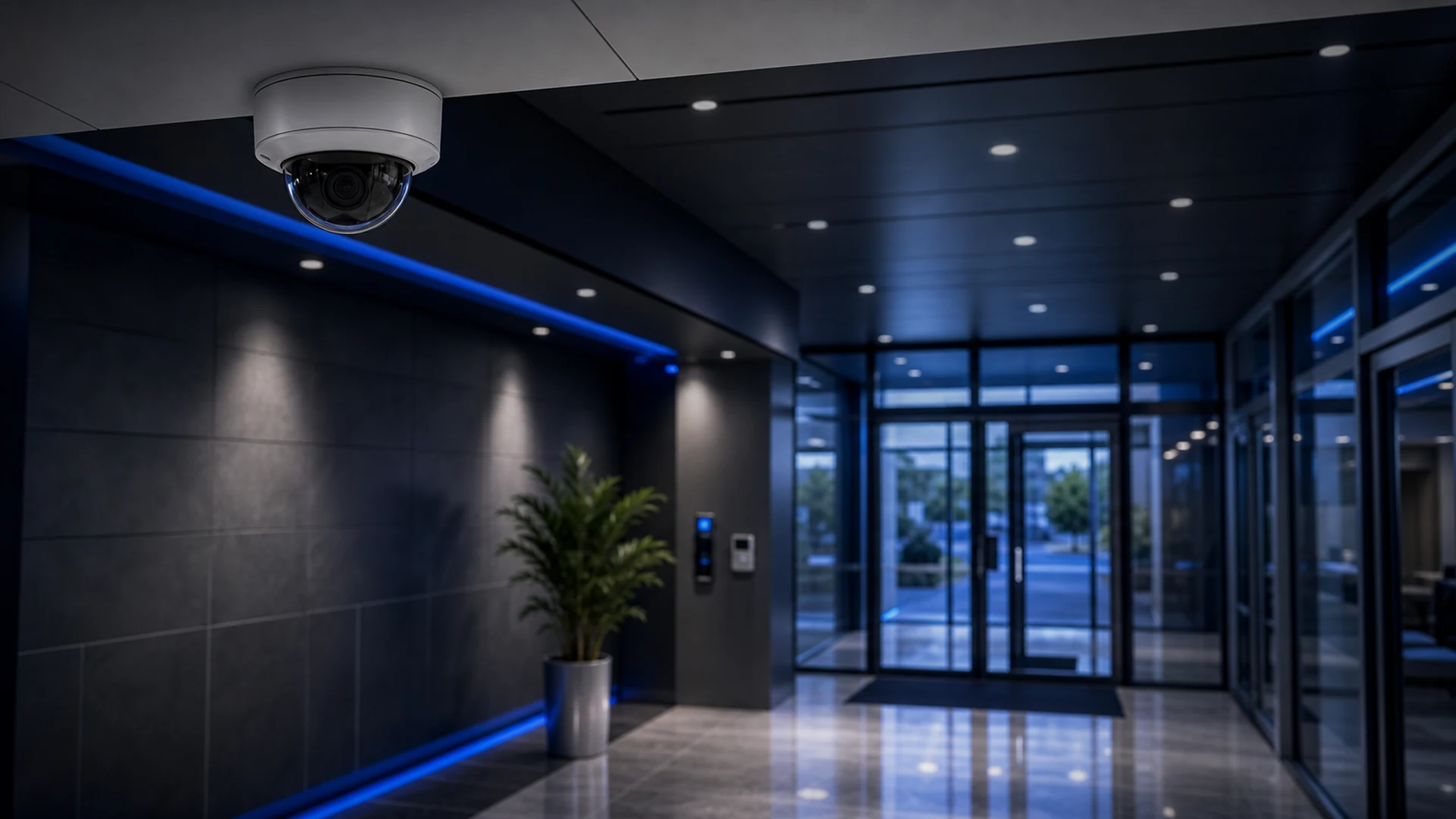
Entrance, lobby, reception, hallway, parking and employee-area visibility for professional offices and multi-tenant buildings.
View Retail and Office Camera Solutions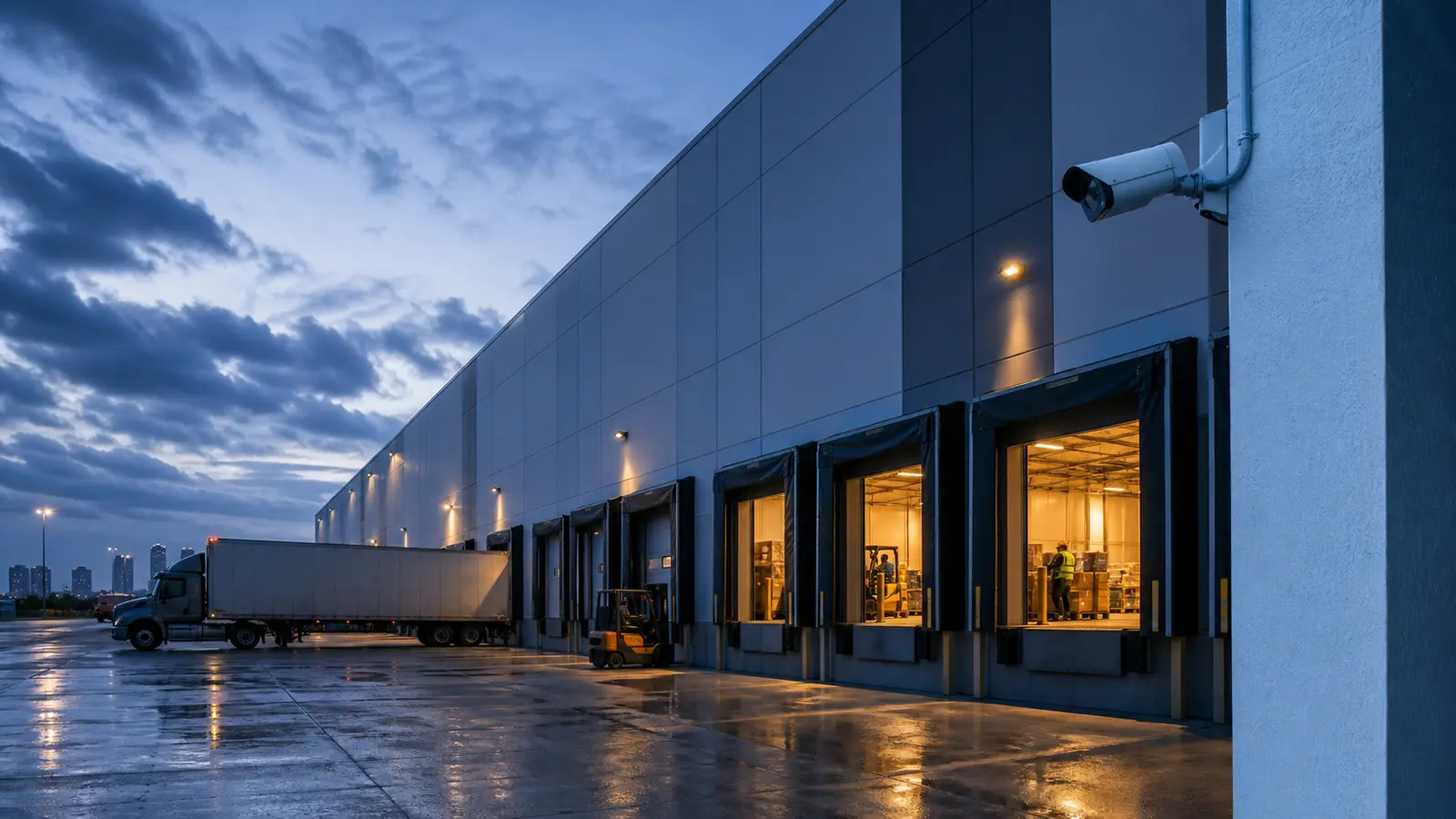
Dock doors, truck courts, receiving areas, inventory aisles, yards, equipment zones and exterior approaches for warehouse operations.
View Warehouse Camera Solutions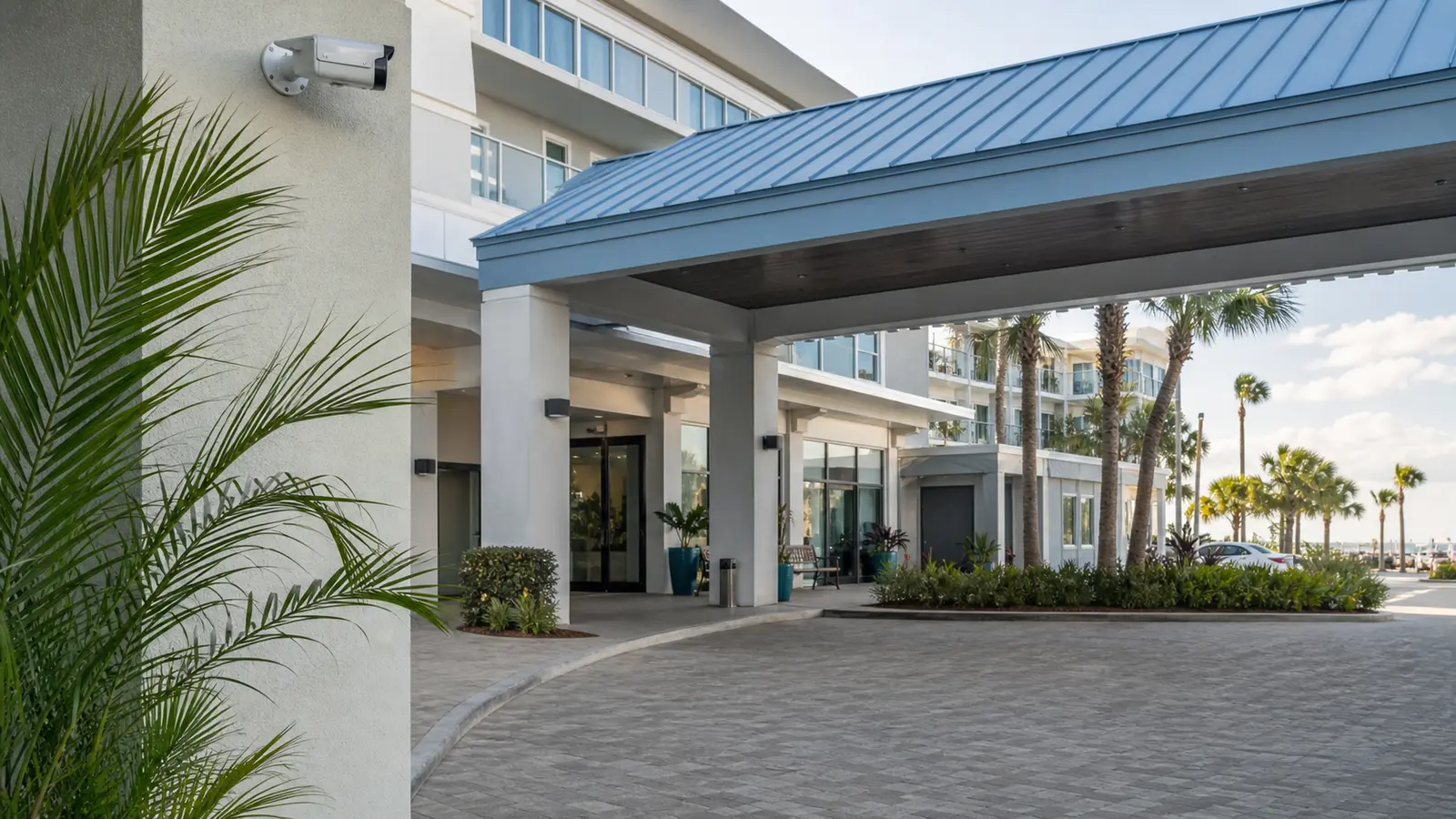
Customer paths, POS-adjacent views, stock rooms, service doors, guest arrivals, back-of-house areas and exterior parking coverage.
View Retail and Office Camera Solutions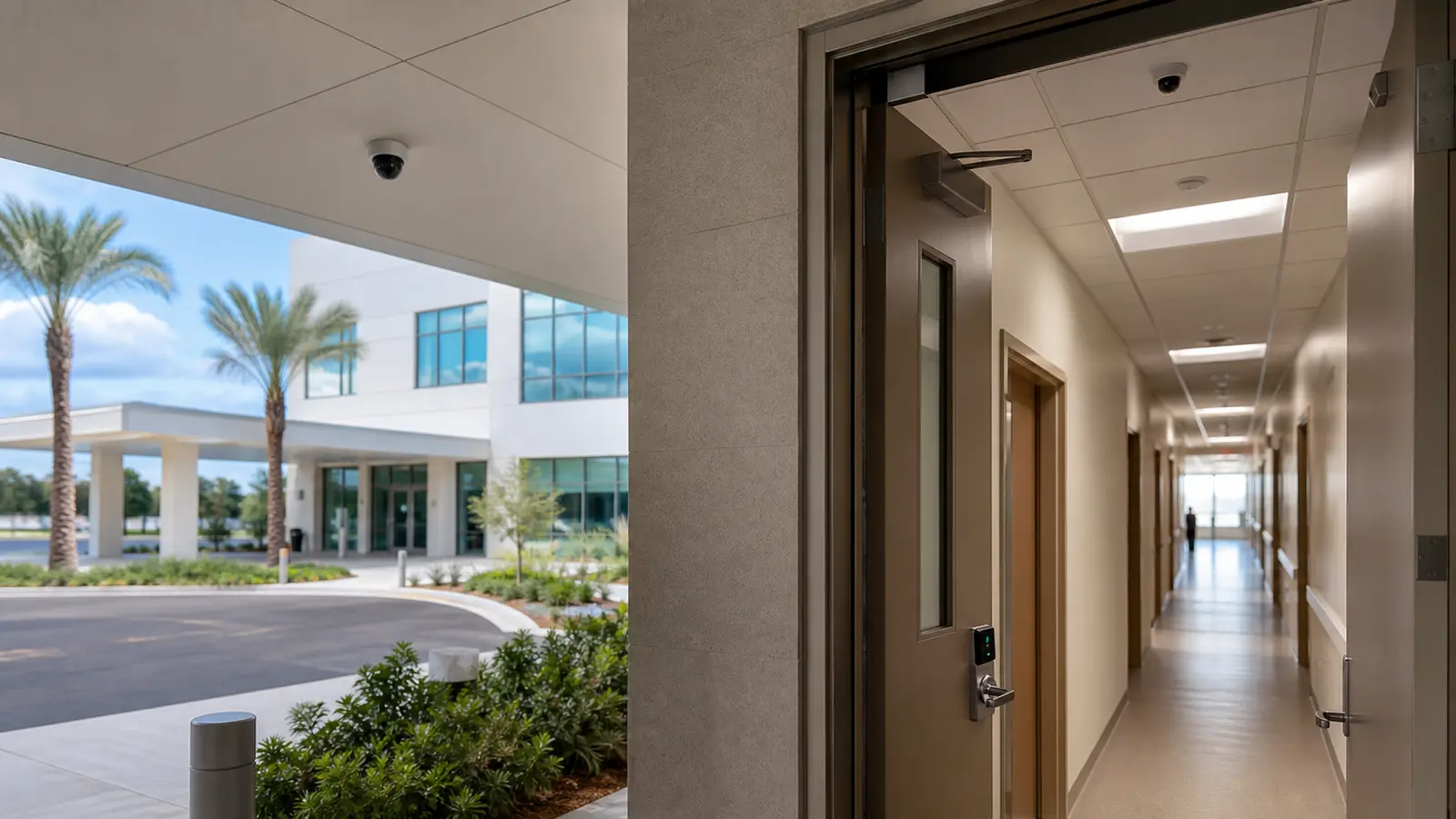
Public entries, waiting areas, staff access points, corridors, parking and controlled operational areas without making medical claims.
View Healthcare Camera Planning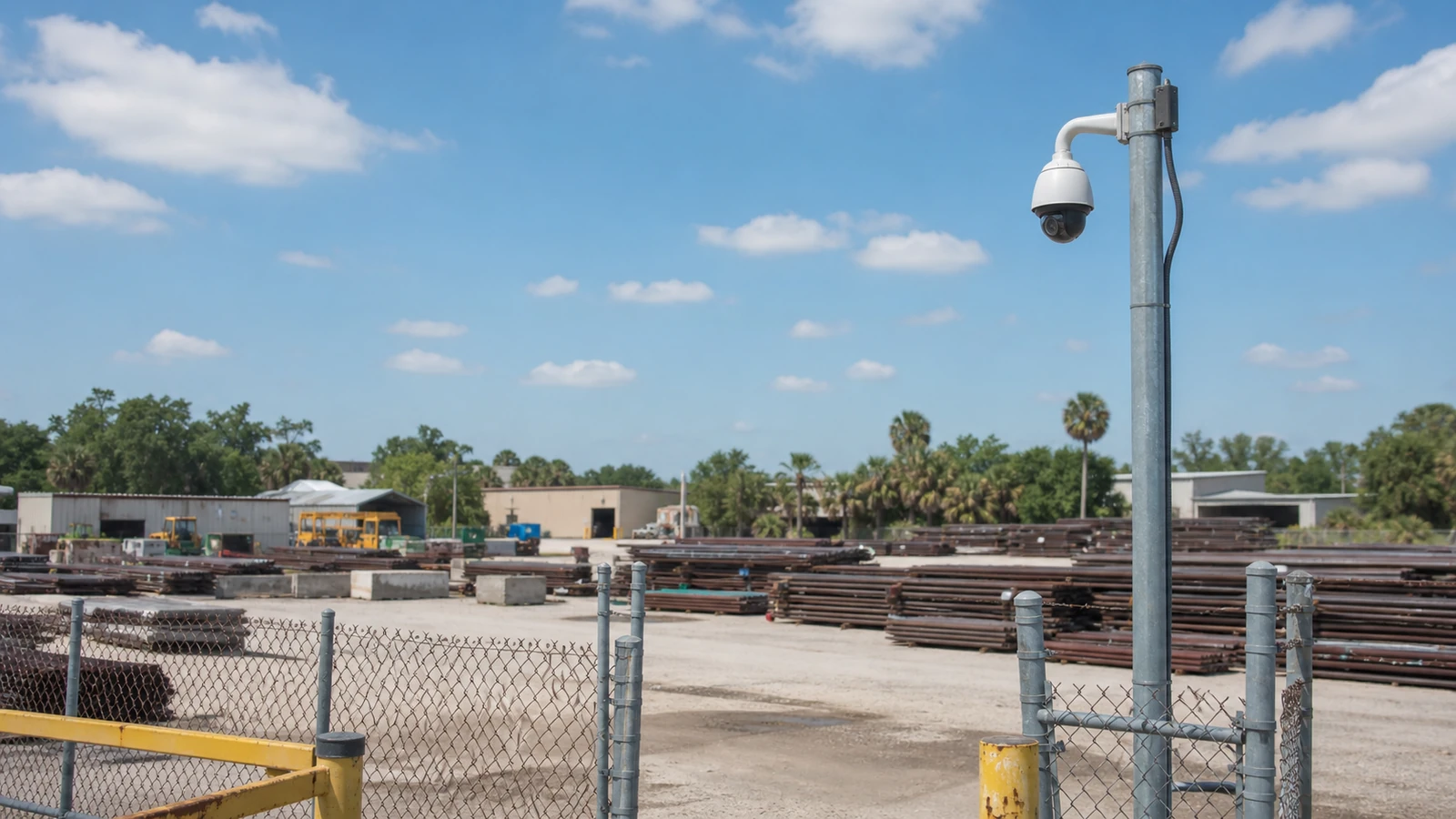
Gates, yards, loading, equipment zones, production-adjacent areas, perimeter views and after-hours visibility for industrial sites.
View Industrial Camera Solutions
Gates, amenity spaces, leasing offices, package rooms, parking, common corridors and selected larger residential projects that need professional planning.
View HOA and Condominium Camera Solutions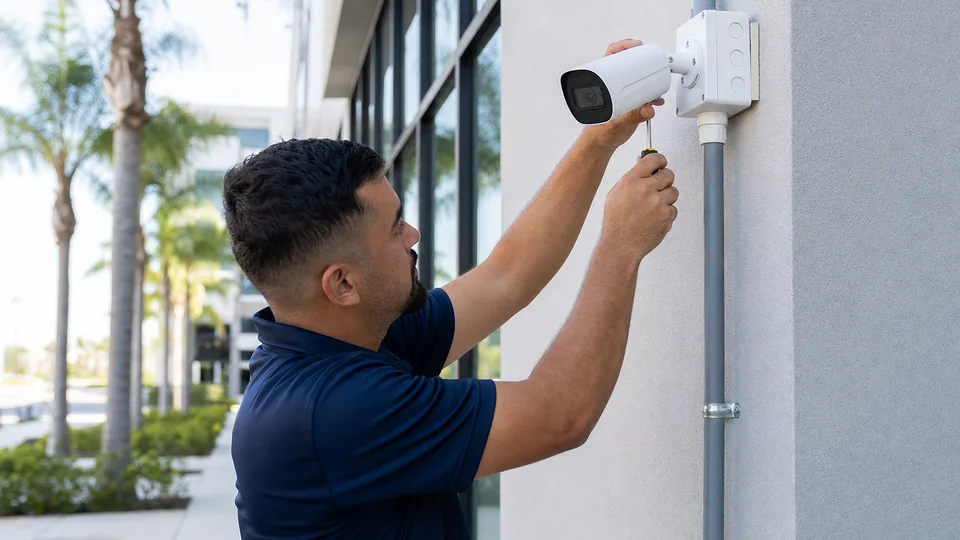


PROCESS
Review entrances, customer or tenant paths, parking, loading, back-of-house areas, gates, lighting, mounting surfaces and the operational reason each camera is needed.
Define camera locations, camera type, recorder channel and retention assumptions, cabling paths, power needs, mounting hardware, lift access and coordination requirements.
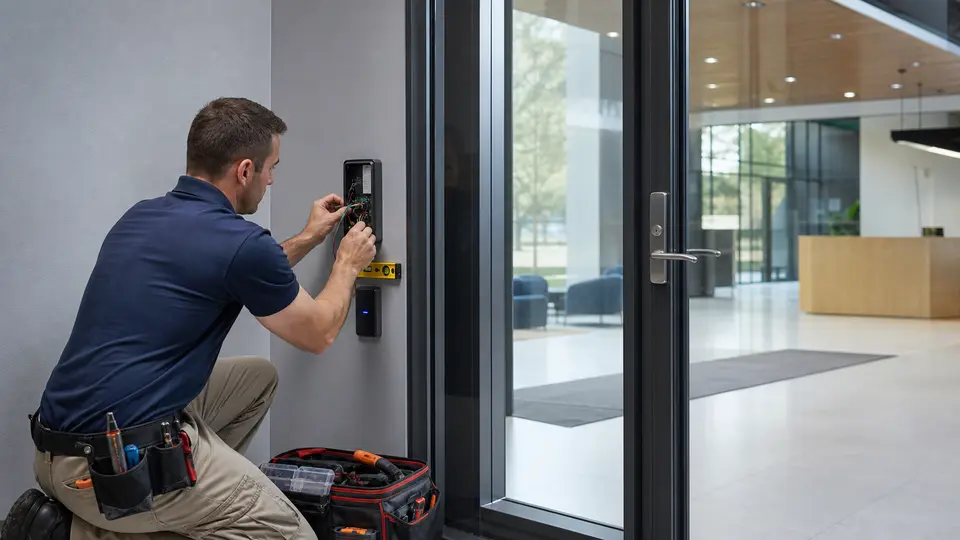
Install cameras, route and label cable, connect recorders, aim views, test playback, confirm remote viewing requirements and verify that camera names match the property layout.
Provide the owner or manager with system notes, camera naming, access guidance, basic playback expectations, and practical information for future support or expansion.
FAQ
Commercial CCTV installation can include camera placement planning, camera selection, mounting, cabling, recorder setup, viewing configuration, testing, labeling and a documented handoff for the property manager or facility team.
Commercial CCTV installation emphasizes physical camera placement, recorder planning, mounting, cabling, viewing, testing, and turnover. Broader camera-system planning may also include network architecture, analytics, multi-site administration, access-control coordination, and long-term system expansion.
CCTV systems can support offices, warehouses, retail stores, hospitality properties, healthcare offices, industrial sites, multifamily communities, HOAs, managed properties and selected larger residential properties that require professional planning.
A CCTV system can record locally without internet access, but remote viewing, alerts, mobile access and some management features may require network and internet coordination.
Camera count depends on entrances, exterior approaches, interior circulation, parking, loading, storage, lighting, field of view, desired image detail and how the property team expects to review video.
Dome cameras are often used in interior or covered areas, bullet cameras are common for visible exterior coverage, and PTZ cameras can pan, tilt and zoom where active control or wider-area review is appropriate.
An existing recorder may be reused when it has adequate channels, storage, compatibility, network access and reliability. If it limits camera quality, retention or support, replacement may be recommended.
Retention depends on business policy, storage capacity, camera count, image quality, frame rate, activity level and whether the property has operational, insurance or management requirements.
Yes. Remote viewing can be configured for authorized users when the recorder, network, internet connection, permissions and security settings support it.
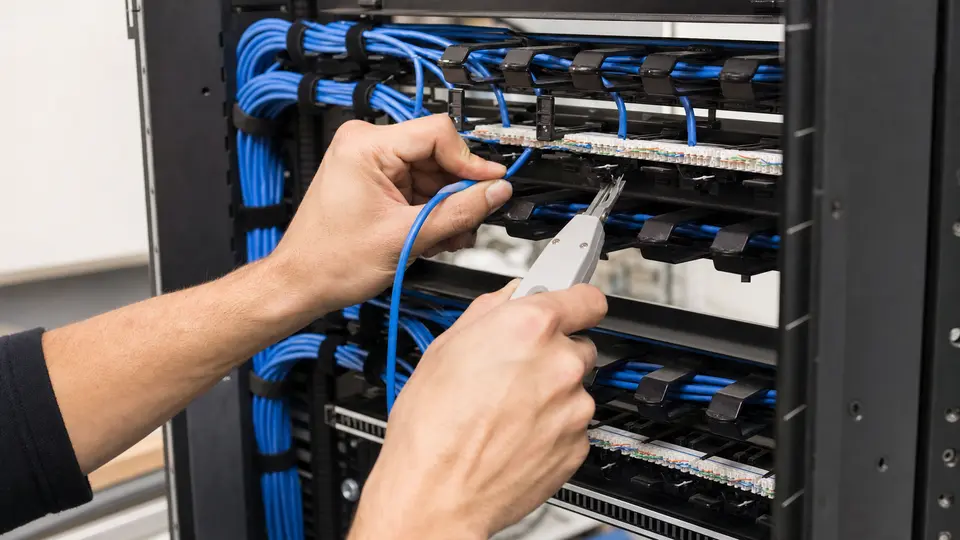
CCTV installation can include low-voltage cabling, pathway coordination, labeling and termination when the project requires new or revised camera wiring.
Yes. Parking and loading coverage should account for lighting, distance, lens selection, mounting height, weather exposure, obstructions and the level of detail the property needs.
Yes. Cameras are often placed near doors, gates, lobbies and service entrances so video can support access-control events and property review workflows.
The handoff should include camera names, camera locations, recorder access notes, viewing guidance and practical documentation that helps the property team use and maintain the system.
Selected larger residential projects may be considered when they require multiple cameras, structured cabling, network coordination, remote viewing, gates, intercoms or a professional systems handoff.
The next step is to request a site survey so Data Pro Communications can review the property type, coverage goals, existing equipment, cabling conditions and desired recording or viewing workflow.
NEXT STEP
Share the property type, existing system, infrastructure condition, and project goals with Data Pro Communications. Request a site survey so the team can review the project and help define the appropriate next step.