Motion and Object Detection
Evaluate supported motion, object and scene-change detection features based on the camera view and platform capabilities.

AI VIDEO ANALYTICS
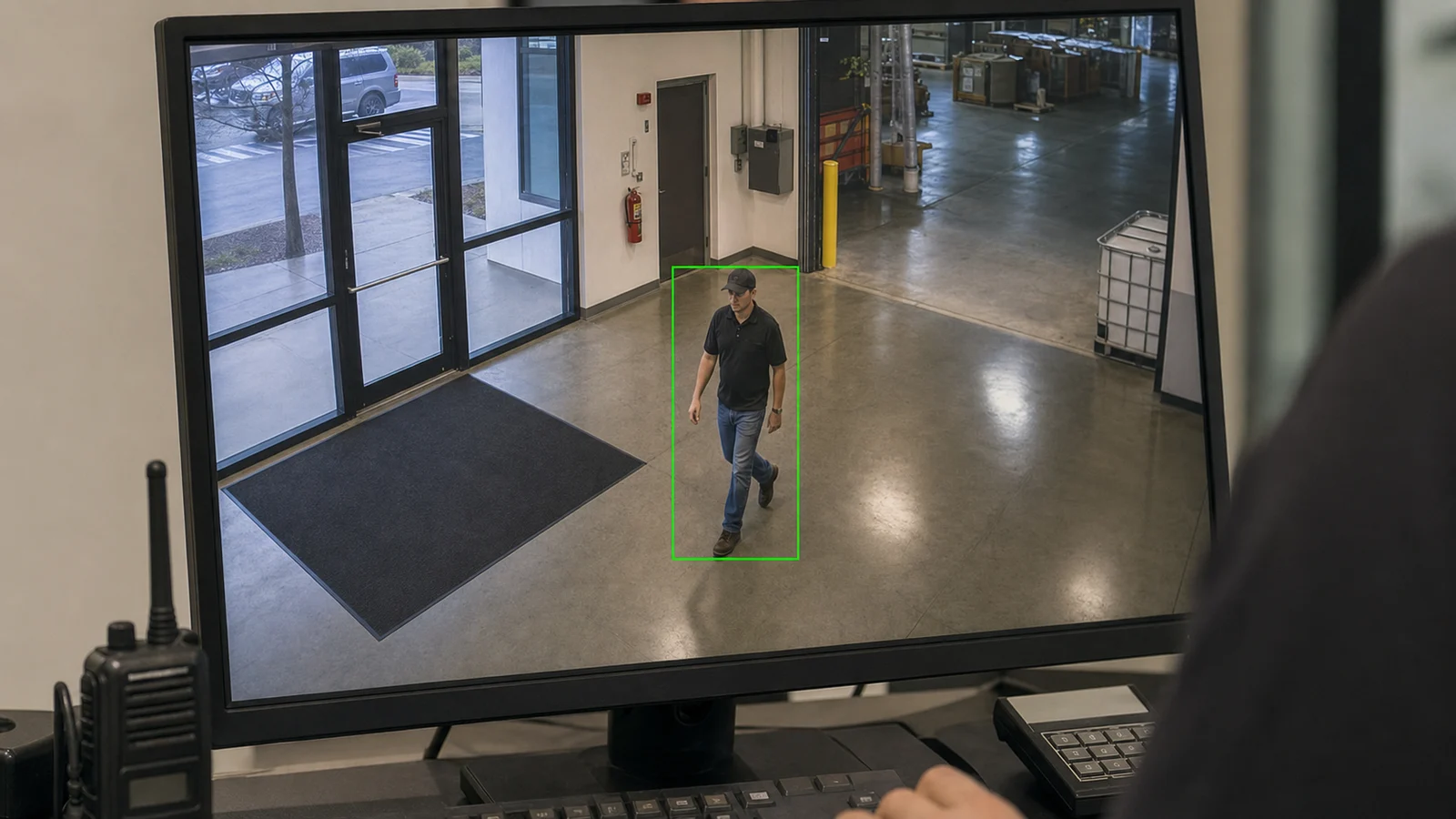
Data Pro Communications helps Tampa businesses and managed properties evaluate video analytics features that can make camera review more useful, such as supported motion detection, person and vehicle classification, line crossing, intrusion-zone events and forensic search.
Analytics performance depends on the camera, recorder, VMS, edge device or cloud platform, along with camera placement, lighting, field of view, image quality and the operational use case. The goal is practical event review and filtering, not a promise of perfect detection or identification.
SERVICE OVERVIEW
AI video analytics can help teams review camera footage more efficiently by filtering events, classifying activity and supporting faster search where the platform supports those features. It is most useful when the feature set is matched to a specific operational need.
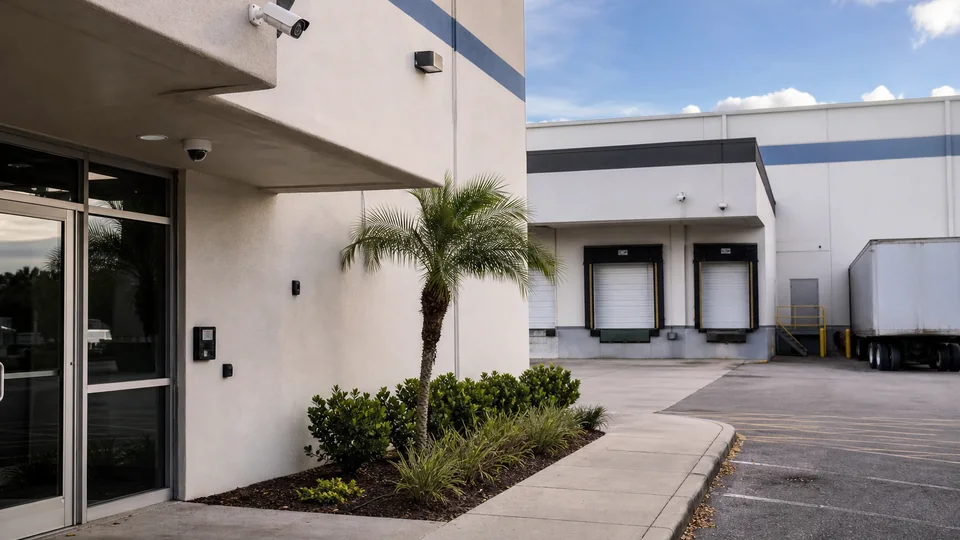
A Tampa warehouse may need vehicle movement events near loading docks. A retail center may need after-hours intrusion-zone review. A multifamily property may need supported people-counting or occupancy use cases in approved common areas. Each scenario requires different camera positions and different expectations.
Data Pro Communications reviews camera placement, image quality, platform compatibility, event rules, permissions and handoff documentation so analytics features are configured responsibly and understood by the people who use them.
TAMPA FIT
Tampa's mix of professional offices, port and airport logistics corridors, hospitality districts, healthcare settings, retail centers, industrial properties and managed communities creates many different video-review needs. Analytics planning should reflect the property rather than applying the same event rules everywhere.
A logistics site near a freight corridor may focus on vehicle activity, dock approaches and after-hours zone events. A Downtown or Westshore office may care about entry patterns and restricted-area review. A hospitality or mixed-use property may need event filtering for service doors, delivery paths and common areas, subject to camera placement and platform compatibility.
Two operational recommendations guide analytics planning: first, confirm the event worth reviewing before enabling alerts; second, test analytics in the actual camera view before treating results as dependable operational signals. Lighting, shadows, distance, weather, crowding and camera angle can all affect results.


PROCESS
Identify the activity the property wants to review, such as line crossing, vehicle movement, restricted-zone activity or supported forensic search.
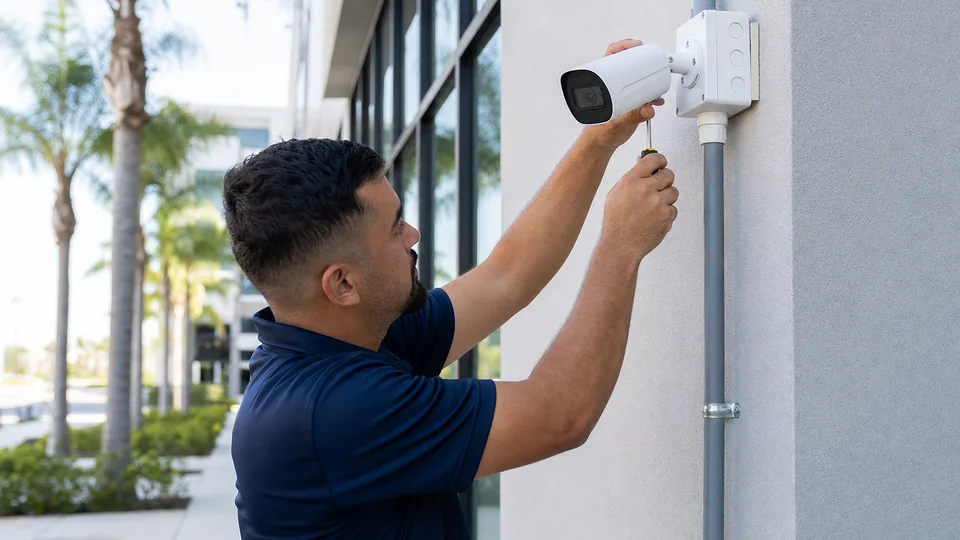
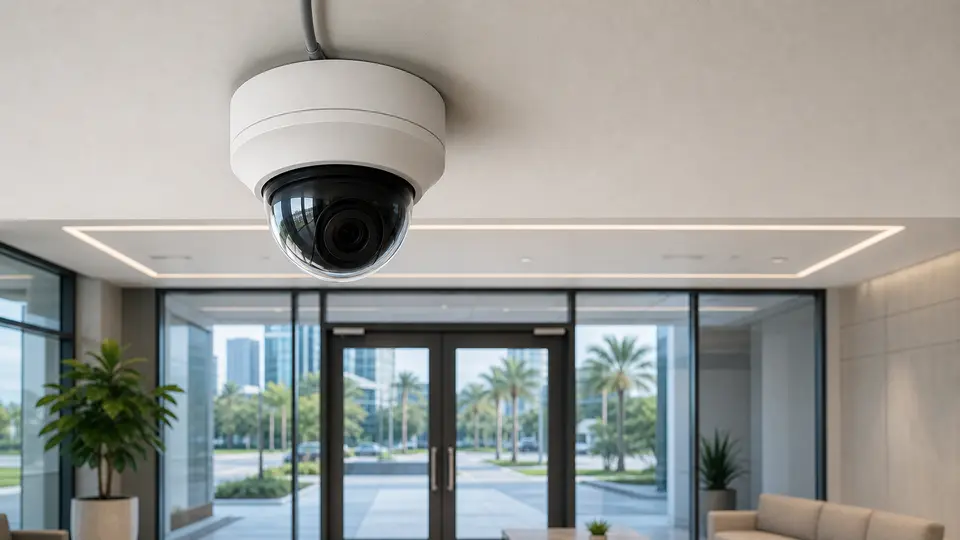
Check camera placement, lighting, image quality, recorder, VMS, edge-device or cloud compatibility before selecting analytics features.
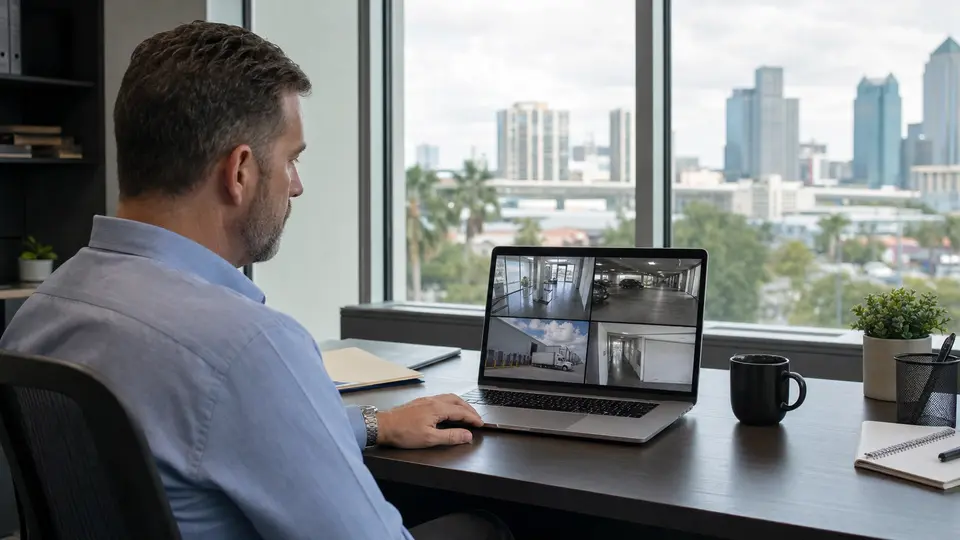
Set up supported event rules, alert filters, user roles and review access based on the operating workflow.
Test analytics in the actual camera views, adjust settings where supported, and document what the system can and cannot be expected to do.
FAQ
AI video analytics are supported software or platform features that help classify, filter or search video events. Depending on the platform, they may include motion detection, person and vehicle classification, line crossing, intrusion zones, loitering rules or forensic search.
No. Detection depends on the camera, software, lighting, field of view, distance, angle, weather, movement, image quality and system compatibility. Analytics can support review, but they should not be treated as perfect or guaranteed.
Facial recognition and biometric identification are not included in this service scope. The analytics described here focus on supported detection, classification, event filtering, and operational video review rather than identifying a person by name.
Many platforms support person and vehicle classification, but accuracy depends on the camera view, distance, lighting, image quality and platform capability. The feature should be tested in the actual camera scene.
Line-crossing detection creates an event when supported software detects an object crossing a defined virtual line in the camera view. It may be useful for gates, loading areas, restricted paths or exterior approaches when camera placement supports it.
An intrusion-zone event is triggered when supported analytics detect activity inside a defined area of the camera view. It can help review restricted rooms, yards, service doors or after-hours zones depending on platform capability and image conditions.
Analytics can help filter events and support faster review where supported, but the results still need responsible human review. Poor placement, shadows, glare, distance or heavy activity can create missed events or extra alerts.
Sometimes. Compatibility depends on the camera model, firmware, image quality, recorder, VMS, edge device or cloud platform. Existing cameras should be reviewed before analytics support is assumed.
Many platforms can send operational alerts or notifications based on configured events. Alert routing depends on the platform, user permissions, network connection and the rules that are enabled.
License plate recognition may be coordinated where appropriate, but it requires specific camera placement, image detail, angle, lighting and platform support. LPR should be planned as its own requirement rather than assumed from general analytics.
Some platforms support occupancy or people-counting use cases. Those features depend on camera position, field of view, lighting, platform support and the way the count will be used operationally.
Access should be limited to authorized operational users. Permissions should reflect the person's role, the cameras they need to review and the organization's privacy and management expectations.
They can be useful when the same event definitions, permissions and review steps are coordinated across locations. Multi-site use depends on platform support, network availability and consistent camera planning.
Camera placement is critical. Mounting height, angle, distance, lighting, lens choice, glare, shadows and obstructions all affect what analytics can classify or detect.
The handoff should explain enabled analytics features, event rules, user permissions, alert expectations, search steps and known limitations so the property team understands how to review events responsibly.
NEXT STEP
Evaluate supported analytics, event filtering and video-search workflows for your Tampa commercial camera system.