Recorder and Playback Review
Check NVR status, camera streams, recording schedules, playback behavior, storage indicators, and practical signs of recorder-side issues.

Recorder, playback, and remote access support
Data Pro Communications provides NVR and remote viewing support for Tampa Bay commercial properties that need help with recorder access, playback, user permissions, mobile viewing, camera visibility, network coordination, and documentation. The page is for existing systems where the camera hardware may be present but the recording or viewing experience is unreliable, confusing, or no longer aligned with operations.
Support focuses on the relationship between the recorder, cameras, network, users, mobile or desktop access, storage behavior, and property workflow. Data Pro Communications does not promise access through unsupported third-party accounts or unknown credentials, but it can document conditions, identify practical constraints, and coordinate low-voltage or network-related fixes.
SERVICE OVERVIEW
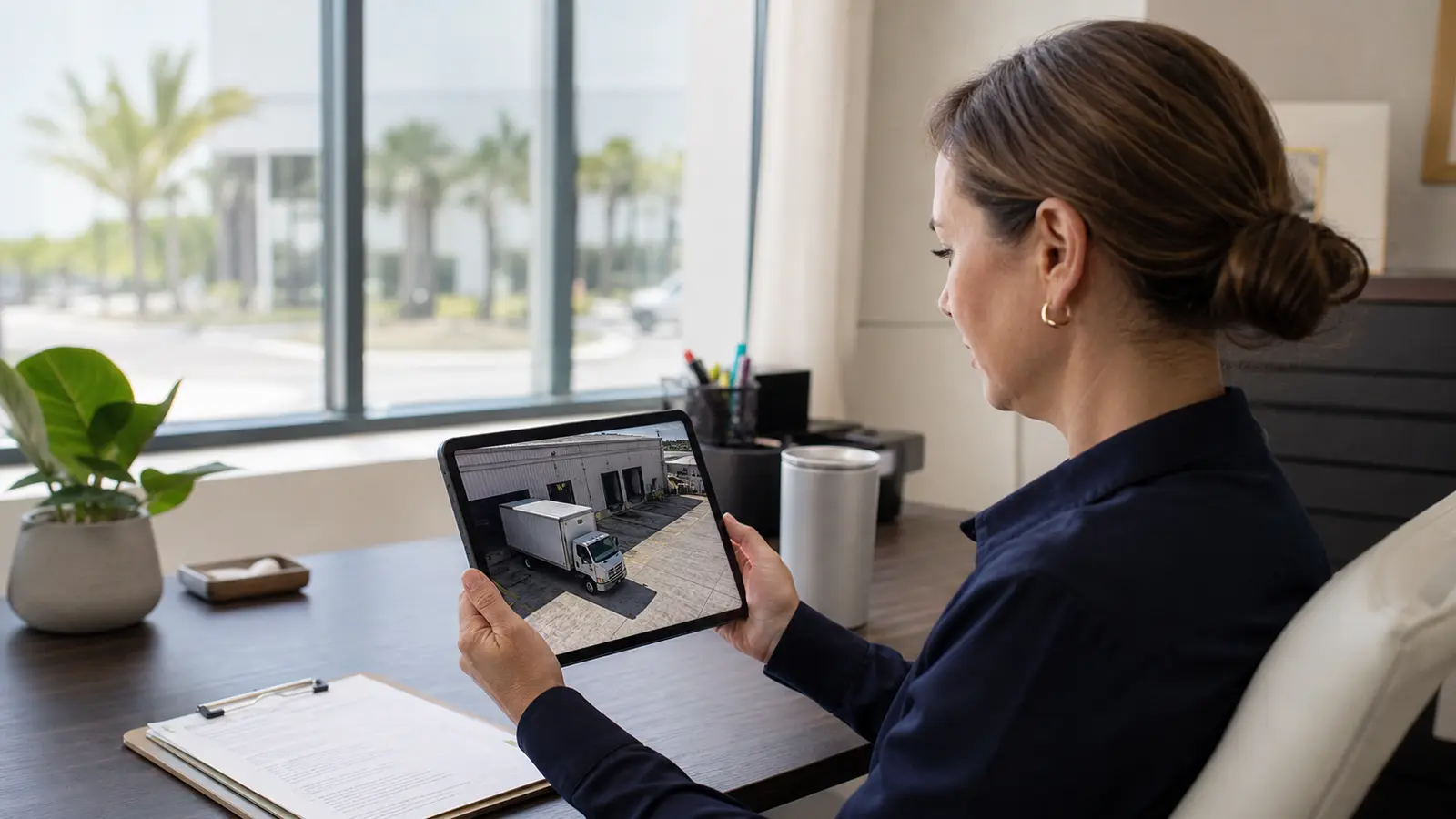
Data Pro Communications supports recorder playback, user access, and remote-viewing workflows. This service is appropriate when property staff can see some cameras but not others, cannot find footage, lose mobile viewing, or need recorder access organized for operational use.
Common requests include reviewing NVR health, confirming camera streams, checking playback availability, updating user access, organizing camera names, confirming local and remote viewing paths, documenting app or browser access limits, and coordinating with network contacts when remote viewing depends on routers, firewalls, VLANs, or internet service.

CAMERA SERVICES
Check NVR status, camera streams, recording schedules, playback behavior, storage indicators, and practical signs of recorder-side issues.
Review mobile, desktop, or browser viewing workflows where credentials, network path, app support, and account ownership allow troubleshooting.
Support property teams with organized user access, role review, naming clarity, and removal of avoidable confusion around shared accounts.
Document when support depends on router, firewall, VLAN, internet, DNS, or managed IT coordination so the next step is clear.
Clean up camera names and viewing order where access allows so staff can find entrances, docks, lobbies, gates, and parking areas quickly.
Document recorder location, authorized viewing methods, camera naming, user-access requirements, known platform limits, and coordination needs for property management or IT.
LOCAL PROPERTY PLANNING
Tampa Bay property teams often rely on camera viewing from offices, management desks, mobile devices, guard areas, corporate teams, and after-hours contacts. Remote viewing support should respect who is allowed to view footage, which areas matter most, and how the property responds to incidents, deliveries, resident concerns, or customer activity.
Operational recommendation 1: confirm who owns administrator access before the visit, because support is limited when accounts or passwords are unavailable. Operational recommendation 2: identify whether remote viewing must work for on-site staff, off-site management, mobile supervisors, or multiple locations so user roles and viewing priorities are clear.
Relevant use cases include a property manager who cannot access playback after staff turnover, a warehouse that needs shipping supervisors to view dock cameras, a hospitality site with inconsistent mobile viewing, a retail center with camera names that no longer match locations, and a condominium team that needs recorder access documented for authorized personnel.
VIDEO MANAGEMENT PLATFORMS
An NVR records a fixed group of cameras on a dedicated appliance. A video management system (VMS) is software that manages recording, users, and viewing across more cameras, more sites, or more integrations. Data Pro Communications reviews which approach fits the property before recorders, licenses, or storage are specified.
A recorder appliance such as a Uniview NVR handles a defined camera count at one building. On a Data Pro project in Palmetto, twelve Uniview 4K cameras record to one 16-channel Uniview NVR.
See the Palmetto case studyUniFi Protect manages cameras, recording, and remote viewing on UniFi recorders, and suits properties that already run a UniFi network. Data Pro has deployed UniFi Protect across a four-building community with multiple recorders.
View IP video surveillanceGenetec Security Center, Milestone XProtect, and Avigilon video management fit larger camera counts, multi-site portfolios, and integration with access control or analytics. The right choice depends on camera compatibility, licensing, server or cloud hosting, and who administers the system.
View AI video analyticsPlatform names are listed for planning context. Their inclusion does not imply certification, authorization, or partnership unless separately documented.
PROPERTY APPLICATIONS
Support teams that cannot locate recorded footage or need help confirming recorder playback behavior.
Review app access, user permissions, recorder status, and network dependencies affecting authorized mobile viewing.
Organize users, roles, and access documentation after manager, guard, or vendor changes.
Align camera labels with real property locations so authorized users can find the correct views.
Support off-site managers or multi-site operators who need reliable viewing workflows within system limits.
Document when remote access depends on firewall, router, VLAN, internet, DNS, or managed IT coordination.
RELATED SERVICES

Choose this service for camera outages, recording problems, image-quality issues, connectivity faults, and corrective field service.
View Camera Service
Choose this service for preventive inspections, system testing, documentation updates, and planned on-site maintenance.
View Maintenance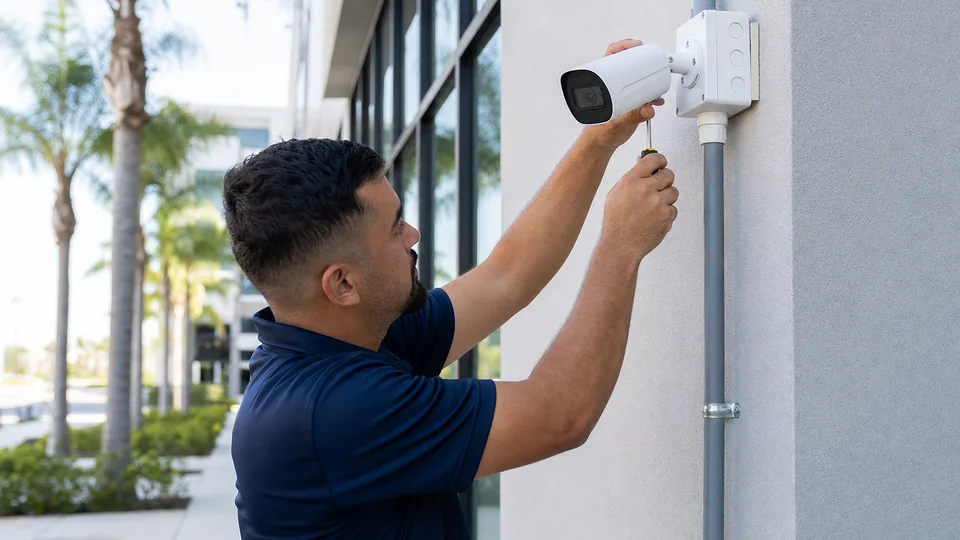
Choose this service for new camera layout, device placement, mounting, and installation planning.
Review Camera Services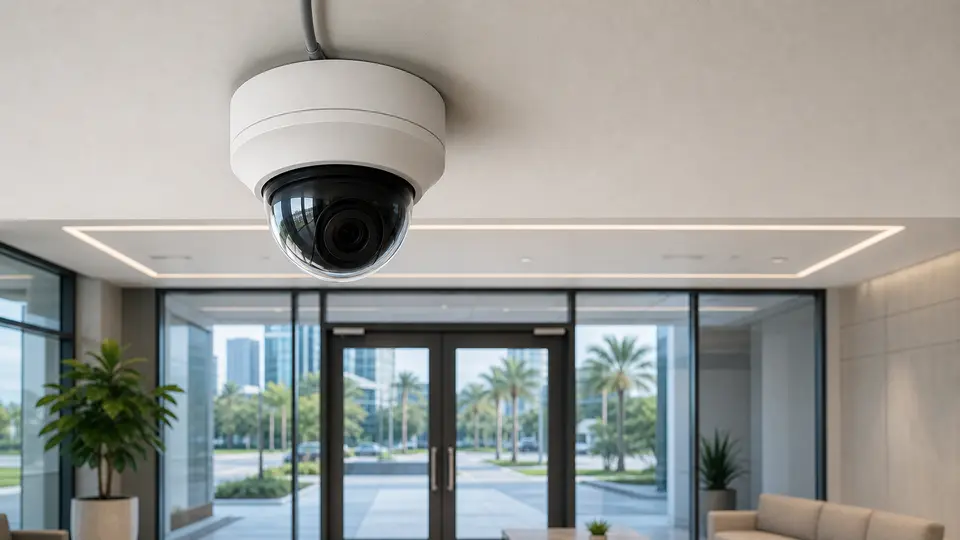
Choose this service for IP camera architecture, PoE planning, network video design, and system expansion.
View IP Video
Choose this service for switches, PoE budgets, racks, patching, uplinks, and connected system reliability.
Review Network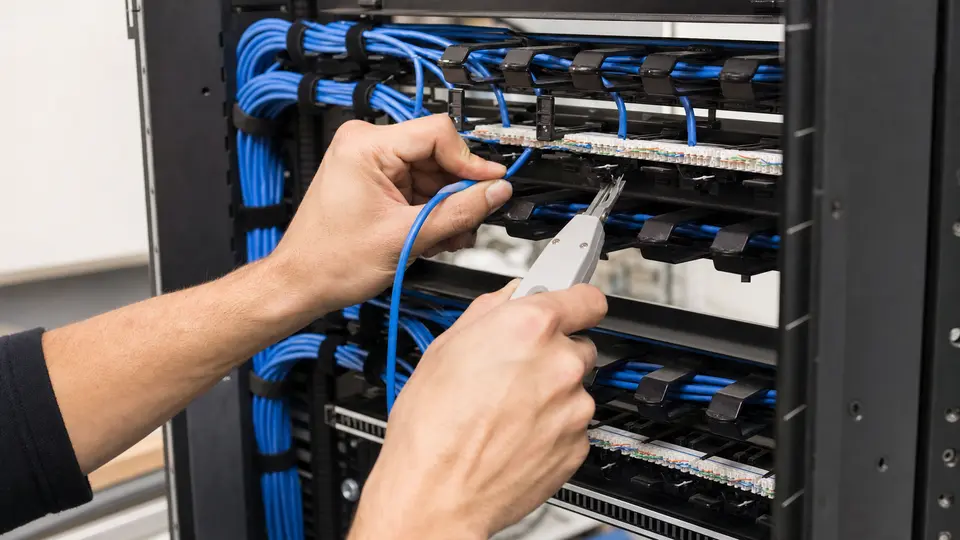
Choose this service for organized cabling pathways, rack termination, labeling, and documentation.
Review Cabling
Choose this service for copper device drops, Ethernet runs, PoE endpoints, and tested horizontal cabling.
View Cat6 Cabling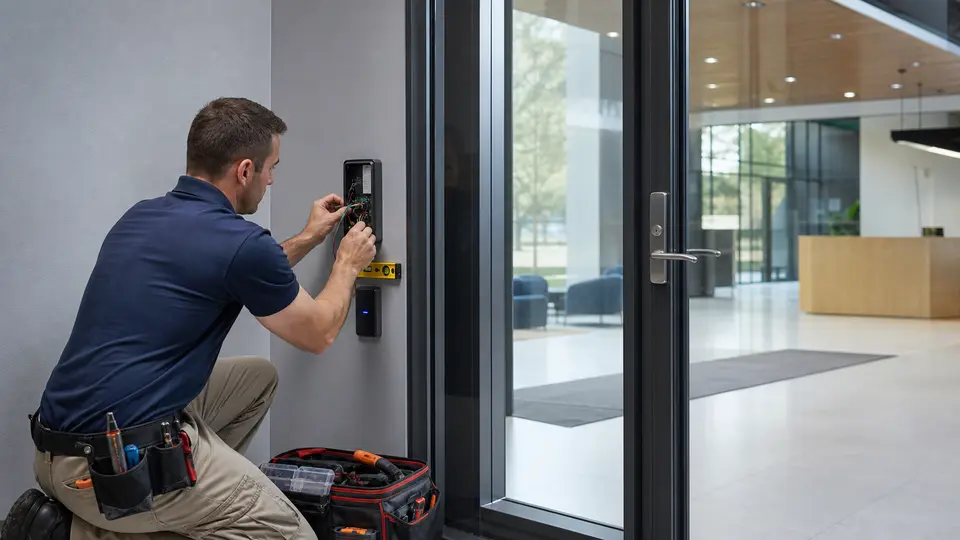
Choose this service for door, credential, controller, and entry permission projects.
Review Access Control
Choose this service for controlled building-door access, readers, schedules, credentials, and audit events.
View Door AccessRELATED INDUSTRIES
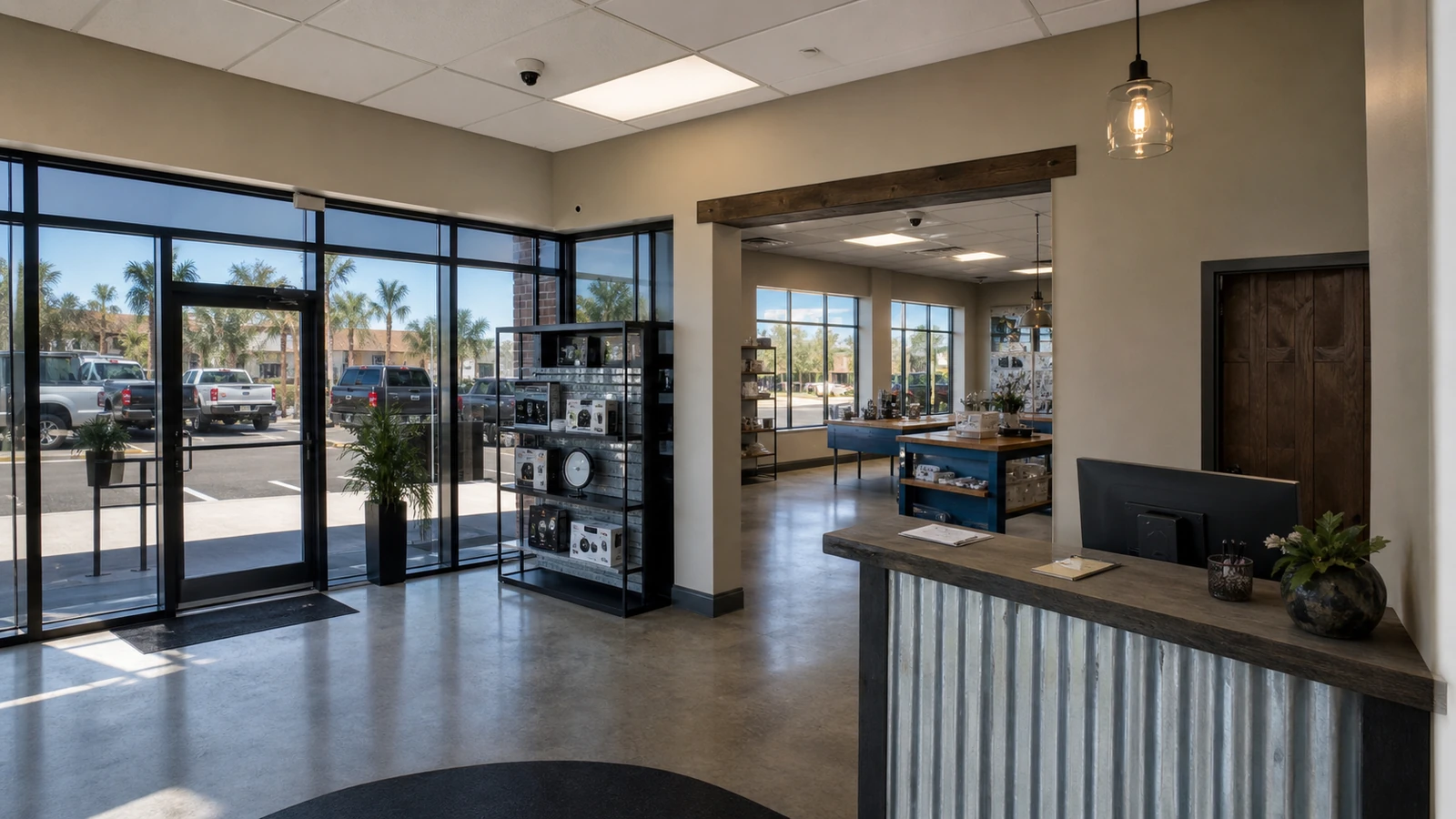
Retail centers and office properties that need service visibility around entrances, tenant areas, shared corridors, parking, and customer-facing spaces.
View Retail & Office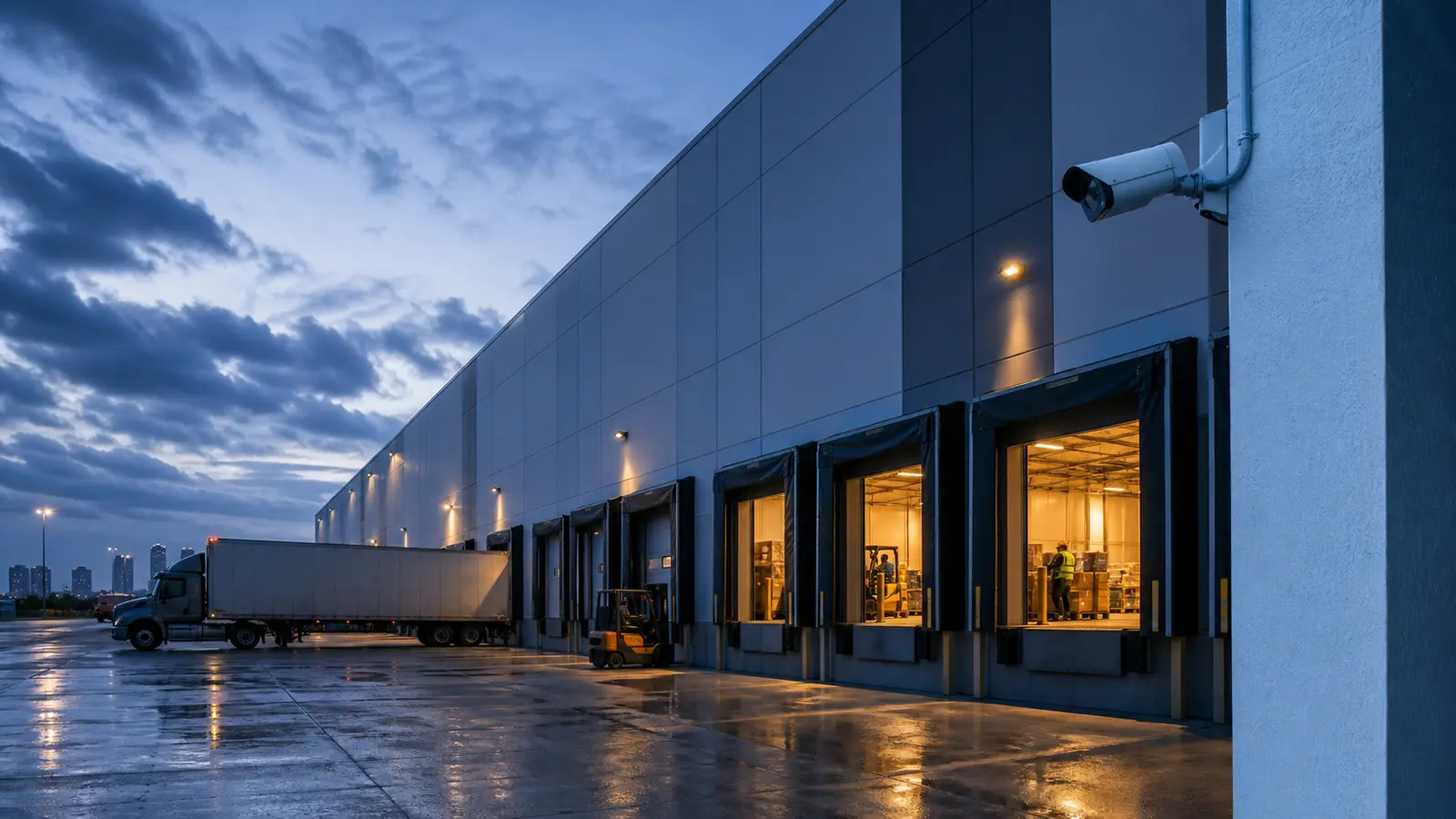
Warehouses and logistics sites that need service support around docks, staging areas, yards, and equipment rooms.
View Warehouse & Logistics
HOAs, condominiums, and multifamily communities with shared amenities, lobbies, garages, gates, and resident-facing support needs.
View HOA & Condominium
Industrial properties with distributed devices, controlled areas, production zones, exterior perimeters, and rugged service conditions.
View Industrial Facilities
Property management teams coordinating support across tenants, vendors, common areas, ownership reporting, and multi-site documentation.
View Property Management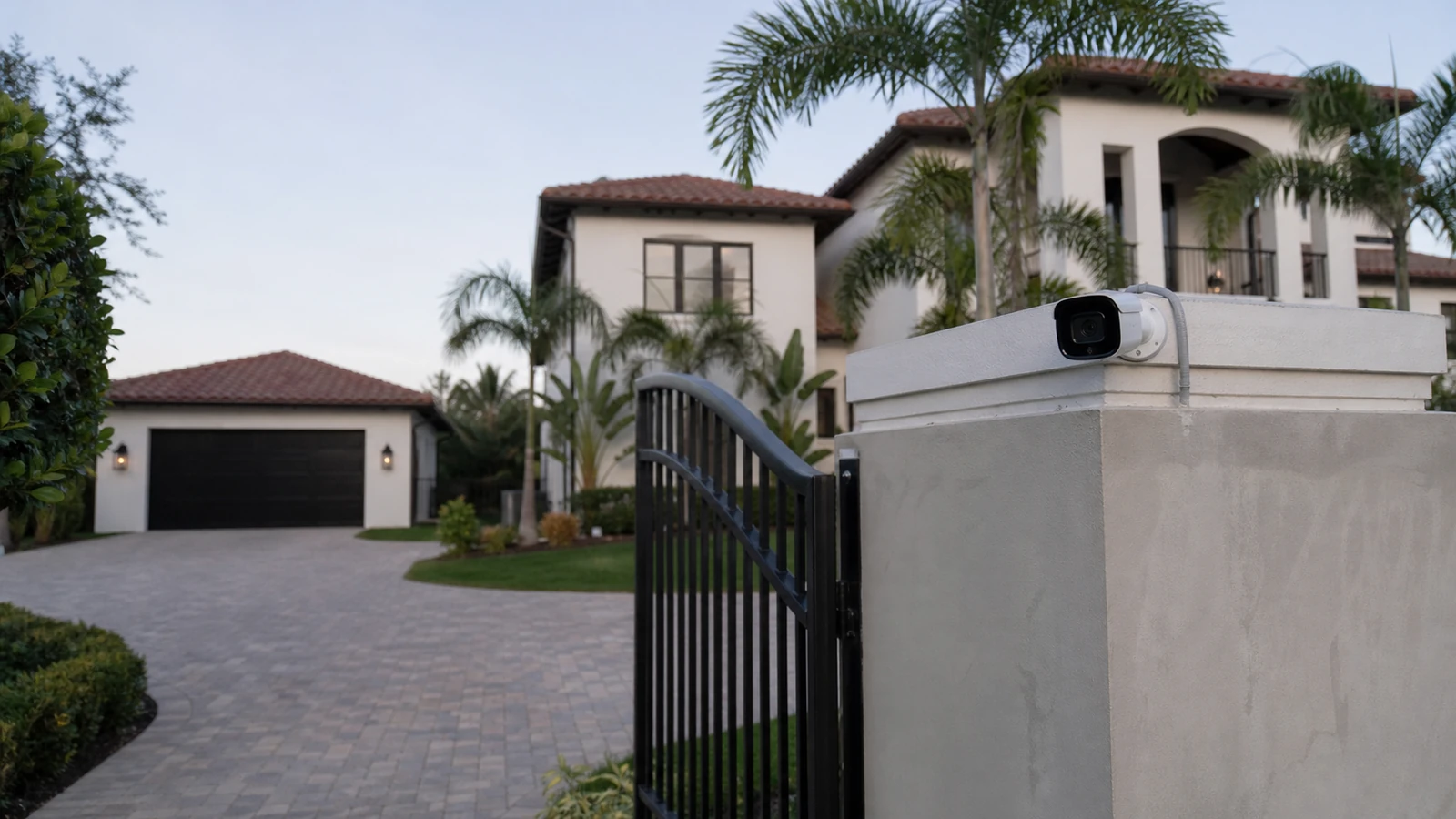
Larger residential projects that require professional low-voltage planning, multiple devices, remote access, or integrated service support.
View Select ResidentialPROCESS
Confirm authorized contacts, recorder location, account availability, viewing methods, and support limitations.
Review NVR status, live camera display, playback, storage indicators, camera naming, and remote viewing path.
Clarify user roles, viewing priorities, practical access steps, and documentation needed by management or IT.
Identify whether the next step is recorder service, network coordination, camera troubleshooting, account recovery, or system improvement.
FAQ
It includes review of recorder status, live viewing, playback, user access, mobile or desktop viewing, camera naming, storage indicators, and network-related dependencies.
Data Pro can help authorized contacts evaluate access options, but it cannot guarantee recovery of unknown credentials or access to accounts controlled by another party.
Remote viewing can fail because of account changes, app changes, network changes, internet service changes, router or firewall settings, recorder settings, user permissions, or equipment issues.
Yes. Support can include local monitor viewing, authorized mobile or desktop access, playback workflows, user permissions, and network-related dependencies when the recorder, credentials, and platform access are available.
Yes, when system access allows it. Clear camera names help staff find entrances, parking areas, docks, lobbies, gates, and other priority views faster.
Yes, when the recorder, account ownership, network path, and user permissions support it. User setup should follow property authorization rules.
Prepare authorized contacts, recorder location, admin credentials if available, affected usernames, viewing devices, app names, network contacts, and examples of access or playback problems.
Support depends on platform access, account ownership, licensing, and manufacturer limits. Data Pro can document constraints and coordinate practical next steps.
It can include connected-system review and coordination notes. Deeper router, firewall, VLAN, or internet changes may require the property’s IT provider or managed network contact.
Yes. Many support visits involve cleaning up user access, clarifying account ownership, documenting authorized users, and reducing reliance on shared or unknown credentials.
Remote viewing depends on equipment condition, account access, network configuration, internet service, platform support, and user devices. Data Pro provides practical troubleshooting and recommendations rather than unsupported guarantees.
Data Pro Communications can review the service need, confirm access requirements, and schedule the next practical step for your commercial or managed property.