Credential and Reader Planning
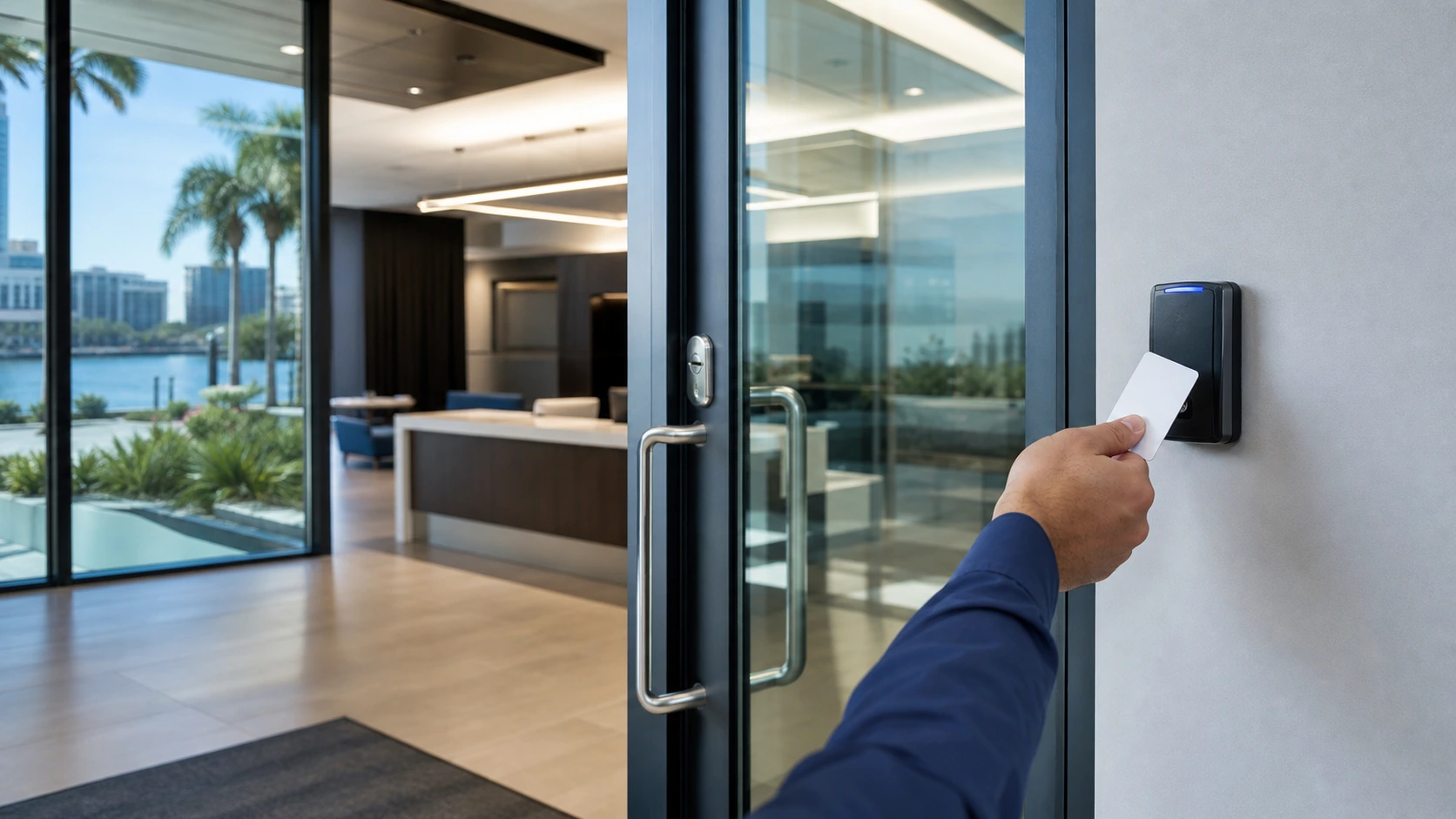
Select card, fob, keypad, mobile, proximity, or smart credential workflows based on the approved platform, user population, security needs, and administration model.

Credentials, readers, permissions, and controlled commercial doors
Data Pro Communications plans and installs commercial door access control systems for Tampa Bay offices, managed properties, warehouses, multifamily communities, hospitality sites, healthcare offices, industrial facilities, and multi-site organizations. Projects are organized around controlled openings, credential methods, reader locations, controller architecture, schedules, user groups, event history, cabling, power, and practical administration.
This service is narrower than the broader Access Control Installation page. Door Access Control Systems focuses specifically on building doors and the devices and permissions that control them, while coordinating approved boundaries for electrified hardware, egress, life-safety, locksmith, fire alarm, electrical, and authority-having-jurisdiction requirements.
A useful door-access design begins with who needs access, which openings are controlled, how credentials are issued, what schedules apply, where controllers and power supplies will be located, and how events will be reviewed. A site survey helps establish those decisions before installation.
SERVICE OVERVIEW
Door-access planning can include card, fob, keypad, mobile, proximity, or smart credential workflows, together with controller capacity, panel locations, network connectivity, power, expansion, and door-device wiring for single-door, multi-door, and multi-site systems.
Readers, request-to-exit devices, door contacts, electric strikes, magnetic locks where appropriate, and power supplies can be coordinated with user groups, permission levels, schedules, holidays, temporary access, tenant separation, and department-specific rules. Planning also covers credential enrollment, event history, denied-access review, authorized administrator roles, labeling, documentation, and operational handoff.
CAMERA SERVICES
Select card, fob, keypad, mobile, proximity, or smart credential workflows based on the approved platform, user population, security needs, and administration model.
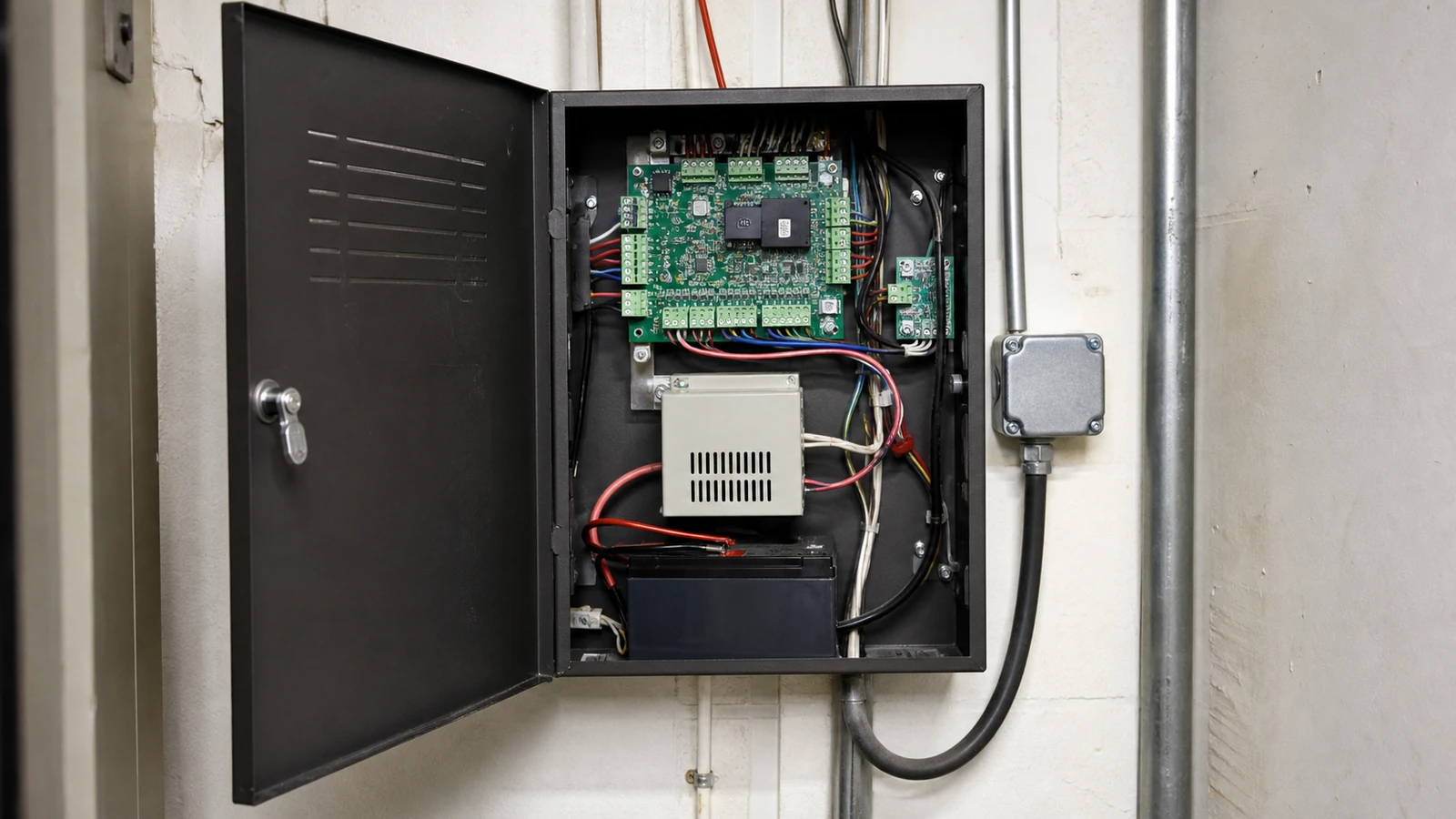
Plan controller capacity, panel locations, network connectivity, power, expansion, and door-device wiring for single-door, multi-door, and multi-site systems.
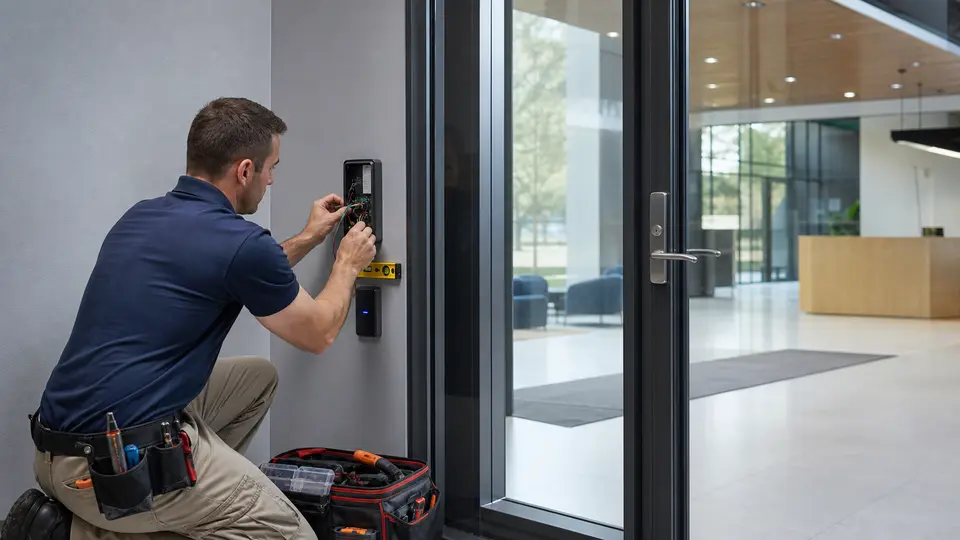
Coordinate readers, request-to-exit devices, door contacts, electric strikes, magnetic locks where appropriate, power supplies, and approved electrified hardware boundaries.
Configure user groups, permission levels, time schedules, holidays, temporary access, tenant separation, and department-specific access rules.
Support credential enrollment, event history, denied-access review, authorized administrator roles, labeling, documentation, and operational handoff.
Coordinate door-event context with cameras, structured cabling, network infrastructure, PoE where applicable, and future expansion without turning the page into a surveillance service.
LOCAL PROPERTY PLANNING
Downtown Tampa and Westshore offices often need employee, tenant, vendor, and after-hours permissions separated by door, floor, department, or suite. A phased plan can reduce disruption while replacing keys or expanding an existing system.
Ybor City hospitality, Channelside properties, healthcare suites, and professional offices may require visitor workflows, staff-only openings, delivery access, and clear administrator ownership. Existing door hardware, egress conditions, available power, and telecom-room distance should be documented before equipment selection.
Brandon, Riverview, Clearwater, and St. Petersburg managed properties may combine clubhouse doors, leasing offices, amenity areas, maintenance rooms, common entries, and multiple buildings. Consistent naming, credential enrollment, schedules, and audit-event practices improve ongoing management.
PROPERTY APPLICATIONS
Control employee and visitor access by department, floor, suite, schedule, and approved role.
Manage amenity, clubhouse, leasing, maintenance, and common-entry permissions without relying only on physical keys.
Separate office, dock, inventory, restricted, and after-hours access while maintaining event visibility.
Coordinate controlled openings, staff permissions, visitor routes, and administration within approved property and compliance boundaries.
Manage staff-only doors, delivery areas, storage, offices, and operational spaces with defined schedules and user groups.
Apply consistent naming, roles, schedules, and enrollment practices across multiple Tampa Bay properties when the selected platform supports it.
RELATED SERVICES
Use Access Control Installation when the project needs that related service scope in addition to Door Access Control Systems.
Review Access Control
Use Intercom System Installation when the project needs that related service scope in addition to Door Access Control Systems.
View Intercom Systems
Use Gate and Entry Systems when the project needs that related service scope in addition to Door Access Control Systems.
View Gate Entry
Use Security Camera Installation when the project needs that related service scope in addition to Door Access Control Systems.
Review Camera Services
Use IP Video Surveillance when the project needs that related service scope in addition to Door Access Control Systems.
View IP Video
Use Structured Cabling when the project needs that related service scope in addition to Door Access Control Systems.
Review Cabling
Use Cat6 and Cat6A Cabling when the project needs that related service scope in addition to Door Access Control Systems.
View Cat6 Cabling
Use Network Infrastructure when the project needs that related service scope in addition to Door Access Control Systems.
Review NetworkRELATED INDUSTRIES
Plan camera coverage for storefronts, office entrances, reception areas, stockrooms, parking, and after-hours activity.
View Retail & Office
Plan camera coverage for loading docks, receiving areas, warehouse aisles, inventory zones, exterior yards, and logistics operations.
View Warehouse & Logistics
Plan camera coverage for community entrances, gates, lobbies, garages, amenities, package areas, and shared spaces.
View HOA & Condominium
Plan camera coverage for production floors, equipment zones, yards, gates, elevated views, and multi-building industrial sites.
View Industrial Facilities
Plan managed-property standards for camera coverage, remote access, permissions, documentation, and long-term serviceability.
View Property Management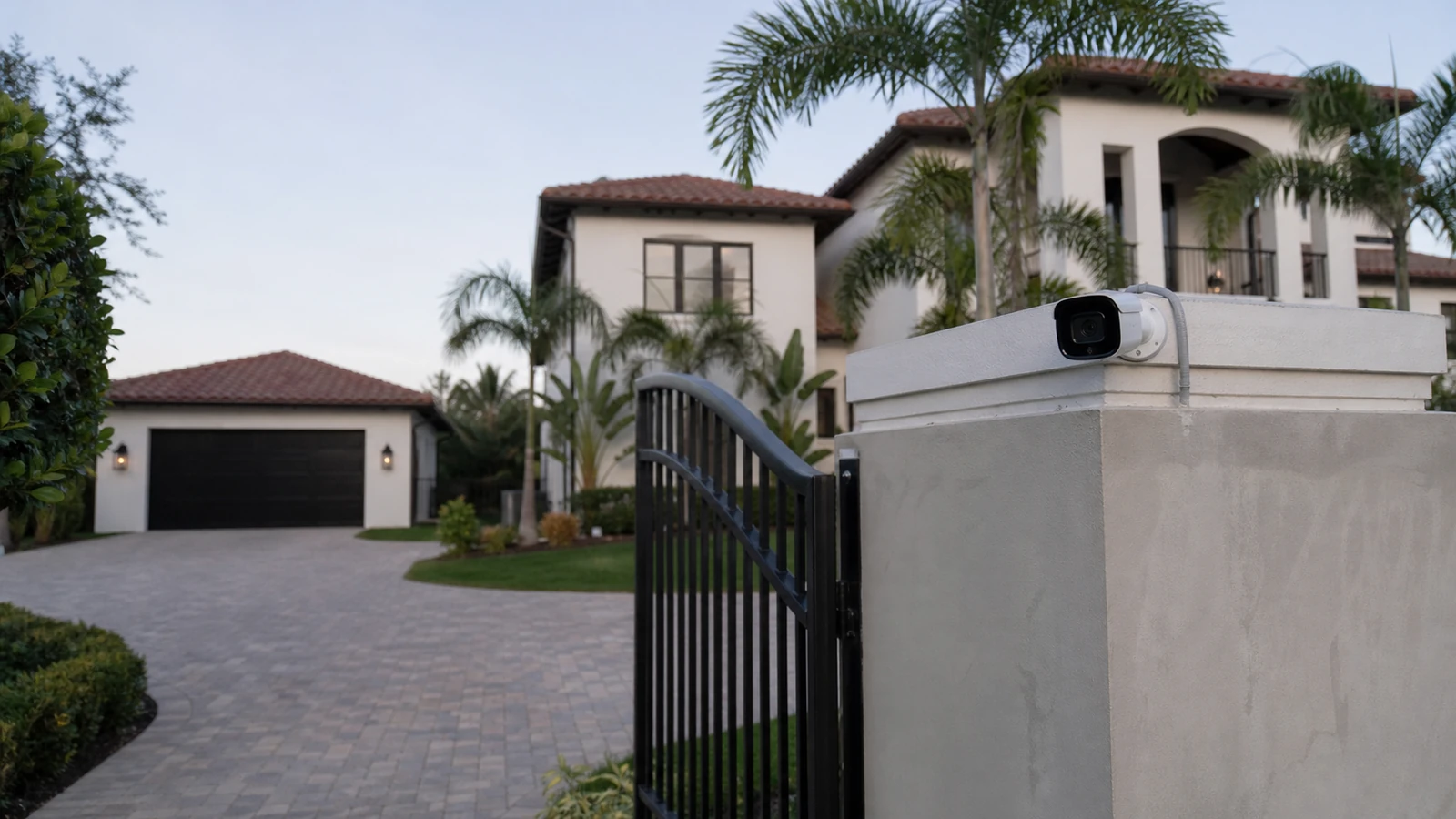
Plan professional camera coverage for larger homes, gated properties, driveways, detached buildings, NVRs, and managed access.
View Select ResidentialPROCESS
Review entrances, users, traffic, devices, existing systems, pathways, network, power, administration, and coordination boundaries.
Define approved components, locations, cabling, connectivity, schedules, roles, labels, documentation, and responsible-party interfaces.
Install approved low-voltage components, configure supported functions, coordinate dependencies, label devices, and verify the defined workflow.
Test approved functions, record exceptions, provide operating and administration guidance, and document support and expansion considerations.
FAQ
A commercial system may include credentials, readers, keypads, controllers, access panels, request-to-exit devices, door contacts, electrified locks, power supplies, cabling, network connectivity, schedules, permissions, event history, labeling, and administrator handoff.
Access Control Installation remains the broader project-discovery and installation service. Door Access Control Systems is narrower and focuses on controlled commercial doors, credentials, readers, permissions, schedules, access events, controllers, and door-device architecture.
Many platforms can support more than one credential type, but available combinations depend on the selected readers, software, licensing, mobile-device requirements, and property administration model.
Yes. Supported systems can assign users or groups to selected doors and time windows, including business hours, after-hours periods, holidays, temporary access, and department-specific rules.
Depending on the platform, event history may record granted access, denied attempts, door status, credential activity, schedules, alarms, and administrative changes for authorized review.
Reuse depends on condition, compatibility, voltage, current draw, door behavior, egress requirements, and the approved system design. Existing hardware should be inspected and coordinated with the appropriate door-hardware and life-safety parties.
No. Data Pro Communications provides approved low-voltage access-control scope and coordination. Door hardware engineering, code interpretation, fire-alarm interfaces, egress approval, structural work, and authority-having-jurisdiction decisions remain with the qualified responsible parties.
Yes, when supported by the selected systems. Cameras can provide visual context at controlled openings, while the access-control platform remains responsible for credentials, permissions, and access events.
Helpful information includes door count, user count, credential preference, schedules, existing hardware, panel locations, network availability, power, telecom rooms, administration roles, and future expansion goals.
Many cloud-managed or centrally administered platforms can support multiple locations, subject to network, licensing, compatibility, credential, and management requirements.
Supported systems can use temporary credentials, limited schedules, expiration dates, or separate groups so vendor access can be managed without granting unrestricted entry.
The approved handoff can include door and device labels, administrator guidance, credential-enrollment steps, user-group notes, schedule documentation, test results, known boundaries, and support contact information.
Request a site survey to review the property, operating workflow, existing equipment, infrastructure, coordination boundaries, documentation, and practical next steps.