Camera and Device Diagnostics
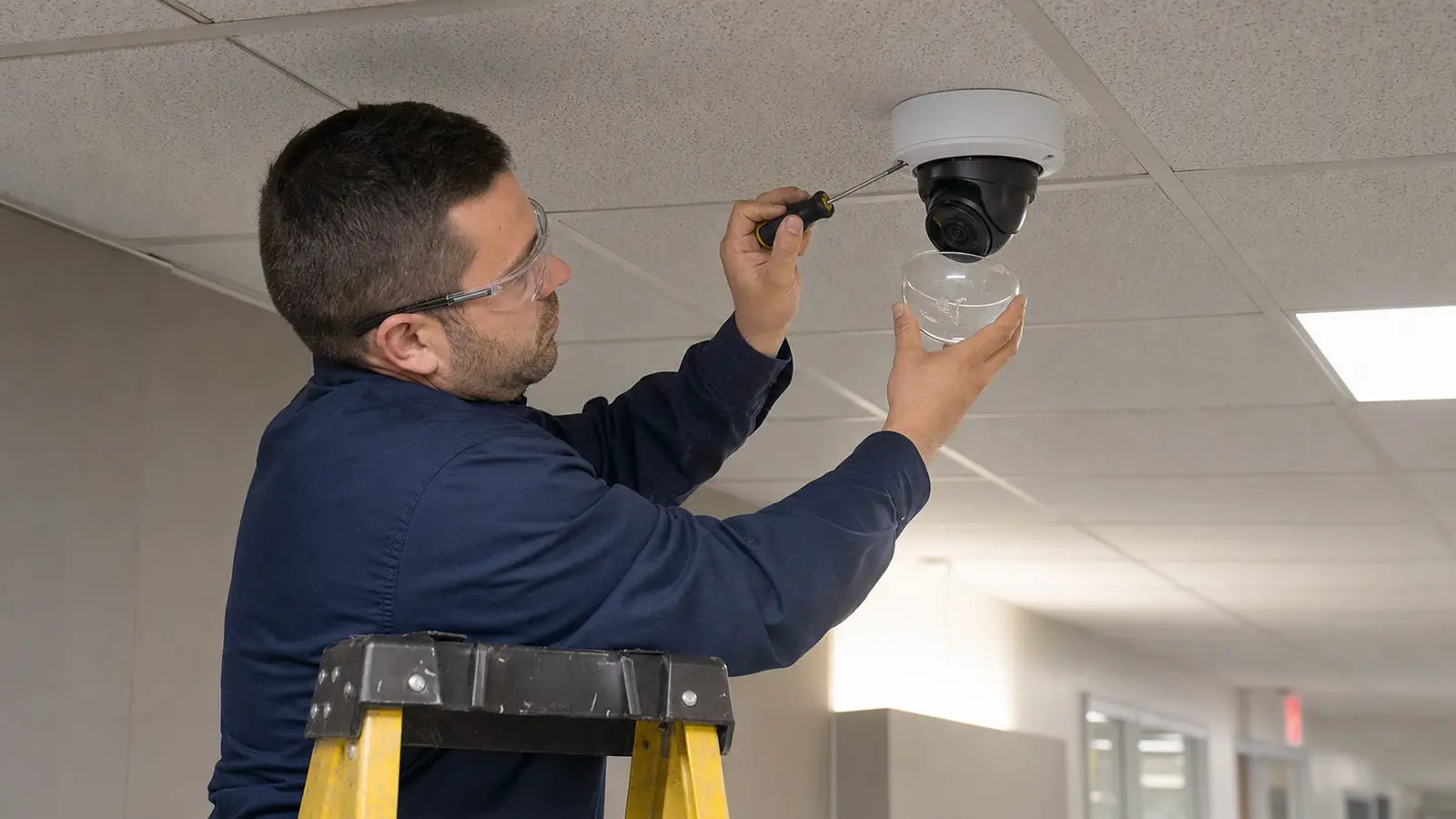
Review camera status, image quality, device power, network visibility, lens condition, mounting condition, and symptoms reported by property staff.

Security camera troubleshooting and service support
Data Pro Communications provides commercial security camera service and troubleshooting for Tampa Bay businesses, managed properties, warehouses, retail centers, offices, HOAs, condominiums, hospitality sites, healthcare facilities, and multi-site organizations. The page is for properties that already have a camera system and need a practical service path for outages, poor video, missing footage, offline devices, recording gaps, labeling problems, or system reliability concerns.
A service visit focuses on finding the cause before recommending parts or replacement. Technicians review cameras, cabling, PoE delivery, recorder status, network paths, user access, image quality, labeling, documentation, and environmental conditions so the next step is clear and supportable.
SERVICE OVERVIEW
Data Pro Communications provides corrective support for existing camera systems. This service is appropriate when a property needs diagnosis, repair planning, testing, or a service visit for a camera system already in place.
Typical issues include offline cameras, intermittent video, unclear images, missing recordings, remote viewing failures tied to the camera system, poor labeling, damaged cabling, failed power delivery, device replacement questions, and unclear handoff documentation. Data Pro Communications handles the low-voltage and connected-system side of service while avoiding unsupported promises about equipment life, cloud access, manufacturer warranty, or third-party platform behavior.
CAMERA SERVICES
Review camera status, image quality, device power, network visibility, lens condition, mounting condition, and symptoms reported by property staff.
Check whether cameras are recording as expected, whether playback is available, and whether gaps appear related to recorder, storage, network, or configuration issues.
Test low-voltage pathways, terminations, patching, PoE delivery, labeling, and visible cable conditions that can affect camera stability.
Document findings, separate urgent repairs from improvement options, and provide a clear path for replacement, recabling, network coordination, or follow-up service.
Record symptoms, tested devices, accessible locations, known constraints, and recommended follow-up so the property has a usable support record.
Identify when the next step is repair, camera replacement, recabling, network coordination, recorder review, or a larger improvement scope.
PROPERTY APPLICATIONS
Review groups of cameras that drop from view around parking, dock, lobby, or corridor areas.
Check focus, aim, lens obstruction, lighting conditions, device condition, and replacement limits.
Trace whether the issue appears tied to camera stream, recording schedule, storage, recorder health, or user workflow.
Review cabling, terminations, patching, switches, and power delivery for devices that fail unpredictably.
Confirm camera names, views, labels, and device status after tenant work, buildouts, or site changes.
Help property teams confirm whether priority views and recording paths are functioning before the next incident review.
LOCAL PROPERTY PLANNING
Tampa Bay properties often need service while operations continue around tenants, customers, residents, deliveries, gates, parking areas, loading zones, and after-hours activity. A troubleshooting visit should be organized so cameras protecting entrances, cash-handling areas, vehicle areas, service corridors, lobbies, and shared amenities are reviewed in an order that matches property risk and operating hours.
Operational recommendation 1: gather recent examples before the visit, including camera names, approximate outage times, screenshots, recorder messages, user reports, and affected areas. Operational recommendation 2: identify who can approve access to IT closets, offices, rooftops, gate equipment, electrical rooms, and recorder locations so testing does not stall on site.
Relevant use cases include a warehouse with intermittent dock cameras, a condominium with lobby cameras that record inconsistently, a retail center with several offline parking-lot views, an office building with unclear camera labels, and a hospitality property that needs service coordinated around occupied areas.
RELATED SERVICES
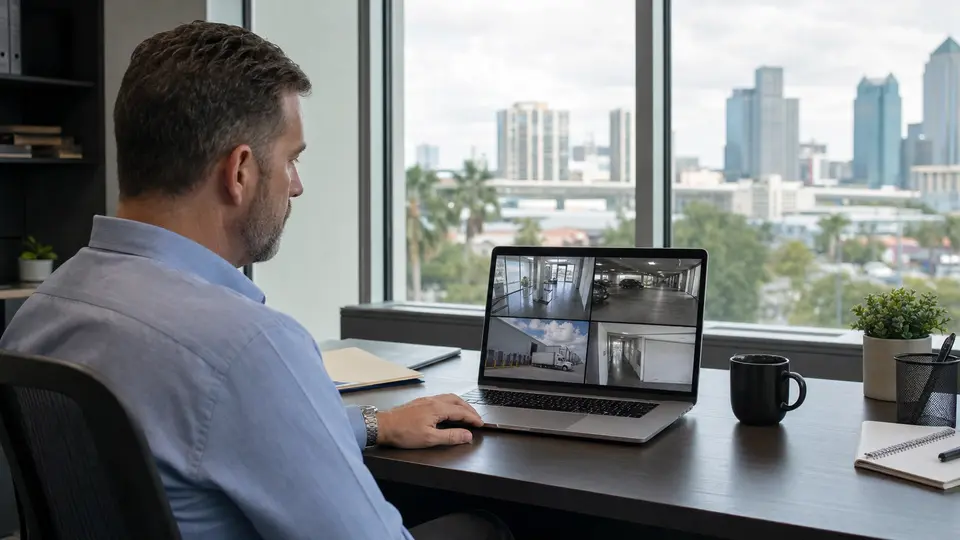
Choose this service for recorder setup, playback, storage planning, authorized user access, and reliable remote viewing.
View Remote Viewing
Choose this service for preventive inspections, system testing, documentation updates, and planned on-site maintenance.
View Maintenance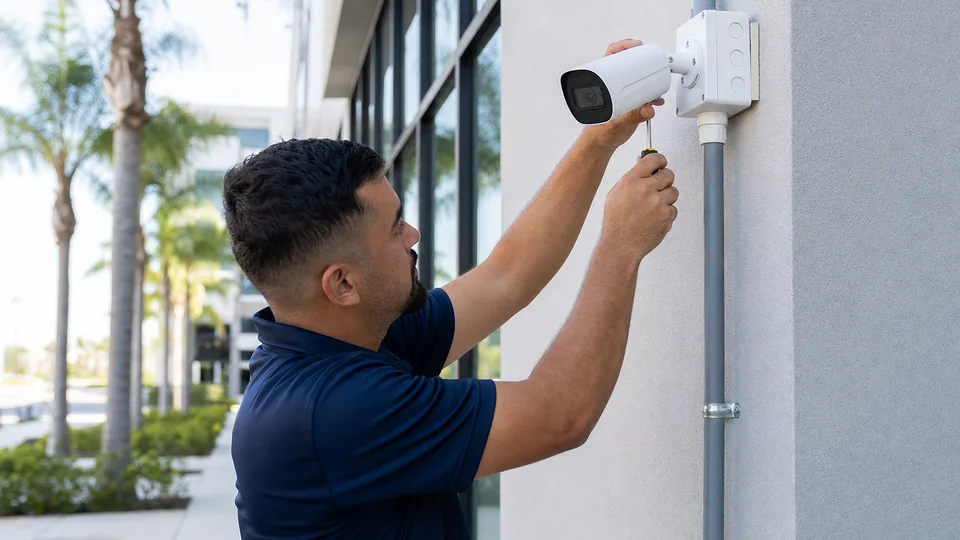
Choose this service for new camera layout, device placement, mounting, and installation planning.
Review Camera Services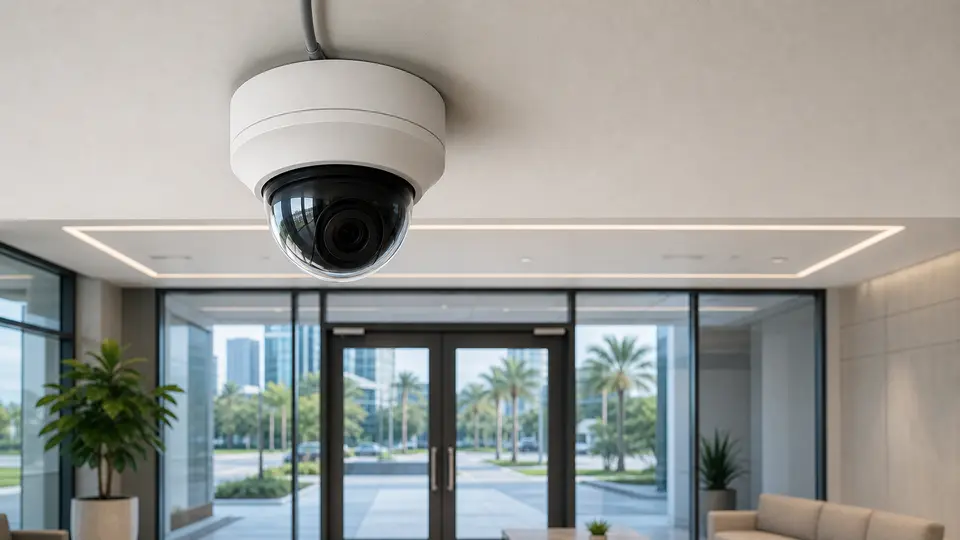
Choose this service for IP camera architecture, PoE planning, network video design, and system expansion.
View IP Video
Choose this service for switches, PoE budgets, racks, patching, uplinks, and connected system reliability.
Review Network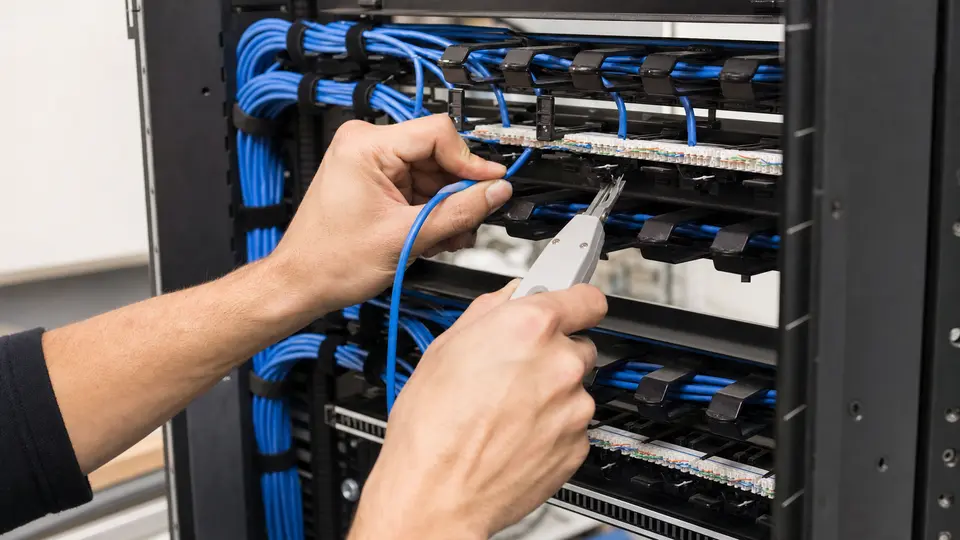
Choose this service for organized cabling pathways, rack termination, labeling, and documentation.
Review Cabling
Choose this service for copper device drops, Ethernet runs, PoE endpoints, and tested horizontal cabling.
View Cat6 Cabling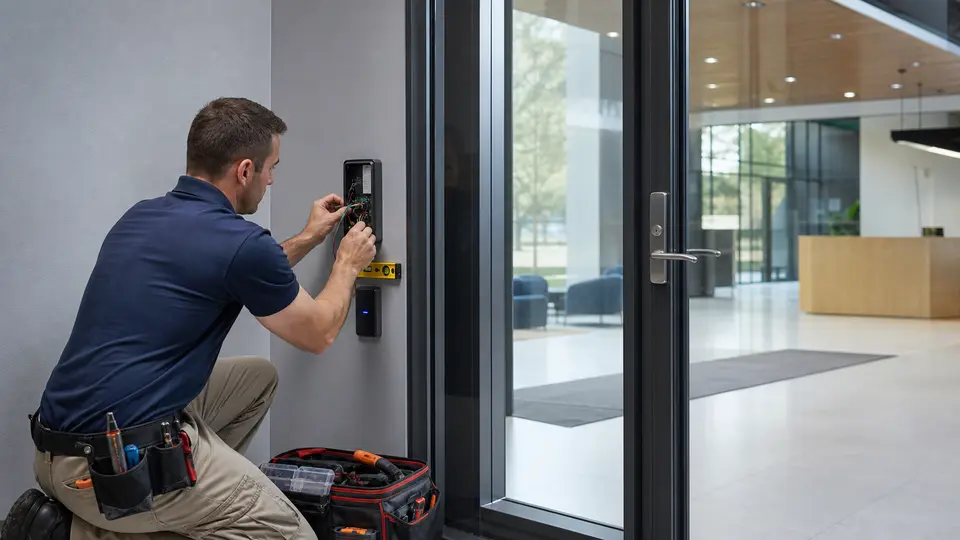
Choose this service for door, credential, controller, and entry permission projects.
Review Access Control
Choose this service for controlled building-door access, readers, schedules, credentials, and audit events.
View Door AccessRELATED INDUSTRIES
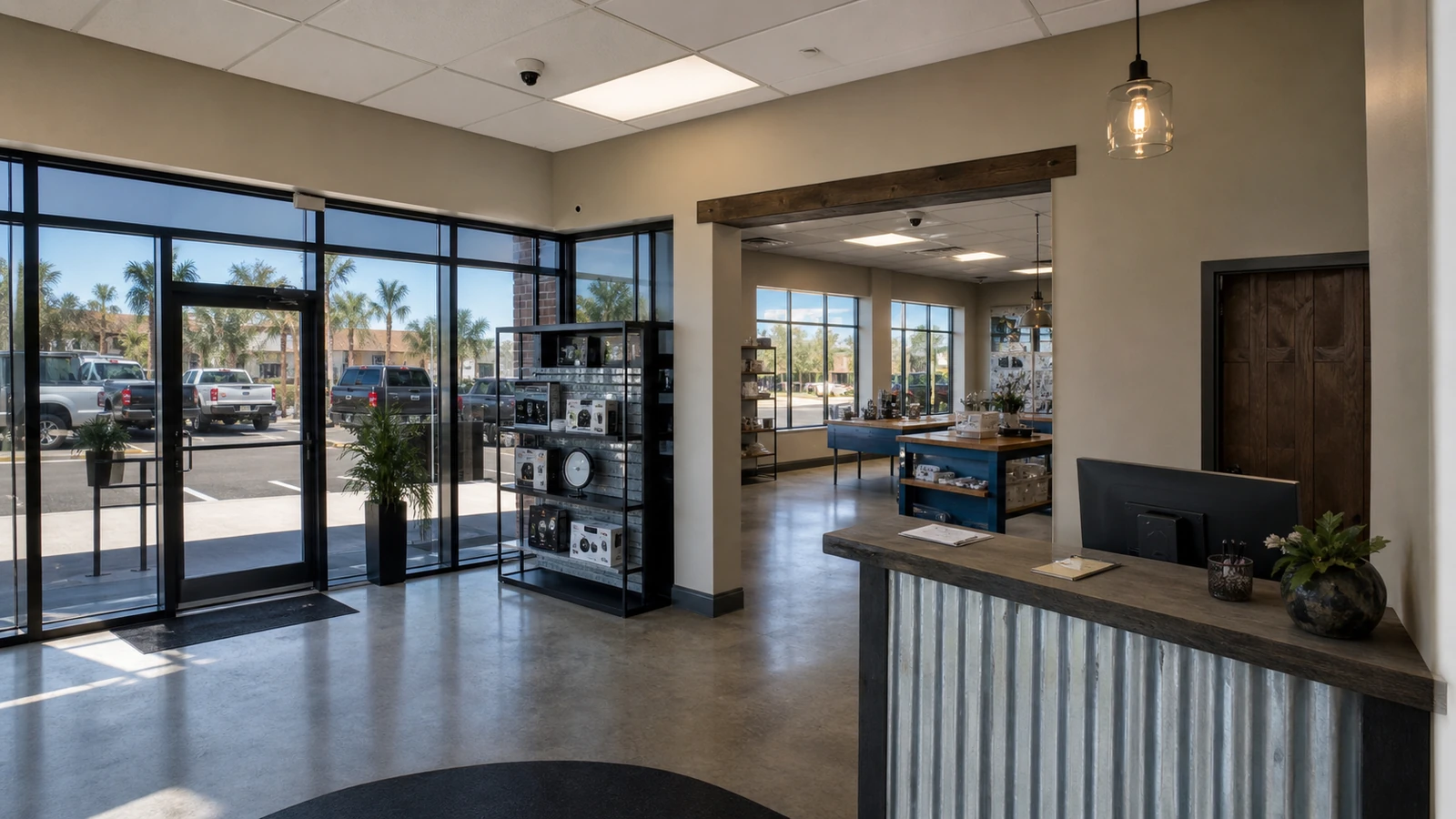
Retail centers and office properties that need service visibility around entrances, tenant areas, shared corridors, parking, and customer-facing spaces.
View Retail & Office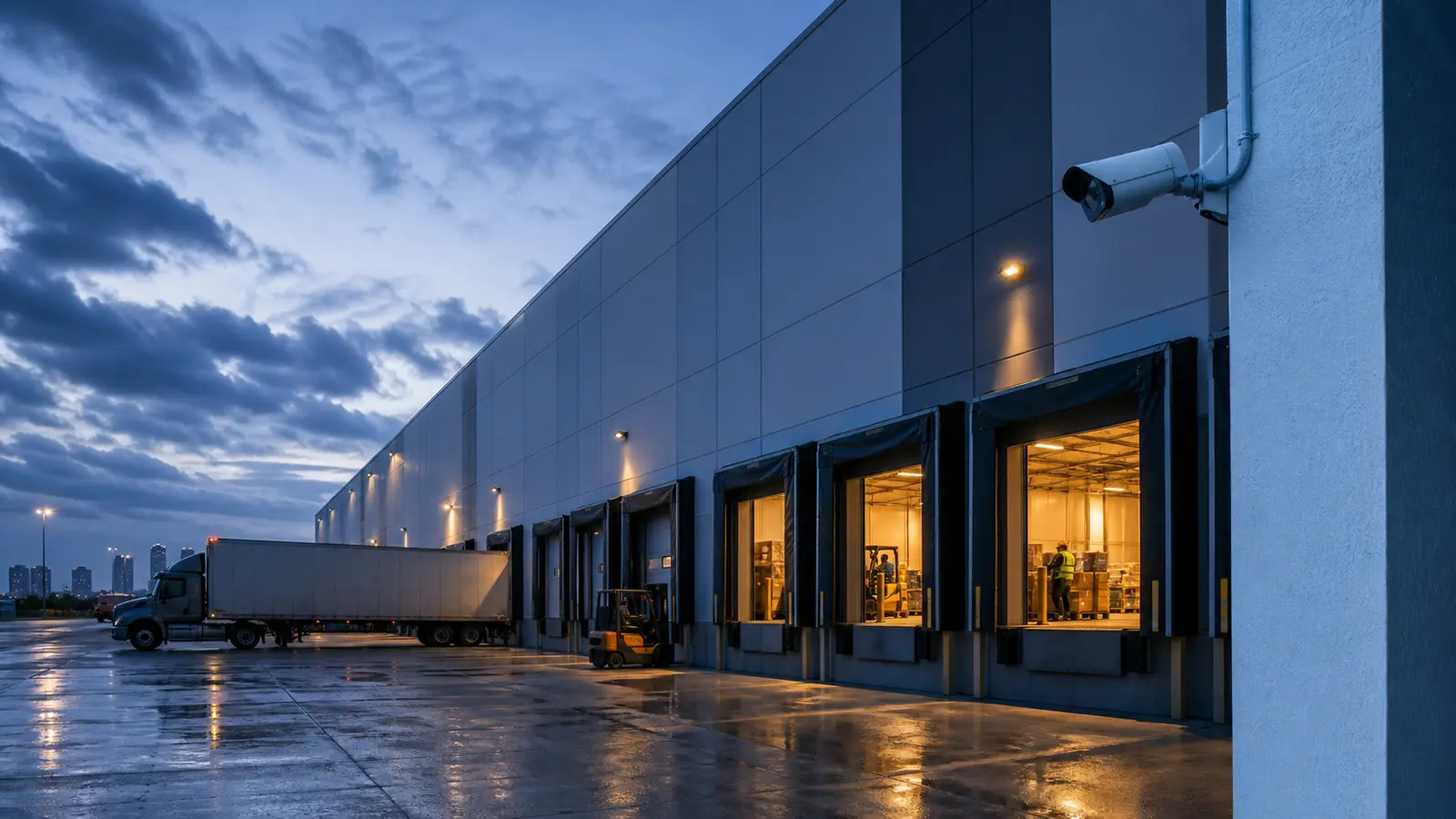
Warehouses and logistics sites that need service support around docks, staging areas, yards, and equipment rooms.
View Warehouse & Logistics
HOAs, condominiums, and multifamily communities with shared amenities, lobbies, garages, gates, and resident-facing support needs.
View HOA & Condominium
Industrial properties with distributed devices, controlled areas, production zones, exterior perimeters, and rugged service conditions.
View Industrial Facilities
Property management teams coordinating support across tenants, vendors, common areas, ownership reporting, and multi-site documentation.
View Property Management
Larger residential projects that require professional low-voltage planning, multiple devices, remote access, or integrated service support.
View Select ResidentialPROCESS
Confirm affected cameras, recorder behavior, user access concerns, and the business areas that need priority review.
Inspect cameras, cabling, patching, recorder status, PoE delivery, network paths, labeling, and visible device conditions.
Record findings in practical terms so ownership, IT, property management, or facilities teams can understand what was tested and what changed.
Separate immediate service actions from replacement, recabling, network, or larger improvement recommendations.
FAQ
It includes a review of reported symptoms, camera status, video quality, recorder behavior, cabling, PoE delivery, network paths, labeling, and practical next steps for service or repair.
Yes, Data Pro Communications can review many existing commercial camera systems when site access, equipment access, and authorization are available. Findings depend on the condition and accessibility of the existing system.
Gather camera names, screenshots, dates and times of problems, affected areas, recorder messages, remote access symptoms, and any recent network, power, or construction changes.
No. Some issues are related to cabling, PoE, patching, recorder settings, labeling, network paths, or device configuration. Replacement is recommended only when service findings support it.
Yes, a service visit can include practical camera-view review, focusing or aiming where equipment supports it, and recommendations when the existing location or device is limiting the image.
Recording issues are reviewed through recorder status, camera streams, storage behavior, schedules, playback, network communication, and any visible error conditions.
Yes. Intermittent problems often require review of power, cabling, switches, patch panels, network paths, device health, and environmental conditions.
No. New camera layout and deployment is covered by Security Camera Installation. This page is for service and troubleshooting of existing camera systems.
Data Pro can help determine whether cameras and recordings are functioning, but it does not provide legal conclusions. Properties should preserve relevant footage and follow their own incident procedures.
The property receives practical findings and next-step recommendations, which may include service corrections, replacement options, recabling, network coordination, or a larger system improvement plan.
Yes. Commercial sites can discuss timing, access windows, and operational constraints so priority areas are reviewed with minimal disruption.