Camera Replacement
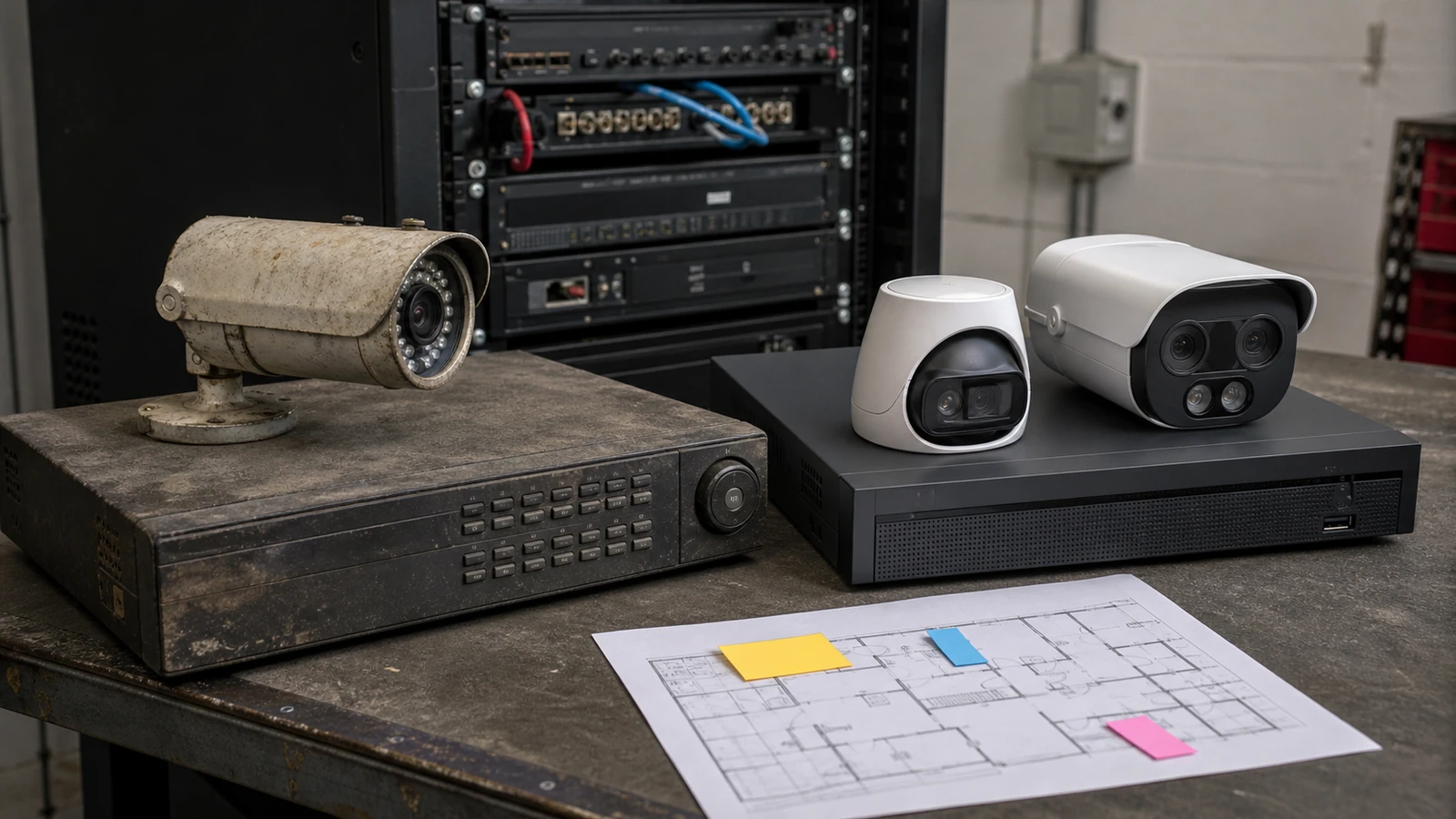
Replace low-quality, damaged, poorly positioned, or outdated cameras with models matched to current viewing needs.

Modernize, expand, and improve existing camera systems
Data Pro Communications helps Tampa Bay commercial and managed properties upgrade existing security camera systems when image quality, recording, remote access, camera count, or serviceability no longer supports the property.
A camera upgrade may involve replacing aging cameras, moving from analog equipment to IP cameras, adding new views, improving storage, replacing a recorder, cleaning up user permissions, or phasing improvements so the property can modernize without unnecessary disruption.
A useful commercial camera project connects coverage, infrastructure, recording, access, and documentation. Data Pro Communications reviews the site conditions first so the final scope supports how the property is operated, managed, and expanded.
SERVICE OVERVIEW
Security camera system upgrades are for properties that already have cameras but need better performance, coverage, access, or long-term support. The goal is not simply to replace every device. The goal is to decide what should be reused, what should be replaced, and what infrastructure must be improved for the system to work reliably.
Upgrade planning can address older analog cameras, poor image detail, failing recorders, limited storage, missing views, inconsistent remote viewing, overloaded PoE switches, undocumented device names, and camera positions that no longer match how the property operates.
CAMERA SERVICES
Replace low-quality, damaged, poorly positioned, or outdated cameras with models matched to current viewing needs.
Plan a careful move from older analog equipment to IP cameras, network recording, and cleaner remote viewing workflows.
Modernize recording, playback, storage, user permissions, and remote access when the current platform has reached its limits.
Adjust recording capacity around camera count, resolution, retention expectations, and playback needs.
Add coverage for new entrances, parking areas, docks, common spaces, inventory areas, or renovated property zones.
Review cabling, PoE capacity, network closets, device labeling, and expansion paths before upgrades are finalized.
LOCAL PROPERTY PLANNING
Tampa Bay properties often change faster than their camera systems. Office tenants move, warehouses add dock activity, retail spaces remodel, multifamily communities expand amenities, and managed properties inherit older recorders with incomplete documentation. A planned upgrade helps the system catch up to how the property is actually used.
For Downtown Tampa and Westshore offices, upgrade priorities may include clearer lobby and elevator-area footage, cleaner user access, and recorder replacement. For Ybor City hospitality, Brandon retail, Riverview multifamily, and industrial properties near port or airport corridors, priorities may include better exterior views, additional cameras, improved lighting performance, and more serviceable network closets.
Operational recommendations: start with the views that fail during real incident review, then evaluate recorder and storage limits before buying cameras. Also confirm whether existing cable pathways and PoE equipment can support the desired upgrade before assuming a direct equipment swap.
PROPERTY APPLICATIONS
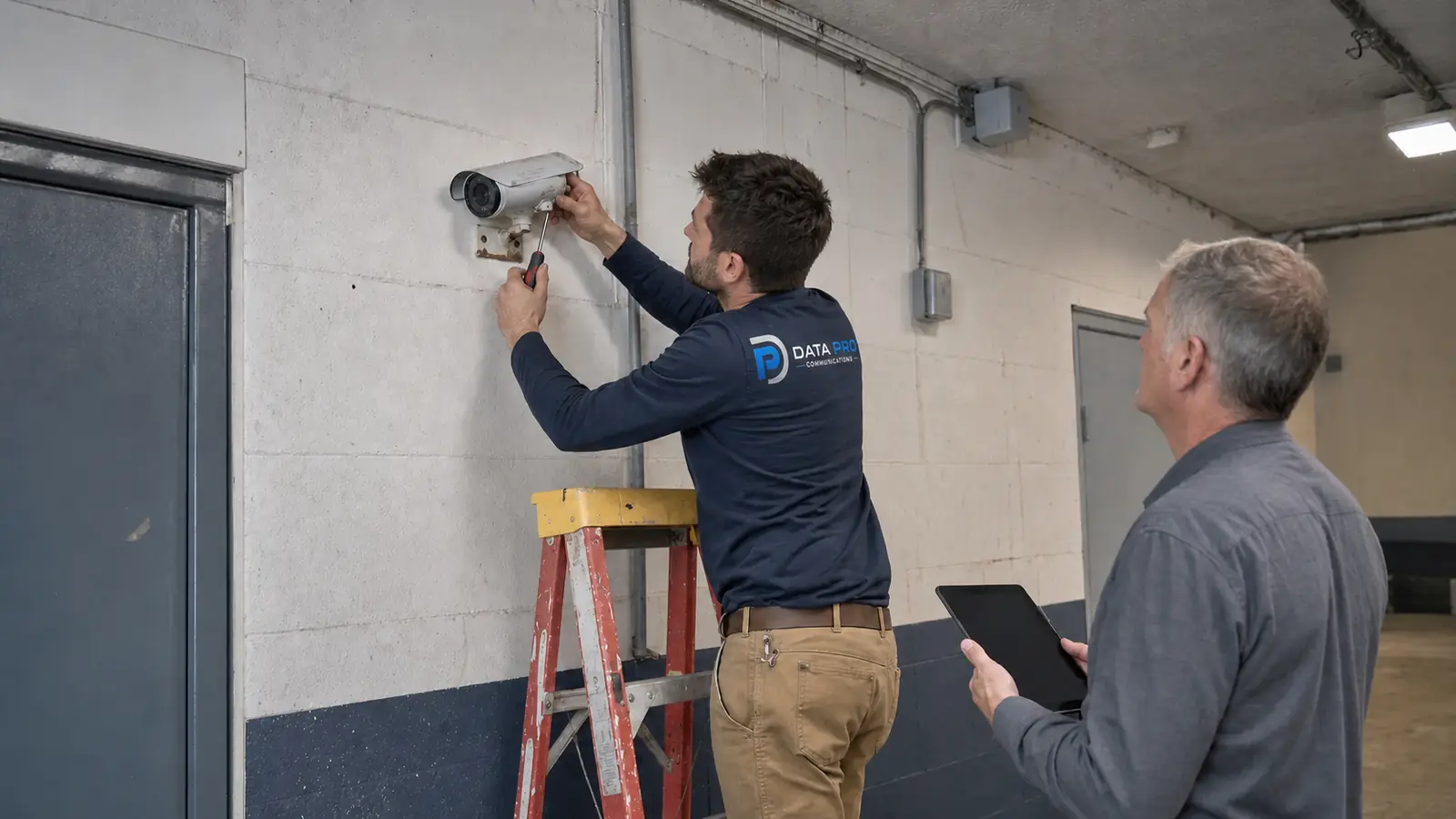
Transition aging equipment toward IP cameras, improved recording, and better remote access when infrastructure supports it.
Improve camera resolution, lens choice, mounting position, or lighting response where current views do not capture useful detail.
Replace recorders that lack channels, storage, playback speed, user controls, or reliable remote viewing support.
Add cameras for new entries, amenities, loading areas, offices, parking zones, or renovated spaces.
Review and reset user roles so former staff, shared accounts, or unclear access patterns do not remain unmanaged.
Prioritize high-value areas first while planning cabling, network, recorder, and camera improvements over time.
RELATED SERVICES
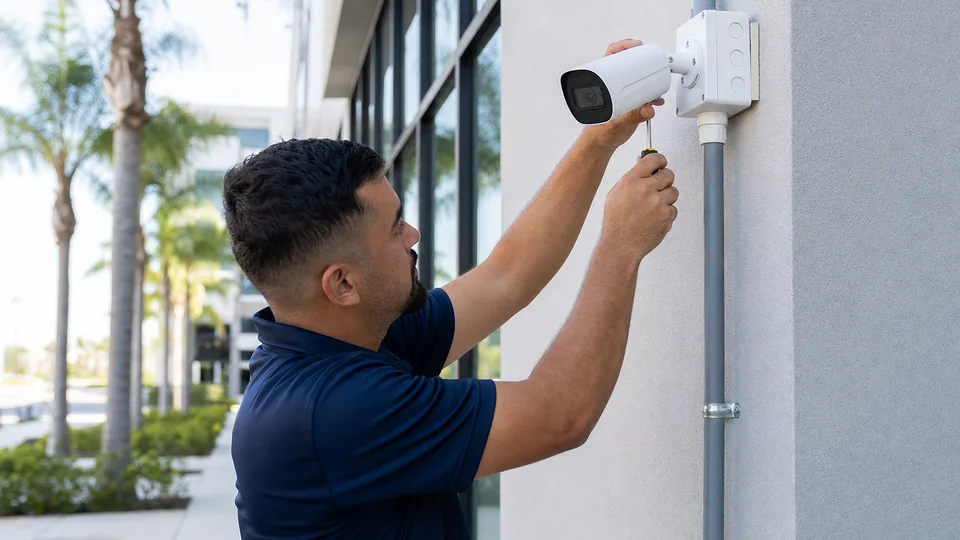
Use Security Camera Installation when the project needs coordinated support as part of a coordinated property project.
Review Camera Services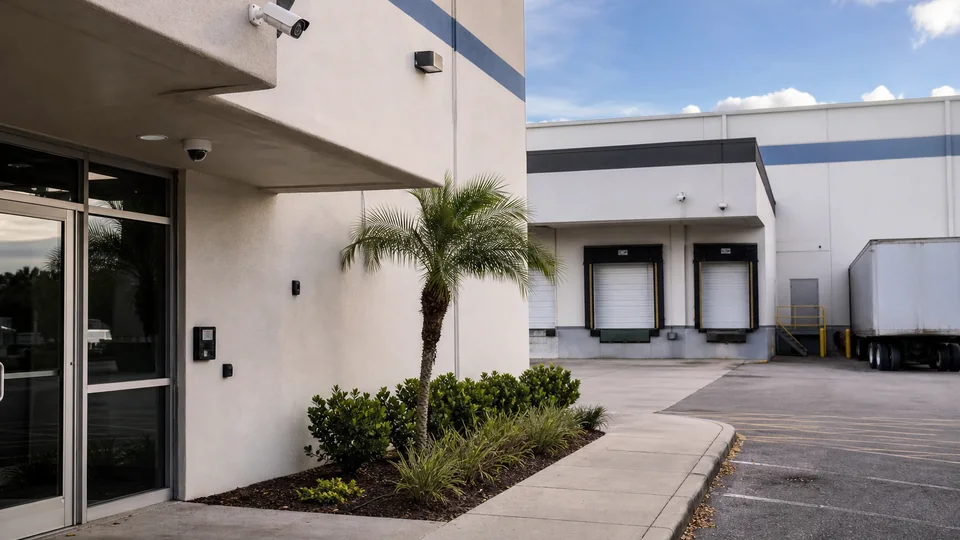
Use Commercial CCTV Installation when the project needs coordinated support as part of a coordinated property project.
View CCTV Installation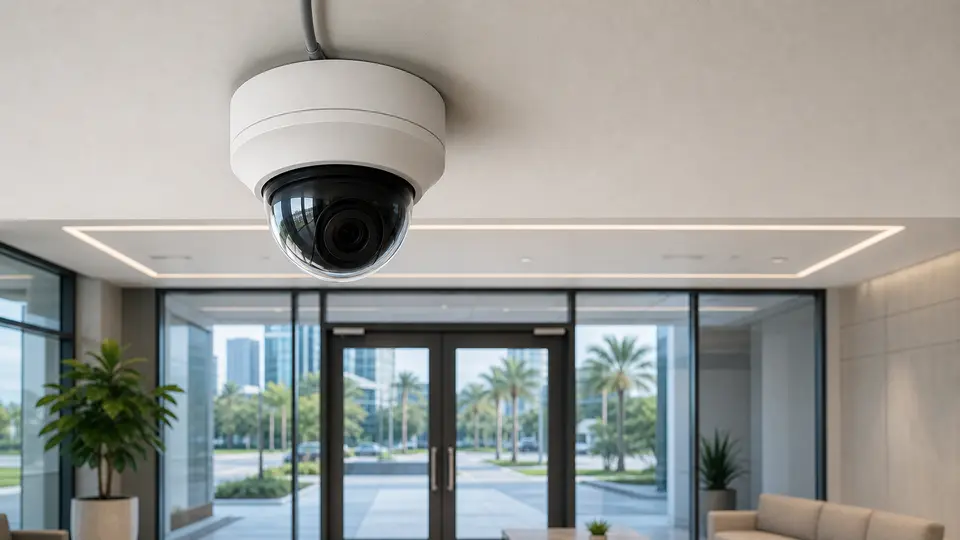
Use IP Video Surveillance when the project needs coordinated support as part of a coordinated property project.
View IP Video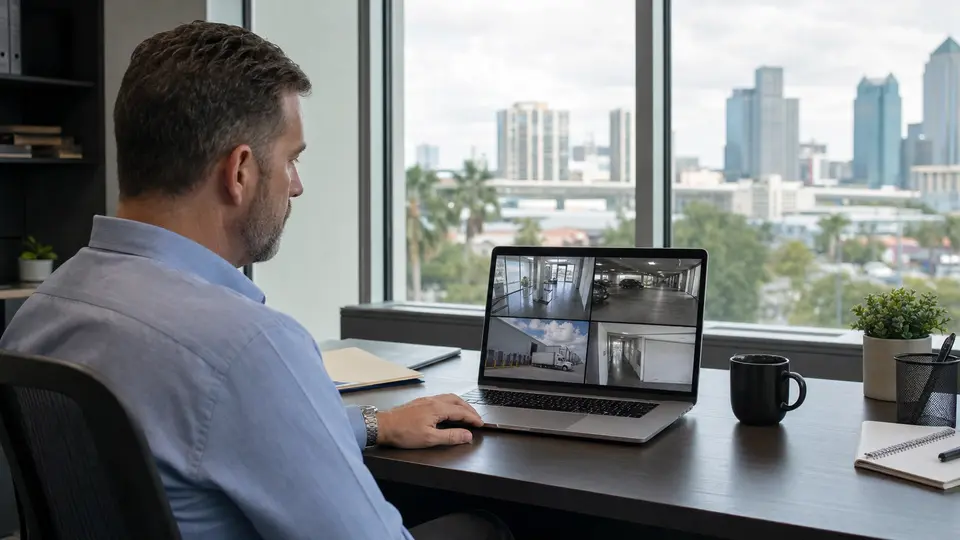
Use NVR & Remote Viewing when the project needs coordinated support as part of a coordinated property project.
View Remote Viewing
Use Security Camera Service and Troubleshooting when the project needs coordinated support as part of a coordinated property project.
View Camera Service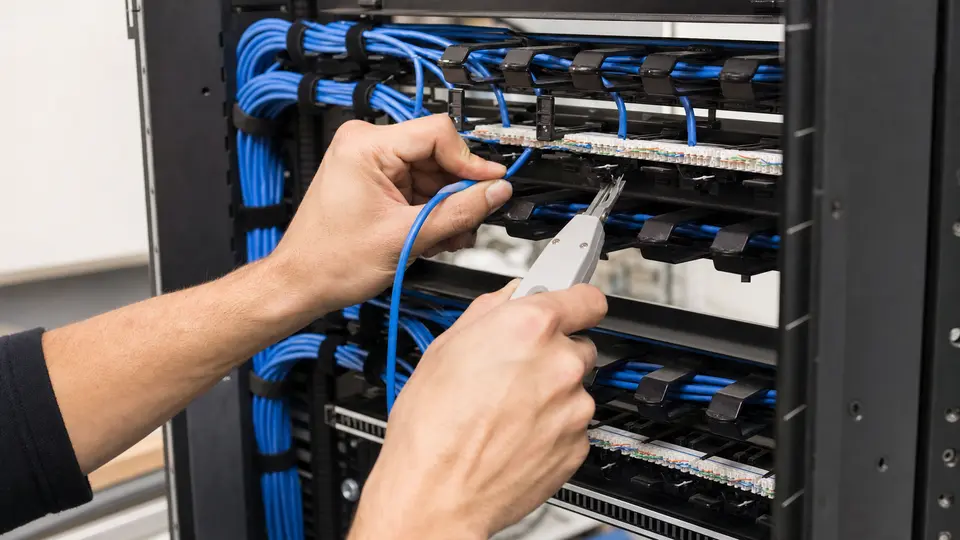
Use Structured Cabling when the project needs coordinated support as part of a coordinated property project.
Review Cabling
Use Network Infrastructure when the project needs coordinated support as part of a coordinated property project.
Review NetworkRELATED INDUSTRIES
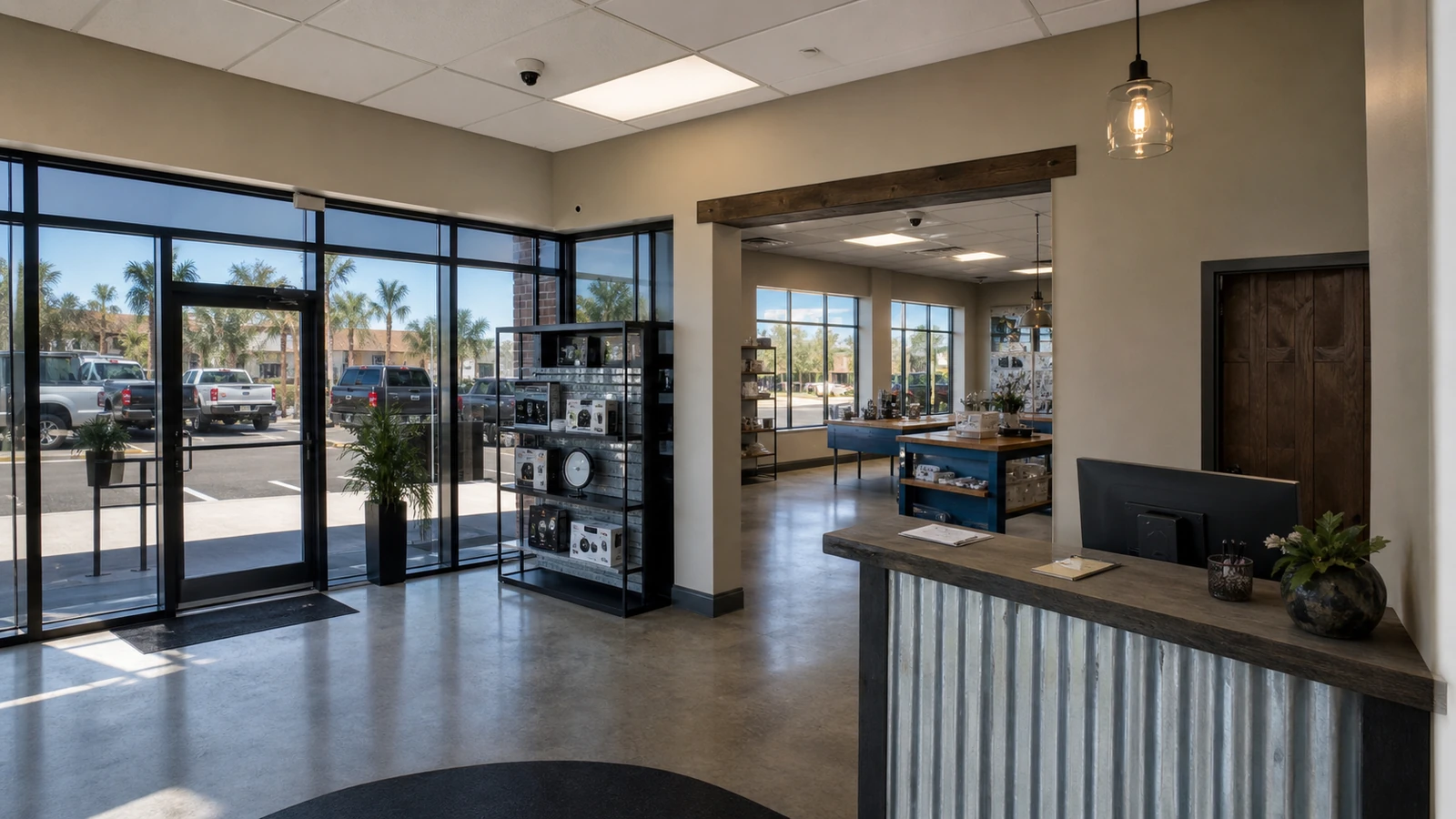
Relevant for retail and office properties planning professional camera coverage in Tampa Bay.
View Retail & Office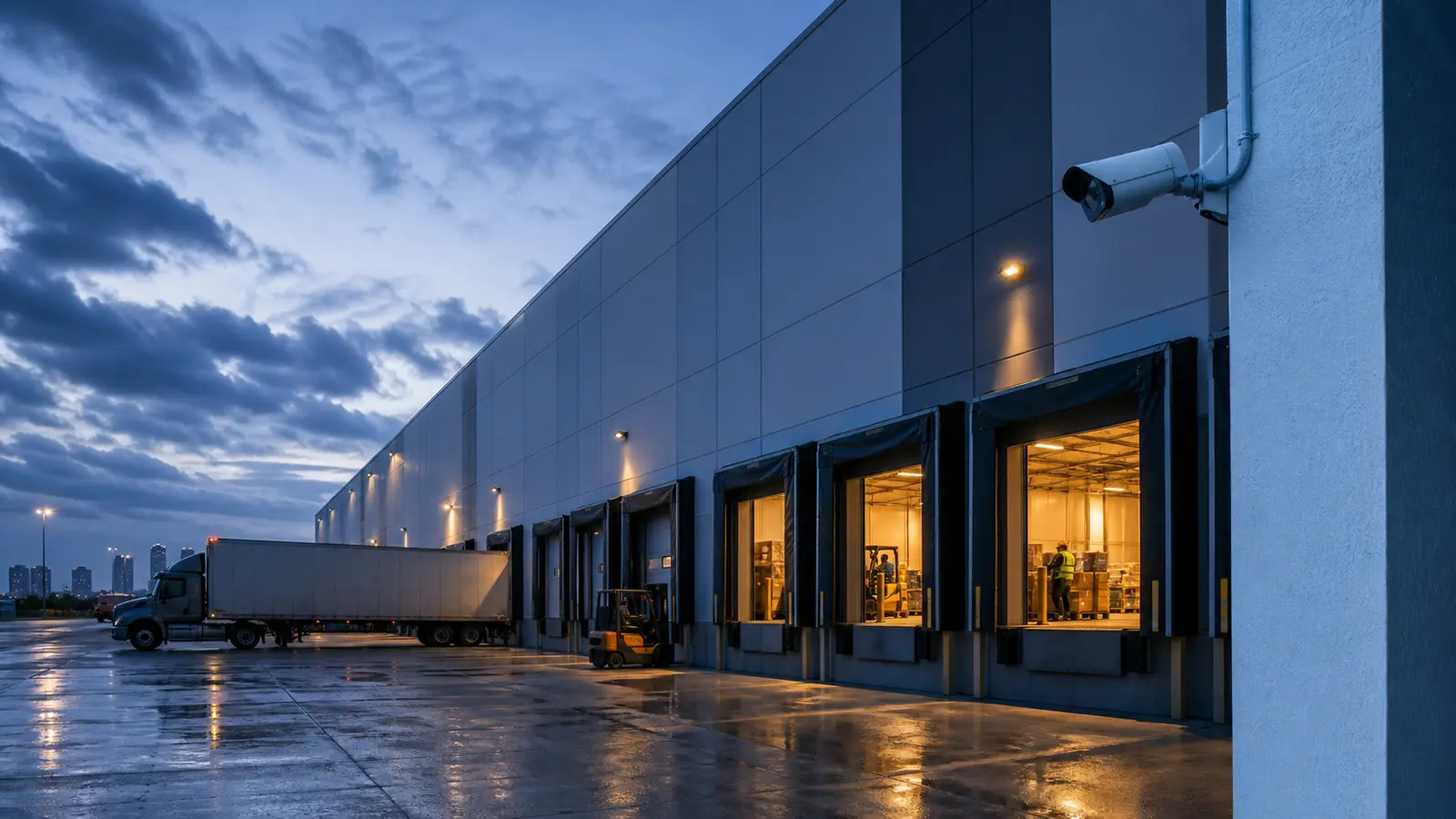
Relevant for warehouse properties planning professional camera coverage in Tampa Bay.
View Warehouse & Logistics
Relevant for HOA and condominium properties planning professional camera coverage in Tampa Bay.
View HOA & Condominium
Relevant for industrial properties planning professional camera coverage in Tampa Bay.
View Industrial Facilities
Relevant for property management properties planning professional camera coverage in Tampa Bay.
View Property Management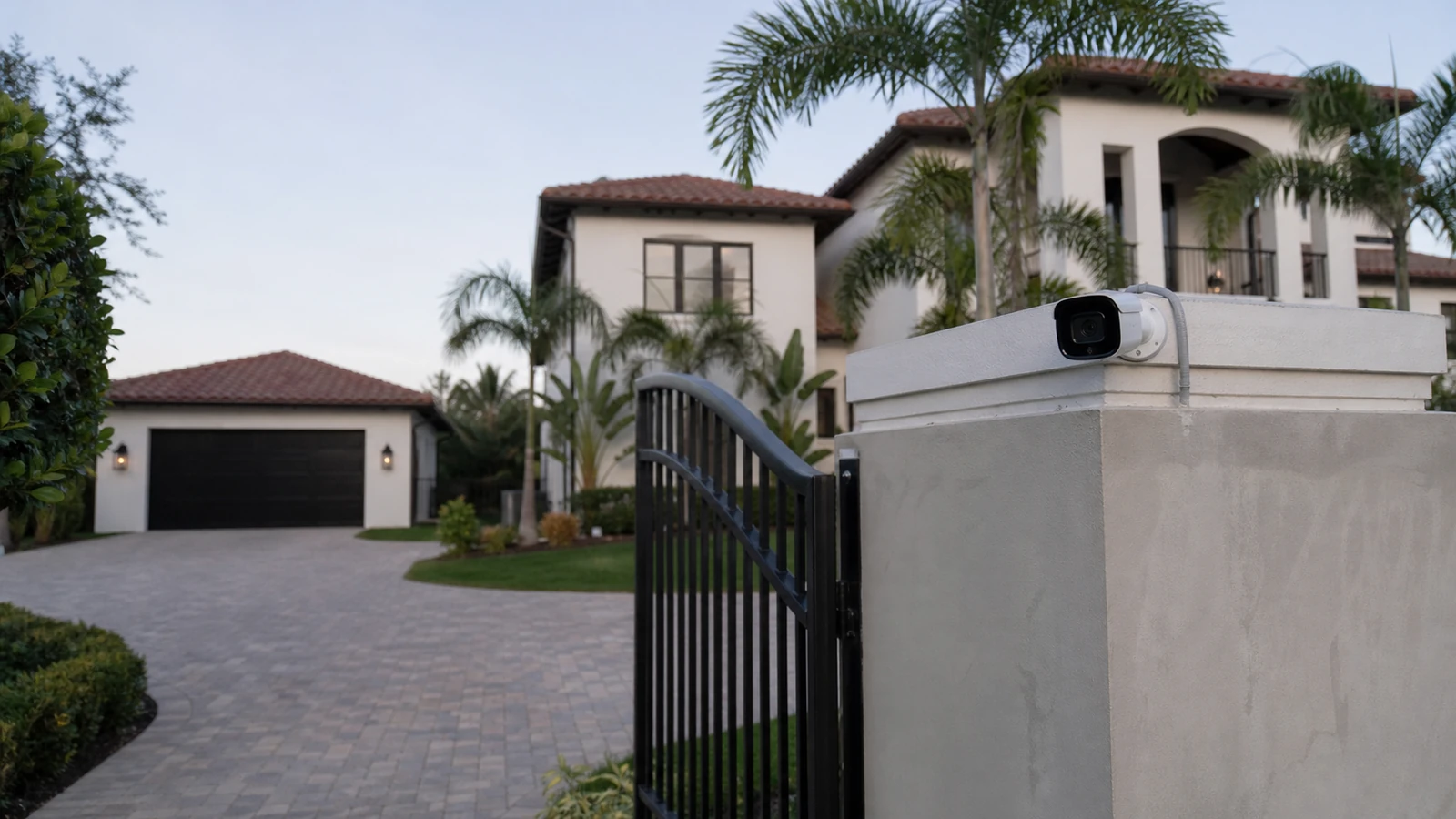
Relevant for select residential properties planning professional camera coverage in Tampa Bay.
View Select ResidentialPROCESS
Review current cameras, recorder, cabling, network readiness, remote access, user permissions, and missing coverage.
Separate immediate fixes from modernization goals, reuse candidates, replacement needs, and infrastructure dependencies.
Replace or add cameras, upgrade recording, expand storage, clean up access, and test the system by priority area.
Provide camera names, equipment notes, user guidance, and future expansion recommendations.
FAQ
An upgrade is worth reviewing when footage is unclear, cameras miss important areas, the recorder is unreliable, remote viewing is difficult, storage is too limited, or the system cannot expand cleanly.
Yes, many properties move from older analog equipment toward IP cameras, but the right path depends on cabling, recorder condition, network readiness, budget, and required image quality.
Sometimes. Existing cabling must be reviewed for type, condition, length, pathway, and compatibility with the upgrade plan before reuse is recommended.
Yes. Troubleshooting diagnoses faults and operating problems. A system upgrade plans modernization, expansion, better image quality, recorder replacement, storage changes, and long-term serviceability.
Yes. Phased upgrades can prioritize entrances, parking, loading, reception, inventory, or common areas first while planning recorder, storage, network, and cabling improvements over time.
No. Some systems can keep a recorder for a period of time, while others need an NVR or VMS upgrade to support new cameras, storage, playback, and access requirements.
Yes. Remote viewing can be reviewed along with user permissions, recorder settings, network readiness, and account access so managers have a cleaner workflow.
Image quality can improve through better camera resolution, lens selection, mounting position, lighting response, recorder settings, and coverage design.
Yes. Additional cameras can be planned when the recorder, cabling, PoE power, network capacity, and mounting locations support the expansion.
Useful documentation includes camera names, locations, recorder notes, user roles, reused equipment notes, cabling observations, and recommended future improvements.
Data Pro Communications provides commercial low-voltage and security camera projects throughout Florida, including Tampa Bay and surrounding areas. Request a site survey to review the property, infrastructure, camera goals, recording needs, and next step.